
Marketing teams juggle piles of customer data and one-off campaigns that can’t keep pace with segmentation demands. As a result, AI marketing automation tools orchestrate multi-channel workflows, capture real-time engagement, and adjust messaging based on behavior. Because of this, brands are increasingly turning to the best AI marketing tools and modern AI marketing tools in 2025 to simplify complex processes and scale personalized outreach.
In this guide, we compare 12 platforms serving e-commerce brands, agencies, creators, SaaS teams, local businesses, and solopreneurs. You’ll get:
- To begin with, feature snapshots: chatbots, broadcast messaging, CRM integrations, segmentation, analytics
- Additionally, pricing tiers with clear pros and cons
- Moreover, step-by-step implementation tips, example workflows, and short case scenarios
- Plus, screenshots and direct links for immediate evaluation
Finally, see proven results—like recovering 15% of abandoned cart revenue via WhatsApp reminders or boosting open rates by 20% with AI-generated subject lines. So, if you’re ready to cut manual work and drive real ROI, this breakdown will guide your next move.
First, ground your strategy in Essential Marketing Automation Best Practices, then scroll down to find your perfect match.
1. Clepher
Clepher is an AI-powered, no-code chatbot platform for e-commerce brands, agencies, creators, and SMBs. It unifies website chat, Facebook Messenger, WhatsApp, and Instagram Direct under a visual Flow builder. Teams can qualify leads, recover abandoned sales, and run promotions without writing code. With AI Agents at its core, Clepher speeds up automated onboarding and support while preserving marketer-friendly controls.
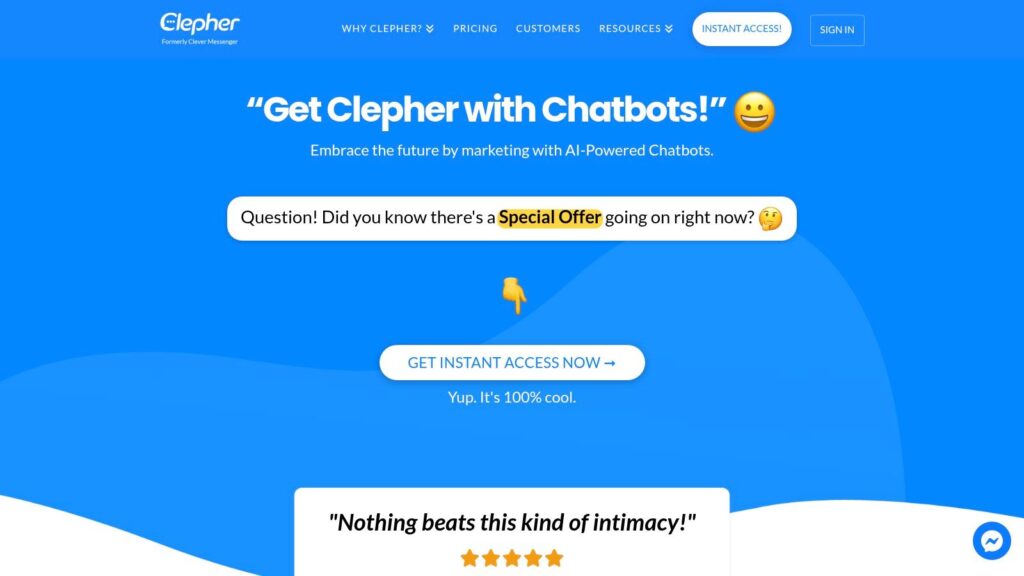
Clepher
Key Features
- Omnichannel Reach
Manage website chat, Facebook, WhatsApp, and Instagram DMs in one dashboard. - Visual Flow Builder
Drag-and-drop AI Agents, personalization tags, and conditional paths for complex automations. - Unlimited Broadcasts & A/B Testing
Segment audiences with tags and global fields, then test message variants to optimize CTRs. - Deep Integration Ecosystem
Connect to 50+ native apps or 5,000+ via Zapier, Make, n8n, and Pabbly to sync chat data with email, SMS, and CRMs. - Compliance & GDPR Tools
Built-in consent management and privacy controls for EU, UK, and other regulated markets.
| Feature | Benefit |
|---|---|
| Random Path Distribution | Splits traffic to test messaging |
| Personas & Conditions | Delivers hyper-targeted experiences |
| Typing Indicators | Increases response authenticity |
Learn more about Clepher’s automated Instagram messaging on clepher.com
Practical Use Cases
- Recovering carts by triggering a WhatsApp reminder after three minutes of inactivity—one beauty brand saw a 15% lift in recovered revenue.
- Segmenting high-value leads into a VIP broadcast list for exclusive product drops.
- Onboarding new SaaS customers with step-by-step flows via Messenger to cut support tickets by 30%.
Implementation Tips
- Start with a simple welcome flow on your website chat before adding social channels.
- Use A/B tests on subject lines and quick-reply options to refine engagement.
- Leverage global fields for dynamic personalization across all touchpoints.
- Schedule broadcasts around peak times—Clepher reports consistent open rates above 80%.
Pros and Cons
Pros
- Unified omnichannel messaging
- No-code, visual automation
- Robust integrations
- Growth-focused features
Cons
- No public pricing or testimonials—contact sales for details
- Complex flows and API dependencies may require a learning curve
Access: Visit https://clepher.com to request a demo and explore plan options.
2. HubSpot – Marketing Hub
HubSpot Marketing Hub combines a native CRM, visual workflows, and Breeze AI for content generation, campaign personalization, and task automation across marketing, sales, and service. E-commerce brands and agencies can launch complex automations without coding, using intuitive drag-and-drop tools.
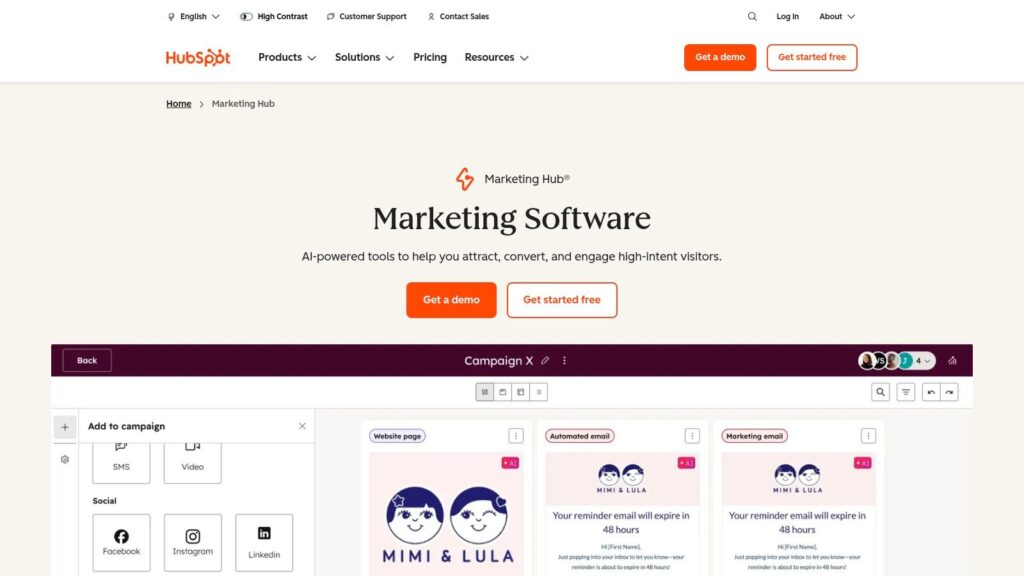
HubSpot
Key Features
- To start, Visual Workflows for email sequences, lead routing, ad campaigns, and scoring
- Additionally, Breeze AI Agents that generate blog drafts, social posts, and subject lines
- Moreover, Deep CRM Integration with attribution reporting by contact lifecycle stage
- Plus, a Third-Party Marketplace of 700+ apps, including Shopify, Facebook Ads, Slack
- Finally, Advanced Analytics dashboards for ROI tracking and split-test results
Pricing and Access
HubSpot offers a free CRM tier, making entry-level automation accessible. Furthermore, paid Marketing Hub plans unlock AI features and higher contact limits:
| Tier | Price* | Contacts Included |
|---|---|---|
| Free CRM | $0/month | 1,000,000 |
| Starter | $18/month | 1,000 |
| Professional | $800/month | 2,000 |
| Enterprise | $3,600/month | 10,000 |
*Contact-based pricing scales beyond listed tiers. More at https://www.hubspot.com/products/marketing
Pros and Cons
Pros
- Scales from free to enterprise without extra connectors
- Strong onboarding resources and community academy
Cons
- Mandatory onboarding fees at higher tiers
- Costs climb rapidly with more contacts
Implementation Tips
- First, map your customer journey on a whiteboard before building workflows.
- Next, combine lead scoring with CRM data for ultra-targeted nurture marketing campaigns.
- Then, use Breeze AI to A/B test subject lines and ad copy, boosting engagement by up to 25%.
HubSpot stands out for deep CRM ties, visual automation design, and enterprise-grade reporting — therefore, it’s ideal for small teams scaling into complex AI marketing automation tools while still needing an email marketing tool that fits seamlessly into their workflow.
3. Salesforce Marketing Cloud
Salesforce Marketing Cloud orchestrates cross-channel marketing campaigns with Einstein AI, deep personalization, and analytics. As a result, brands can map complex lifecycles across email, mobile, social, and web—tapping B2B Account Engagement for lead scoring and nurturing while relying on it as a powerful email marketing tool within a unified ecosystem.
Key Features
- To begin with, Journey Orchestration with Einstein AI optimization for send times and content
- In addition, Cross-channel Personalization combines email, SMS, push, and social ads
- Furthermore, B2B Lead Scoring and Nurture Streams via Account Engagement (formerly Pardot)
- Plus, Advanced Analytics Studio with native dashboards and Data Cloud credits
- Finally, Add-ons for Intelligence, Marketing Automation, and Interaction Studio
- Pricing and Access
Requires annual contracts with pricing per user and data volume:
| Tier | Price (est.) | Includes |
|---|---|---|
| Email Essentials | $1,250/month | Email, basic analytics |
| Pro Edition | $4,000/month | Multi-channel, Einstein AI, API access |
| Enterprise | Custom pricing | Full suite, Data Cloud, Account Engagement |
*Add-ons for SMS, Data Cloud credits, and Intelligence are priced separately. More at https://www.salesforce.com/products/marketing-cloud/overview
Pros and Cons
Pros
- Robust enterprise feature set, native CRM integration
- Flexible B2B and B2C editions, strong analytics
Cons
- Higher entry price and annual commitment
- Steep learning curve, needs certified admins
Implementation Tips
- Pilot a single-channel journey to validate Einstein send-time optimization.
- Use Data Cloud credits to unify customer records before personalizing messages.
- Integrate with Sales Cloud for real-time lead scoring and automated handoffs.
Learn more about Salesforce Marketing Cloud on clepher.com for customer service and automation insights.
4. Adobe Marketo Engage
Adobe Marketo Engage drives account-based marketing with AI personalization, journey analytics, and advanced attribution. B2B teams build multi-step nurtures and score prospects against custom segments to fuel pipeline growth, integrating seamlessly with Salesforce or Microsoft Dynamics.
Key Features
- Dynamic Segmentation & Scoring to nurture contacts based on behavior, firmographics, and intent signals
- Multi-Step Nurture Campaigns with branching logic and trigger rules for account-based workflows
- AI Personalization recommending content and next-best actions across email, web, and paid channels
- Journey Analytics for end-to-end attribution and real-time dashboards
- Native CRM Integrations (Salesforce, Microsoft Dynamics) with bi-directional data sync
- High API Limits on upper tiers for complex data flows and custom app integrations
Pricing and Access
Adobe Marketo Engage uses custom enterprise pricing based on database size and feature set:
| Tier | Price* | Contacts Included |
|---|---|---|
| Select | Custom | Varies by package |
| Prime | Custom | Varies by package |
| Ultimate | Custom | Varies by package |
*Contact Adobe sales for quotes and onboarding at https://business.adobe.com/products/marketo/marketo-engage.html
Pros and Cons
Pros
- Mature automation for complex B2B journeys
- Industry-leading attribution and analytics
- Scalable API and integrations
Cons
- Sales-assisted pricing, no published tiers
- Steep learning curve without dedicated admin support
Implementation Tips
- Define your ideal customer profile before building account-based workflows.
- Use AI personalization for dynamic content blocks in nurture emails.
- Leverage journey analytics to spot drop-offs and optimize branch logic.
5. Mailchimp
Mailchimp blends email and SMS journeys with Intuit Assist for AI-driven content and workflow optimization. SMB brands launch campaigns quickly using templates and scale through clear upgrades from free to paid plans. Learn more about Mailchimp automation on clepher.com.
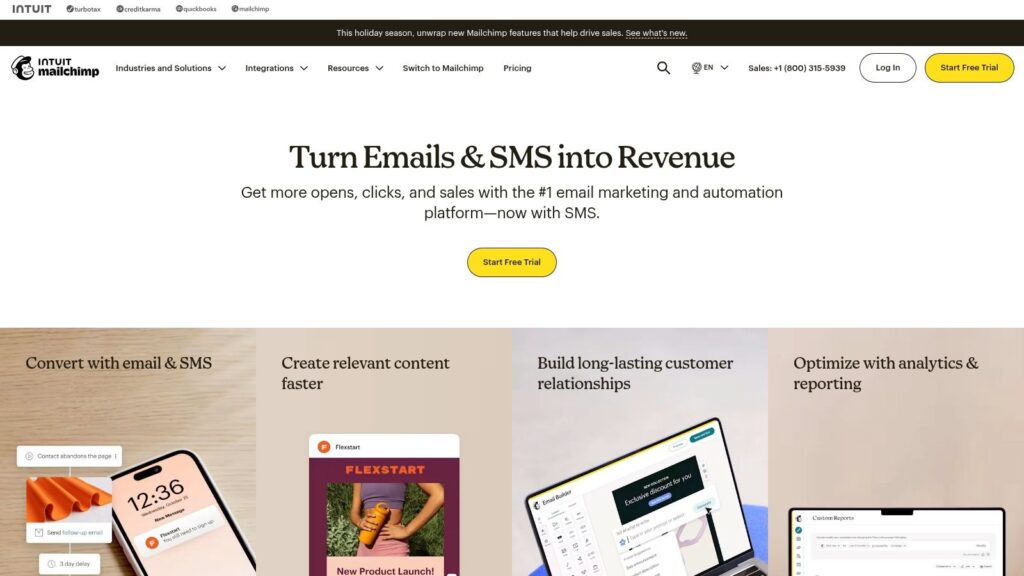
MailChimp
Key Features
- AI Content Generator for subject lines, email copy, and SMS drafts
- Creative Assistant & Content Optimizer to refine layouts and imagery
- Pre-built Automation Templates for cart abandonment, welcome series, and re-engagement
- Email and SMS Journeys with send-time optimization and audience segmentation
- 250+ Integrations, including Shopify, WooCommerce, Facebook Ads, and Zapier
Pricing and Access
Mailchimp provides a free tier for basic campaigns and paid plans for growing audiences:
| Tier | Price* | Contacts | Monthly Sends |
|---|---|---|---|
| Free | $0/month | 500 | 2,500 |
| Essentials | $13/month | 50,000 | 500,000 |
| Standard | $20/month | 100,000 | 1,200,000 |
| Premium | $350/month | Unlimited | Unlimited |
*Pricing scales with contact count. See https://mailchimp.com/ for details.
Pros and Cons
Pros
- Quick setup with robust template library
- Clear upgrade path from free to premium plans
- Active SMB community with tutorials and webinars
Cons
- Advanced AI features require paid tiers
- Contact and send limits can trigger overage fees
Implementation Tips
- Use AI Content Generator for rapid subject line A/B tests.
- Combine email and SMS in one journey, leveraging send-time optimization.
- Monitor send volumes and adjust tiers to avoid unexpected charges.
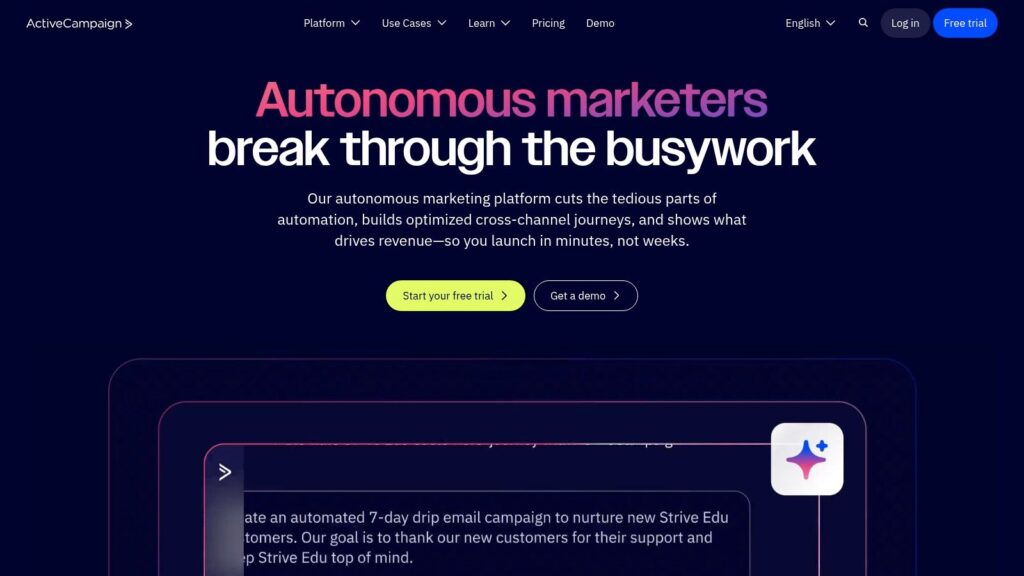
6. ActiveCampaign
ActiveCampaign combines email marketing, CRM, and predictive content into a drag-and-drop automation builder. Its prebuilt recipes and AI-assisted personalization help ecommerce brands, agencies, and SMBs launch complex journeys fast. Over 900 apps keep customer data synced across channels.
ActiveCampaign
Key Features
- Visual Automation Builder for goal-based logic, branching workflows, and conditional splits
- Predictive Content & Send Timing using ML to personalize offers and delivery windows
- Site & Event Tracking synced with CRM records to trigger email, SMS, and onsite messages
- 900+ Integrations including Shopify, Facebook Ads, WordPress, Zapier, and more
Pricing and Access
ActiveCampaign offers a 14-day free trial on all plans. Monthly pricing for up to 1,000 contacts*:
| Tier | Price* | Contacts Included |
|---|---|---|
| Lite | $29/month | 1,000 |
| Plus | $49/month | 1,000 |
| Professional | $149/month | 2,500 |
| Enterprise | $259/month | 10,000 |
*Pricing for annual commitments. More at https://www.activecampaign.com/
Pros and Cons
Pros
- Deep automation features at a competitive price
- Flexible plans and agency partner discounts
Cons
- Steeper learning curve for complex flows
- Cost scales with contacts and add-ons
Implementation Tips
- Sketch core customer journeys and goal actions before building automations.
- Use site tracking events to trigger follow-ups and reduce manual tagging.
- Swap in product recommendations using predictive content blocks.
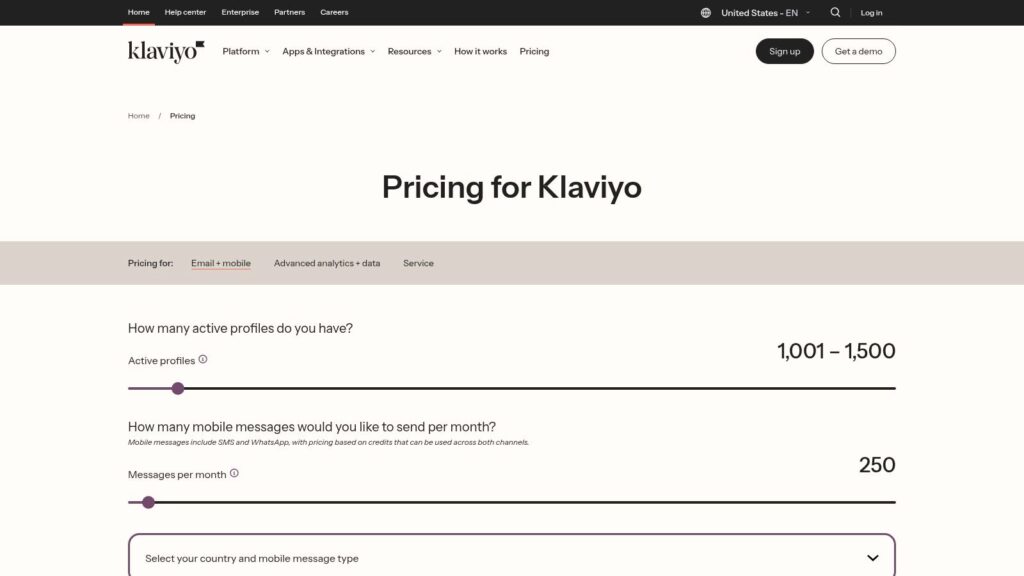
7. Klaviyo
Klaviyo is an e-commerce-centric AI marketing automation tool for DTC merchants needing advanced email and SMS orchestration. It uses AI-powered content and 1:1 product recommendations to boost engagement. Tight integrations with Shopify, BigCommerce, and WooCommerce make scaling easy with minimal tech overhead.
Klaviyo
Key Features
- AI Content Generation for subject lines, body copy, and product highlights
- 1:1 Product Recommendations based on browsing and purchase history
- Email + SMS Orchestration with credit-based mobile messaging flows
- Deep Storefront Integrations with Shopify, Magento, WooCommerce, and more
- Rich Analytics & Segmentation including CLV, RFM, and cohort reporting
Pricing and Access
Klaviyo pricing scales with active profiles and SMS usage:
| Tier | Price* | Includes |
|---|---|---|
| Free | $0/month | 250 contacts, 500 email sends |
| Growth | From $20/month | Up to 1,000 contacts, SMS credits |
| Enterprise | Custom pricing | Unlimited profiles, priority SLAs |
*Full pricing at https://www.klaviyo.com/pricing
Pros and Cons
Pros
- Excellent deliverability and segmentation for DTC brands
- Transparent billing with automatic plan adjustments
Cons
- Costs rise quickly with high active profiles or heavy SMS use
- Free plan limits can hamper early growth
Implementation Tips
- Sync your e-commerce catalog to trigger abandoned cart and browse-abandon flows.
- Use dynamic product blocks powered by Klaviyo AI to boost cross-sells by up to 25%.
- Build VIP segments and layer in SMS for high-impact promotions.
8. Braze
Braze is a cross-channel engagement platform designed for real-time personalization at scale. With BrazeAI decisioning and Canvas journeys, teams orchestrate email, push, in-app, and SMS campaigns in one interface—ideal for e-commerce brands and agencies needing enterprise governance and developer-grade data models.
Key Features
- Canvas Journey Orchestration for multi-step, conditional engagement flows
- BrazeAI Decisioning that picks the optimal channel and content in real time
- Event and Trigger Engine to react to user behavior across web and mobile
- Rich Catalogs for dynamic product recommendations inside emails or in-app
- Enterprise Governance with role-based access controls and audit logs
Pricing and Access
Braze requires a custom quote based on message volume and channels, available via AWS Marketplace for streamlined billing:
| Tier | Pricing Model | Access Requirements |
|---|---|---|
| Starter | Custom monthly | Minimum usage commitment |
| Professional | Custom monthly | API usage and data plan |
| Enterprise | Custom annual | Dedicated success manager |
Visit https://www.braze.com/ to request a demo and pricing details.
Pros and Cons
Pros
- Powerful real-time personalization at scale
- Strong developer documentation and SDK support
- Simplified procurement via AWS Marketplace
Cons
- Premium pricing can deter SMBs
- Best value requires engineering resources
Implementation Tips
- Define key events and user attributes before building Canvas workflows.
- Use BrazeAI to A/B test subject lines and send times for higher open rates.
- Integrate your product catalog to automate personalized recommendations in emails and in-app messages.
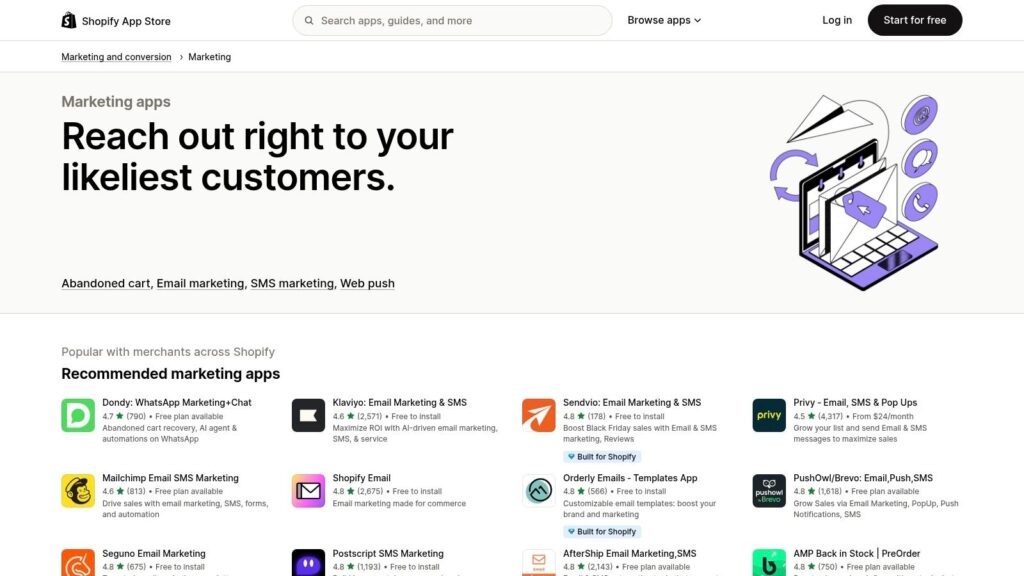
9. Shopify App Store – Marketing & Automation Apps
The Shopify App Store offers a central hub for AI marketing automation tools. Merchants discover and install email, SMS, push, social, and workflow apps in minutes. Its curated “Marketing & Automation” category ensures native Shopify compatibility and instant access to reviews, pricing, and free trials.
Shopify
Key Features
- Curated categories for Email, SMS, Web Push, Social, and Workflow automation
- “Works with Shopify Marketing” collection for guaranteed compatibility
- Real customer reviews, star ratings, and trial options on app pages
- Filters for free plans, pricing tiers, and developer support levels
- Ecosystem updates with compliance checks and performance reviews
Pricing and Access
Browse directly from your Shopify admin at https://apps.shopify.com/categories/marketing-and-conversion-marketing. Pricing varies by developer:
| Plan Type | Price Range | Trial/Free Tier |
|---|---|---|
| Free | $0/month | Yes |
| Basic | $5–$20/month | 7–14 days |
| Advanced | $30–$100/month | 14–30 days |
Pros and Cons
Pros
- Fast deployment without coding
- Transparent reviews and pricing
- Broad selection of AI content and journey apps
Cons
- Quality varies by developer
- Filters and layout change periodically
Implementation Tips
- Read top reviews for setup insights and pitfalls.
- Try free trials sequentially to compare performance.
- Combine an email app with web push for multi-channel drip campaigns.
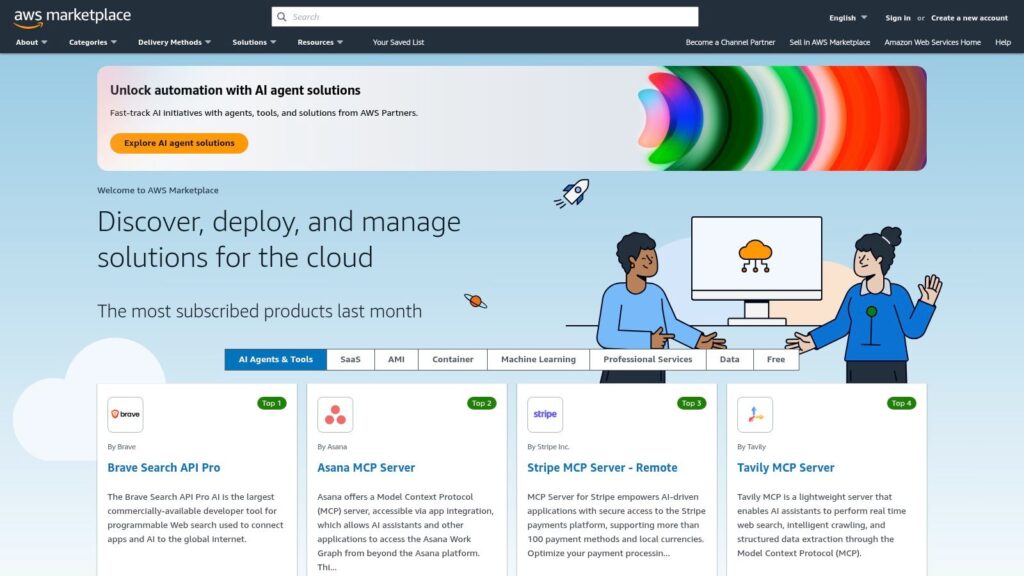
10. AWS Marketplace – Marketing Automation solutions
AWS Marketplace offers enterprise e-commerce brands a catalog of AI marketing automation tools from pre-vetted vendors. Its interface has filters for compliance, pricing, contract type, and private offers. You get consolidated billing, governance controls, and AWS-based financing options.
AWS
Key Features
- Listings for ABM automation, generative marketing, and demand gen
- Private offers and financing with negotiated payment terms
- Usage-based, subscription, and custom contract pricing models
- Security and compliance vetting per AWS standards
- Consolidated AWS invoicing and automated cost allocation
- Customer reviews, seller metrics, and support tiers
Pricing and Access
Browsing AWS Marketplace is free, but each vendor sets pricing models. You’ll see usage-based, subscription, and contract offers, all on one AWS bill:
| Tier | Price Model | Billing |
|---|---|---|
| SaaS Subscription | Per-seat, per-month | Consolidated AWS invoicing |
| Usage-Based | Pay-as-you-go | Charged via AWS usage charges |
| Custom Contract | Private offers | Negotiated net payment terms |
Pros and Cons
Pros
- Streamlined onboarding and invoices
- Strong governance with compliance filters
- Access to enterprise support and financing
Cons
- Not all top tools are listed
- Listing detail varies by vendor
- Pricing transparency depends on vendor disclosures
Implementation Tips
- Apply filters for compliance, pricing, and contract length.
- Compare seller ratings and read reviews.
- Use AWS Cost Explorer tags to track spend per team.
- Negotiate private offers for volume discounts.
Visit https://aws.amazon.com/marketplace to explore AI marketing automation solutions.
11. G2 – Marketing Automation Software
G2 is a crowdsourced review marketplace where you can shortlist AI marketing automation tools using real user reviews. Its categories include filters for SMB, mid-market, and enterprise, plus grid reports and buyer guides to help you compare quickly.
Key Features
- Segment filters for company size, industry, and deployment model
- Grid reports highlighting leaders, high performers, and niche players
- User reviews with aggregated pros/cons and star ratings
- Editorial buyer guides covering use cases, pricing trends, and features
- Side-by-side comparisons of AI workflows and integrations
Pricing and Access
G2 is free to use—no signup required:
| Feature | Access Level |
|---|---|
| Review Browsing | Free |
| Side-by-Side Compare | Free |
| Buyer Guides | Free |
| Vendor Links | Free |
Pros and Cons
Pros
- Large volume of up-to-date feedback
- Quick shortlist via grid reports and filters
- Regularly updated ‘best of’ lists and advice
Cons
- Sponsored placements can skew rankings
- Some vendor details may need verification
Implementation Tips
- Filter by your company size and industry for relevant insights.
- Read 30-day reviews for real-time stability and performance data.
- Use the Compare feature to evaluate predictive scoring and segmentation.
G2 stands out for peer-sourced intelligence that speeds tool selection in the ai marketing automation tools space. Visit https://www.g2.com/categories/marketing-automation to compare.
12. Capterra – Marketing Automation Software
Capterra is a directory and buyer guide for AI marketing automation tools, featuring user ratings, feature filters, and side-by-side comparisons. E-commerce brands and agencies scan journeys, CRM integrations, analytics, and chatbot capabilities to find the best fit quickly.
Key Features
- Category filters for journeys, segmentation, email, SMS, analytics
- Vendor profiles with screenshots, integrations, and pricing
- Editorial roundups highlighting “top tools” in AI marketing automation
- User review volume and star ratings focused on real-world feedback
- Direct links to vendor sites for demos and trials
Pricing and Access
Capterra is free to use—no fees or accounts needed:
| Tier | Price | Details |
|---|---|---|
| Directory Access | Free | Unlimited searches and comparisons |
| Sponsored | Custom | Featured listings, priority placement |
Pricing subject to vendor agreement; see https://www.capterra.com/marketing-automation-software for details
Pros and Cons
Pros
- Zero cost to browse and compare dozens of tools
- High review volume from SMBs and agencies
Cons
- Listings may have outdated pricing details
- Sponsored profiles can dominate top spots
Implementation Tips
- Use review filters (industry, company size) to find peers like your business.
- Bookmark profiles and export comparisons before deciding.
- Verify pricing on vendor sites, as listings may lag updates.
Capterra stands out as a go-to directory for unbiased AI marketing automation tools comparisons.
Top 12 AI Marketing Automation Tools Comparison
| Product | Core features & ✨ Unique selling points | UX / Quality (★) | Target audience 👥 | Price & value 💰 |
|---|---|---|---|---|
| Clepher 🏆 | AI Agents + no-code drag-drop Flows; omnichannel messaging; unlimited broadcasts; fast install, personas, A/B testing, GDPR tools, 50+ native + 5k connectors | ★★★★☆ — high open/CTR | DTC/e-commerce, agencies, creators, SMBs, SaaS | 💰Private plans—contact sales; high ROI |
| HubSpot – Marketing Hub | Visual workflows, native CRM & attribution; Breeze AI for content & personalization | ★★★★ — strong usability & onboarding | Marketing & sales teams (SMB → Enterprise) | 💰Tiered; costs rise with contacts; onboarding fees |
| Salesforce Marketing Cloud | Journey orchestration, cross-channel personalization, analytics | ★★★★☆ — enterprise-grade | Enterprises needing scale | 💰Premium; annual contracts & custom pricing |
| Adobe Marketo Engage | Account-based marketing, advanced segmentation & scoring, AI personalization | ★★★★ — mature platform; steeper learning curve | B2B enterprises | 💰Sales-assisted enterprise pricing |
| Mailchimp | Email + SMS journeys, AI content tools, templates & starter flows | ★★★ — easy for SMBs & beginners | Small businesses, creators, early-stage teams | 💰Free → paid tiers; send/contact limits |
| ActiveCampaign | Visual automation + CRM, predictive/AI personalization, site/event tracking | ★★★★ — strong automation per $ | SMBs, mid-market, agencies | 💰Tiered; scales with contacts; 14-day trial |
| Klaviyo | E-commerce focus: 1:1 product recommendations, deep Shopify integration | ★★★★ — excellent deliverability & segmentation | DTC merchants, Shopify stores | 💰Usage-based; costs grow with profiles & SMS |
| Braze | Real-time personalization, Canvas journeys, BrazeAI decisioning | ★★★★☆ — powerful but developer-centric | Large apps & enterprises with engineering teams | 💰Custom enterprise pricing |
| Shopify App Store – Marketing & Automation | Curated marketing apps; reviews & trials; native Shopify install | ★★★ — varies by vendor quality | Shopify merchants needing plug-ins | 💰Per-app pricing; many free or trials |
| AWS Marketplace – Marketing Automation solutions | SaaS procurement, private offers, compliance vetting, consolidated billing | ★★★ — procurement-friendly | Enterprises standardizing on AWS | 💰Usage/contract pricing; vendor-dependent |
| G2 – Marketing Automation Software | Crowdsourced reviews, category filters, side-by-side comparisons | ★★★★ — large review volume & fresh feedback | Buyers shortlisting vendors | 💰Free to use; sponsored placements influence |
| Capterra – Marketing Automation Software | Directory + feature filters, pricing snapshots, vendor profiles & reviews | ★★★ — quick discoverability | SMB buyers researching tools | 💰Free to use; sponsored profiles can dominate |
From Automation to Transformation: Your Next Step
Recap of Key Insights
- Feature depth shapes engagement: chatbots, broadcast messaging, segmentation, analytics.
- Align tools to use cases: e-commerce needs real-time triggers; agencies need multi-client dashboards.
- Implementation tips: pilot campaigns, integrate CRMs, and train teams on AI features.
- Watch limitations: data quality, API caps, template overreliance.
- Comparison highlights: Clepher shines for e-commerce, while Klaviyo and ActiveCampaign excel in email personalization.
Choosing the Right AI Marketing Automation Tool
Match capabilities to goals:
- E-commerce: prioritize behavior-driven triggers.
- Agencies: multi-client reporting and dashboards.
- Creators: course onboarding and nurture sequences.
- SaaS: lifecycle messaging, churn prediction, in-app notifications.
- Local businesses: lead capture, SMS reminders, simple broadcasts.
- Solopreneurs: intuitive setup, affordable tiers, prebuilt workflows.
Implementation Considerations
- Data hygiene: audit and clean your CRM to avoid irrelevant messages.
- Integration mapping: confirm chatbots, analytics, and payment systems sync cleanly.
- Team training: schedule workshops on new dashboards and AI tools.
- Scalable architecture: pick tools that grow with contacts and transaction volume.
For a deeper dive into the benefits of workflow automation.
Actionable Next Steps
- Audit existing workflows and spot gaps.
- Define 2–3 KPIs—open rates, conversion lift, or retention.
- Run a 2-week pilot on one segment before full rollout.
- Review performance data, tweak messaging, and refine segments.
- Scale successful automations and document processes for new hires.
Your Path to Strategic Growth
Small improvements compound over time. Embrace experimentation, prioritize user experience, and watch your marketing evolve from reactive to predictive. The right AI marketing automation tools and disciplined execution will position your brand for sustained advantage.
Frequently Asked Questions about AI Marketing Automation Tools
Ready to power your automation and drive real results? Discover how Clepher combines tailored e-commerce integrations with intuitive AI workflows to simplify campaign setup and maximize ROI. Explore Clepher to see how the right AI marketing automation tools can transform your growth strategy.

Related Posts
How to Create a Killer Poll Game on Instagram to Boost Engagement and Leads
March 24, 202612 Fresh Social Media Content Ideas That Convert in 2026
March 23, 2026Elevate Your Customer Experience with Conversational AI for Customer Engagement
March 22, 2026
Founder Clepher