
Repetitive tasks are silent killers of productivity. Every minute your team spends manually copying data, sending follow-up emails, or updating customer records is a minute you’re not spending on strategy or growth. These small tasks add up, creating hidden costs in wasted hours, human error, and missed opportunities. The real expense isn’t just lost time; it’s the bottleneck that stops your business from scaling.
This guide tackles that problem head-on. We’ll explore the world of no code automation tools, showing you how to connect your favorite apps and build powerful workflows without writing a single line of code. To understand the impact, it helps to grasp what is business process automation and how it directly affects your bottom line.
This isn’t just another list. It’s a practical resource to help you make a smart decision. For each tool, you’ll find:
- Honest pros and cons from real-world use cases.
- Actionable examples for e-commerce, agencies, and SaaS.
- Clear pricing breakdowns to fit your budget.
- Screenshots and direct links to see the tools in action.
Our goal is to cut through the noise and give you a clear, actionable comparison. By the end, you’ll know exactly which no code automation tool fits your business needs, technical skills, and future goals.
1. Clepher
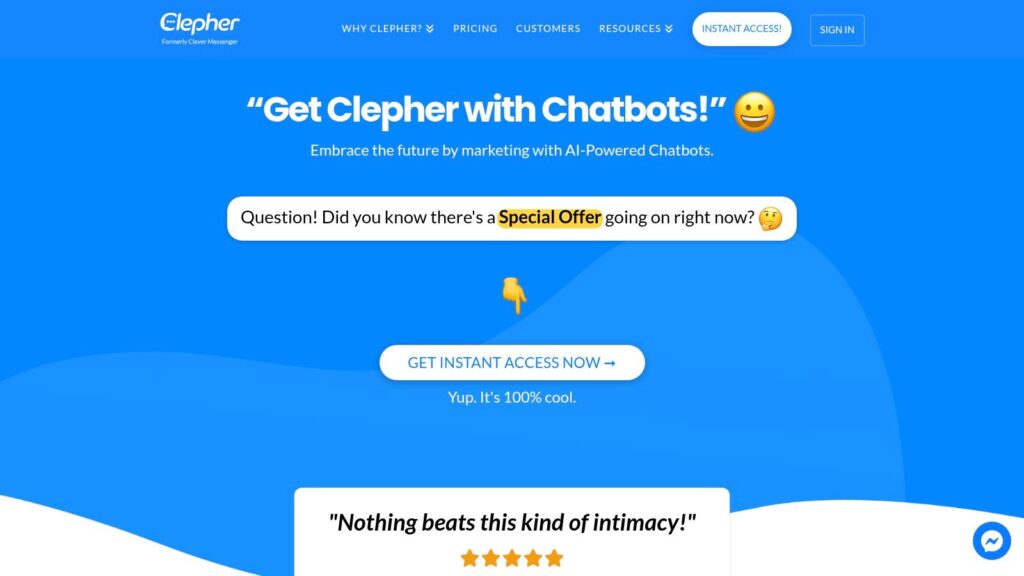
Clepher is a specialized platform for automating conversations across the entire customer journey. It brings marketing, sales, and support automation for websites, Facebook, Messenger, WhatsApp, and Instagram DMs into one central command center. Instead of just being a simple chatbot, it acts as a complete growth engine designed to turn visitors into subscribers and drive sales through automated, two-way conversations.
Clepher
The platform’s power comes from its intuitive drag-and-drop Flow builder, which lets you design complex conversational journeys without any coding. You can learn more about its no-code chatbot builder here. With AI Agents, you can automate everything from lead qualification and abandoned cart recovery to live chat handoffs and promotional campaigns. This makes it one of the most accessible yet powerful no code automation tools for teams focused on direct customer engagement and revenue generation.
Key Strengths & Use Cases
Clepher stands out with features built for optimization. Unlimited broadcasts, A/B testing, and random path distribution give marketers tools to scientifically improve conversion rates.
- For E-commerce: An AI-powered abandoned cart sequence on Messenger can directly recover a sale moments after a visitor leaves your site.
- For Agencies: Manage unlimited client Pages and Instagram accounts from a single dashboard, creating a scalable and valuable service.
- Best For: E-commerce/DTC brands, digital agencies, coaches, and SaaS businesses.
- Integrations: 50+ native connections and access to over 5,000 apps via Zapier, Make, n8n, and Pabbly.
- Pricing: Not publicly listed. You must contact their team for a demo and pricing details.
| Pros | Cons |
|---|---|
| True omnichannel automation (Website, FB, IG, WA) | No public pricing requires a direct inquiry |
| Powerful no-code Flow builder and AI Agents | Advanced integrations may have a learning curve |
| Built-in tools for A/B testing and optimization | Lacks public testimonials for social proof |
| Extensive native and third-party integrations |
Final Takeaway: Clepher is an excellent choice for businesses where conversational marketing is a primary growth channel. Its blend of user-friendly design and advanced automation provides a direct path to engaging customers and driving sales on social media and the web.
2. Zapier
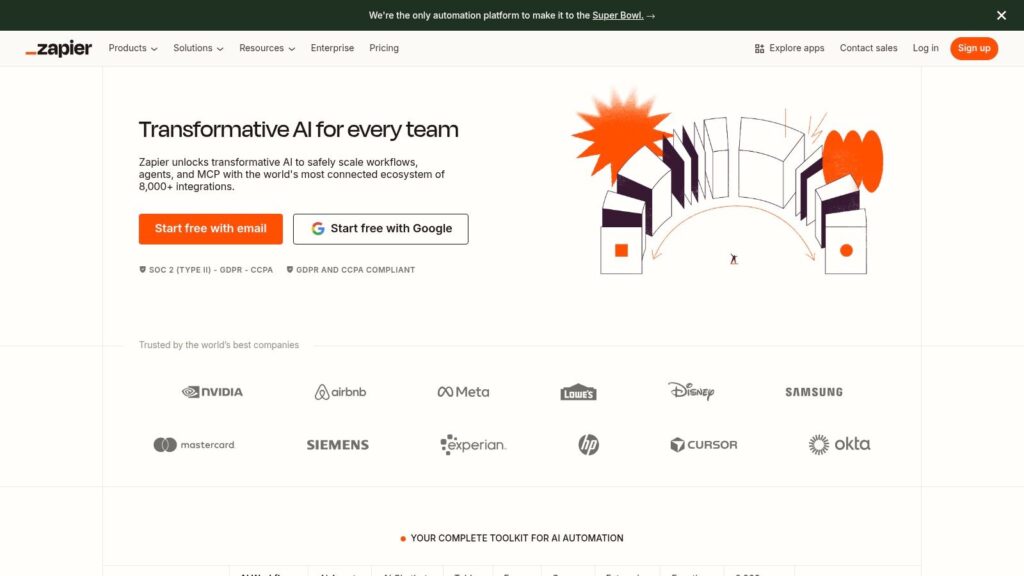
Zapier is one of the most popular no-code automation tools, acting as a universal connector between thousands of web apps. It lets you create automated workflows, called “Zaps,” with a simple interface. This makes it the perfect starting point for anyone new to automation, allowing you to connect apps like Slack, Google Sheets, and Mailchimp in minutes without any code. With over 7,000 integrations, you can connect almost any tool in your tech stack.
Zapier
Zapier has grown beyond simple automations. It now includes Tables (a simple database to store workflow data) and Interfaces (a tool for building basic internal forms and apps). This helps you do more within a single platform. The visual editor also supports branching logic with “Paths” and data formatting, making more complex workflows possible. If you want to understand the fundamentals of this technology, this guide on what is no-code automation offers a great overview.
Actionable Use Cases
- Marketing & Sales: Automatically add new leads from Facebook Lead Ads to your CRM (like HubSpot) and instantly notify the sales team in a Slack channel.
- E-commerce: Log every new Shopify order in a Google Sheet for reporting and send a personalized thank-you email via Klaviyo.
- Content Creation: Instantly share a new YouTube video across Twitter, Facebook, and LinkedIn the moment it’s published.
- Pros: The huge library of integrations and templates makes getting started incredibly fast. The bundled Tables and Interfaces tools add a lot of value.
- Cons: The task-based pricing can get expensive if you run many automations. Advanced security features are locked behind pricey plans.
3. Make (formerly Integromat)
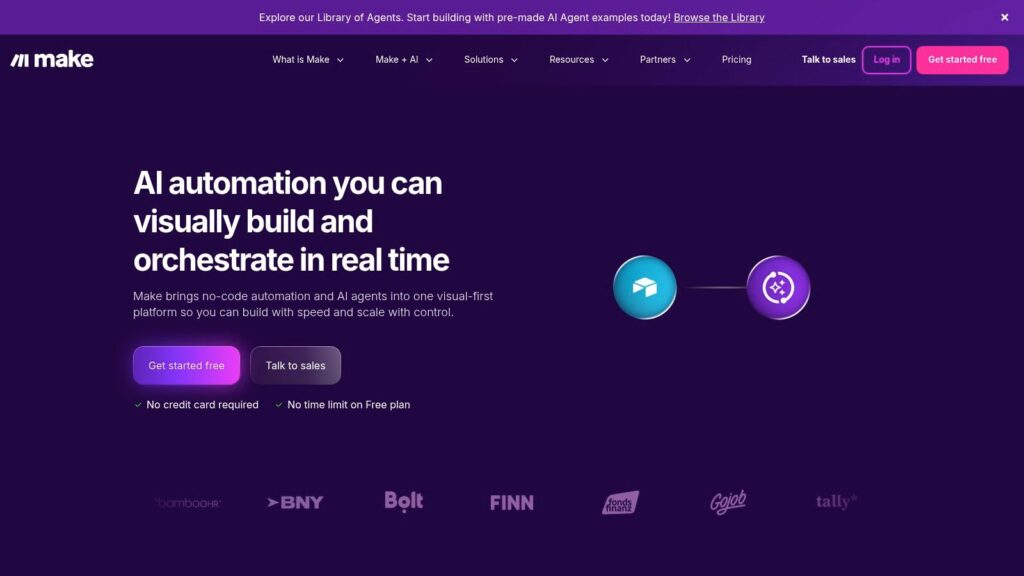
Make (formerly Integromat) is a powerful no-code automation tool for users who need more control over their workflows. It features a highly visual, drag-and-drop interface where you connect modules to build complex “scenarios.” This visual approach allows for advanced routing, error handling, and data manipulation that goes beyond simple A-to-B connections, making it a favorite for tech-savvy marketers and operations pros who need to manage every detail.
Make
What truly sets Make apart is its flexible pricing and advanced logic. Instead of charging per task, it uses a credit system based on “operations,” which is often more cost-effective for multi-step workflows. The platform includes powerful tools like Routers to create multiple branches based on different conditions and Iterators to process lists of data, like individual items in an e-commerce order. Its precise scheduling and detailed logs are perfect for business-critical automations.
Actionable Use Cases
- Marketing Operations: Build a workflow that pulls data from an API, enriches it with a third-party tool, and then loads it into both your CRM and a data warehouse simultaneously.
- E-commerce: Process each item in a new Shopify order individually. Check inventory for each product in a separate system and update a Google Sheet with specific line-item details.
- Agencies: Use the generic HTTP module to connect with any app that has an API, even if it’s not one of the 3,000+ officially supported integrations.
- Pros: The visual builder gives you superior control over data flow and logic. Its operations-based pricing is often cheaper for complex workflows.
- Cons: The learning curve is steeper than simpler tools. The credit and operations model can be confusing to estimate at first.
4. n8n
n8n uses a unique, node-based approach to automation that appeals to more technical users and teams who want full control. As a source-available platform, you can self-host it for maximum privacy and cost savings or use its managed cloud service. This flexibility makes it a powerful choice for businesses that want to own their automation infrastructure. The visual, node-based editor lets you chain together complex operations, making it one of the best no code automation tools for multi-step processes.
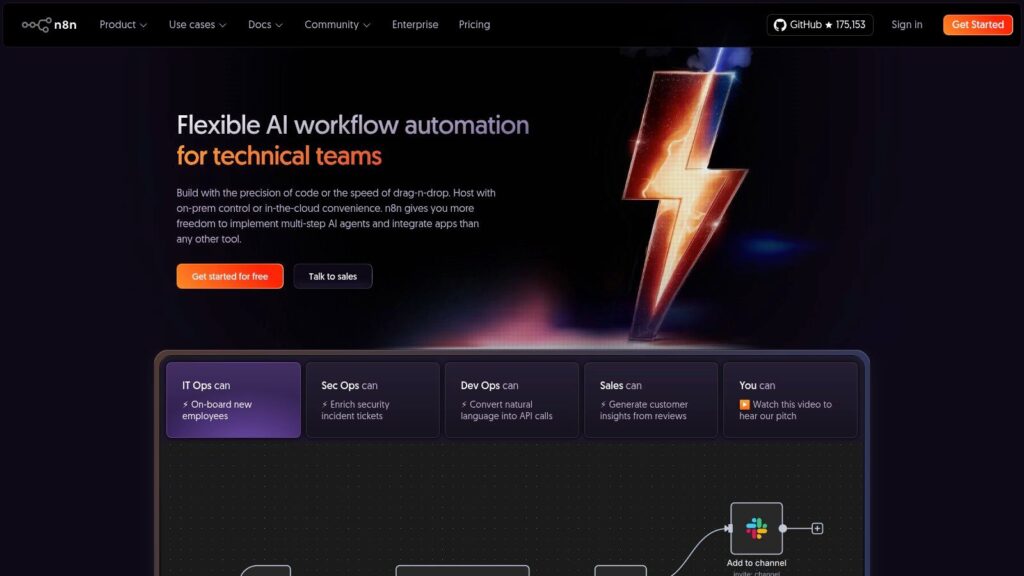
n8n
Unlike competitors that charge for every task in a workflow, n8n’s cloud plans are priced by the number of workflow executions. This can be much more affordable for intricate automations with many steps. The platform is also highly extensible, with a strong community creating custom nodes for niche apps. Its Community Edition is free and open-source, offering unlimited workflows for those willing to manage it themselves.
Actionable Use Cases
- Technical Teams: Build custom internal tools by connecting internal databases and APIs with full control over your data.
- Data-Intensive Tasks: Create workflows for scraping websites, transforming the data, and loading it into other systems (ETL) without expensive dedicated software.
- Cost-Conscious Startups: Use the self-hosted version to run unlimited marketing and operations automations without a high monthly bill.
- Pros: Extremely cost-effective, especially when self-hosted. Highly extensible with custom code and a strong community.
- Cons: Self-hosting requires technical knowledge for setup and maintenance. The learning curve is steeper than simpler automation tools.
5. Pabbly Connect
Pabbly Connect is a powerful, budget-friendly alternative in the no-code automation space. It offers multi-step workflows, conditional logic, and advanced data formatting at a fraction of the cost of its main competitors. The platform’s biggest draw is its pricing model, which often includes generous monthly task limits or even lifetime deals, making it a great fit for small businesses, agencies, and solopreneurs who need reliable automation without a big monthly expense.
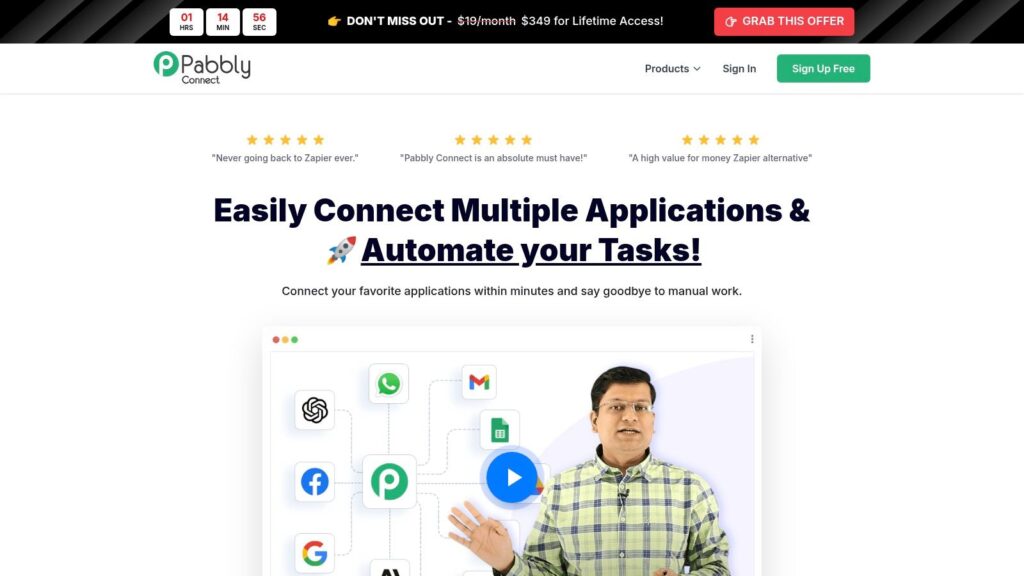
Pabbly Connect
While its integration library is smaller than Zapier’s, Pabbly Connect covers thousands of popular apps and provides a straightforward visual editor. It includes essential tools like Routers for branching logic and Iterators to process lists of data. A key benefit is that all integrations, including premium apps, are available on every paid plan. This makes it an excellent choice for users who want Zapier-like functionality without the high price tag.
Actionable Use Cases
- Agencies & Freelancers: Manage client workflows by automating lead delivery and reporting without worrying about high task-based fees.
- Bootstrapped Startups: Automate critical processes like adding new Stripe customers to an email list and sending welcome sequences, preserving cash flow.
- Small E-commerce Stores: Connect WooCommerce or Shopify to your shipping provider and accounting software to automatically update order statuses and financial records.
- Pros: Exceptional value with high task limits and occasional lifetime deals. All premium apps are included in every paid plan.
- Cons: The user interface and help documents are less polished than market leaders. Its library of app connectors, while growing, is not as large.
6. Microsoft Power Automate
Microsoft Power Automate is an enterprise-grade automation tool that uniquely combines cloud-based API connections with desktop-based Robotic Process Automation (RPA). This dual capability allows it to automate modern web apps and legacy desktop systems that lack APIs, making it a strong choice for businesses invested in the Windows and Microsoft 365 ecosystem. As part of the Power Platform, a suite of low-code automation tools, it connects deeply with apps like SharePoint, Dynamics 365, and Teams.
Microsoft Power Automate
The platform supports both “cloud flows” for connecting web services and “desktop flows” that record and mimic user actions on a PC. This makes it one of the most versatile no-code automation tools for bridging the gap between old and new software. It also includes advanced features like AI Builder for adding machine learning to workflows and process mining to identify automation opportunities. Its robust security and governance controls are designed for the needs of larger businesses.
Actionable Use Cases
- Enterprise Operations: Automate invoice processing. A desktop flow can extract data from PDF attachments in Outlook, enter it into a legacy accounting app, and post a confirmation in a Teams channel.
- IT & Administration: Automatically provision new employee accounts across Microsoft 365, SharePoint, and other internal systems when a name is added to a master list.
- Sales Teams: Log customer interactions from Dynamics 365 into a SharePoint list and trigger follow-up tasks for service agents.
- Pros: Seamless native integration with the Microsoft 365 stack. The combination of API and RPA automation covers almost any process. Strong security and governance are built-in.
- Cons: The setup for RPA can be complex, especially outside a pure Microsoft environment. Desktop automations can break if the application’s interface changes.
7. Workato
Workato is an enterprise-grade automation platform designed for complex, mission-critical business processes. As a leading iPaaS (Integration Platform as a Service), it provides the security, governance, and scale required by large organizations to automate entire workflows like quote-to-cash or employee onboarding. Unlike simpler tools, Workato is built for collaboration between business and IT teams, offering a powerful low-code/no-code interface with robust administrative controls.
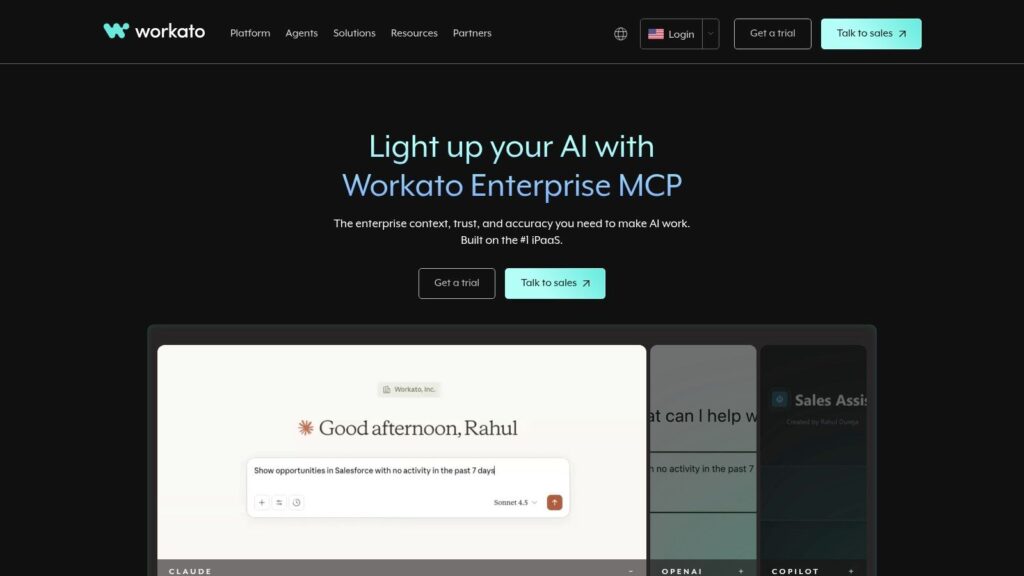
Workato
The platform stands out with its ability to connect to on-premise systems, making it ideal for hybrid environments with both cloud and legacy apps. It includes over a thousand pre-built connectors and tools to develop custom ones. Its “recipes” (Workato’s term for automations) can handle complex conditional logic, data mapping, and API management, making it a top contender among no-code automation tools for companies looking to scale their automation strategy securely.
Actionable Use Cases
- Finance & Operations: Automate the entire quote-to-cash cycle by connecting Salesforce, NetSuite, and Stripe to manage orders, invoicing, and revenue recognition without manual data entry.
- HR & IT Teams: Build an end-to-end employee onboarding process that provisions accounts in Okta, adds users to Slack, and assigns training in a learning management system.
- SaaS Companies: Use Workato’s embedded platform to offer native integrations to your own customers, accelerating product value.
- Pros: Designed for large-scale, enterprise-wide automation with strong governance. Its on-premise agent provides critical hybrid connectivity.
- Cons: The pricing has a higher entry point, making it unsuitable for small businesses. It can be overkill for simple task automation.
8. Tray.io
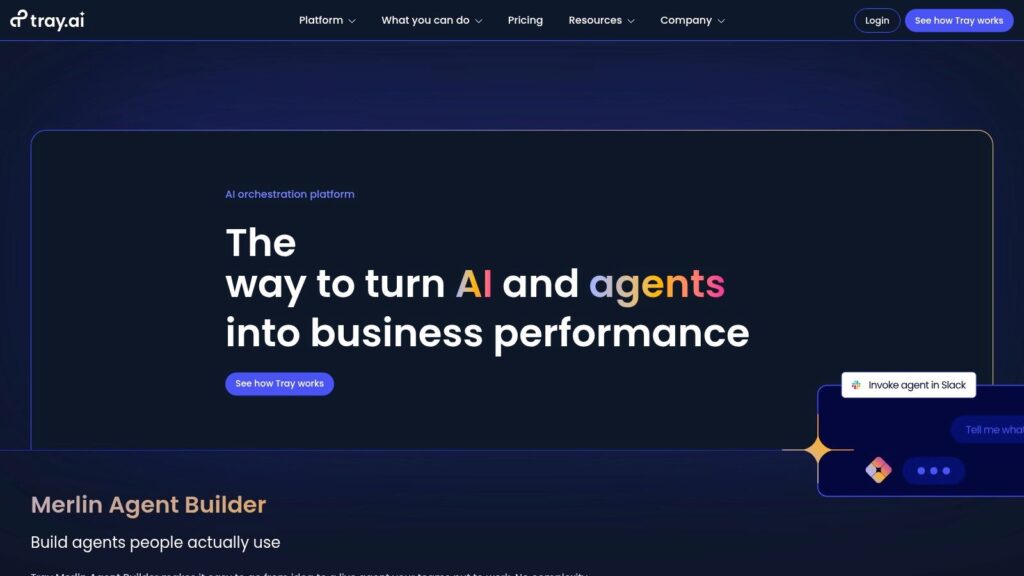
Tray.io is a powerful low-code automation platform built for mid-market and enterprise teams that need scalability and flexibility. As an Integration Platform as a Service (iPaaS), it blends a visual workflow builder with advanced features for managing complex processes across an entire organization. Its ability to support both internal automations and customer-facing embedded integrations makes it a versatile choice for SaaS companies looking to offer native connections within their own products.
Tray.io
A key differentiator is the Merlin Agent Builder, which lets you create AI agents that can perform actions across multiple systems. This combines the reasoning power of large language models with the reliability of API integrations, opening new possibilities for automating complex decisions. The platform also offers secure workspaces, detailed logging, and deployment options, catering to technically demanding environments. Tray.io is one of the more advanced no code automation tools available for large-scale operations.
Actionable Use Cases
- SaaS Companies: Offer native, in-app integrations to customers by embedding Tray.io’s technology directly into your platform.
- Enterprise RevOps: Build and manage complex workflows for lead routing, employee onboarding, or financial reconciliation with full governance.
- Product Teams: Automate product usage data flows between analytics tools like Mixpanel, CRMs like Salesforce, and data warehouses like Snowflake.
- Pros: Highly flexible and scalable, suitable for internal use and as an embedded solution. The Merlin Agent Builder uniquely unifies AI actions with standard integrations.
- Cons: Pricing is not public and is typically a premium option. Customizing the user experience for embedded integrations has some limitations.
9. Parabola
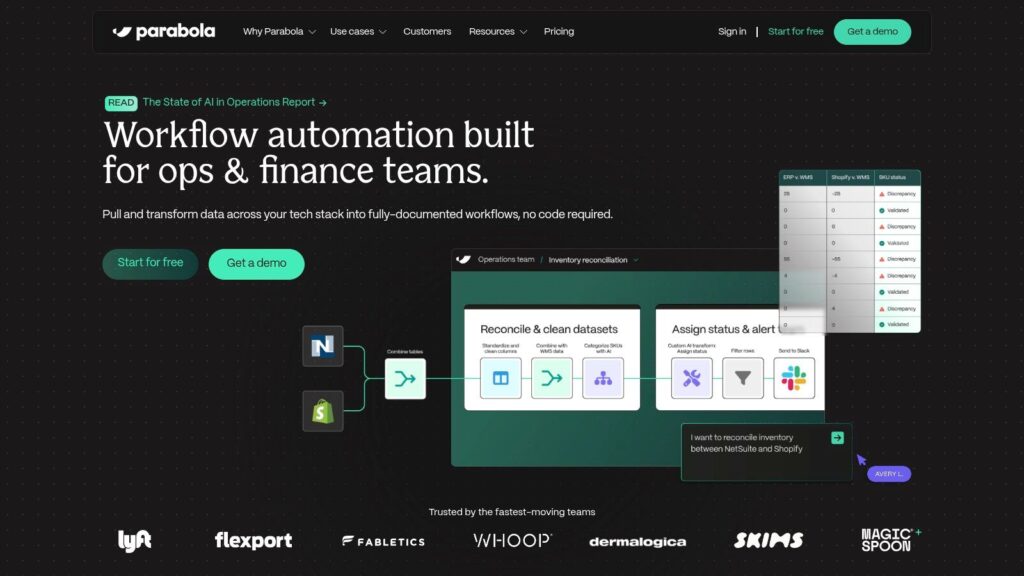
Parabola is a no-code data automation tool built specifically for e-commerce operations. It excels at pulling, combining, and transforming complex data from sources like Shopify, marketplaces, and ERPs, then pushing it wherever it needs to go. Instead of building one-off triggers, users create scheduled, repeatable data pipelines on a visual canvas, making it a powerful solution for teams managing inventory, order, and catalog data without writing SQL.
parabola
The platform is built around “Flows,” which are sequences of steps like pulling from an API, joining datasets, filtering rows, and exporting to a Google Sheet. Parabola offers AI-assisted steps to help build transformations faster and includes native Shopify actions for common tasks. With its built-in tables for data storage and analysis, it functions as a central hub for operational data, making it one of the most specialized no code automation tools for e-commerce brands.
Actionable Use Cases
- E-commerce Operations: Automatically sync inventory levels between Shopify and a 3PL warehouse, or combine sales data from Amazon and your website into a single daily report.
- Marketing Analytics: Pull ad spend data from Google Ads and Facebook Ads, merge it with sales data from Shopify, and calculate your daily return on ad spend (ROAS).
- Catalog Management: Clean and format product data from a supplier’s CSV file before bulk-uploading it to your e-commerce platform.
- Pros: Excellent for complex, scheduled e-commerce data jobs. The pricing is transparent, and it offers a functional free plan.
- Cons: The credit-based model can become costly for frequent or data-heavy workflows. It’s less suited for real-time, trigger-based automations.
10. Shopify Flow
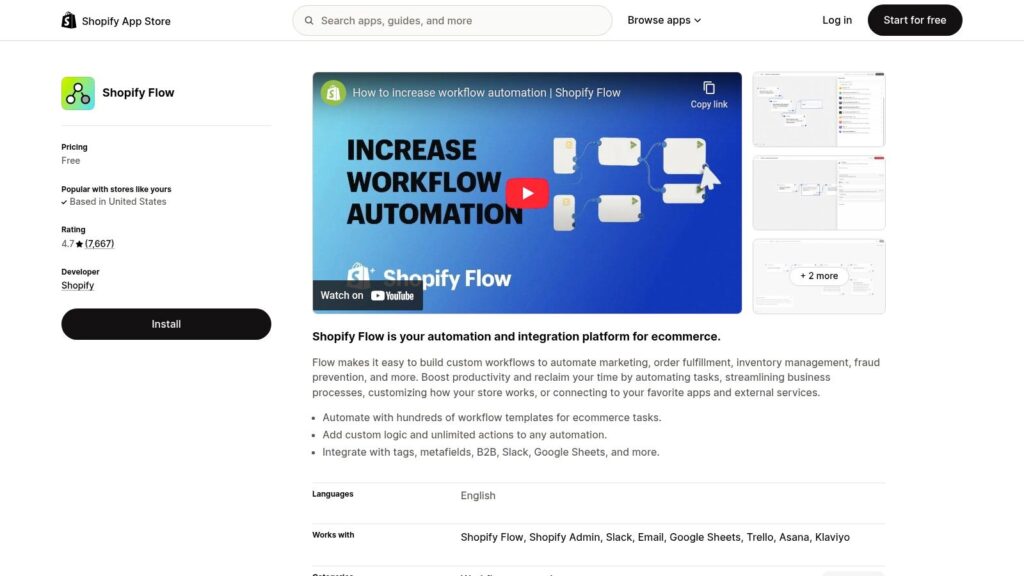
Shopify Flow is a native e-commerce automation tool designed exclusively for merchants on the Shopify platform. It enables store owners to build custom workflows that manage tasks across their store, from inventory and orders to customer segmentation. Because it’s built directly into Shopify, it offers deep and reliable access to store data, making it a powerful no-code automation tool for anyone running their business on the platform. It uses a simple trigger, condition, and action model in a visual builder.
Shopify Flow
Flow’s primary advantage is that it’s included for free with most Shopify plans (Basic, Shopify, Advanced, and Plus). Its template library provides dozens of pre-built automations for common scenarios, like tagging high-value customers or getting notified when inventory runs low. While its strength is internal store management, higher-tier plans unlock the ability to send data to external apps, expanding its capabilities. To see how this fits into a broader strategy, check out these insights on e-commerce automation.
Actionable Use Cases
- Inventory Management: Automatically hide out-of-stock products from your storefront and re-publish them once inventory is replenished.
- Customer Segmentation: Tag customers based on their purchase history (e.g., “VIP” for orders over $500) to create segments for targeted marketing campaigns.
- Order Management: Flag high-risk orders for manual review or apply special tags to orders containing specific products for your fulfillment team.
- Pros: Completely free and perfectly integrated with Shopify data. The learning curve is minimal, and the pre-built templates are very practical.
- Cons: It’s almost entirely confined to the Shopify ecosystem. Advanced actions are only available on higher Shopify plans.
11. Bardeen
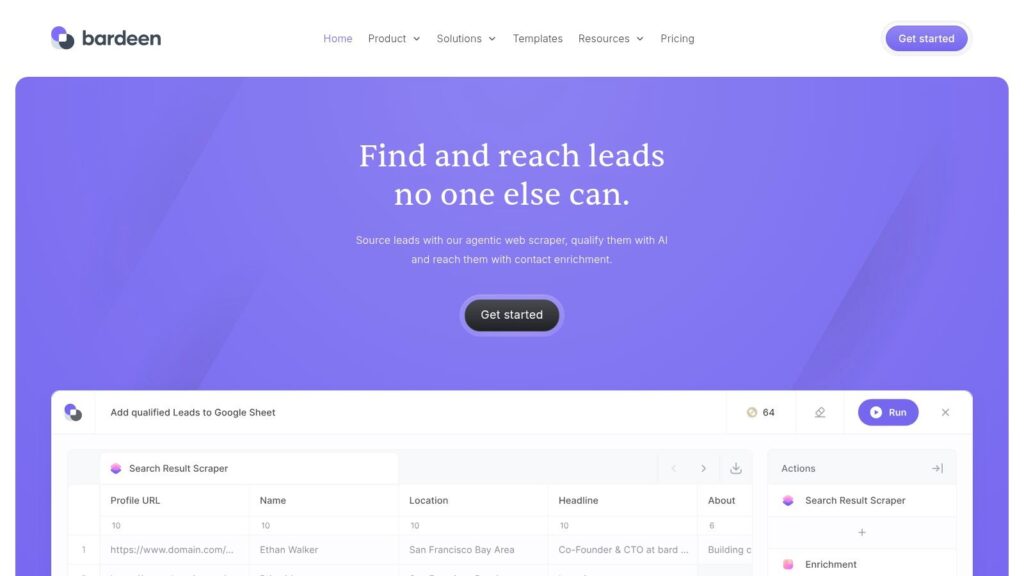
Bardeen is a unique no-code automation tool because it operates directly from your browser. It acts as an AI agent and workflow builder that specializes in scraping data from websites, enriching it, and sending it to other apps. Bardeen’s strength is “on-page” automation, allowing sales and marketing teams to execute tasks like saving LinkedIn profiles to a CRM or collecting contact info from a webpage with a single click.
Bardeen
The platform uses Playbooks for manually triggered automations and Autobooks for workflows that run automatically based on events. This makes it a great complement to server-side tools like Zapier by handling the front-end data gathering that other platforms can’t. With a large library of pre-built Playbooks, users can start prospecting, researching, and entering data almost instantly.
Actionable Use Cases
- Sales & Recruiting: Scrape lead data from LinkedIn Sales Navigator and send it directly to a CRM like Pipedrive or a Google Sheet.
- Marketing Research: Quickly compile lists of companies or influencers from event websites and online directories.
- Content Management: Capture screenshots of multiple web pages at once and save them to a cloud storage folder.
- Pros: Excellent for prospecting, research, and data entry tasks that require human interaction. The free tier is generous.
- Cons: As a browser-based tool, automations can break if a website’s layout changes. It’s less suited for backend, always-on business processes.
12. Integrately
Integrately is one of the most accessible no-code automation tools, designed for small businesses and non-technical users who need to get started fast. It offers millions of pre-built, “1-click” automations that connect its library of over 1,500 apps. This approach lowers the barrier to entry, letting you connect tools like Google Sheets, Trello, and Mailchimp with minimal setup. Its main appeal is a user-friendly interface combined with a generous pricing model that offers more tasks for less money than many competitors.
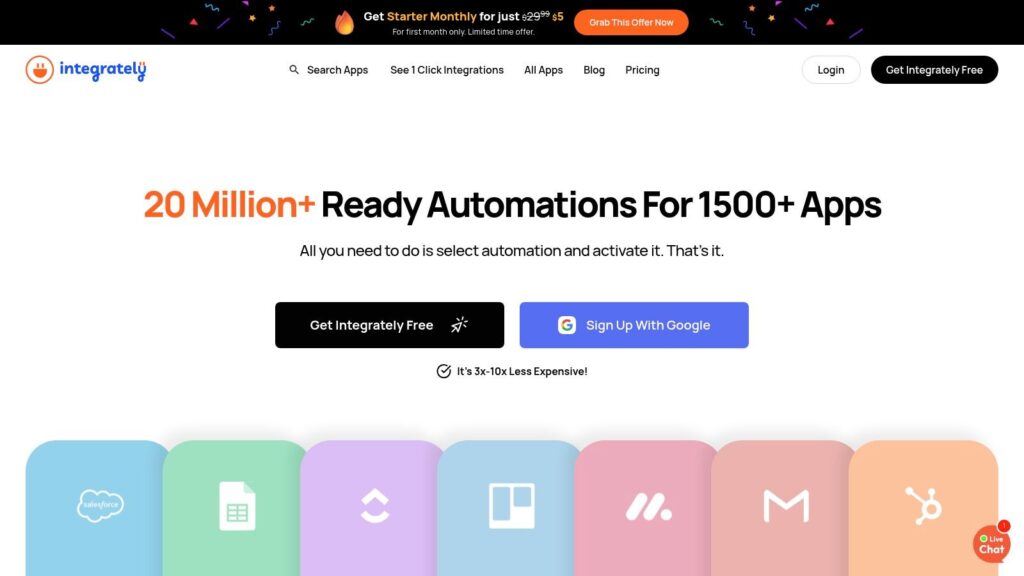
Integrately
While the focus is on simplicity, Integrately still provides powerful features for growing needs. Paid plans include multi-step automations, conditional logic, and webhooks. Features like auto-retry for failed tasks and live chat support provide a reliable experience for business-critical processes. This balance makes it a strong contender for those who find other platforms too complex or expensive but still need robust automation.
Actionable Use Cases
- Solopreneurs: Automatically create Trello cards from new emails in Gmail or add new Calendly bookings to your Google Calendar.
- Marketing Agencies: Sync new leads from a client’s website form directly into their ActiveCampaign account and send an alert to your team chat.
- E-commerce Startups: Add new WooCommerce customers to a ConvertKit email sequence and record the sale in a central spreadsheet.
- Pros: The huge library of pre-built recipes makes it fast for beginners to get started. The pricing is often lower for comparable task volumes.
- Cons: The integration library is smaller than that of top-tier competitors. The “1-click” recipes sometimes require more customization to work perfectly.
Top 12 No‑Code Automation Tools Comparison
| Platform | Core features | Quality ★ | Pricing 💰 | Target 👥 | Unique ✨ |
|---|---|---|---|---|---|
| Clepher 🏆 | AI Agents; no-code drag‑drop Flows; omnichannel (Web, FB, IG, WhatsApp); unlimited broadcasts; segmentation & A/B testing; 50+ native + 5k via Zapier | ★★★★★ | 💰 Contact for pricing (demo recommended) | 👥 E‑commerce/DTC, agencies, creators, SMBs, SaaS | ✨ Omnichannel AI Agents + unlimited broadcasts + deep integrations |
| Zapier | No-code Zaps, Paths, Interfaces; 7,000+ apps; templates | ★★★★☆ | 💰 Tiered, task‑metered (can be costly at volume) | 👥 SMBs & non‑technical teams | ✨ Massive connector library & templates |
| Make (Integromat) | Visual scenario builder; routers/iterators; minute scheduling; 3,000+ apps | ★★★★☆ | 💰 Credits/operations model (cost‑effective for heavy workflows) | 👥 Marketing ops, ecommerce, power users | ✨ Granular control & detailed execution logs |
| n8n | Node‑based workflows; self‑host or cloud; community & custom nodes | ★★★★☆ | 💰 Free self‑host / cloud tiers by executions | 👥 Dev‑forward teams & cost‑conscious orgs | ✨ Open‑source extensibility & self‑hosting control |
| Pabbly Connect | Multi‑step workflows, routers, webhooks; 2,000+ integrations | ★★★☆☆ | 💰 Budget-friendly; lifetime deal options available | 👥 Bootstrapped SMBs & agencies | ✨ High task limits & low cost |
| Microsoft Power Automate | Cloud flows + desktop RPA; premium/custom connectors; process mining | ★★★★☆ | 💰 Enterprise & per‑license / RPA pricing | 👥 Microsoft 365 enterprises | ✨ Desktop RPA + deep M365 integration |
| Workato | Enterprise iPaaS; on‑prem agents; governance & RBAC; 1,000+ connectors | ★★★★☆ | 💰 Custom enterprise pricing (premium) | 👥 Large enterprises & IT+business teams | ✨ Enterprise governance & hybrid connectivity |
| Tray.io | Low‑code visual builder; Merlin Agent Builder; workspaces & governance | ★★★★☆ | 💰 Sales‑led, premium pricing | 👥 Mid‑market teams & SaaS vendors | ✨ Embedded integrations + AI agent builder |
| Parabola | No‑code dataflows & transforms; Shopify native import/export; scheduling | ★★★★☆ | 💰 Transparent tiers; usable free plan | 👥 DTC e‑commerce operations | ✨ E‑com ETL/transforms without SQL |
| Shopify Flow | Shopify‑native visual automations; triggers, conditions, templates | ★★★★☆ | 💰 Free with Shopify plan (plan limits apply) | 👥 Shopify merchants | ✨ Deep Shopify event integration, no extra SaaS cost |
| Bardeen | Chrome‑first browser automations; playbooks & Autobooks; scraping/enrichment | ★★★☆☆ | 💰 Generous free tier; paid premium scrapers | 👥 GTM teams, prospecting & research | ✨ On‑page scraping + automated playbooks |
| Integrately | One‑click premade automations; 1,500+ apps; multi‑step on paid tiers | ★★★☆☆ | 💰 Simple, lower‑cost tiers with generous tasks | 👥 SMBs & automation beginners | ✨ Fast time‑to‑first‑automation with 1‑click recipes |
How to Choose the Right No Code Tool and Start Automating Today
We’ve covered a wide range of no-code automation tools, from the visual power of Make to the developer-friendly control of n8n. The main takeaway is clear: automation is no longer a luxury. It’s an accessible, powerful strategy for any business ready to connect a few dots on a screen.
The real value isn’t just saving time on repetitive tasks, though that is a huge benefit. It’s about building smarter, more responsive business systems. It’s about ensuring a new lead is instantly followed up with, a new customer is added to the correct email sequence, and a support ticket is automatically routed to the right person. This is how you build an operation that can scale.
Final Decision Checklist for Choosing No Code Automation Tools
Choosing from this list can feel overwhelming. To simplify it, focus on your specific business reality instead of just comparing features. Run through this checklist before you commit:
- Core Systems Check: Which apps are essential to your daily operations? List your non-negotiables, like Shopify, your CRM, or your social media tools. Your chosen platform must have reliable integrations for these.
- Complexity vs. Simplicity: Be honest about your needs. Do you require complex, multi-step workflows with conditional logic? Or do you just need simple “if this, then that” connections? Tools like Zapier excel at simplicity, while Make and n8n are built for complexity.
- Scalability and Volume: Where do you see your business in a few years? Consider the task limits of each pricing tier. A tool that seems cheap today might become expensive as you grow. Platforms with high task limits, like Pabbly Connect, can be a smart long-term investment.
- Specialized vs. Generalist: Do you need a general connector like Zapier, or a specialist? If your world is Shopify, Shopify Flow is a great starting point. If you live on social media, a specialist like Clepher offers deeper integrations than a generalist tool can.
The First Step is the Most Important
The biggest mistake is waiting for the “perfect” tool. The automation landscape is always changing. The best way to learn is by doing.
Start with one small, manageable, yet impactful workflow. Don’t try to automate your entire business on day one. Pick one specific pain point, like manually adding email subscribers to your CRM or notifying your team about new sales in Slack. Build that one automation. Watch it run. See the immediate return on your time.
That first successful automation will build the momentum you need to tackle more complex processes. You’ll start to see opportunities for efficiency everywhere. By starting small, you turn a powerful concept into a practical, value-generating business habit. The era of manual work is over; your automated future starts with that first trigger.
No code platforms vs traditional coding
Adopting a no-code platform raises predictable concerns compared with traditional automation and coding approaches. Security, customization, scalability of no-code, and integration are the top worries: teams ask whether a no-code automation tool can handle complex business process automation, integrate with existing software platforms, or replace the flexibility of writing code.
Here’s a concise breakdown of those concerns and realistic perspectives:
- Customization & flexibility: Critics fear that no-code tools lack the fine-grained control of code automation tools. Modern no-code automation platforms and no-code workflow builders increasingly provide extensibility (APIs, single line of code snippets, webhooks) so advanced teams can combine visual workflow design with occasional custom code when needed.
- Scalability & performance: Organizations worry about scaling processes from pilot workflows to enterprise-grade automation across business process domains. Many no-code automation platforms are built for production use, and hybrid approaches (low-code automation or adding code for bottlenecks) let teams start without previous coding knowledge and scale safely.
- Integration limits: People wonder if a no-code automation tool will integrate with legacy systems. Leading no-code automation solutions, including workflow automation software and workflow automation platforms, ship with prebuilt connectors and support for custom integrations so you can automate workflows across diverse software platforms.
- Vendor lock-in & portability: Moving workflows between vendors can be harder than moving hand-written code. To mitigate, choose platforms that export definitions or support standards; consider using many other no-code services alongside a primary tool to avoid single-point dependence.
- Complex logic & advanced features: Tasks requiring AI, advanced decisioning, or robotic process automation can seem out of reach. Today’s AI-driven automation and AI workflow automation platforms offer AI agents, AI workflows, and AI agent builders that integrate into no-code workflow automation tools, enabling AI app behaviors and AI automation without writing code.
- Governance & control: Without coding oversight, organizations worry about unmanaged automation and increased manual work from shadow automations. Implement workflow management, review processes, and role-based controls in your automation platform to keep business process automation secure and compliant.
If you’re considering a no-code solution, try a pilot that uses a visual workflow builder or visual automation to automate a few repeatable tasks, compare with traditional development tools, and evaluate the benefits of no-code automation, such as faster deployment, reduced need for previous coding knowledge, and lower operational overhead. Popular automation tools like Zapier or Make illustrate how teams can automate workflows without writing code; many other no-code options and saas tools feature similar capabilities. For organizations balancing speed and control, hybrid approaches—combining no-code workflow automation tools with occasional custom code—often deliver the best of both worlds.
Frequently Asked Questions
Conclusion
The AI market is rapidly expanding and redefining automation technologies, so your approach to no-code should be strategic: prioritize tools that feature the integrations and security you need and choose the right no-code automation platform for your team. Leading no-code automation vendors and tools that let non-developers build workflows—like Zapier or Make—now include robotic process automation and capabilities to make AI-driven decisions, so every automation can scale with your goals.
Ultimately, the world of no-code automation rewards teams that prioritize learning and experience with no-code platforms; tools make complex tasks accessible, tools empower users to streamline workflows, and when you select tools that feature the capabilities you need, you’ll be prepared to adopt the next wave of automation technologies and make AI work for your business.

