A shopper lands on a product page late in the evening, finds the right item, then pauses over one unanswered sizing question. The cart is ready, but confidence isn’t. A useful ecommerce chatbot can answer that question, recommend a better fit, or preserve the conversation for a human agent. A weak one adds another pop-up to close. The ecommerce chatbot examples below show what separates the two.
The best ones aren’t just FAQ widgets. They connect a shopper trigger to a focused path, relevant product or order data, a sensible human handoff, and a metric the team can improve. This guide breaks down seven platforms through that lens, with practical trade-offs for storefronts, social commerce, support, and conversion flows.
If your priority is to turn conversations into sales, start with the customer moment, not the software logo.
1. Clepher
Clepher brings website chat, Facebook Messenger, and Instagram DMs into one conversational system. Its core is a drag-and-drop Flow builder with AI triggers that respond to the keywords shoppers type, so marketers can map predictable journeys without forcing every shopper through a button menu.
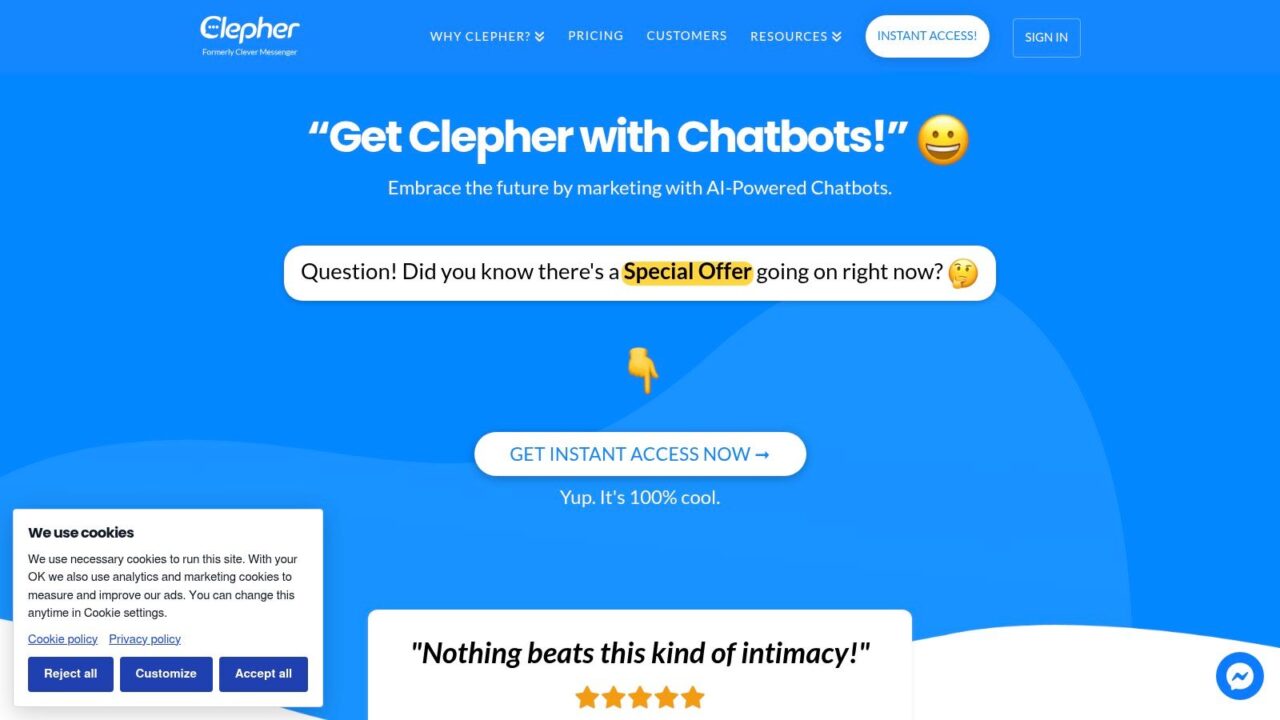
Ecommerce Chatbot Examples Clepher Landing Page
A shopper may open a product-finder widget, ask about delivery in Messenger, or return to a conversation about an item viewed earlier. Clepher’s Ecommerce Assistant chatbot template gives teams a starting point for these purchase questions. Suitable applications include guided discovery, skincare quizzes, apparel fit guidance, abandoned-cart recovery, order-status requests, shipping updates, and return-policy questions.
A flow pattern that can go live quickly
Begin with one buying decision rather than a broad “How can we help?” greeting. Ask what the shopper needs, collect the relevant preference, and recommend a product or next action. The flow should offer a direct checkout route, request subscription permission only after providing value, or pass the conversation to an agent with its context intact.
- Trigger: Product-page widget, social keyword, campaign response, or support message.
- Bot path: Use AI triggers to catch common keywords, and Flow logic for recommendations, qualification, segmentation, and follow-up.
- Human handoff: Transfer exceptions, sensitive complaints, and questions outside approved product or policy information to live chat.
- Metric: Track recommendation clicks, assisted purchases, subscriber conversion, recovery revenue, escalation accuracy, and opt-outs.
The trade-off is configuration effort. Clepher provides A/B testing, random path distribution, personas, typing indicators, personalization tags, conditions, custom fields, global fields, and GDPR controls, but teams need clear rules to keep those options manageable. Capture tools turn visitors into subscribers, while broadcasts and tags support targeted follow-up instead of one promotion for every customer.
Integrations are part of the buying flow
Clepher lists 50+ native integrations and connections with 5,000+ apps through Zapier or Make. These connections matter when a recommendation should start an email or SMS sequence, a lead needs to enter a CRM, or support context must reach another system. Installation takes about 10 seconds, so a narrowly scoped storefront test is quick to set up.
Check Clepher’s website for current plans. A 30-day money-back guarantee lets you test the platform with real conversations before committing. Advanced features take some time to learn, and Meta’s messaging rules can affect what you can send and when.
Takeaway: Clepher fits marketers who want website and social conversations in one system, with testing, segmentation, and integrations for expanding from an initial ecommerce flow into broader revenue and support use cases.
2. Landbot
Landbot fits the storefront team that wants to prototype a guided buying journey without waiting for developers. Its visual, no-code builder supports AI actions and channel options, while its library includes 50+ AI agent templates for ecommerce discovery, product configuration, and conversion-focused journeys.
The shopper trigger is usually a product-selection problem. A visitor opens a landing-page bot after clicking an ad, chooses a budget or use case, answers questions about preferences, and receives a narrowed product set. For a skincare brand, that might mean skin concern, routine complexity, and preferred texture. For furniture, it could mean room type, dimensions, and style.
A practical flow looks like this:
- Trigger: The visitor opens the bot from a product page, campaign landing page, or exit-intent prompt.
- Bot path: The bot asks structured questions, displays product choices, and sends the shopper to the relevant product or checkout page.
- Human handoff: The flow offers an agent when the shopper asks about an exception, custom order, or issue the scripted path can’t resolve.
- Metric: Track recommendation clicks, assisted conversion, completion rate, and drop-off at each question.
Landbot’s strongest trade-off is control. You can create an on-brand conversational funnel quickly, but its web-first orientation makes it less suitable when most buying activity happens inside social DMs. Teams that need heavy Instagram or WhatsApp commerce may prefer a platform built around those channels.
For a deeper look at the no-code approach, see this no-code chatbot builder.
Takeaway: Choose Landbot when your highest-value conversation belongs on your website or a campaign landing page and needs a carefully branded path.
You can review the builder and current plan options on Landbot’s website.
3. Tidio
Tidio is built for online stores that want live chat, helpdesk workflows, rule-based automation, and AI support in one operating layer. Its two automation styles are useful in practice. Chatbot Flows handle predictable paths such as cart reminders or shipping FAQs, while Lyro handles natural-language questions that don’t fit a button tree.
The trigger might be a shopper asking whether an item is in stock, a customer checking an order, or a visitor hesitating over delivery terms. A Flow can present fixed answers and collect details consistently. Lyro can handle a more open question, then pass the conversation to an agent through the centralized inbox when the request needs judgment.
A strong implementation separates the jobs:
- Trigger: Product-page question, order-status request, return-policy query, or checkout hesitation.
- Bot path: Use a Flow for known intents, Lyro for natural-language support, and store data for order or product context.
- Human handoff: Escalate complaints, exceptions, and unclear answers with the conversation history intact.
- Metric: Review self-service resolution, first-response time, escalation quality, CSAT, and assisted revenue.
Tidio’s native connections with Shopify, WordPress, WhatsApp, and Messenger make it practical for smaller and growing stores. A 7-day full-feature trial is available across plans, which gives a team room to test real conversations before committing. The downside is comparison complexity across tiers, and a shared widget appearance across multiple sites may restrict how distinctly each storefront can be styled.
Practical rule: Start with rule-based Flows for policies and transactional questions. Add AI only where customers genuinely phrase the same need in different ways.
Tidio makes the most sense when support and sales shouldn’t be split across separate tools. Explore the current product on Tidio, and compare its live-chat capabilities with this live chat software for websites.
4. Chatfuel
Chatfuel is a social-commerce specialist rather than a conventional website helpdesk. It works best when the shopper already interacts with the brand on WhatsApp, Instagram, or Facebook Messenger, and the buying journey should stay inside that conversation for as long as possible.
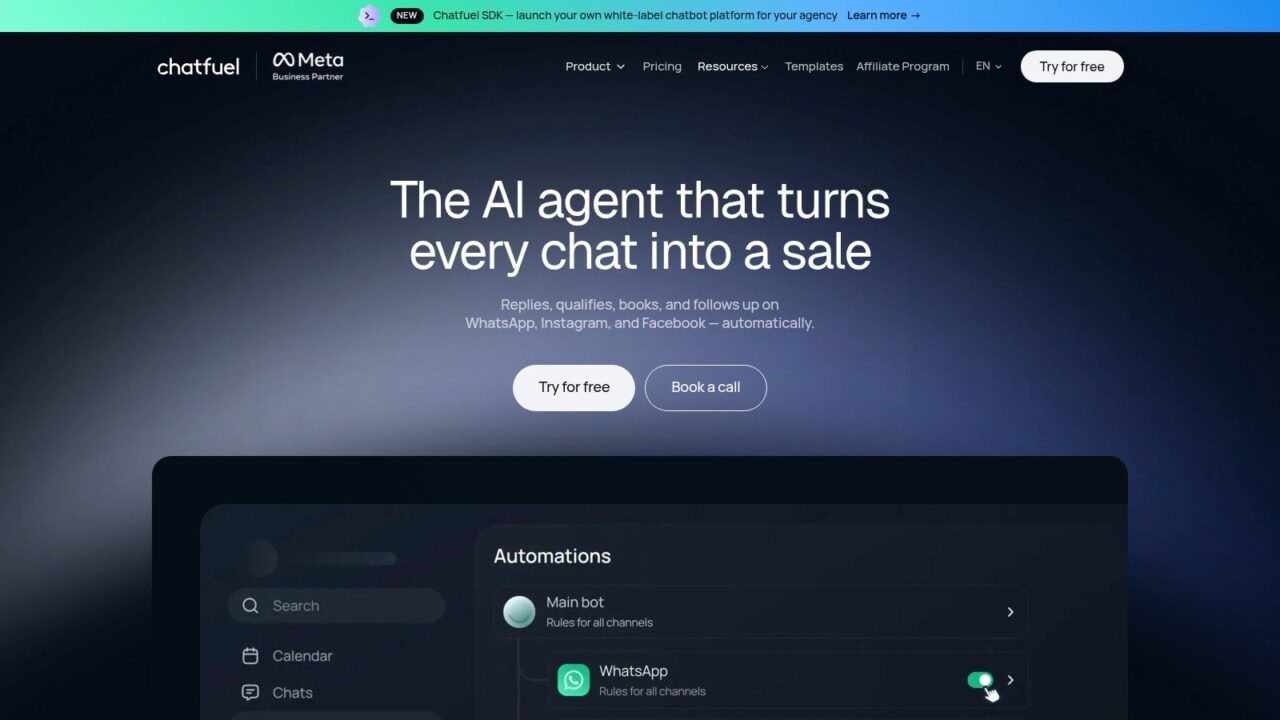
Ecommerce Chatbot Examples AI Platform
The trigger often comes from a social post, an ad response, a product question in a DM, or a customer who has already engaged with a campaign. The bot can show product information, answer FAQs, recover a cart, or send a targeted follow-up. Broadcasting and segmentation help marketers continue the relationship after the first interaction, but the flow still needs a clear boundary between marketing and support.
A useful social flow has four stages:
- Trigger: The shopper replies to a post, ad, keyword, or campaign message.
- Bot path: The bot identifies intent, shares product details or a collection, and captures the next action.
- Human handoff: An agent takes over when the shopper needs an unusual product recommendation, order correction, or complaint resolution.
- Metric: Track qualified conversations, product clicks, recovered carts, purchases, and opt-outs by channel.
Chatfuel’s advantage is focus. Brands driving ecommerce traffic through social DMs won’t need to force a website-chat tool into a messaging-first workflow. The trade-off is equally clear. Website chat and deep helpdesk functions are lighter than those in all-in-one support suites, so a brand seeking unified web, email, and order-service operations may need another system.
When channel depth matters more than a broad support console, compare these Chatfuel alternatives.
Takeaway: Pick Chatfuel when conversations already start in Meta or WhatsApp, and your main job is to turn social intent into product discovery, follow-up, and sales.
See the current channel and automation options on Chatfuel.
5. ManyChat
ManyChat is a strong fit for DTC brands that treat Instagram engagement as a sales channel. Its flow builder supports keyword triggers, growth widgets, campaign automation, and multichannel messaging across Instagram, TikTok, Messenger, WhatsApp, Telegram, SMS, and email.
The shopper trigger is usually explicit. Someone comments on a product post, sends a keyword after seeing a promotion, or asks a question in a DM. ManyChat can reply with a product card, ask a short qualification question, and move the shopper toward an in-DM purchase. Its Buy Button supports order confirmation for Instagram and Messenger, which can remove a disruptive handoff to a separate storefront for simpler transactions.
The flow needs more thought when the shopper asks an open-ended question. Button-based paths are fast for “show me the black option” or “send the discount,” but they can feel rigid when someone wants a comparison between several products.
Keep the first reply useful, then ask for the next decision. A keyword that only sends a promotion creates a broadcast list. A keyword that solves a product problem creates buying intent.
Use this pattern:
- Trigger: Comment keyword, DM, ad response, or story interaction.
- Bot path: Deliver the requested product information, answer a short question, and present the next action.
- Human handoff: Route nuanced fit, warranty, complaint, and custom-order questions to a person.
- Metric: Measure conversation-to-click rate, product-card engagement, completed orders, opt-outs, and revenue by campaign.
ManyChat’s strength is campaign scale across social channels and teams. Its cost can climb as the contact list grows, and complex Q&A requires careful flow design rather than just adding more buttons. That makes it powerful for repeatable campaign mechanics, but less ideal as the sole support brain for a broad catalog.
Takeaway: Use ManyChat for social campaigns with clear triggers, product cards, and follow-up sequences. Pair it with a deeper support platform if post-purchase complexity is high.
Visit ManyChat to assess its current channel and campaign tools.
6. Heyday by Hootsuite
Heyday by Hootsuite targets brands that manage customer experience where social conversations already happen. Its chatbot supports Instagram, Messenger, WhatsApp, X, and web chat, making it a natural option for teams that already use Hootsuite for social operations and want automation close to publishing, engagement, and service workflows.
The trigger can be a product question in a social inbox, a request for a restock alert, a price-drop question, or a shopper seeking help on the website. The bot can guide product selection, answer routine support questions, capture a lead, or route the conversation to a team member. For a social-commerce brand, the important advantage is continuity between public engagement, private messaging, and customer support.
A practical implementation should define the handoff before launching the recommendation layer:
- Trigger: Social DM, web-chat question, restock request, or price-drop request.
- Bot path: Identify the product or intent, provide approved information, and capture notification consent where relevant.
- Human handoff: Escalate complaints, unusual orders, and questions requiring account judgment to a social-care agent.
- Metric: Measure automated resolution, response time, lead capture, product clicks, and handoff satisfaction.
Heyday’s trade-off is procurement. Enterprise terms include conversation-based usage limits and service-level agreements, but pricing isn’t self-serve and is generally handled through Hootsuite sales or an app-directory route. That governance clarity can suit larger teams, while smaller stores may find the sales-led packaging less accessible than a trial-first platform.
Takeaway: Consider Heyday when social customer care is already a managed operation and the Hootsuite ecosystem is part of your daily workflow.
Review the current offering on Heyday by Hootsuite.
7. Zowie
Zowie is built for retail and ecommerce teams moving beyond basic live chat toward scalable AI support. Its prebuilt ecommerce modules and integrations, including Shopify, connect conversations with storefront and order information instead of leaving agents to search across separate systems.
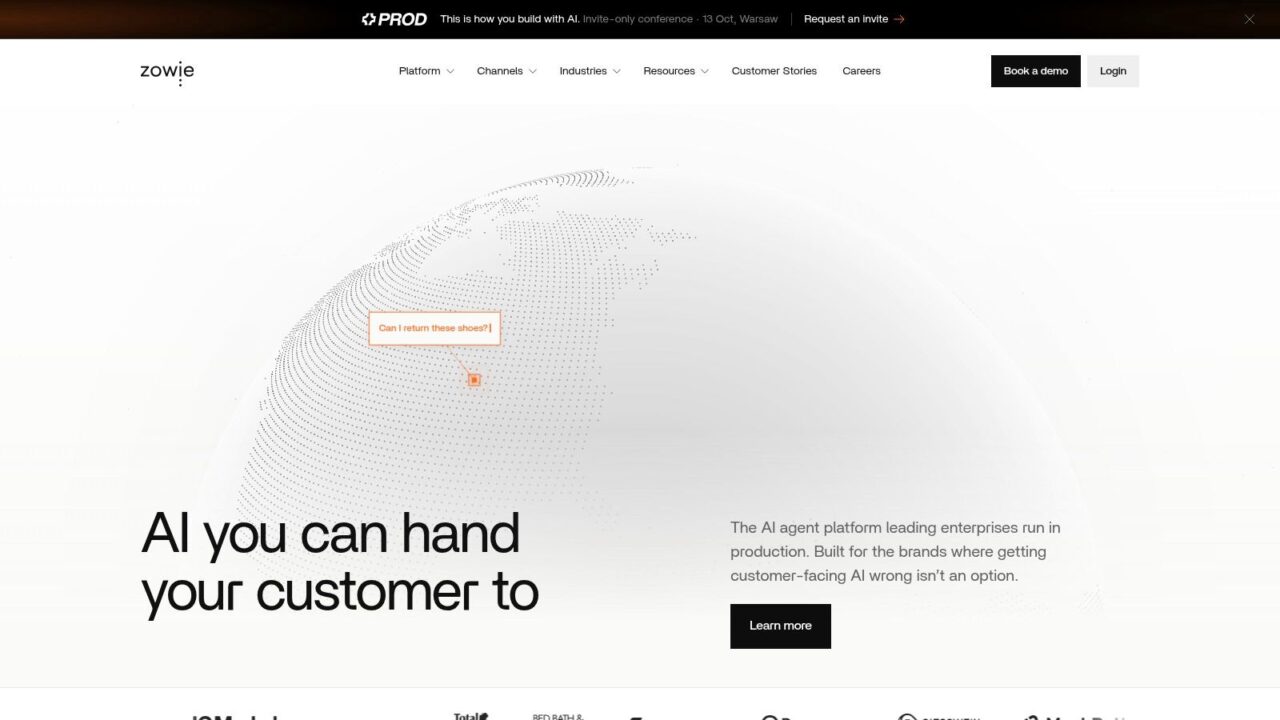
Ecommerce Chatbot Examples Zowie Homepage
The shopper trigger is often post-purchase, such as an order-status question, shipping concern, return request, or product-information query. Zowie can automate common store scenarios while surfacing the relevant information inside the conversation. It can also support sales-oriented product questions, but its strongest fit is a brand with enough support volume to care about resolution quality, escalation accuracy, and consistent service operations.
The flow should be designed around intent:
- Trigger: Order question, return request, delivery concern, or product inquiry.
- Bot path: Identify the intent, retrieve approved store data, and resolve the request where the connected systems support it.
- Human handoff: Pass exceptions to an agent with the conversation context and prior actions visible.
- Metric: Track resolution rate, escalation accuracy, response time, CSAT, repeat contact, and assisted conversion for pre-purchase sessions.
Zowie’s advantage is its ecommerce orientation. Brands that have outgrown a simple widget can use its modules and retail integrations as a foundation for more structured support automation. The downside is access. Pricing is sales-led and typically aimed at mid-market or enterprise budgets, so teams need to request a demo or quote before they can evaluate packages and pricing in detail.
A bot that closes a ticket but creates a second contact isn’t resolving the customer problem. Measure repeat contact and escalation quality alongside automation rate.
Takeaway: Zowie suits retail brands that need dependable support automation tied closely to product, order, and service data, rather than a lightweight campaign bot.
Explore the platform and request more information from Zowie.
Ecommerce Chatbot Examples Compared: Features at a Glance
| Tool | Implementation (🔄) | Resources & integrations (⚡) | Expected outcomes (⭐📊) | Ideal use cases | Key advantages / Tips (💡) |
|---|---|---|---|---|---|
| Clepher | 🔄 Low, drag-and-drop Flow builder; seconds to install | ⚡ Very High, multi-channel + 50+ native integrations; 5,000+ apps via Zapier/Make; 30-day money-back guarantee | ⭐⭐⭐⭐ 📊 Multi-channel conversions, advanced personalization and growth metrics | Brands needing centralized multi-channel control, targeted automations, marketers/agencies | 💡 Fast deployment, A/B testing, personas and deep integrations; check current plans on the website |
| Landbot | 🔄 Low, visual no-code builder; fast prototyping | ⚡ Moderate, web-first with channel options; clear pricing tiers | ⭐⭐⭐⭐ 📊 Strong conversion lift on landing pages/storefronts | Branded web funnels, guided product discovery, conversion-focused pages | 💡 Fast to prototype; great for on-brand experiences; less ideal for heavy social DM commerce |
| Tidio | 🔄 Low, quick setup; no-code Flows + AI agent | ⚡ High, native Shopify, WhatsApp, Messenger, centralized inbox; 7‑day trial | ⭐⭐⭐⭐ 📊 Reliable support automation, order tracking, recommendations | SMB ecommerce, Shopify stores, gradual AI adoption | 💡 All-in-one chat+helpdesk; clear rule-based vs AI separation; watch plan-tier differences |
| Chatfuel | 🔄 Medium, template-driven social flows; broadcasting setup | ⚡ High, optimized for WhatsApp/Instagram/Messenger; tiered channel options | ⭐⭐⭐ 📊 Effective for social discovery, cart recovery and scaled engagement | Social DM commerce, broadcast campaigns, social-first brands | 💡 Strong social messaging focus; lighter site chat/helpdesk features |
| ManyChat | 🔄 Low–Medium, multichannel builder; button/flow design needed | ⚡ Very High, many channels (IG, TikTok, WhatsApp, SMS, Email); contact-based pricing | ⭐⭐⭐⭐ 📊 Converts social engagement to sales; scalable campaigns | DTC, creators, Instagram-driven commerce, multichannel campaigns | 💡 In-DM Buy Button and campaign tools; monitor cost as contacts grow; design flows for complex Q&A |
| Heyday (Hootsuite) | 🔄 Medium, integrated with Hootsuite; sales-led packaging | ⚡ High, social + web chat; enterprise SLAs and governance | ⭐⭐⭐ 📊 Strong social-commerce CX and lead capture at scale | Enterprises or brands prioritizing social customer experience and governance | 💡 Tight Hootsuite ecosystem integration; good for enterprise SLAs; less self-serve access |
| Zowie | 🔄 Medium, prebuilt ecommerce modules; demo/quote required | ⚡ High, native ecommerce integrations (Shopify); documented retail case studies | ⭐⭐⭐⭐ 📊 Effective for scalable support and improving retail KPIs | Retail/ecommerce brands scaling AI support and order-related automation | 💡 Purpose-built ecommerce workflows and measured retail results; pricing is sales-led |
Turning These Ecommerce Chatbot Examples Into Your First Live Bot
The fastest route to a useful bot is to choose one channel and one high-intent moment. A sizing question on a product page, a shipping question before checkout, or a cart-abandonment reply gives you a narrower problem than “automate ecommerce support.” Narrow flows are easier to test, govern, and hand off.
Cart abandonment is a logical starting point because it represents a visible revenue leak. Baymard’s analysis of 50 ecommerce studies reports an average cart-abandonment rate of 70.22% (Baymard research). But the first message shouldn’t automatically be a discount. Ask whether the shopper needs help with shipping, payment, sizing, or stock, then preserve the cart and address the objection.
Intent matters here. Baymard reports that 42% of U.S. online shoppers abandoned a cart in the previous three months because they were browsing or weren’t ready to buy (Baymard’s cart-abandonment analysis). That supports a two-stage flow. Give low-intent visitors useful product education, then reserve incentives for shoppers who signal that they need a final reason to complete the purchase.
Your first measurement plan can stay simple:
- Choose one primary metric: Use assisted conversion, recovered revenue, self-service resolution, or qualified-lead rate.
- Keep a human route visible: Tell shoppers how to reach an agent and pass the full conversation context when you escalate.
- Separate assisted from incremental revenue: A chatbot may influence a purchase without being the only reason it happened.
- Review the transcript, not just the dashboard: Look for repeated questions, dead ends, unsupported answers, and points where shoppers abandon the flow.
- Test exposed and non-exposed groups: Compare chatbot-exposed and non-exposed cohorts while tracking recommendation clicks, checkout completion, average order value, and funnel-stage abandonment.
Trust needs to sit inside the design from the start. Adobe’s 2025 retail research found that 87% of consumers expect retailers to handle personal data responsibly and securely, but only 46% believe brands do so. The same research found that 74% consider clear disclosure of AI-generated content, recommendations, or images important, while only 26% believe brands meet that expectation (Adobe retail research summary). Tell shoppers when they’re interacting with AI, explain what data the flow uses, avoid collecting sensitive payment information in chat, and provide a clear privacy or human-support option.
For product discovery, conversational qualification can replace a long form. Salesforce reports that only 14% of customers would choose a website form when a chatbot alternative is available (Salesforce chatbot statistics). Ask about budget, use case, size, or preferred ingredients, recommend something useful, and request contact details only after the shopper has received guidance.
Treat your first live bot as a test, not a finished system, and use the ecommerce chatbot examples above as patterns rather than scripts. Start with a trial or demo where one is offered, connect only the product and policy data the flow needs, and review one metric every week. The right platform is the one that fits the trigger, supports a clean path, hands off responsibly, and gives your team enough evidence to improve the next version.
Clepher combines website chat, Facebook Messenger, and Instagram automation with no-code Flows, AI triggers, segmentation, A/B testing, live chat, and ready-made ecommerce chatbot templates. Visit Clepher to explore a practical way to turn shopper conversations into measurable sales and support workflows.