
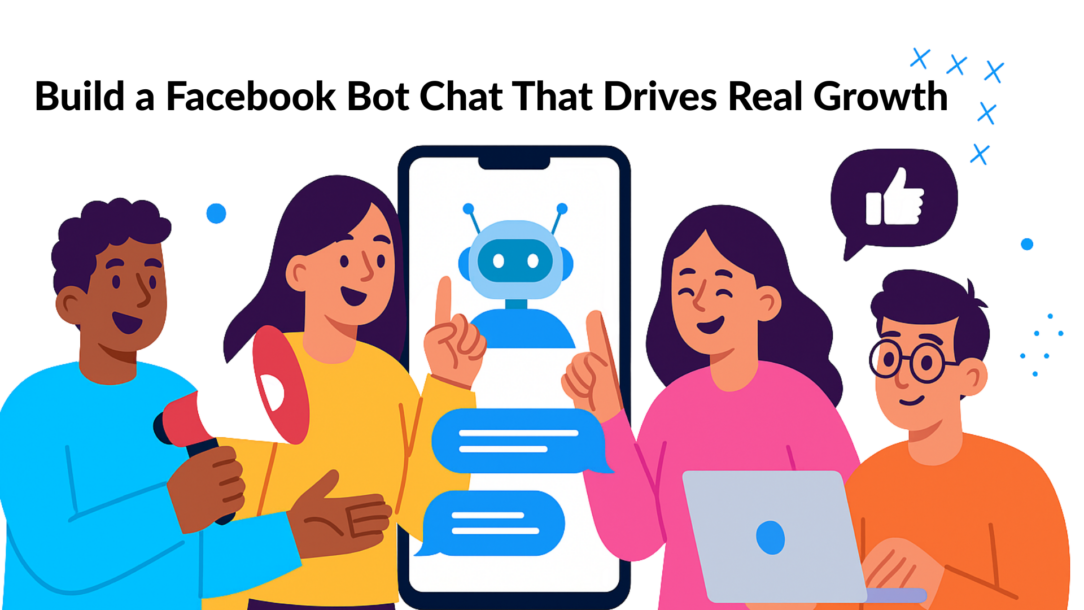
A Facebook bot chat is more than just software; it’s your automated team member working 24/7. Think of it as a digital assistant that lives in Facebook Messenger and Instagram DMs, built to instantly answer questions, capture leads, and guide customers straight to a sale.
Why Your Business Needs a Facebook Bot Chat
Let’s skip the jargon and focus on results. Implementing a chatbot is a strategic upgrade to how you connect with customers and grow your business. Today’s buyers expect answers now, and traditional channels like email and phone support can’t keep up. A Facebook bot chat bridges that gap, acting as your always-on sales and support agent.
This shift to automated, conversational marketing isn’t a trend; it’s a direct response to customer behavior. People prefer messaging. It’s fast, convenient, and feels more personal than filling out a form. By meeting customers on the platforms they use daily, you create a frictionless experience that builds trust and drives growth.
Drive Sales and Slash Support Costs
A major advantage of a chatbot is its ability to handle repetitive tasks, freeing up your team to focus on high-value activities. Imagine your bot fielding common questions about shipping, store hours, or product specs at 3 AM. This instant support not only keeps customers happy but also reduces your team’s workload.
The impact on your bottom line is significant.
- Boost Revenue: E-commerce stores have seen revenue increases of up to 25% simply by using bots to tackle cart abandonment and re-engage shoppers.
- Cut Costs: Chatbots can resolve up to 80% of routine inquiries, leading to a customer service cost reduction of around 30%.
Actionable Insight: A well-built chatbot does two jobs at once. It enhances the customer experience with instant answers while boosting profitability by automating sales and support tasks.
Let’s see how a bot stacks up against the methods you’re probably using right now.
Chatbot vs. Traditional Communication: A Quick Comparison
Here’s a practical breakdown of how a Facebook bot chat compares to traditional email and phone support.
| Metric | Facebook Bot Chat | Traditional Methods (Email/Phone) |
|---|---|---|
| Response Time | Instant (seconds) | Hours or days (email); minutes to hours (phone queues) |
| Availability | 24/7/365 | Limited to business hours and staff availability |
| Cost Per Interaction | Pennies | Several dollars per interaction |
| Lead Capture | Automated, 24/7 | Manual, often requires follow-up |
| Personalization | High (based on real-time data) | Low to medium (often generic or delayed) |
| Scalability | Handles thousands of conversations at once | Limited by the number of human agents |
The advantages in speed, cost, and availability are clear. Bots aren’t just a “nice-to-have”; they deliver a tangible competitive edge.
Boost Engagement and Build Relationships
A chatbot isn’t just a reactive Q&A tool; it’s a proactive marketing engine. It can qualify leads by asking smart questions, segment your audience based on their interests, and serve up personalized product recommendations. This turns a simple chat into an automated sales funnel, helping you improve customer engagement.
Real-World Example: If a user asks your bot about “vegan skincare,” it can automatically tag them. The next time you run a promotion on those products, you can send a targeted message directly to that segment. This level of personalization makes your marketing more effective because it’s relevant. You can learn more about how Facebook chatbots help engage customers by designing conversations with purpose.
Mapping Your Chatbot Strategy Before You Build
Jumping into a chatbot builder without a plan is like building a house without a blueprint. You’ll end up with a confusing mess that frustrates users. An effective Facebook bot chat starts with a clear strategy, not with code.
First, decide what you need your bot to accomplish. Trying to make it a jack-of-all-trades is a recipe for failure. Instead, zero in on a single, primary goal that delivers the most value to your business right now.
Define Your One Primary Goal
Before writing a single word, ask yourself: What is the number one job for this chatbot? A clear objective guides every decision, from the first button a user sees to the final call to action.
Here are some practical goals for your bot:
- Generate Qualified Leads: The bot’s sole mission is to ask screening questions, identify ideal prospects, and collect their contact info for your sales team.
- Provide Instant Support: The bot focuses on answering your top 5-10 most common questions, freeing up human agents for complex issues.
- Drive E-commerce Sales: The bot acts as a personal shopper, guiding users to products, offering recommendations, and helping them check out.
- Book Appointments: For a service business, the bot checks calendar availability and books appointments, eliminating back-and-forth emails.
Actionable Insight: By focusing on one core function, you ensure your bot excels at that one thing. You can always add more features later, but a narrow focus is the secret to a successful launch.
This creates a clear path for the user. Whether your goal is capturing leads, driving sales, or providing support, a focused strategy ensures every conversation moves toward a business outcome.
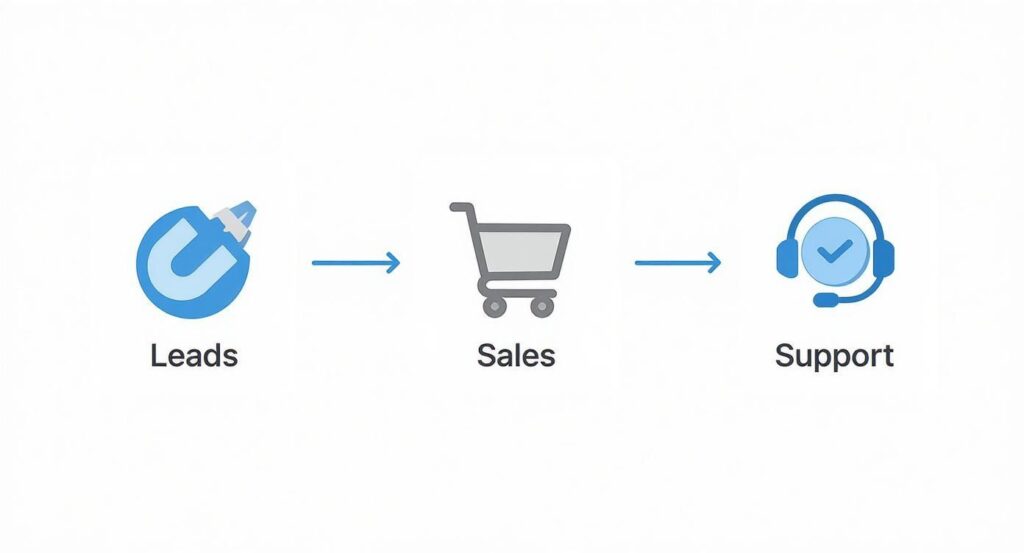
Facebook Chat Customer Journey
Visualize the Conversation with a Flowchart
Once your goal is set, map out the conversation. Don’t worry about the exact wording yet—just focus on the logic. A simple flowchart is your best tool. It helps you visualize how a user moves through the chat and where each path leads.
Think of it as creating a “choose your own adventure” story. You can use free tools like Miro or even a pen and paper. This visual approach helps you spot dead ends or confusing loops before you start building, saving you hours of rework.
Establish Your Bot’s Personality
Finally, give your bot a personality. Should it be professional? Fun and quirky? Helpful and empathetic? Your bot is an extension of your brand, so its tone must align with your overall communication style.
A consistent personality makes the interaction feel more natural and less robotic. Jot down a few adjectives that describe your desired tone—like “friendly, efficient, and clear”—and keep them in mind when writing the dialogue. It’s a small step that makes a huge difference in the user experience.
Building Your First Conversation Without Writing Code
Now it’s time to bring your strategy to life. You’ve mapped out your goals and sketched the conversation; let’s build it inside a visual chatbot builder. The best part? You don’t need to be a developer to create a powerful facebook bot chat.
Modern tools like Clepher have replaced complex code with simple, drag-and-drop interfaces. Think of it like building with LEGOs: each “block” is a piece of the conversation—a message, a button, a question—and you connect them in your planned order.
This no-code approach is why automation is no longer just for large corporations. As of 2025, Facebook Messenger supports over 300,000 active chatbots, which are projected to handle about 80% of all customer inquiries. You can get more details on the growth of Messenger chatbots on Blogging Wizard.
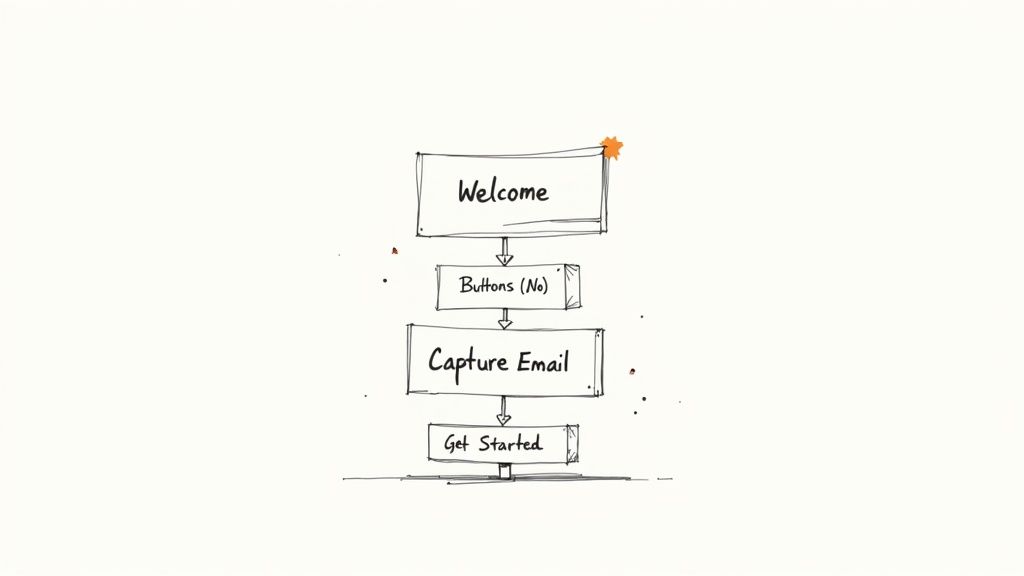
Facebook Chat Flowchart
The Building Blocks of a Great Chatbot Flow
When you open a visual builder, you’ll find a set of components to create your conversational “Flows.” Understanding these building blocks is the first step to creating anything from a simple FAQ bot to a complex sales funnel.
| Component | Function | Example Use Case |
|---|---|---|
| Welcome Message | The first message a user sees. It sets the tone and expectations. | “Hi! Welcome to EcoClean. Ready to get a free landscaping quote?” |
| Text Blocks | Simple messages from your bot used to provide info or ask questions. | “Great! I just need to ask two quick questions to get started.” |
| Buttons & Quick Replies | Predefined choices for the user to click, guiding the conversation. | Offering service options like [Lawn Care] or [Garden Design]. |
| User Input Fields | Captures specific information from the user, like an email or phone number. | “What’s the best email address to send your quote to?” |
| Conditional Logic | Creates smart, branching paths based on user choices (IF/THEN). | “IF user clicks [Lawn Care], THEN ask about yard size.” |
By combining these elements, you create dynamic experiences that feel genuinely helpful. Exploring a no-code chatbot builder is the best way to see how these pieces fit together.
A Practical Example: Lead Qualification Flow
Let’s build a simple lead qualification flow for a fictional business, “EcoClean Landscaping.” Their goal is to pre-qualify customers before a human team member follows up.
Scenario: A potential customer clicks “Send Message” on EcoClean’s Facebook Page.
The bot immediately sends a Welcome Message. We’ll skip the generic “Hello” and get straight to the point.
Bot: “Hi there! Welcome to EcoClean Landscaping. Thanks for your interest! To give you the most accurate quote, I just need to ask two quick questions. Ready to get started?”
This opening is effective because it introduces the bot, sets clear expectations (two questions!), and gives the user a simple call to action. Below this message, we’ll add a button.
- Button: [Yes, Let’s Go!]
When the user clicks it, the bot asks the first qualifying question using a text block and buttons.
Bot: “Great! First, which service are you interested in?”
- Button 1: [Lawn Maintenance]
- Button 2: [Garden Design]
- Button 3: [Other]
This is where your bot gets smart. Using conditional logic, you can personalize the next step. If they pick “Lawn Maintenance,” you might ask about yard size. If they choose “Garden Design,” you could ask about their budget.
Capturing Key Information
After qualifying the lead, the final step is collecting their contact details using a User Input field.
Bot: “Perfect, thanks for that! What’s the best email address to send your personalized quote to?”
The bot will now wait for the user to type their email. Most platforms can validate the input to ensure it’s a real email address. Once captured, the lead can be sent to your sales team or CRM. Finally, close the loop with a confirmation message.
Bot: “Got it! We’ve received your request. One of our landscaping experts will be in touch at [user’s email] within 24 hours. Talk soon!”
In just a few steps, you’ve created an automated system that qualifies leads 24/7, saves your team time, and gives every potential customer an immediate, helpful response. That’s the power of a Facebook bot chat.
How to Launch and Promote Your New Chatbot
You’ve designed a brilliant conversation, but even the smartest bot is useless if no one talks to it. Building your facebook bot chat is only half the battle. Now, you need to actively invite people into the conversation.
Meta provides a powerful toolkit to turn your audience into chatbot subscribers. The goal is to create multiple, easy-to-find entry points that make starting a chat feel natural.
Turn Engagement Into Subscribers with Comment Triggers
One of the most effective tactics is the Comment-to-Messenger trigger (also known as a Comment Growth Tool). This feature automatically sends a private message to anyone who comments on a specific Facebook or Instagram post, pulling them into a conversation. This transforms passive engagement into active, one-on-one relationships.
Real-World Example: A local gym runs a Facebook post: “Ready for a fitness challenge? Comment ‘CHALLENGE’ below, and we’ll send our free 7-day workout plan straight to your Messenger!”
- User Action: A user comments “CHALLENGE” on the post.
- Automated Response: The bot instantly messages them: “Hey, thanks for joining the challenge! Here is your 7-day workout plan. Would you also like to see our class schedule?”
In one move, you’ve delivered value, captured a subscriber, and opened the door for the next step in their customer journey.
Make Your Bot Accessible Everywhere
You also need permanent, always-on entry points. Think of these as digital doorways that let people start a conversation anytime.
Actionable Insight: The easier you make it for someone to start a conversation, the more conversations you will have. Reduce friction at every touchpoint to maximize your bot’s reach.
Here are essential methods to implement:
- ‘Send Message’ Button: This is the primary call-to-action button on your Facebook Page. Ensure it’s set to “Send Message,” as it’s the first place new visitors look.
- Website Chat Widget: Embed your Messenger bot directly on your website. This captures site visitors with questions and turns your website into a 24/7 lead generation machine.
- QR Codes: Add a unique QR code to physical marketing materials—business cards, flyers, or in-store displays. When scanned, it opens a direct conversation with your bot, bridging your physical and digital marketing efforts.
Drive High-Intent Traffic with Paid Ads
When you’re ready to scale, Click-to-Messenger ads are the fastest way to drive high-quality traffic into your bot. Instead of sending users to a landing page, the ad’s call-to-action button opens a conversation directly in Messenger.
This is powerful because it eliminates the friction of filling out forms. The user stays within the Facebook ecosystem, and you can immediately begin a personalized, automated conversation to qualify them. Learn more about setting up Click-to-Messenger ads to generate leads directly inside your bot. This strategy is perfect for promoting special offers or consultations where an interactive chat can dramatically boost conversion rates.
Fine-Tuning Your Bot for Better Engagement and Results
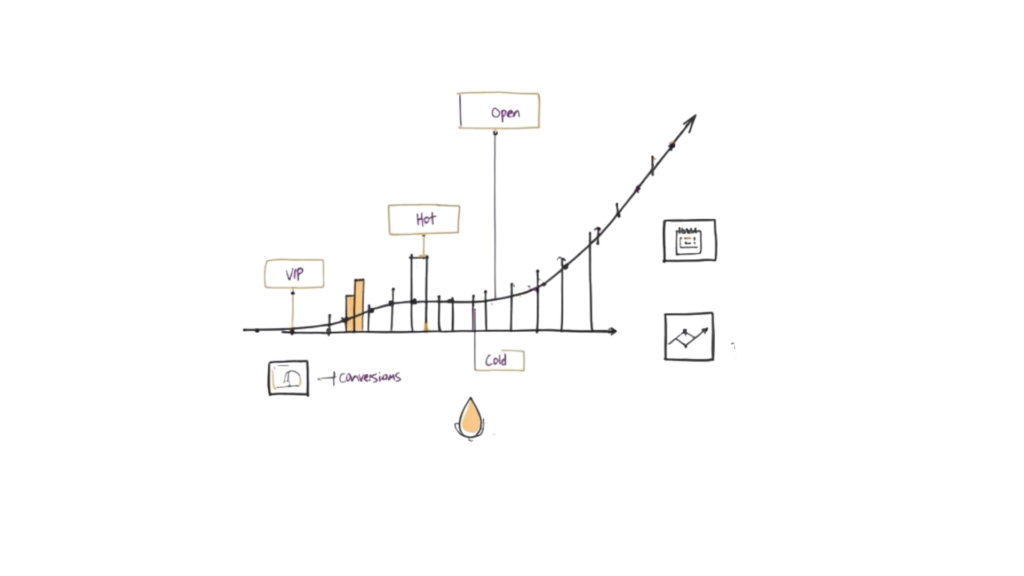
Facebook Chat Sales Funnel
Launching your facebook bot chat is the starting line, not the finish. The real magic comes from continuous, smart optimization. A “set it and forget it” bot quickly becomes outdated. An actively refined bot, however, becomes one of your sharpest marketing tools.
This process isn’t about guesswork. It’s about analyzing user behavior and making data-driven tweaks to improve their experience. By paying attention to what works, you can turn a good chatbot into a lead-generating, sales-driving machine.
Use Tags to Segment Your Audience
The key to marketing that gets noticed is relevance. Sending the same generic message to everyone is a recipe for being ignored. This is where segmentation comes in, and within your chatbot, tags are your best tool.
A tag is a label you apply to a user automatically based on their actions. Did someone click a button for “vegan skincare”? Tag them with interest_vegan. Did they complete an advanced quiz? Tag them skill_advanced. This simple action transforms your audience from a faceless crowd into distinct groups with specific interests. For maximum impact, integrate with CRM systems to manage this rich customer data for hyper-personalized interactions.
- Behavioral Tagging: Tag users based on products they view, links they click, or videos they watch. This shows you what they truly care about.
- Preference Tagging: Ask them directly. A simple “What kind of updates would you like?” with buttons for [Weekly Deals] or [New Arrivals] lets them segment themselves.
- Funnel Stage Tagging: Tag users based on where they are in their journey. A new lead (
tag: lead) needs a different conversation than someone who abandoned their cart (tag: cart_abandon).
Re-Engage Subscribers with Targeted Broadcasts
Once your audience is segmented, you can send hyper-relevant broadcasts—messages sent to a specific segment of your subscribers. This is how you re-engage people with valuable content that feels helpful, not spammy.
Real-World Example: A real estate agent could use tags to send targeted alerts:
- An alert about a new two-bedroom condo only to users tagged
interest_condo. - An article on “Tips for First-Time Homebuyers” exclusively to those tagged
prospect_first_home. - An open house announcement just to subscribers tagged with a specific neighborhood.
This precision is why chatbot campaigns achieve such high engagement. A well-designed Messenger campaign can easily hit 70% open rates, with some sequences seeing 80% read rates and over 50% response rates—crushing typical email campaign performance.
Pro Tip: Always include an “Unsubscribe” or “Manage Preferences” option in your broadcasts. Giving users control is respectful, keeps your list clean, and ensures you’re only messaging your most engaged audience.
Track the Metrics That Actually Matter
You can’t improve what you don’t measure. Focus on the numbers that tie directly to your business goals. Any decent chatbot platform will provide a dashboard with the data you need.
Zero in on these core metrics for your Flows and broadcasts:
- Open Rate: The percentage of people who opened your message. This tells you if your notification was compelling.
- Click-Through Rate (CTR): The percentage who clicked a button or link inside your message. This indicates how engaging your content is.
- Conversion Rate: The percentage of people who completed your desired action—filling a form, making a purchase, booking a call. This is your ROI metric.
- Blocker Rate: The percentage of users who blocked your page. A spike here is a red flag that your messages are too frequent or irrelevant.
By checking these numbers regularly, you’ll spot trends and know exactly what to A/B test. This cycle of testing, measuring, and refining is how you unlock the true power of your Facebook bot chat.
Your Top Facebook Chatbot Questions, Answered
Jumping into Messenger automation can bring up a few questions. That’s normal. Here are clear, practical answers to the most common queries from businesses getting started.
Ready to build a powerful chatbot that drives sales and delights customers? With Clepher, you get an intuitive, no-code builder to create automated conversations for Messenger and Instagram in minutes. Start for free and see how easy it is to generate leads, answer questions, and grow your business 24/7. Get started with Clepher today.

Related Posts
Conversational AI for Sales: Your 2026 Guide to Boosting Revenue
April 10, 2026Transform Your Sales Game with an AI Powered Sales Assistant
April 9, 2026No-Code AI Agent Builder: Your 2026 Growth Playbook
April 8, 2026
Founder Clepher