
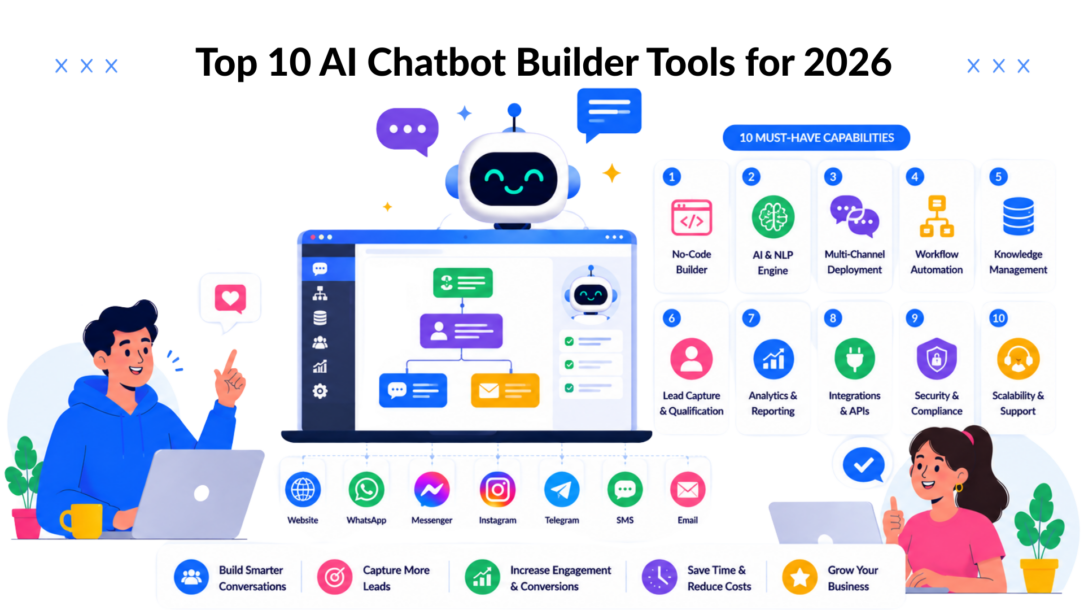
The chatbot market was valued at $7.76 billion in 2024 and is projected to reach $27.29 billion by 2030, with a 23.3% CAGR over that period (Jotform chatbot statistics roundup). That growth explains why an AI chatbot builder is now a core stack decision for marketing, sales, and support teams, not a side project, as businesses seek to personalize their customer interactions. The key question is which builder fits your channel mix, your team’s technical comfort, and the customer journey you run.
For lead capture, ecommerce support, social commerce, and SaaS onboarding, the differences go beyond feature lists. Some platforms are built for Instagram and WhatsApp automation, some are strongest on website chat, and some are built for enterprise routing and governance. A useful builder should help your team move faster without creating more manual cleanup later, and the wrong one can turn automation into another dashboard nobody wants to maintain.
This comparison is built for agencies, SaaS teams, and ecommerce brands that need a tool matched to a specific use case and tech stack. The goal is to separate platforms that look similar on the surface but serve very different operational needs in practice. If your goal is lead generation, the Polaris Marketing Solutions guide offers a useful companion read.
1. Clepher
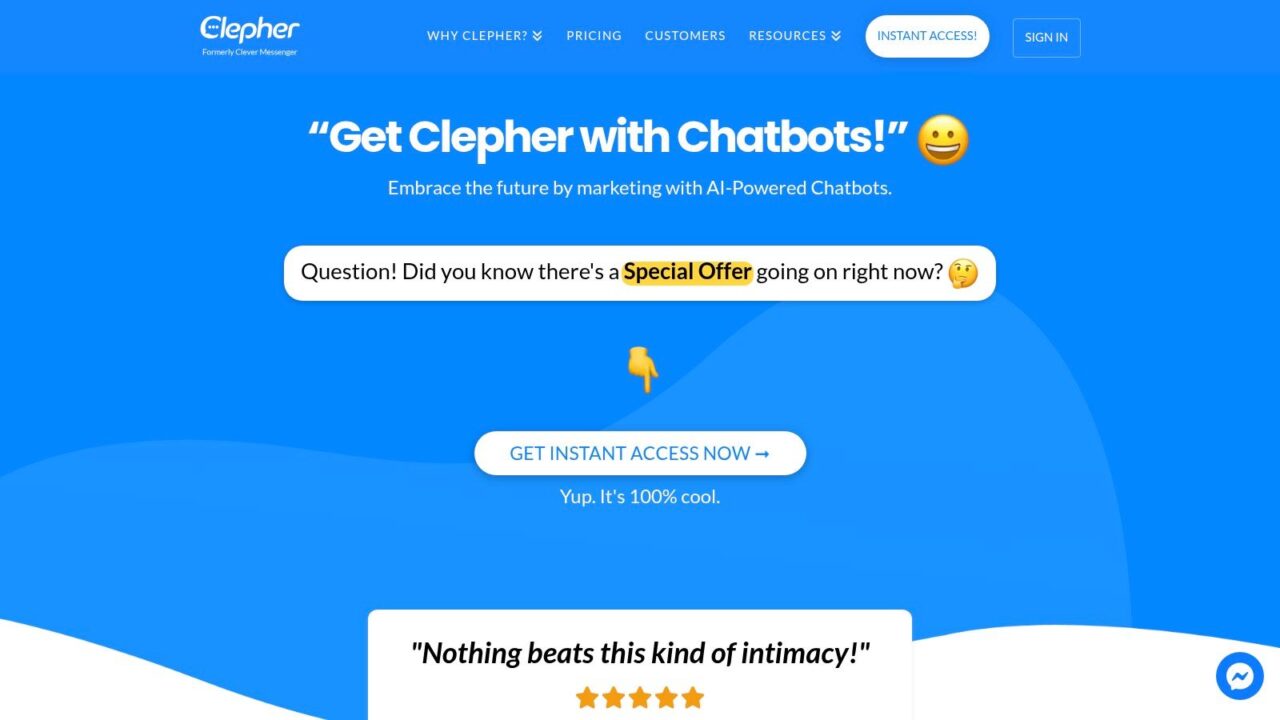
AI Chatbot Builder Clepher Landing Page
Clepher is the strongest fit if you want one AI chatbot builder to handle marketing, sales, and support across the places customers already talk to you. It covers website chat, Facebook, Messenger, WhatsApp, and Instagram Direct Messages, which matters because many teams still force every conversation through a single widget and then wonder why engagement stalls. Clepher’s drag-and-drop Flow builder lets non-technical teams build paths quickly, and the platform centralizes automation around AI Agents, live chat, segmentation, and analytics.
Why it works in practice
The advantage is operational, not cosmetic. Agencies can run multiple client accounts, ecommerce brands can recover lost sales, and SaaS teams can seamlessly route new users into onboarding flows without waiting on engineering. Clepher also supports capture widgets, unlimited broadcast campaigns, A/B testing, random path distribution, personas that can be personalized to enhance customer support, typing indicators, and personalization tags that can be used to automate and enhance customer support efforts. Conditional logic and custom/global fields, so the bot can do more than answer FAQs.
A few things stand out for real-world use:
- Multi-channel reach: Use the same automation logic across website, Facebook, Messenger, WhatsApp, and Instagram DM.
- Strong audience control: Tags, segments, and AI keyword triggers make it easier to target promotions and follow-ups.
- Deep stack connectivity: Clepher reports 50+ native apps plus connections to 5,000+ tools through Zapier, Make, n8n, and Pabbly.
- Fast deployment: Teams can move from idea to live bot in seconds, which is useful when campaign timing matters.
Practical rule: If your revenue conversations happen in DMs as often as they do on your site, the builder has to support both, or you’ll end up running two separate automation systems.
Clepher’s biggest drawback is simple: pricing details weren’t included in the supplied materials, so you’ll need to check the website for plan limits and current packaging. Even so, for brands that care about speed, segmentation, and multi-channel control, it’s the most complete pick on this list. The internal setup guide at the knowledge base provides resources to seamlessly customize your customer support strategies. Clepher’s chatbot build walkthrough is a good place to start if you want to see how the flow builder works in practice.
Pros
- True multi-channel coverage across web and major messaging apps.
- No-code automation that still supports complex logic.
- Broad integrations for handoff into CRM, email, and SMS workflows.
- GDPR tools and data fields for more controlled personalization.
Cons
- Pricing isn’t public in the supplied materials.
- Advanced builds still need careful testing, especially if you rely on multiple connectors.
Website: Clepher
2. Manychat
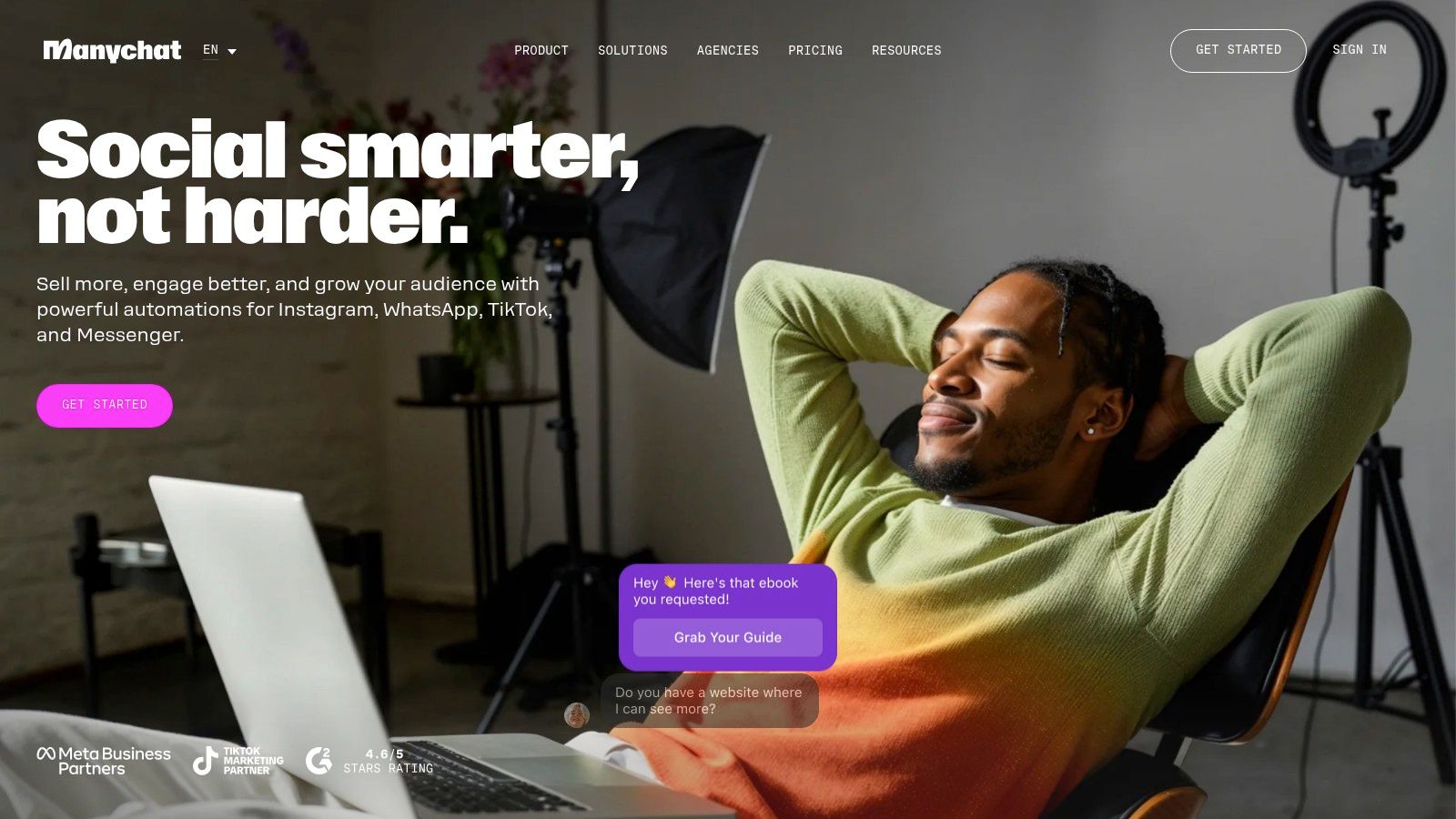
Chatbot Builder Manychat Platform
Manychat is a strong fit for brands that sell and support through Instagram, Facebook Messenger, and WhatsApp, especially when the first customer touchpoint happens in comments or DMs. It is built around social commerce behavior, so comment-to-DM funnels, auto-replies, story mentions, and keyword triggers feel native instead of bolted on. For teams that already run campaigns through social messaging, that reduces setup friction and keeps the workflow focused.
Best for creators and DTC teams
Creators, ecommerce operators, and small agencies tend to get the most value from ManyChat because it shortens the path from engagement to conversion. A user can comment on a post, get routed into a DM sequence, and receive brand-voice-trained AI replies without the conversation sounding mechanical. The unified inbox and broadcast tools also help when one person is managing several campaigns or profiles at once.
There are trade-offs. Manychat is built for social-first automation, so it is less convincing if your main need is rich website chat or more complex support routing. WhatsApp costs also require extra attention, because template message usage runs through ManyChat Wallet. That makes budgeting less direct than with some website-first tools, especially for teams that expect heavier message volume.
For marketers, the practical question is where the conversation starts and where it needs to end. If your funnel begins in comments or DMs, ManyChat fits well, but if the conversation needs to move across web support, CRM data, and more complicated service workflows, the platform can feel narrow. If you are comparing it against broader options, the ManyChat alternative guide for automating social media interactions is a useful place to pressure-test the trade-offs before you commit.
For UGC, influencer, and launch campaigns, the appeal is the playbook ecosystem and the low friction to launch. For teams that need deeper omnichannel support, the limits show up faster. Manychat works best when social messaging is the core motion, not just one channel among many.
Website: ManyChat
3. Chatfuel
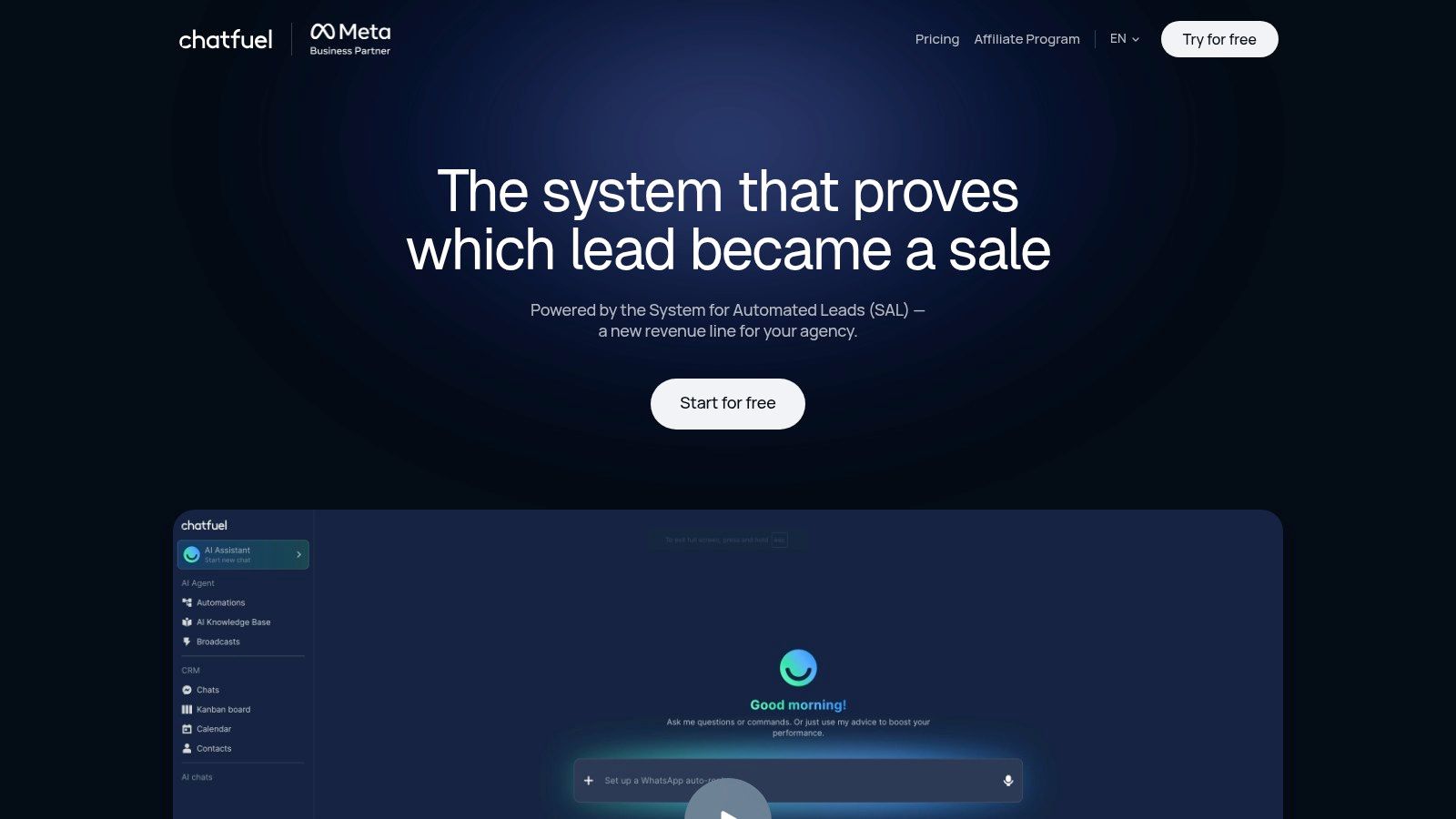
Chatfuel is a practical choice for brands that need to automate their customer interactions. Instagram, Facebook, and WhatsApp automation can help businesses personalize their customer interactions without a heavy setup process. It is built for growth workflows, lead capture, and social engagement, so it fits teams that rely on DM conversations, shopping prompts, and quick replies to common questions. For agencies and social-first brands, that focus can be a strength because the tool stays close to the channels that drive attention and conversion.
Social growth with a familiar flow
The visual builder is the main reason teams adopt it. Marketers can set up comment-to-DM flows, story automation, and ready-made templates for FAQs or shopping assistance without building every path from scratch. That matters when a small team or agency has to launch similar campaigns across multiple accounts and needs a repeatable setup instead of a custom build every time. Chatfuel’s templates save time when the use case is narrow and predictable.
The trade-off shows up once the conversation needs to move beyond social messaging. Chatfuel is less convincing as a web-first customer experience platform, and it does not try to replace a full CX suite. Teams that need deep routing, richer service workflows, or stronger cross-channel handoff logic will usually feel the limits sooner than they would with a broader platform. Pricing can also increase as channel usage grows, so modeling expected volume before committing is smart, especially if WhatsApp or high-frequency campaigns are part of the plan.
For business owners comparing social tools against wider chatbot platforms, the core question is whether the bot starts and ends inside social channels or needs to connect to support and CRM operations too. If you are pressure-testing alternatives, the Chatfuel alternatives guide is a useful place to compare that trade-off before you choose.
A practical way to evaluate Chatfuel is to look at the business model first. It works well as a social automation builder enables brands to seamlessly customize their customer interaction strategies. for creators, DTC brands, and social-first businesses, where fast response time and campaign volume matter more than complex service orchestration. Website: Chatfuel
4. Tidio with Lyro AI
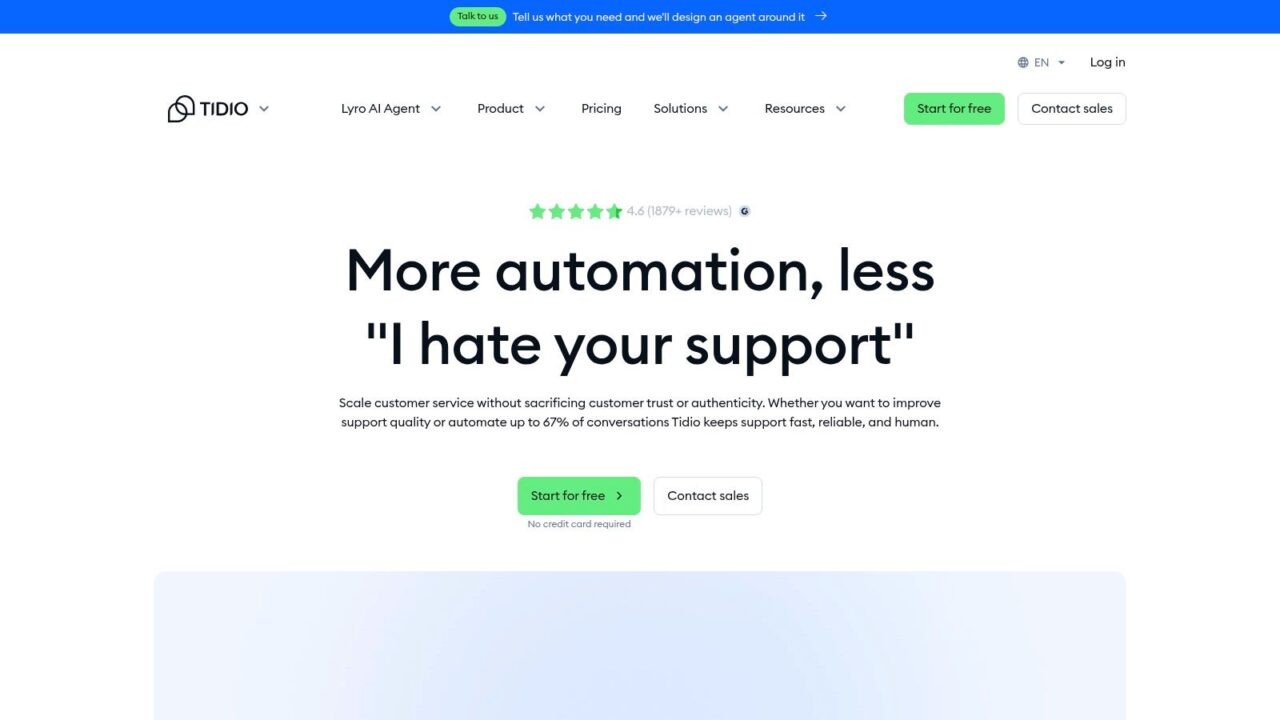
AI Chatbot Builder Tidio Homepage
Tidio is built for SMBs and ecommerce teams that want a cleaner path from visitor question to resolved ticket. Its Lyro AI agent is trained on your account content, so it can auto-resolve FAQs and common issues without requiring a large implementation project. If you run Shopify or WooCommerce and need a practical support layer fast, Tidio is easy to understand and easy to launch.
Why it suits smaller stores
The platform combines no-code chatbots, a live chat widget, and a multichannel inbox. That mix works well when you want automation to handle repetitive questions but still want a human to jump in when the issue gets messy. The public pricing model and trial options are useful too, because they let teams test Lyro before treating it like a permanent line item.
Tidio’s main limitation is volume sensitivity. Lyro usage is metered, so higher traffic means higher-tier planning. It’s also lighter than the big enterprise suites in routing depth and service-level machinery. For a lot of smaller businesses, that’s fine. They need a tool that answers product, shipping, and return questions quickly, not an enterprise command center.
If your support team is small and your store runs on standard customer questions, Tidio hits a practical sweet spot. If your service operation spans multiple departments and strict escalation rules, you may outgrow it.
Website: Tidio
5. Landbot
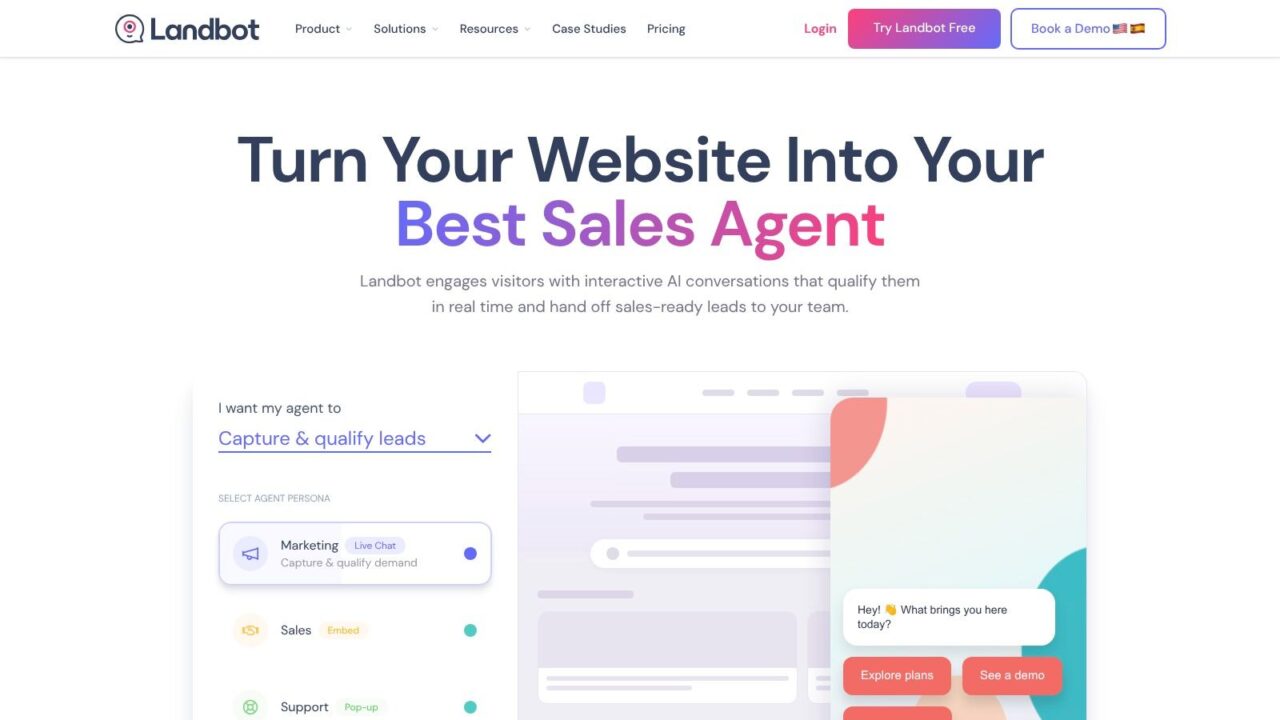
AI Chatbot Builder Landbot Platform Interface
Landbot is the best-known choice for teams that want both web chat experiences that can be customized to improve customer support and official WhatsApp automation in one platform. That combination is useful if your customer journey starts on the site but continues in messaging. Instead of treating WhatsApp as a separate project, Landbot gives you a single environment to design both sides.
Strong for website and WhatsApp coordination
The visual drag-and-drop builder is the main reason people choose it. It makes it easier to map a conversation that asks questions, routes users by intent, and then hands off through the right channel. Landbot also gives you a WhatsApp sandbox for testing, plus onboarding support that helps teams get through the setup details without getting lost in policy and templating rules.
That support matters because WhatsApp is less forgiving than web chat. Broadcasts and flows have to respect platform constraints, and message volume changes can affect pricing. Teams that expect “set it and forget it” automation often underestimate that operational work. Landbot works best when someone on the team is willing to own the channel properly.
For brands that need a clean bridge between site bot and WhatsApp campaign, Landbot is useful. It’s less compelling if you only need basic web chat or if you want broad social DM coverage beyond WhatsApp.
Website: Landbot
6. Botpress Cloud
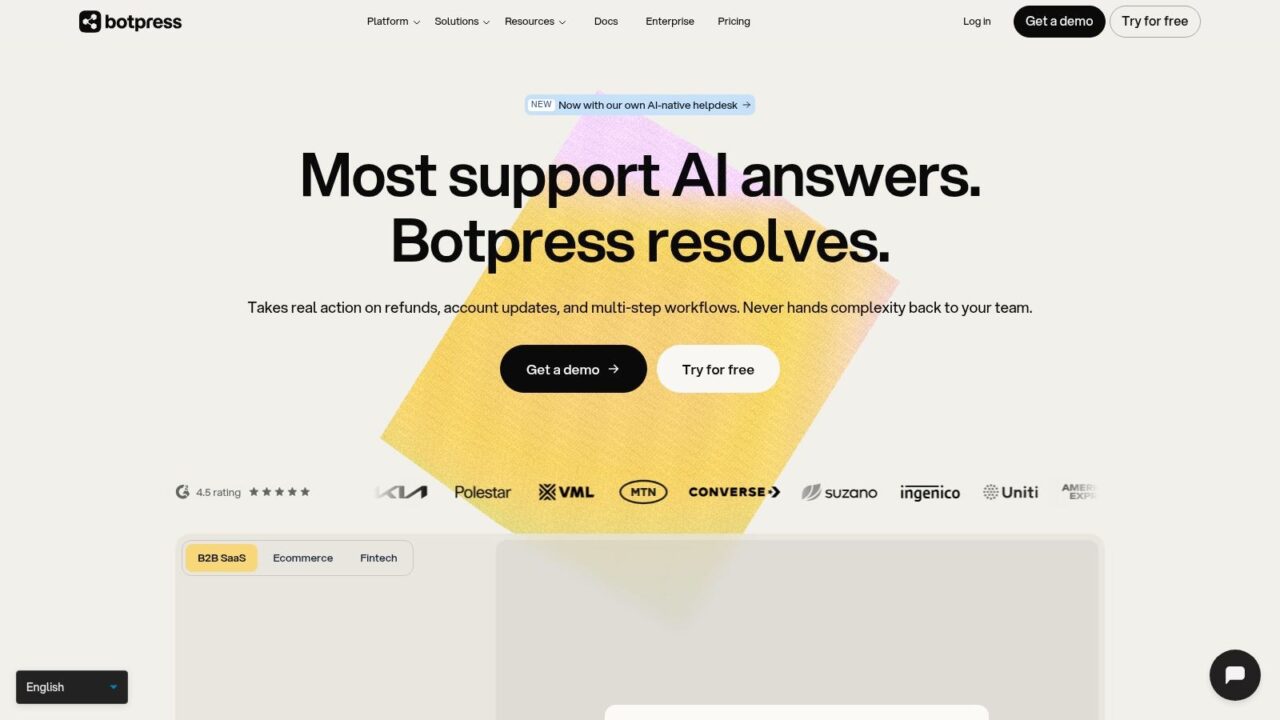
AI Chatbot Builder Botpress Landing Page
Botpress Cloud is for teams that want a developer-friendly platform with real control over logic, connectors, and model setup. It’s GPT-native, supports SDKs, and offers hosted cloud deployment with integrations like Webchat, Slack, and WhatsApp. If your chatbot needs to behave more like a custom application than a marketing widget, Botpress deserves attention.
Built for teams that want control
Botpress is strong when your requirements go beyond standard FAQ automation. You can build multi-step logic, plug into different services, and shape the bot around your business process rather than the other way around. That flexibility is why technical teams often like it. The downside is equally obvious: it asks more from the builder. Non-technical teams can use it, but they’ll feel the complexity faster than they would with a simpler drag-and-drop tool.
The pricing model also requires attention. LLM usage is billed at provider rates, so total cost depends on traffic and model choices. That makes Botpress attractive for custom work, but less predictable if you’re trying to lock down budget with a very simple use case.
If you’re building a chatbot that needs to call tools, manage varied logic, or support several channels with custom behavior, Botpress is powerful. If you just want to launch a lead-capture bot quickly, it may be more than you need.
Website: Botpress
7. Intercom Fin and Workflows
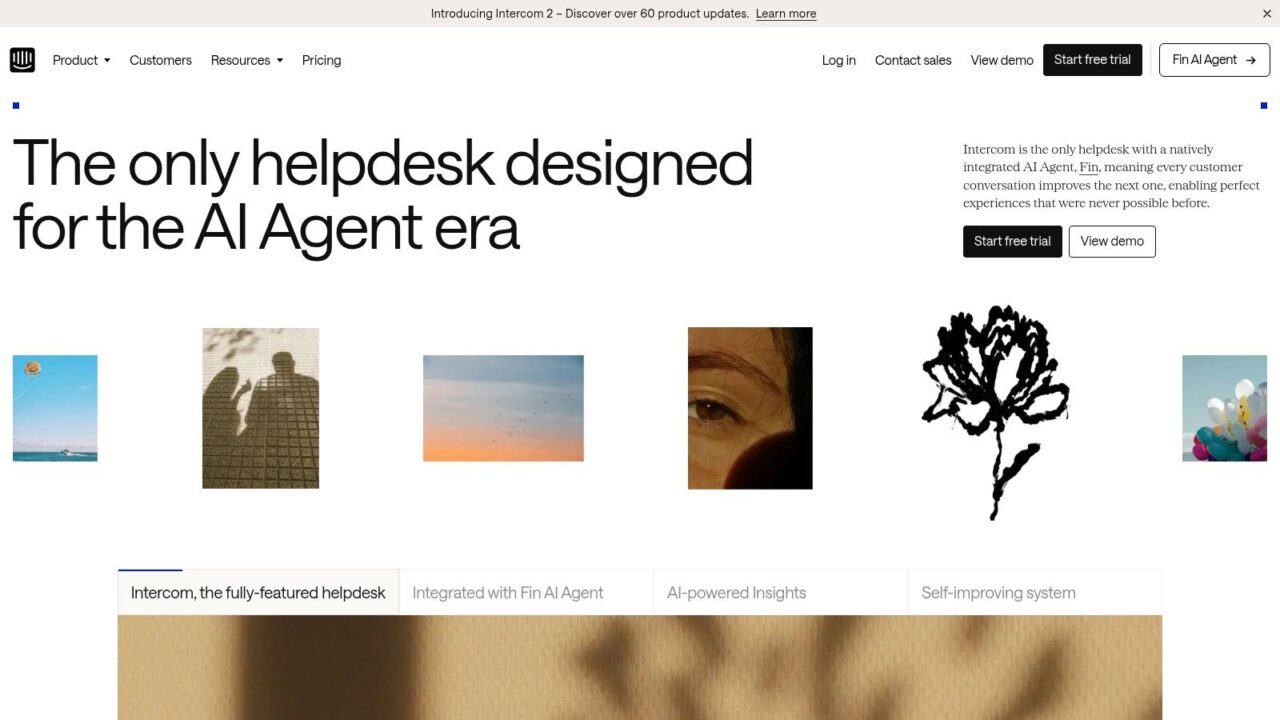
AI Chatbot Builder Intercom Website
Intercom makes sense when support automation is tightly tied to customer lifecycle work to enhance customer interaction. Fin, its AI agent, sits inside an ecosystem that already includes an inbox, help center, and workflow automation. That combination is why SaaS and high-growth B2B teams keep coming back to it. The chatbot isn’t a side feature; it’s a crucial tool to automate customer support. It’s part of a larger service platform.
Best for product-led support teams
The visual workflow builder is where Intercom earns its place. Teams can route requests, capture data, and trigger follow-ups without stitching together too many separate tools. Fin also benefits from the rest of the product suite, because support content, inbox context, and workflow logic all live close together. For teams measuring support deflection and customer experience, that integration matters more than a flashy bot interface, especially when it can seamlessly deploy effective customer support solutions.
The trade-off is cost and complexity. Intercom’s pricing is guided and usage-based, so it can trend higher as volumes grow. It also takes more effort to implement well than a lightweight website bot. That’s not a weakness if you need the maturity, but it does mean smaller teams should be honest about how much platform they want to manage.
Intercom is strongest when the bot is part of a broader customer communication system, not when it’s being used as a standalone widget.
If your company already runs on Intercom, adding Fin and Workflows is a logical move. If you’re starting from scratch and only need basic website automation, the platform may be heavier than your current needs.
Website: Intercom
8. Zendesk AI Agents and Suite
Zendesk is a serious choice for teams that need enterprise-grade routing, reporting, and ticketing alongside AI assistance. Its AI agents and Copilot tools fit best when customer service is structured, high-volume, and tied to formal processes. Ecommerce and enterprise support teams often land here because the suite already understands service operations.
Governance, triage, and reporting
Zendesk’s strength is the way it handles the full service stack. You get ticketing, SLAs, reporting, and a marketplace ecosystem, which makes it easier to plug into a real support department instead of forcing the support department to adapt to the bot. Copilot tools help with writing, summaries, and triage, and the public Suite pricing tiers make the product easier to evaluate than some quote-only options.
The trade-off is cost accumulation. Once you add seats and AI resolution volume, spend can rise quickly. Configuration depth is another factor. Smaller teams may find the setup more involved than they expected, especially if they only need a chatbot for a few standard journeys.
Zendesk works best when service governance matters as much as automation. If your team needs reliable reporting, escalation control, and a stable operational backbone, it belongs on the shortlist. If you just need a conversational lead form, it’s too much platform.
Website: Zendesk
9. HubSpot Chatflows and Bots in Service Hub
HubSpot’s Chatflows are a smart choice if you already live in HubSpot for marketing, sales, or service. The appeal is tight CRM linkage. Chat interactions can become records, tickets, and workflow triggers without a pile of manual syncing. For teams that care about tying bot activity back to contacts and pipeline, that’s a real advantage.
Strong when CRM alignment matters
The builder is rule-based, which is a strength and a limitation. It’s straightforward for lead capture, support triage, and knowledge-base article surfacing, and you can use custom code actions when you need more advanced behavior. Because it works on HubSpot-hosted and external sites, it’s flexible enough for most standard deployments.
The limits show up when teams want a fully AI-native agent experience. Advanced AI agent capabilities can require add-ons or credits, and costs can climb as you scale across hubs and seats. That makes HubSpot attractive for teams already invested in the ecosystem, but less compelling if you’re trying to keep your stack lean.
If your marketing, sales, and service teams already use HubSpot, Chatflows is an efficient extension of the platform. If you’re evaluating chatbot tools as a standalone purchase, you may want something more purpose-built.
Website: HubSpot
10. Ada
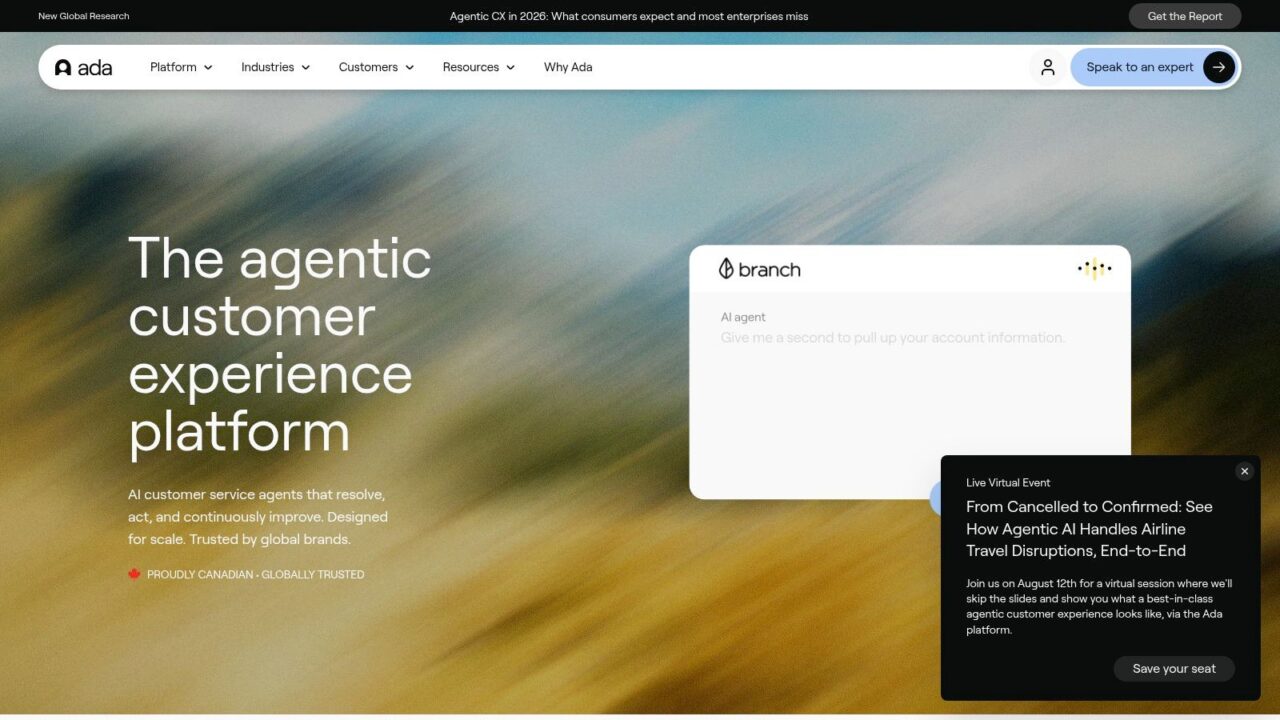
AI Chatbot Builder Ada Platform
Ada is built for enterprise customer service teams that need governance, testing, versioning, and multi-channel automation across messaging, web, and voice. It’s a common fit for telco, fintech, and other high-volume B2C operations where release control matters. If the chatbot has to behave like production software, Ada is in that category.
Enterprise controls first
The strongest part of Ada is the discipline around deployment. Teams can manage conversations, playbooks, testing, and versioning in one place, which reduces the risk that a bot update breaks an important customer journey. The MCP Server and enterprise controls also make it better suited to organizations with serious QA and release-management expectations.
The trade-off is implementation weight. Ada is not a lightweight no-code toy, and pricing is custom, so you should expect a sales-led process. That’s fine for large operations, but it will feel excessive for SMBs or teams that only need basic automation.
Ada is a smart option when you need scale, control, and enterprise reliability more than quick experimentation. It’s not the fastest tool to roll out, but for high-volume support organizations, that’s often the point.
Website: Ada
Top 10 AI Chatbot Builders Comparison
| Platform | Core features (✨) | UX & Quality (★) | Value / Pricing (💰) is essential for businesses looking to deploy ai-powered customer support solutions. | Target audience (👥) | USP / Why choose (🏆/✨) |
|---|---|---|---|---|---|
| Clepher 🏆 | Multi‑channel (Web, FB/ Messenger, IG DM, WhatsApp), no‑code Flow builder, AI Agents, unlimited broadcasts, A/B testing, 50+ native + 5k+ connectors | ★★★★☆ strong engagement; fast setup | 💰 Contact for plans; scalable (unlimited Pages/IG, broadcasts) | 👥 Agencies, DTC & growth teams, marketers | 🏆 ✨ No‑code + AI Agents + true multi‑channel + deep integrations |
| Manychat | IG/FB/WhatsApp automations, comment→DM funnels, AI replies, growth widgets | ★★★★ fast social launch; large playbook | 💰 Freemium → paid tiers; WA template costs extra | 👥 Creators, DTC brands, agencies | ✨ Social‑commerce focus; easy creator workflows |
| Chatfuel | Visual flows for IG/FB/WA, comment→DM, prebuilt templates, analytics | ★★★★ quick to stand up; template rich | 💰 Tiered pricing; scales with channels | 👥 Social‑first brands, SMB marketing teams | ✨ Large template library for FAQs & shopping |
| Tidio (Lyro AI) | Website live chat + no‑code bots, Lyro AI trained on content, multichannel inbox | ★★★★ easy onboarding; SMB friendly | 💰 Transparent public tiers; Lyro metered usage | 👥 Small ecommerce (Shopify/WooCommerce) | ✨ Lyro AI for FAQ auto‑resolve; clear pricing/trials |
| Landbot | Drag‑drop web + WhatsApp builder, official WhatsApp API sandbox & UI elements | ★★★★ good docs & onboarding for WA | 💰 💰 Varies by WA/API message volume | 👥 Brands needing unified web + WhatsApp bots | ✨ Strong WhatsApp tooling and testing sandbox |
| Botpress Cloud | GPT‑native, SDKs, hosted cloud, Webchat/Slack/WA integrations, multi‑model support | ★★★☆ powerful but developer‑centric | 💰 Pay‑as‑you‑go (LLM costs variable) | 👥 Dev teams, enterprises needing customization | ✨ Deep customization, SDKs & multi‑model control |
| Intercom (Fin + Workflows) | Fin AI agent, visual workflows, inbox, help center search, analytics | ★★★★ mature UX; strong analytics & A/B testing | 💰 Quote/guided pricing; can be costly at scale | 👥 SaaS and high‑growth B2B teams | ✨ Integrated CX suite + AI agent (Fin) for support automation |
| Zendesk (AI Agents + Suite) | AI agents, copilot tools, ticketing, SLAs, enterprise routing & reporting | ★★★★ enterprise‑grade reliability | 💰 Public tiers; spend rises with seats & AI volume | 👥 Ecommerce & enterprise support orgs | ✨ Robust reporting, SLAs, large app ecosystem |
| HubSpot (Chatflows) | Rule‑based bots & live chat, CRM linkage, code actions, KB/ticket tie‑ins | ★★★★ excellent CRM integration & training | 💰 Free → paid hubs; costs grow across hubs/seats | 👥 Teams already on HubSpot; inbound marketers | ✨ CRM‑native chatflows linking chat → sales/service |
| Ada | Centralized AI Agent, playbooks, testing/versioning, voice via Twilio, release management | ★★★★ built for high‑volume enterprise | 💰 Custom/quote pricing; sales‑led | 👥 Telco, fintech, high‑volume B2C enterprises | ✨ Enterprise governance, testing, and release controls |
How to Choose: When Is Clepher the Right Builder for You?
Each chatbot platform in this list fits a different workflow, but the right AI chatbot builder depends on where your conversations happen and how much control your team needs. Clepher makes the most sense when your sales and support chats live across website chat, Facebook, Messenger, WhatsApp, and Instagram Direct Messages, because that is where day-to-day lead capture, follow-up, and retention work usually happens. The broader market has already moved in that direction. AI chatbots are now part of customer service, sales, and marketing plans across many teams, so the question is not whether to use one; it is which platform matches your channels and operating model.
Choose Clepher if:
- You’re an agency or manage multiple brands. Unlimited Facebook Pages and Instagram accounts from one dashboard keep campaign management simpler across clients or business units.
- Your business lives on Messenger and Instagram. Clepher’s AI keyword triggers, broadcasts, and audience segmentation fit social messaging workflows that need fast follow-up and targeted outreach.
- You need control without code. The drag-and-drop Flow builder, A/B testing, personalization, and conditional logic give marketing teams room to test and improve journeys without waiting on developers.
- Integration is part of your stack. Native apps plus connector support help move data into CRM, email, SMS, and automation tools, so chatbot activity can feed the rest of your funnel.
There is also a trust layer that many buyers miss until a chatbot gives the wrong answer. Good chatbot systems should support claim-level citations, clear source metadata, and fallback behavior when information is incomplete or out of date, so users can check where an answer came from instead of accepting a confident guess (CustomGPT’s citation guidance, Wonderchat’s source-citation mechanics, ChatReact’s link-validation guidance). If your team wants a chatbot that can market, sell, and support while staying tied to the right workflows and data, Clepher gives you a strong mix of speed, control, and scale for this use case.
If you want a chatbot platform that can keep up with modern customer journeys, start with Clepher. It combines no-code Flow building, multi-channel messaging, segmentation, and integrations in a way that fits real marketing and support work. Visit Clepher to see how the platform handles your website, Facebook, Messenger, WhatsApp, and Instagram DM workflows in one place.
