
Analysts expect the conversational AI market to expand sharply over the next several years, and the spending pattern reflects a real operating change. Companies are no longer testing chatbots as side projects. They are using conversational systems to capture demand, qualify leads, resolve support issues, and keep customers from dropping out between touchpoints.
Buyer behavior changed first. Prospects now ask questions in live chat, DMs, and messaging apps long before they fill out a form or talk to sales. Customers expect answers during the buying journey, not after they open a ticket. Teams that still rely on static popups, delayed email follow-up, or disconnected support tools lose speed at the exact moment intent is highest.
That is the shift.
The best conversational AI platform depends on the job you need it to do. Marketing teams usually need audience capture, segmentation, campaign automation, and channel coverage across web chat and social messaging. Sales teams care more about qualification logic, meeting booking, CRM sync, and routing. Support leaders need containment, agent handoff, knowledge base integration, and governance. Put the wrong platform in the wrong environment, and the costs show up fast in lower conversion, messy operations, or a support queue that still needs humans for every serious case.
This guide uses a decision framework instead of treating every tool as interchangeable. It groups platforms by practical business fit and evaluates the trade-offs that affect ROI: integration depth, scalability, setup time, reporting, human handoff, and channel support. That lens matters if you run an e-commerce brand, manage multiple client accounts at an agency, or sell as a creator with a lean team. Each model has different economics, different staffing limits, and a different tolerance for implementation complexity.
If you need a quick baseline before comparing vendors, start with a practical explanation of what conversational AI means for revenue-focused teams. It helps frame the rest of this list around business outcomes, not feature volume.
1. Clepher
Clepher
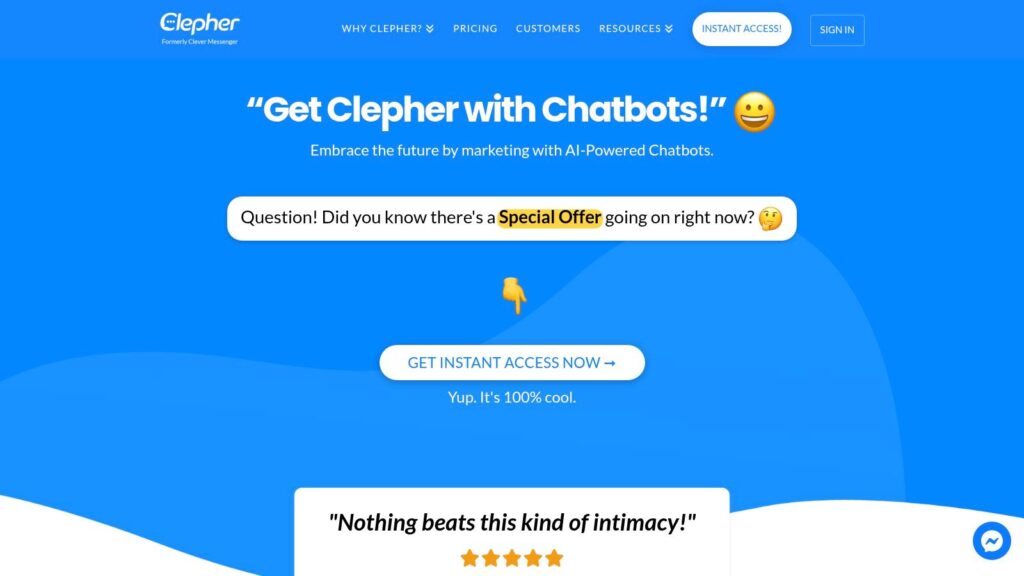
No-code AI adoption is rising because teams want to ship revenue workflows faster, not wait through long implementation cycles. Clepher fits that demand well for companies that treat conversation as a growth channel across marketing, sales, and support.
Its clearest fit is mid-market and SMB teams that sell through website chat and social messaging. For e-commerce brands, agencies, creators, and lean SaaS teams, the value is operational consolidation. One system can handle lead capture, qualification, broadcasts, follow-up, handoff to live chat, and reporting across web chat, Facebook Messenger, WhatsApp, and Instagram Direct.
If you need context for the category, this overview of the business benefits of AI chatbots helps explain why platforms like Clepher matter beyond simple FAQ automation.
Why Clepher fits revenue-focused teams
Clepher is strongest when speed matters more than enterprise process complexity. Teams can build and launch automations with a visual flow builder instead of relying on engineering resources for every change. That lowers campaign turnaround time and makes testing easier, which matters if you run promotions, recover abandoned carts, qualify leads, or nurture subscribers across several channels.
There is also a practical agency and multi-brand angle here. The platform materials highlight support for unlimited Pages, Instagram accounts, and broadcasts. For teams managing multiple client brands or high-frequency campaigns, that affects unit economics. Usage limits can insidiously kill ROI in messaging programs. Fewer constraints give teams more room to test, segment, and scale.
Where Clepher delivers value
The platform covers a broad range of use cases, but a few capabilities stand out from a buying perspective:
- Visual no-code builder: Faster deployment for marketing and operations teams that need to launch without developer queues.
- Channel coverage built for demand capture: Website chat, Messenger, WhatsApp, and Instagram DM support businesses that convert through inbound conversations and social engagement.
- Segmentation and personalization: Tags, custom fields, global fields, personas, conditions, and personalization tokens help teams tailor flows to traffic source, lifecycle stage, or buying intent.
- Testing and optimization: A/B testing and random path distribution support structured conversion testing instead of guesswork.
- Integration range: Native integrations plus connectors through Zapier, Make, n8n, and Pabbly make it easier to pass data into CRMs, email tools, sheets, and back-office workflows.
- Day-to-day operating tools: Live chat, analytics, segmentation controls, and GDPR features support real campaign management after launch.
For buyers using this article as a decision framework, Clepher belongs in the marketing and growth bucket first. It can support sales and service workflows, but its strongest business case is revenue generation through messaging, especially for brands with short sales cycles or repeat-purchase behavior.
Trade-offs to watch
Clepher is less suited to buyers who need deep enterprise governance, highly complex internal workflow orchestration, or large-scale voice infrastructure. Those requirements usually point toward heavier enterprise platforms with stronger IT controls and longer setup cycles.
Proof is the main diligence item. The supplied materials do not include public pricing, independent review depth, or third-party validation. Buyers should ask direct questions about onboarding time, reporting granularity, channel-specific limits, support responsiveness, and examples from similar business models before making a decision.
Best for: e-commerce brands, DTC marketers, agencies, creators, course sellers, local businesses, and lean SaaS teams
Website: Clepher
2. Intercom
Intercom
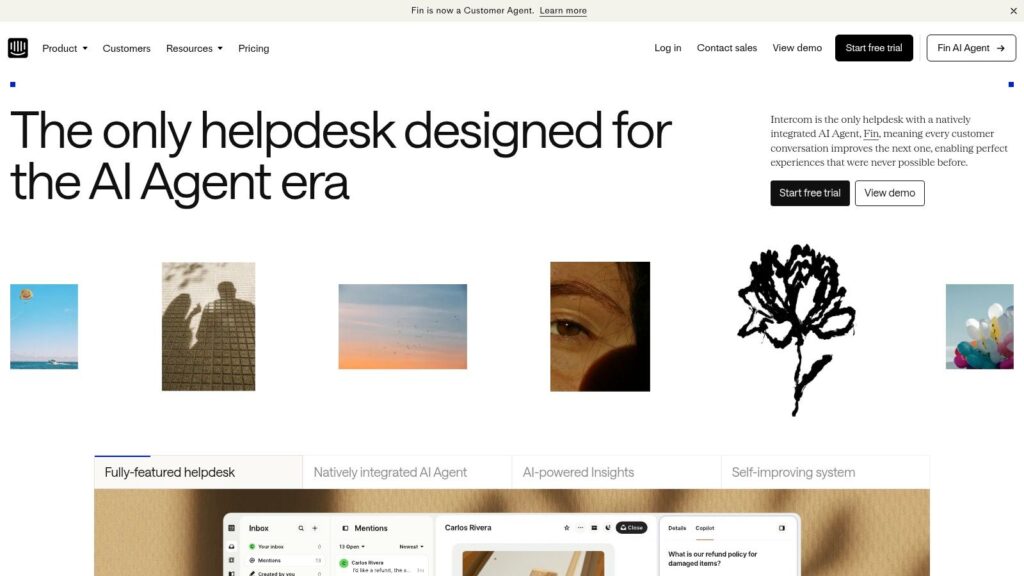
Intercom is a support-first platform that has added serious AI capability on top of a mature customer service stack. If you run a SaaS product, a subscription business, or a support team that already lives in tickets, inboxes, and help center content, Intercom is often one of the cleanest options.
Its big advantage is workflow unification. Fin AI Agent, shared inbox, proactive messaging, ticketing, and support reporting live in the same environment. That keeps AI answers, agent escalations, and customer history tied together instead of scattered across disconnected tools.
You can also frame Intercom’s role through the broader benefits of AI chatbots for service teams. Intercom is a good example of that shift in action.
Where Intercom wins
Intercom works best when support is the center of your customer conversation strategy. Teams can use AI to resolve repetitive questions, route more complex issues to humans, and track outcomes in a structured way.
That’s especially valuable when support quality affects retention. In SaaS, for example, billing, onboarding, activation, and product questions often blend together. Intercom handles that mix better than a marketing-first DM tool.
- Unified support workspace: AI, human agents, inbox, and help content stay connected.
- Outcome-oriented model: Fin AI Agent is positioned around resolved conversations.
- Good implementation ecosystem: Integrations and implementation resources are mature.
- Strong fit for recurring revenue businesses: Subscription support, product education, and proactive lifecycle messaging are natural use cases.
Where it can get expensive
Intercom’s pricing structure can become heavy if you have a large team and a lot of AI-resolved volume. Seat pricing plus AI outcome fees may still make sense, but buyers should model total cost carefully.
It’s also not the best conversational ai platform for social-first promotion. If your core channel is Instagram DM and your main goal is comment-to-DM conversion or broadcast campaigns, Intercom is usually more system than you need.
Intercom is easy to justify when support is a retention engine. It’s harder to justify when you mainly need conversational marketing.
Best for: SaaS, subscription support, customer success teams
Website: Intercom
3. Drift
Drift
Drift is built for a pipeline. That’s the simplest way to evaluate it. If your website gets high-intent B2B traffic and your sales team cares about meetings, routing, and account prioritization, Drift is still a serious contender.
It’s less about broad customer support and more about converting buying intent in real time. On product pages, pricing pages, or account-based campaigns, what matters.
Why sales teams like Drift
Drift’s strength is its fit with B2B revenue motions. It combines conversational prompts, qualification logic, meeting booking, and routing in ways that feel native to sales teams rather than support desks.
That’s useful when speed-to-lead matters and your SDR team doesn’t want to chase low-intent form fills. Instead of waiting for someone to submit a contact request, Drift tries to move the conversation forward immediately.
- Meeting booking: Strong handoff from chat to rep calendar.
- Lead routing: Useful for region, segment, or account-based assignments.
- Firmographic context: Better suited for B2B account prioritization than generic chatbot tools.
- CRM and MAP integration: Important when chat activity needs to feed existing revenue systems.
Where Drift is a weaker fit
Drift isn’t ideal for businesses that need complex support automation or broad social messaging. If your audience lives in Messenger, WhatsApp, or Instagram, other platforms are more natural.
It’s also usually sold like serious sales software. That means quote-based pricing, longer evaluation cycles, and more internal scrutiny around ROI.
For B2B teams, that can still be worth it. For smaller brands or creator businesses, it usually isn’t.
Best for: B2B sales teams, account-based marketing, high-intent website conversion
Website: Drift
4. Ada
Ada
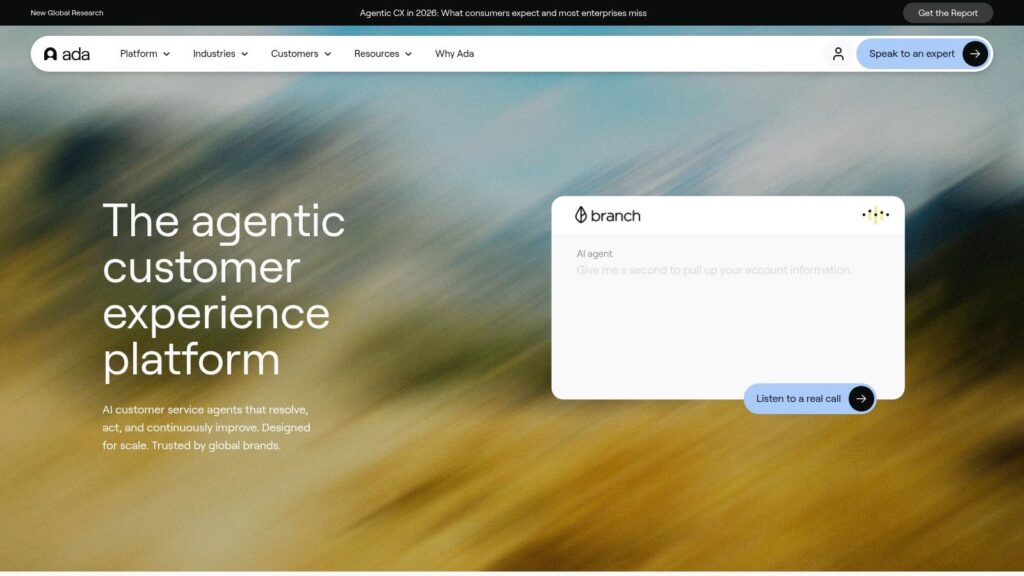
Support teams are under pressure to automate more of the queue. Gartner notes that by 2029, agentic AI will autonomously resolve 80% of common customer service issues without human intervention. Ada is built for that shift.
Its strongest use case is high-volume support, especially in e-commerce, fintech, and subscription businesses where the same questions show up every day. Order status, returns, billing issues, account access, plan changes. Those conversations drain agent time fast, and they are exactly the kind of work Ada is designed to absorb.
Why Ada makes sense for support-led buyers
Ada is easier to justify when the business case is deflection, lower cost per conversation, and faster first response times. The platform gives teams a no-code builder, AI-generated answers, workflow orchestration, human handoff, and reporting in a system designed around service operations rather than lead capture.
That matters because support automation fails when the bot can answer questions but cannot complete the process around them. Ada is more useful when it is connected to the systems behind the answer, such as order data, account records, help center content, and ticketing workflows.
For e-commerce brands, this can reduce WISMO volume and free agents for exceptions. For subscription businesses, it can cut repetitive billing and plan-management tickets. For larger support organizations, it can slow headcount growth without letting CSAT collapse.
The trade-off buyers should evaluate
Ada is not the right pick if your primary goal is marketing automation, social audience growth, or inbound lead qualification. Other platforms in this list are better aligned to revenue generation on the front end.
The other practical consideration is buying complexity. Ada usually fits teams that are ready for a sales-led evaluation, stakeholder reviews, and a more deliberate rollout. That can be fine for enterprise support. It is less attractive for agencies, creators, or mid-market operators who want to test fast, compare pricing quickly, and launch without a long procurement cycle.
Use Ada if support is the core business problem you need to solve.
- Strong fit: Support teams with repetitive ticket volume and clear deflection goals
- Less ideal: Brands focused on campaign automation, social DMs, or top-of-funnel conversion
- Watch for: Integration depth, pricing transparency, implementation scope, and reporting tied to cost savings
Best for: Enterprise and mid-market support automation
Website: Ada
5. LivePerson Conversational Cloud
LivePerson
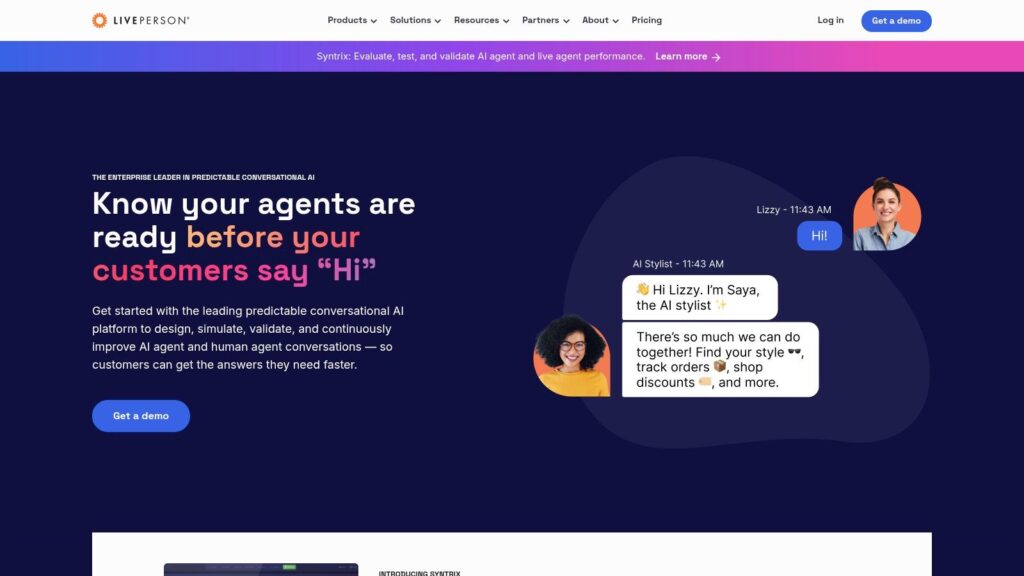
Customer service leaders now manage conversations across far more channels than a traditional contact center was built to handle. LivePerson earns consideration when the buying goal is to bring those conversations into one operating layer and apply automation without fragmenting the customer experience.
LivePerson is best understood as a service and contact center platform first, with conversational AI built into that model. It supports web, mobile, SMS, WhatsApp, Apple Messages, Instagram, Messenger, and voice-related use cases. For enterprises with high message volume, regulated workflows, or multiple regional support teams, that matters because channel sprawl creates reporting gaps, staffing inefficiency, and inconsistent service policies.
The business case is straightforward. If support is the main use case, LivePerson can help centralize conversations, route inquiries more intelligently, and automate repeatable service flows before they reach an agent. That can reduce handle time, improve containment, and give operations teams a clearer view of where service costs are rising.
Where LivePerson fits in a buying decision
This platform makes the most sense for companies that already treat support as a revenue-protection function, not just a ticket queue. That includes large e-commerce brands with heavy order and return volume, financial services teams that need auditability, and enterprise service organizations managing several channels at once.
It is less attractive for buyers who are still solving a front-end growth problem. If the primary goal is lead capture, campaign engagement, or creator-style audience monetization, LivePerson will usually feel too heavy relative to simpler marketing and sales tools in this list.
What buyers should pressure-test
Implementation scope is the first real trade-off. LivePerson usually requires coordination across support operations, IT, security, analytics, and sometimes outside service partners. The platform can be powerful in the right environment, but power only turns into ROI when the team has a clear operating model for bot design, agent handoff, channel ownership, and reporting.
Integration depth is the second checkpoint. Buyers should verify how well LivePerson connects to CRM, ticketing, customer data, authentication, and internal knowledge systems. Without those connections, the platform becomes a messaging layer instead of a system that resolves issues efficiently.
Cost control is the third. Software spend is only part of the picture. Services, implementation work, and channel-specific costs can materially change the total investment.
Best for: Enterprise omnichannel support, contact centers, regulated customer care environments
Website: LivePerson
6. Kore.ai XO Platform
kore
Kore.ai fits buyers who need one platform to run customer service automation, employee support, and contact center workflows under the same governance model. That matters in large organizations where AI projects fail less from model quality than from fragmented ownership, disconnected systems, and inconsistent reporting across teams.
Its value is breadth with control. Teams can build across web, voice, messaging channels, and internal support environments without buying separate point solutions for each use case. For enterprises trying to standardize how conversations are designed, deployed, and measured, this can reduce tool sprawl and make procurement easier.
Kore.ai also sits in a different buying category from marketing-first chat tools. It is better suited to operations leaders, CX teams, IT, and transformation owners than to a demand gen team looking for a fast website bot. Buyers evaluating platforms at this layer should understand the underlying NLP and chatbot architecture decisions because those choices affect routing accuracy, containment, maintenance effort, and compliance review.
Where Kore.ai earns a place on the shortlist
The XO Platform gives enterprises a low-code way to design multi-step conversations, while still leaving room for technical teams to handle integrations, orchestration, and governance. That mix is useful in companies where business teams want to manage intents, flows, and content, but engineering still needs control over system access and deployment standards.
It is also one of the clearer fits in this list for organizations buying by business function. Support teams can use it for service automation. HR and IT teams can use it for employee assistance. Contact center groups can use it to improve containment and handoff quality. If the goal is to use one conversational layer across several departments, Kore.ai is easier to justify than a tool built mainly for lead capture or social engagement.
Where the trade-offs show up
Kore.ai is rarely the fastest path to launch, which is why many users end up looking at Kore.ai competitors. The platform has range, but range creates setup work. Buyers should expect a longer evaluation cycle, more stakeholder involvement, and more pressure on integration planning than they would with lighter tools aimed at SMB marketing teams.
ROI discipline matters.
For an enterprise with multiple business units, the return can come from consolidating vendors, reducing agent workload, and giving internal teams a common operating model. For a mid-market brand that only needs a chatbot on the website, that same depth can turn into unnecessary software cost and slower execution.
- Choose Kore.ai if: You need a governed platform for customer, employee, and contact center conversations, with integration depth and enterprise controls.
- Avoid Kore.ai if: You need a quick self-serve launch, simple campaign automation, or a tool owned entirely by marketing without technical support.
Pricing usually follows an enterprise sales process. Buyers should pressure-test the total cost beyond licensing, especially implementation support, integration scope, analytics setup, and internal staffing.
Best for: Enterprise CX, EX, and contact center teams
Website: Kore.ai
7. Google Dialogflow CX
Google Dialogflow
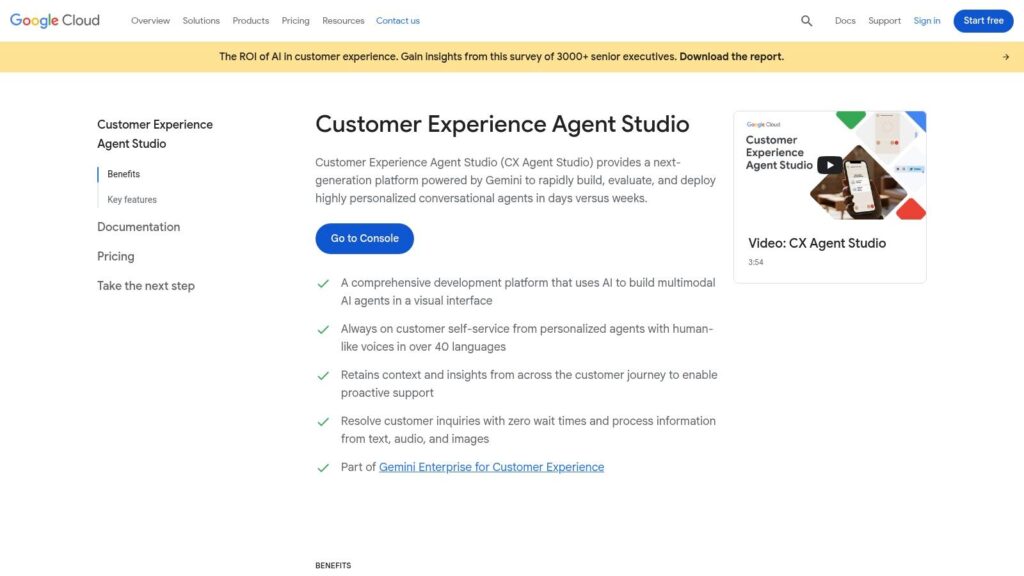
Google Dialogflow CX fits buyers who need conversation logic that behaves more like an application than a chat widget. It uses visual flows, states, routes, and event handling to manage multi-turn journeys that would break simpler marketing-first tools.
That makes it a strong candidate for support and operations use cases. It is less appealing for teams that just want to launch lead capture or social automation fast.
The main value is control. Teams can design structured paths for order status, appointment changes, account verification, or triage before agent handoff. In practice, that means fewer dead-end conversations, better containment on repetitive requests, and more predictable behavior at scale. For buyers comparing platforms by business model, Dialogflow CX usually makes the most sense in businesses with technical resources, higher conversation volume, and a clear need to connect AI to backend systems.
Language quality still matters, but the bigger buying question is operational fit. Teams evaluating tools in this category should understand how NLP and chatbot systems work in practice before judging demos, because polished sample bots often hide the work required to handle real customer intent, edge cases, and fallback design.
The trade-off is ownership. Dialogflow CX rarely stays inside marketing. Product, engineering, or a technical operations team usually needs to manage integrations, testing, analytics, and usage costs inside Google Cloud. That changes the ROI calculation. An e-commerce brand with complex support flows may justify the added setup because reducing ticket volume can protect margin. An agency or creator business that mainly wants faster campaign deployment will usually get to value faster with a lighter platform.
Google also positions Dialogflow CX as part of its broader conversational AI stack for building virtual agents across digital and voice channels, which reinforces its fit for organizations that want customization over prebuilt simplicity.
- Best use case: Support and service flows that require branching logic, backend data, and controlled handoffs
- Poor use case: Quick marketing launches owned only by non-technical teams
- Main caution: Integration scope, cloud usage, and internal ownership drive total cost as much as software licensing
Best for: Support teams, product teams, and Google Cloud-based businesses
Website: Google Dialogflow CX
8. Microsoft Copilot Studio
Microsoft Copilot Studio fits best when the buying decision starts with existing infrastructure, not channel experimentation. Companies already running Microsoft 365, Teams, Power Platform, Dynamics, and Azure can turn internal content and business workflows into conversational experiences faster than they can with a standalone tool.
That matters for ROI.
Copilot Studio’s advantage is distribution inside the Microsoft stack. Teams can build agents that pull from Microsoft 365 content, respect existing permissions, and connect to workflows across Microsoft services, for an enterprise support team that can reduce repetitive internal requests. For a sales organization using Dynamics, it can improve how reps access account context and next-step guidance. For IT and operations teams, it can shorten the path between knowledge buried in documents and answers employees or customers can use.
Microsoft also frames Copilot Studio as a way to build custom copilots and extend Microsoft Copilot with business data, actions, and automations across channels. That positioning reinforces its real value. It is strongest as an orchestration layer for organizations already committed to Microsoft’s operating model, not as a universal pick for every business type.
The trade-off is buying complexity. Licensing, product packaging, and included capabilities can be hard to compare if you are evaluating it against simpler support or marketing chat tools. Buyers need to confirm what is covered, what requires separate Microsoft products, and who will own the setup across IT, operations, and business teams. If that governance is already in place, Copilot Studio can fit cleanly. If it is not, time-to-value slips.
This is why Copilot Studio belongs in the support and operations side of a conversational AI shortlist more than the creator or campaign side. An e-commerce brand heavily invested in Microsoft may use it for service and internal enablement. An agency that needs to launch client chat flows quickly will usually prefer a platform with lighter setup and clearer packaging.
Best use case: Internal support, employee assistance, and service workflows tied to Microsoft data and permissions
Poor use case: Fast-moving marketing programs that need quick deployment without IT involvement
Main caution: Licensing clarity, governance, and Microsoft stack dependency shape total ROI more than headline AI features
Best for: Microsoft 365 and Azure organizations
Website: Microsoft Copilot Studio
9. Amazon Lex
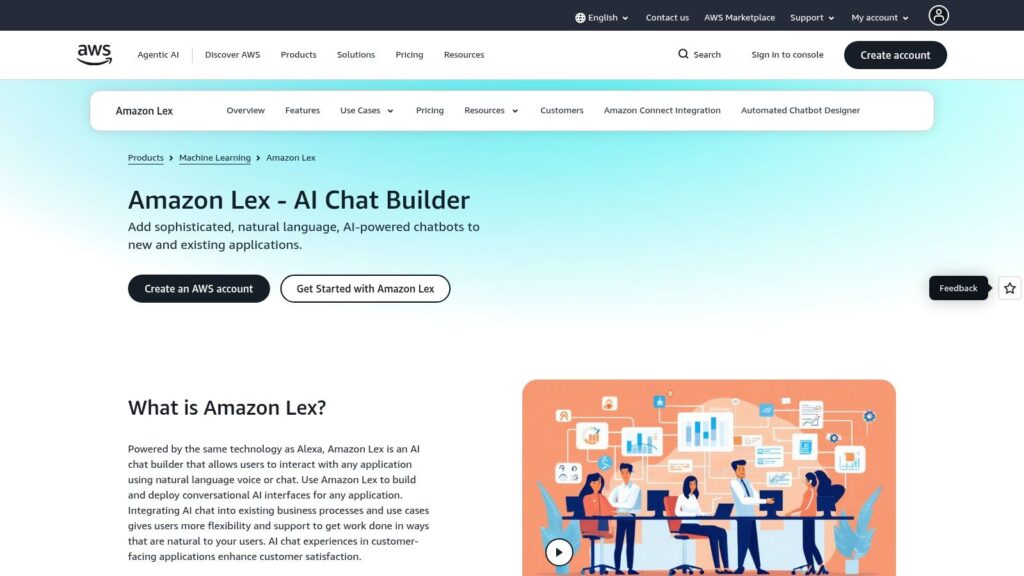
Amazon Lex
AWS reports that Amazon Lex powers billions of conversations each month. That scale matters for buyers evaluating Lex for high-volume service, voice, or transactional use cases where uptime and infrastructure fit matter more than campaign speed.
Amazon Lex is AWS’s managed platform for building chatbots and voice bots. It makes the most sense for companies that already run core systems on AWS and want conversational flows tied closely to Lambda, Amazon Connect, IAM permissions, and the rest of their cloud stack.
That positioning matters in a buyer’s framework. Lex belongs on the shortlist for support and operations teams, and for product groups building chat or voice into an application. It is usually a poor fit for marketing teams that need to launch lead capture, nurture flows, or social messaging programs without engineering support.
Where Lex fits best
Lex works well for structured conversations with real backend logic behind them. A support team can route account questions into AWS workflows. A product team can add voice or chat to an app without stitching together separate speech and intent tools. A contact center can use it as part of a broader AWS service architecture.
The upside is control and alignment with existing infrastructure. The trade-off is setup effort. Lex delivers stronger ROI when the business already has AWS skills in-house, and the chatbot is tied to revenue protection, deflection, or service efficiency, not just top-of-funnel engagement.
What buyers should check before choosing Lex
Lex is not designed for no-code growth teams. Conversation design, testing, handoffs, monitoring, and maintenance often sit with technical teams, which affects launch speed and total cost of ownership.
For e-commerce brands, Lex can work for order status, returns, and service automation if the store and support stack already connect well to AWS. For agencies and creators, the overhead is usually too high compared with tools built for fast deployment and simpler client management.
- Strong fit: AWS-native teams building service, product, or contact center workflows
- Weak fit: Marketers who need quick, no-code campaigns and easy iteration
- Main caution: ROI depends less on the bot itself and more on integration effort, internal ownership, and long-term maintenance
Best for: AWS teams, voice and chat workflows, technical implementations
Website: Amazon Lex
10. ManyChat
Over 2 billion people use Instagram each month, according to Meta. That matters because ManyChat is built for the part of conversational AI that turns social attention into direct response. If leads come through Instagram DMs, Facebook Messenger, WhatsApp, or SMS, ManyChat gives marketing teams a fast way to capture intent and move prospects into a sale, signup, or follow-up flow.
Its value is clear in social-first funnels. Teams can launch comment-to-DM automations, keyword triggers, story reply flows, broadcasts, and basic segmentation without waiting on developers. For creators, e-commerce brands, and agencies, that speed often matters more than advanced backend logic.
ManyChat works best as a marketing automation platform, not a full buyer support or enterprise orchestration layer. That distinction matters when comparing platforms in this category. Buyers evaluating tools by use case should put ManyChat in the marketing bucket first, especially for campaigns tied to product launches, lead capture, affiliate promotions, and abandoned cart recovery through messaging channels.
The trade-off is depth. ManyChat covers common marketing workflows well, but businesses that need complex internal integrations, strict governance, or service automation across multiple systems usually outgrow it. Cost can also climb as subscriber counts and message volume increase, so ROI depends on list quality, conversion rate, and how tightly each automation connects to revenue.
What buyers should check before choosing ManyChat?
For e-commerce brands, ManyChat can produce a fast payback if Instagram and WhatsApp drive a meaningful share of sales. For agencies, the appeal is speed and repeatability across client campaigns. For creators, it helps turn audience engagement into owned contact paths. None of those gains matter if pricing scales faster than results or if the platform sits outside the rest of the operating stack.
- Strong fit: Social-first marketers, creators, e-commerce teams, and agencies running DM-based acquisition
- Weak fit: Enterprises that need deep system integration, complex support workflows, or strict compliance controls
- Main caution: Model ROI against subscriber growth, messaging volume, and channel dependence before committing
Best for: Creators, e-commerce brands, agencies, social-first campaigns
Website: ManyChat
Top 10 Conversational AI Platforms Comparison
| Product | Core features ✨ | UX / Quality ★ | Price / Value 💰 | Target audience 👥 | Key strengths 🏆/✨ |
|---|---|---|---|---|---|
| 🏆 Clepher | No‑code drag‑drop Flows, centralized AI Agents, unlimited broadcasts, web + Messenger/IG/WhatsApp, segmentation & analytics | ★★★★☆ Fast setup, high reported open/CTR | 💰 Pricing not public; scales with unlimited accounts & broadcasts (request tiers) | 👥 e‑commerce, DTC, agencies, creators, SaaS, SMBs | 🏆 Centralized AI Agents + deep personalization (tags/personas), 50+ native + 5k+ via Zapier; fast install |
| Intercom | Shared inbox, Fin AI agent, workflow builder, help center, proactive messages | ★★★★☆ Mature support UX, outcome tracking | 💰 Seat + AI outcome fees, can add up for volume | 👥 SaaS & subscription support teams, mid‑market | ✨ Clear ROI model on “AI resolutions”, strong reporting & ecosystem |
| Drift | AI playbooks, meeting booking, ABM targeting, CRM/calendar integrations | ★★★★☆ Sales‑optimized UX for pipeline conversion | 💰 Quote‑based enterprise pricing (sales tiers) | 👥 B2B revenue teams, ABM, sales ops | ✨ Purpose‑built for pipeline creation, excellent routing & booking |
| Ada | No‑code builder, generative answers, agent assist, analytics & ROI tracking | ★★★☆☆ Strong automation, enterprise support focus | 💰 Usage‑based (deflection-aligned); sales contact for details | 👥 E‑commerce, fintech, subscription support, enterprises | ✨ Deflection-first automation, governance & enterprise controls |
| LivePerson | Omnichannel messaging (web, mobile, SMS, WhatsApp, Apple, IG), voice bots, surveys, connectors | ★★★☆☆ Proven at contact‑center scale | 💰 Custom pricing + possible channel/service fees | 👥 Large enterprises, contact centers, telco | ✨ Extensive channel coverage and enterprise integrations |
| Kore.ai (XO) | Low/no‑code dialog builder, XO GPT models, multi‑turn testing, broad channel support | ★★★★☆ Enterprise depth, rapid feature cadence | 💰 Sales‑led pricing (contact for quote) | 👥 Enterprises needing advanced NLU & control | ✨ Fine‑tuned LLMs (XO GPT), deployment choices & enterprise features |
| Google Dialogflow CX | Visual flow builder, multi‑turn/stateful dialogs, webhooks, Google Cloud scale | ★★★★☆ Powerful NLU but developer/engineer oriented | 💰 Pay‑as‑you‑go usage pricing; forecasting can be tricky | 👥 Dev teams, complex IVR/contact center projects | ✨ Stateful dialog design, deep Google Cloud integration |
| Microsoft Copilot Studio | Agent builder with generative answers grounded in M365, publish to web & channels | ★★★★☆ Best UX when in Microsoft ecosystem | 💰 Complex licensing; options with M365 Copilot or standalone | 👥 Microsoft‑centric orgs, enterprises on Azure/M365 | ✨ Tight M365/Azure integration, enterprise governance & roadmap |
| Amazon Lex | ASR + NLU managed service, Lambda/Step Functions orchestration, slot filling, multi‑locale | ★★★☆☆ Developer-led, strong for voice & serverless apps | 💰 Clear AWS usage pricing (metered) | 👥 Dev teams, AWS shops, voice/chat apps | ✨ Alexa‑grade ASR/NLU, deep AWS service integration |
| ManyChat | Drag‑drop builder, native IG/Messenger/WhatsApp triggers, broadcasts, segmentation | ★★★★☆ Very marketer-friendly, fast to launch | 💰 Freemium with paid tiers that scale by audience | 👥 E‑commerce, creators, marketers, SMBs | ✨ Fast social DM automations, large tutorial/community support |
Your Next Move From Reading to Doing
Conversation software produces value in three places: demand generation, sales conversion, and support efficiency. The right choice depends on which of those has the biggest financial impact on your business right now.
Use that lens first.
Intercom and Ada fit teams that need faster resolutions, lower ticket load, and cleaner agent handoff. Drift fits B2B teams that treat chat as a revenue channel and need qualification, routing, and meeting booking tied to pipeline. Kore.ai, LivePerson, Microsoft Copilot Studio, Dialogflow, and Amazon Lex fit organizations with heavier technical requirements, larger deployment scope, or stricter control over infrastructure, governance, and orchestration.
Smaller teams usually face a narrower question. Which platform can go live fast, connect to the current stack, and produce measurable results without hiring specialists to run it?
For e-commerce brands, agencies, creators, and lean marketing teams, the answer often sits with tools built for direct engagement on site chat and social messaging. Clepher and ManyChat stand out here for speed to launch and low operational overhead. Clepher offers broader operational flexibility based on the product materials already covered earlier, including AI agents, segmentation, testing options, personalization controls, and support for managing multiple social assets at scale. ManyChat is often the cleaner fit when the main job is straightforward social automation and campaign execution.
The common buying mistake is overvaluing feature count and undervaluing fit. A platform only creates ROI if your team can deploy it, maintain it, and tie it to a workflow that affects revenue, cost, or retention.
Use this shortlist filter before you buy:
- Marketing-led business: Focus on channel coverage, broadcasts, segmentation, personalization, and conversion paths.
- Sales-led business: Focus on qualification logic, CRM sync, routing rules, meeting booking, and attribution.
- Support-heavy business: Focus on help content grounding, escalation paths, inbox workflow, and reporting.
- Product or engineering-led team: Focus on APIs, flow control, infrastructure alignment, and pricing predictability at volume.
- Agency model: Focus on multi-account management, reusable templates, client reporting, and deployment speed.
Then test three things in a live trial:
- Integration reality: Does it connect cleanly to your CRM, help desk, ecommerce stack, email platform, and analytics setup?
- Scalability model: Will pricing, administration, or handoff complexity stay reasonable as conversations increase?
- ROI path: Can one workflow produce a visible business result in the first rollout?
That first workflow matters more than another round of demos. Launch a product recommendation flow, lead qualification bot, onboarding assistant, or comment-to-DM campaign. Measure response rate, conversion rate, support deflection, or booked meetings. Those numbers make the decision clearer than any vendor pitch.
If you want tighter measurement while validating performance, connect the rollout to cleaner attribution and behavioral tracking with Google analytics mcp.
If your team depends on conversations across website chat, Messenger, WhatsApp, or Instagram, Clepher is a reasonable platform to test first based on the use cases covered earlier. It fits teams that want quick deployment, no-code automation, and a direct path from messaging activity to revenue-producing workflows.

Related Posts
Chat Bot Responses That Convert: A Practical Guide
October 12, 202610 Broadcast Automation Software Platforms Compared
October 11, 2026Customer Journey Automation: The Practical Guide
October 10, 2026
Founder Clepher