

The global chatbot market is projected to reach USD 11,775.1 million in 2026 and USD 41,244.2 million by 2033, with a 19.6% CAGR from 2026 to 2033, which tells you one thing fast, chatbot development frameworks are no longer niche plumbing; they’re core infrastructure for customer support, sales, and automation (Grand View Research market outlook). If you’re building anything beyond a simple FAQ bot, the framework you choose will shape your bot’s control, compliance posture, and long-term cost. For teams that want marketing, sales, and support automation without a dedicated dev team, a no-code platform like Clepher can be the faster path. But if you’re building from the ground up, the right framework tier matters more than the brand name on the homepage.
The biggest mistake is treating every chatbot tool as the same kind of product. Open-source frameworks, cloud platforms, and LLM orchestrators solve different problems, and the best one depends on whether you need strict data control, fast deployment, or a flexible agent stack. A good shortcut is to start from the business use case, then work backward to the framework. If you’re running e-commerce support, you don’t need the same stack as an enterprise team building retrieval-heavy internal assistants.
For a useful baseline, a chatbot development framework is the software foundation that handles message ingestion, intent recognition, state management, response generation, and channel integration so developers don’t have to build the plumbing themselves (SiteSpeak definition). That definition sounds simple, but the trade-offs aren’t. Some tools give you maximum control and maximum maintenance. Others give you speed, but you give up flexibility or data ownership.
1. Rasa
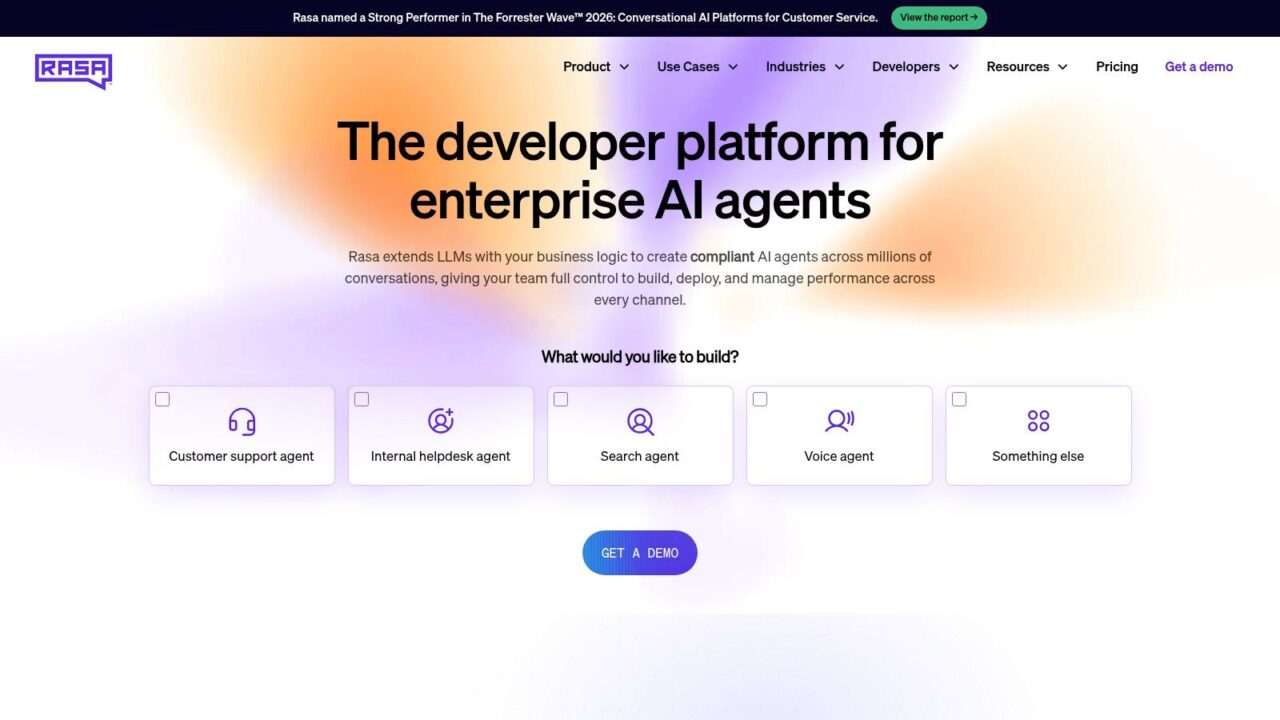
Rasa sits at the top of the open-source tier for teams that need real control over their bot stack. It’s built for production chat and voice assistants, and it’s still one of the clearest choices when compliance, self-hosting, or custom pipeline work matters. The original market momentum around frameworks like Rasa, Dialogflow, and Bot Framework was already visible in academic literature by 2016, and that same family of tools still shows up in enterprise guides today (academic framework history and market context).
Chatbot Development Frameworks AI Agent
Why teams pick it
Rasa’s real strength is modularity. You get NLU, dialogue management, and custom actions that you can extend to fit unusual workflows, plus the option to run it self-hosted, in the cloud, or in a hybrid setup. For regulated environments, that flexibility is hard to beat, because the team can keep data in-house instead of pushing every conversation through a vendor platform.
Practical rule: Choose Rasa when your team needs to own the conversation logic and the deployment environment, not just the bot’s surface behavior.
The trade-off is engineering effort. Rasa works best when you have developers who can own training, deployment, and observability. Rasa Pro and Studio add monitoring, security, analytics, and collaboration, which helps once the bot becomes a production system rather than a prototype. If you want to build something that can survive handoffs across support, marketing, and sales, that production layer matters.
Where it fits best
Rasa is strongest for regulated industries, internal assistants, and workflows that need custom decision logic. It also makes sense when you want a framework that can scale across channels without locking you into a single cloud vendor. Start at the official site and evaluate the open-source stack first, then look at the enterprise layer if governance becomes a real requirement, at Rasa. For a practical build path, the Clepher guide on implementation is useful too.
2. Microsoft Bot Framework SDK and Azure AI Bot Service
If your company already lives inside Microsoft, this is the most natural enterprise bot stack. The Bot Framework SDK gives you .NET, Node, Java, and Python tooling, while Azure AI Bot Service handles hosting and connectors across channels like Teams, Web Chat, and Twilio SMS (Microsoft Bot Service overview). That combination makes it a practical choice for organizations that want first-party Microsoft integration without stitching together a dozen services.
The best part is channel reach. One bot can serve many surfaces through Azure connectors, and that matters when internal support, employee help desks, and customer-facing chat all need different touchpoints but shared logic. Microsoft Graph and Microsoft 365 integration also give you a cleaner path for enterprise identity and productivity workflows than most generic chatbot frameworks.
The real trade-off
The downside is pretty straightforward. The best experience assumes Azure, and the setup burden is heavier than a low-code builder. That’s fine if your team already manages Azure governance, identity, and deployment standards. It’s less appealing if you’re trying to move fast with a small team and no existing Microsoft operations practice.
Bot Framework is a strong fit when you need enterprise security, Microsoft 365 integrations, and a code-first build environment. It’s not the shortest path to a live bot, but it’s a dependable one for organizations that standardize on Microsoft infrastructure. If your bot needs to live inside Teams and connect back into your internal systems, this stack earns its place.
3. Google Dialogflow CX
Dialogflow CX sits in the cloud platform tier, and it remains one of the more mature options for complex, multi-turn conversational design. Google positions it for flow-based enterprise builds across chat and voice, with visual pages, intents, simulators, and integrations for contact center and telephony workflows (Dialogflow CX overview). For teams building IVR paths, voice assistants, or contact center routing, it deserves a close look.
Why it works in production
Dialogflow CX is built around structure. Instead of forcing every conversation into flat intents, you design flows as connected pages. That gives teams a cleaner way to handle long, branching interactions such as appointment booking, support triage, or voice menus. The platform also includes generative response capability for fulfillment, which helps when a scripted path needs a bit more flexibility.
One practical advantage is control. A visual console makes it easier to trace conversation paths, and the Google Cloud ecosystem gives you official client libraries plus a familiar deployment model if your team already works there. The trade-off is that the platform comes with pricing and usage complexity, especially once voice enters the mix. You also take on Google Cloud dependency, which is a reasonable fit for some organizations and a hard stop for others.
Key limitations
Dialogflow CX is a strong fit for contact centers, voice IVR, and teams that want a structured builder with enterprise-grade tooling. If your stack already runs on Google Cloud, the operational fit is usually better. If you need vendor neutrality or on-premise control, it is not the first framework I would choose.
4. Amazon Lex
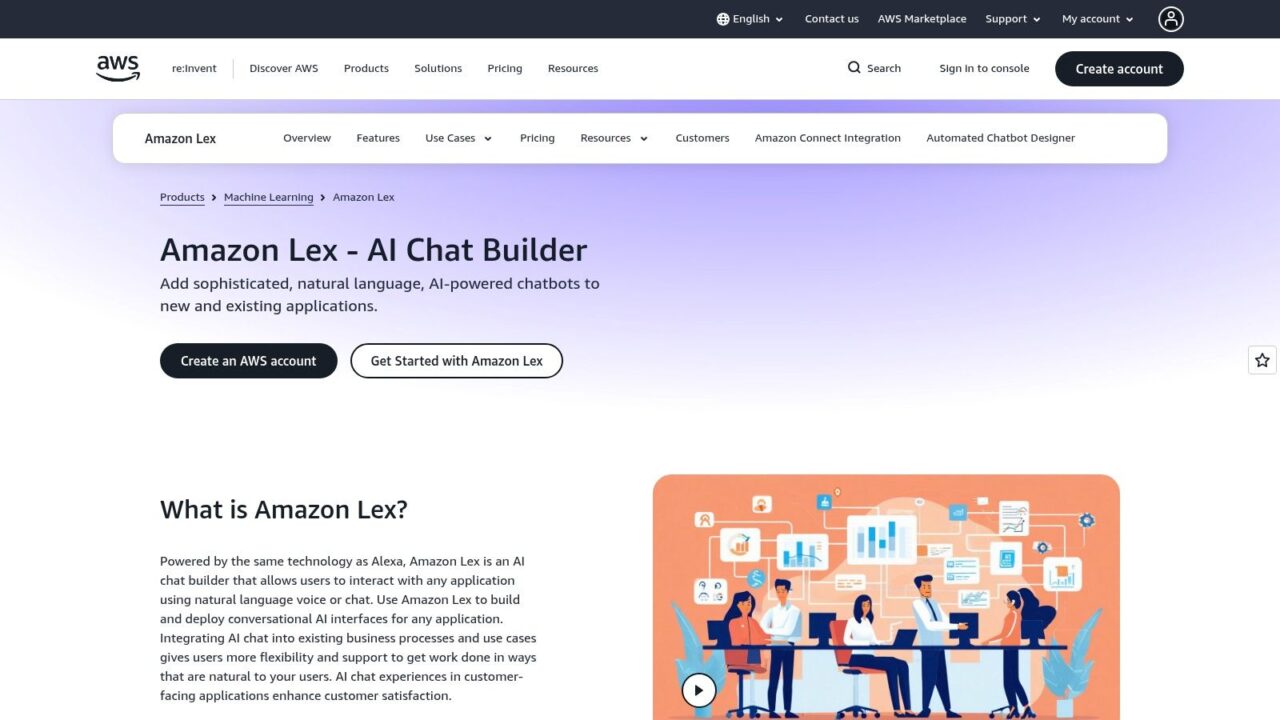
Amazon Lex is the AWS-native option for teams that want text and voice bots connected to the rest of the Amazon stack. It supports automatic speech recognition, NLU, versioning, and multi-language support, while Lambda and other AWS services handle backend logic and orchestration (Amazon Lex). For AWS-heavy organizations, that integration is often the main reason to choose it.
Chatbot Development Frameworks AI Chatbot
Lex fits naturally into serverless patterns. If your team already uses IAM, Lambda, and other AWS primitives, the bot can fit into the same operational model without much translation work. That reduces friction for backend teams that do not want to maintain a separate bot platform with its own security and deployment approach.
If your infrastructure team already thinks in AWS services, Lex will feel familiar faster than most alternatives.
The limitation is that Lex is service-centric rather than framework-centric. That helps when you want managed scaling and tight AWS coupling, but it is less useful if you are trying to build highly bespoke conversational architecture. Teams that want maximum abstraction often end up wanting more control over dialogue design than Lex is meant to expose.
Lex makes the most sense for AWS-first companies that want a scalable text or voice bot with backend integration already mapped to the AWS runtime. It is not the broadest framework on this list, but in the right ecosystem it is efficient and predictable.
5. IBM watsonx Assistant
IBM’s watsonx Assistant is built for large organizations that care about governance, analytics, and ecosystem alignment. It offers a visual builder, multi-channel deployment, and integration into the broader watsonx stack, along with IBM speech, discovery, and cloud services, for teams that are already standardized on IBM infrastructure, that can simplify procurement and operations.
The big advantage here is enterprise support. IBM has always leaned into governance, and that shows in the way watsonx Assistant fits into a larger data and AI story. If your bot needs to sit alongside search, voice, and data services under one vendor umbrella, this is a reasonable place to look. The product page is at IBM watsonx Assistant.
What to watch for
The trade-off is packaging. Enterprise-oriented pricing and sales-led motion are common here, so it’s not the framework I’d suggest for a small team that wants to self-serve quickly. It’s also most attractive when IBM Cloud is already part of the architecture.
IBM makes sense when the decision is driven by governance, support, and standardized enterprise tooling, not by the desire to tinker. If your org already has IBM systems in place, the assistant can become part of a broader automation layer instead of a standalone chatbot project. That’s a different buying motion than developer-first tools, and it should be treated that way.
6. Botpress
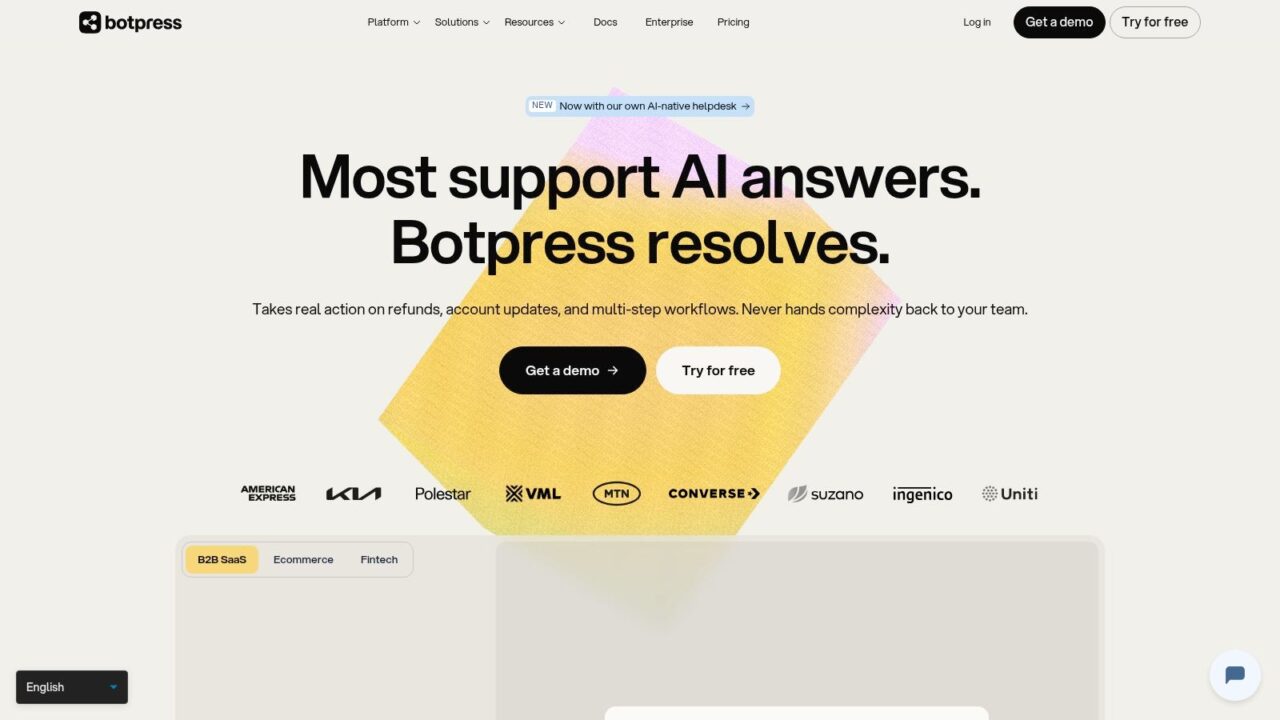
Botpress sits in a useful middle ground between developer control and faster delivery. It combines a TypeScript ADK with a visual studio, so teams can work in code when they need to and still move quickly when they don’t. In practical terms, that makes it one of the more balanced options for teams that want a modern development experience without building everything from scratch.
Chatbot Development Frameworks Botpress Platform
Why developers like it
Botpress gives you a visual flow editor, knowledge base support, and LLM integration, which makes it easier to move from prototype to usable bot. It also has cloud runtime and webchat deployment options, so the path to production isn’t as heavy as some classic open-source stacks.
The practical win is speed without total lock-in to no-code patterns. You can still inspect and shape the logic, but you don’t have to start by scaffolding every piece of infrastructure yourself. The main downside is that some hosted features and higher-usage capabilities sit behind paid tiers, so the cost curve can climb as your project matures.
Best fit
Botpress works well for teams that want a developer-friendly agent framework with a visual layer on top. It’s a strong choice for product teams that need to ship quickly but still care about architecture. If you’re comparing it to more rigid enterprise platforms, Botpress usually wins on speed and day-to-day iteration. Visit Botpress if that balance sounds right for your workflow.
7. LangChain
LangChain is one of the most important LLM app frameworks in the current stack, and that matters because the chatbot market has clearly moved beyond classic intent bots alone. It’s built for composing chains, tools, agents, and retrieval, and it’s widely used for RAG and agentic applications with broad integration support (LangChain). If your bot needs to reason over documents or call tools dynamically, this is the category to study closely.
Where it shines
LangChain is flexible to the point of being almost dangerous. You can plug in different models, data sources, and execution patterns, which is exactly why so many teams use it for experimental and production LLM apps. That same flexibility is also why projects can sprawl if nobody owns the design discipline.
Practical rule: Use LangChain when you need orchestration, retrieval, and tool use. Don’t use it just because it’s popular.
The framework depth is the trade-off. You get enormous freedom, but you also inherit more architectural decisions. That’s great for teams with experience in LLM systems and less great for teams that want a narrow, managed chatbot product.
Best fit
LangChain is a strong choice for enterprise RAG, internal knowledge assistants, and AI products that need to combine retrieval with live actions. If your team is building around document search, agent workflows, or custom tool calling, it belongs near the top of the shortlist. For a practical adjacent read, see what AI agents are in Clepher’s guide.
8. Microsoft Semantic Kernel
Semantic Kernel is Microsoft’s open framework for building AI agents and copilot-style apps. It orchestrates prompts, memory, connectors, and planning across models, and it supports C#, Python, and JavaScript. For Microsoft-centric teams, that combination makes it a strong fit for agent workflows that need to sit close to enterprise systems.
It’s especially relevant when you want more than a one-off chatbot. Semantic Kernel helps teams think in terms of reusable skills, memory abstractions, and stepwise orchestration, which is useful when multiple business functions need to share common agent behavior. If you’re already using Azure OpenAI, Microsoft 365, or Graph, the ecosystem fit is strong.
Where it can frustrate teams
The project moves quickly, and that can be good or annoying depending on your appetite for change. The best experience is within Microsoft ecosystems, and you’ll still pay separately for the underlying model and runtime. That means the framework itself is only one layer of the bill.
Semantic Kernel is a good option for copilot-style internal tools, enterprise assistants, and teams that want model orchestration without locking into a single model provider. Learn more at Microsoft Semantic Kernel.
9. deepset Haystack
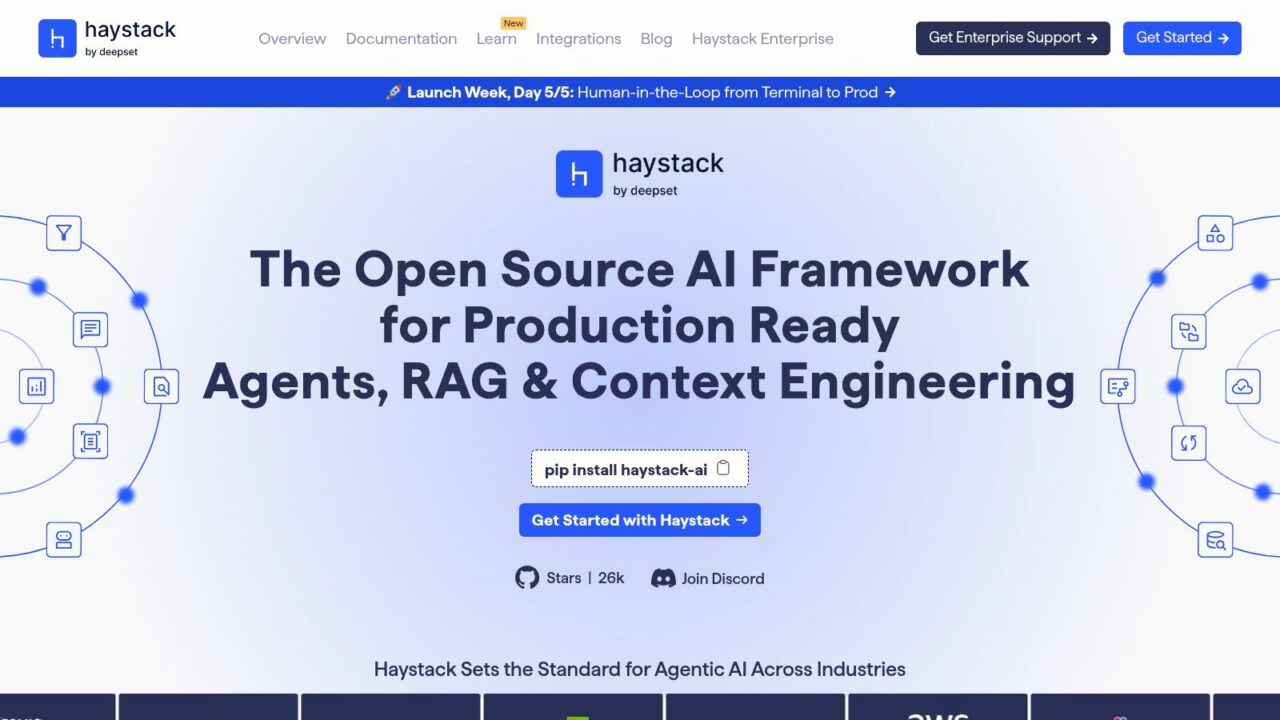
Haystack is the open-source framework I’d put squarely in the production RAG tier. It focuses on retrieval pipelines, search, and agent workflows, which makes it a strong choice for assistants that need to answer from documents rather than from pure chat memory. If your product lives or dies on grounding, this category matters.
Chatbot Development Frameworks Haystack AI
Why it’s different
Haystack is built around modular components and broad integrations with vector stores and model providers. That makes it useful for teams that want to design a retrieval stack instead of relying on a general-purpose LLM wrapper. It’s especially good when document-heavy workflows need traceable retrieval behavior.
The downside is the usual open-source one: more engineering responsibility. The framework gives you power, but you’re still responsible for how the pieces fit, how they’re monitored, and how they’re deployed. For commercial support and extra enterprise tooling, deepset’s platform sits above the open-source foundation.
Best fit
Haystack is one of the strongest choices for RAG assistants, internal search, and knowledge systems that need modular retrieval pipelines. If your main problem is “answer from our documents accurately,” this belongs high on the list. For a tagged resource on the subject, see Clepher’s NLP and chatbots tag.
10. Hugging Face Transformers and Inference Endpoints
Hugging Face takes a different angle. Instead of giving you a full chatbot framework out of the box, it gives you an enormous open-source model ecosystem through Transformers, plus managed Inference Endpoints for deployment, autoscaling, and monitoring (Transformers docs). That makes it ideal when model choice is the primary decision, not just chatbot wiring.
The biggest advantage is freedom. You can work with text, vision, and audio models, fine-tune what you need, and host it through managed endpoints when you want less operational burden. The downside is that you still have to build the dialogue layer and state management yourself unless you pair this with a higher-level framework.
When it makes sense
Hugging Face is a strong fit for teams that want to choose and own the model layer while keeping the deployment path manageable. It’s useful for experimental product teams, ML-heavy orgs, and any environment where a bot is only one piece of a larger AI system. If you need a full conversational architecture, this is usually a building block rather than the whole answer.
The key constraint is orchestration. You’re responsible for combining models, memory, and conversation logic into something coherent. That’s a fine trade if your team has the skills, but it’s not the right starting point for a business that wants a working support bot.
Top 10 Chatbot Frameworks: Feature Comparison
| Platform | Core features ✨ | Best for 👥 | Quality/Scale ★ | Pricing / Value 💰 | Standout 🏆 |
|---|---|---|---|---|---|
| Rasa (OSS + Rasa Pro) | Modular NLU, dialogue & actions; self‑host/hybrid; extensible | 👥 Teams needing data control & compliance | ★★★★☆, mature OSS, engineering heavy | 💰 OSS free; Rasa Pro paid for enterprise | 🏆 On‑premise control & compliance |
| Microsoft Bot Framework + Azure AI Bot Service | SDKs (C#/Node/Java/Python), Emulator, multi‑channel adapters | 👥 Enterprises in Microsoft ecosystem | ★★★★☆, enterprise grade, Azure‑centric | 💰 Azure usage & services (pay‑as‑you‑go) | 🏆 Deep Teams & M365 integrations |
| Google Dialogflow CX | Visual flow builder, advanced NLU, simulators & generator | 👥 Contact centers & complex multi‑turn CX | ★★★★☆, strong for voice/IVR | 💰 Usage‑based (per request/turn; voice extra) | 🏆 Google Cloud + contact center tooling |
| Amazon Lex (AWS) | Text & voice bots, Lambda integrations, multi‑language support | 👥 AWS‑centric teams needing scale & telephony | ★★★☆☆, scalable, service‑centric tooling | 💰 Pay‑per‑request + AWS infra costs | 🏆 Tight AWS & Lambda ecosystem fit |
| IBM watsonx Assistant | Low‑code builder, voice add‑ons, analytics & governance | 👥 Large orgs prioritizing governance & analytics | ★★★★☆, enterprise support & controls | 💰 Enterprise pricing; sales contact often required | 🏆 Governance & IBM ecosystem integrations |
| Botpress (Cloud + OSS) | TypeScript ADK + Visual Studio, webchat & cloud runtime | 👥 Devs seeking code/no‑code balance | ★★★★☆, fast time‑to‑value, good docs | 💰 OSS base; paid cloud tiers for hosting/features | 🏆 Developer‑friendly studio + ADK |
| LangChain (LLM app framework) | Chains, agents, tools, RAG integrations | 👥 LLM engineers building agentic apps | ★★★★☆, very flexible; high DIY effort | 💰 OSS framework; model/runtime costs apply | 🏆 LLM orchestration & tool calling |
| Microsoft Semantic Kernel | Pluggable skills, memory, planning & connectors | 👥 Microsoft shops building copilots | ★★★★☆, evolving; strong MS integrations | 💰 OSS + pay for underlying model/runtime | 🏆 Prompt orchestration & memory abstractions |
| deepset Haystack | RAG pipelines, retrievers/readers, vector store integrations | 👥 Document‑heavy RAG assistants | ★★★★☆, specialized for production RAG | 💰 OSS + commercial platform options | 🏆 Production‑grade RAG & search focus |
| Hugging Face Transformers + Inference Endpoints | Transformers library, model zoo, managed inference endpoints | 👥 ML teams needing models + hosted endpoints | ★★★★☆, massive model choice; build orchestration | 💰 OSS library; Inference Endpoints billed hourly | 🏆 Model zoo + one‑click managed endpoints |
Framework to Function: How to Make Your Choice
The best framework is the one that matches your use case, your team, and your data constraints, not the one with the loudest marketing page. Use case should come first. A complex contact center bot points you toward tools like Dialogflow CX or IBM, a private internal assistant points you toward Rasa, and a modern LLM agent stack points you toward LangChain, Semantic Kernel, or Haystack.
Team skills and resources come next. If you’ve got Python, Node, or .NET developers who can own a bot long-term, code-first frameworks make sense. If your team needs to move faster with a visual workflow, Botpress or a cloud platform will usually get you to production with less friction. The practical mistake is choosing a tool that nobody on your team can maintain.
Hosting and data control are often the deciding factors. Rasa is still the clearest option when on-premise deployment or privacy-first architecture is essential, while Microsoft, Google, and AWS frameworks make more sense when your company is already committed to a cloud ecosystem. If your bot will touch sensitive data, this is not a detail to postpone.
Total cost of ownership is where teams get surprised. Open-source doesn’t mean free once you add developer time, hosting, monitoring, security, and maintenance. The production question is always the same: who owns the system six months after launch, and what does that ownership cost?
For many companies, the answer is that they don’t need to build a framework at all. They need a bot that handles support, lead qualification, or social commerce quickly, and a no-code platform like Clepher can do that without pulling engineering into a long implementation cycle. If your job is to ship a useful conversation, not to maintain infrastructure, that distinction matters.
If you want to move from framework comparison to a working bot, start by mapping your channels, use case, and handoff rules. Then test a no-code build in Clepher, especially if you need a website, Facebook, Messenger, WhatsApp, or Instagram bot that your team can launch without building the entire stack first.
