
An e-commerce brand needs abandoned-cart recovery without adding another support queue. An agency needs repeatable client workflows that don’t collapse into custom development. A creator wants to turn WhatsApp conversations into sales without waiting for an engineer. Those are different jobs, so they shouldn’t all use the same chatbot stack.
The strongest choice depends on the balance between no-code building, WhatsApp API flexibility, shared inbox and human handoff, commerce integrations, cross-channel reach, implementation effort, and total messaging cost. Meta or WhatsApp fees may sit alongside a platform subscription, provider fee, per-message charge, or AI usage cost.
This comparison focuses on deployment decisions rather than feature checklists. Each platform is assessed for the type of team it suits, how much technical work it creates, how well it handles handoffs and integrations, and where pricing can become difficult to forecast. WhatsApp Business automation has become mainstream at remarkable speed. Meta reported that more than 200 million businesses were actively using WhatsApp Business in 2023, compared with 50 million in 2020 was attributed to businesses adopting the WhatsApp business app for customer engagement. (WhatsApp business statistics). The opportunity is large, but a busy channel also makes operational design matter.
1. Clepher
Chatbots for WhatsApp Clepher Marketing
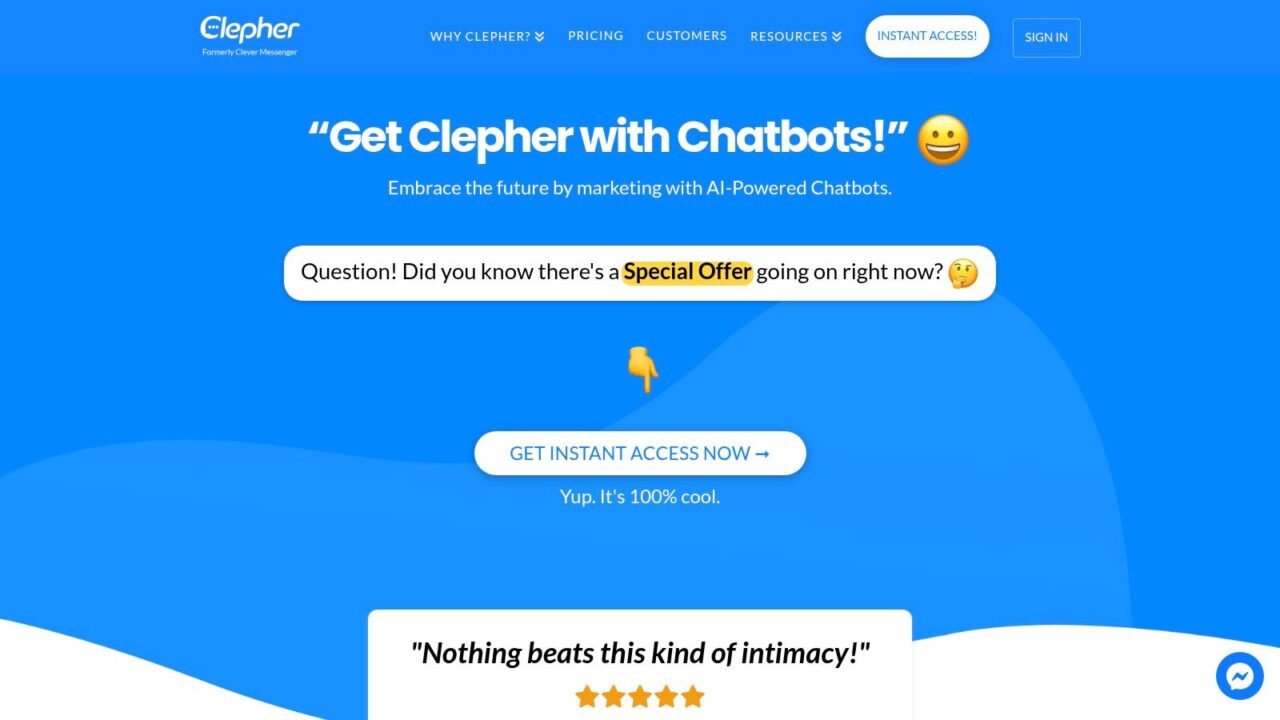
Clepher fits teams that want growth-oriented WhatsApp automation without turning every workflow into a development project. Its drag-and-drop Flow builder lets e-commerce marketers, agencies, creators, SaaS teams, and small businesses map lead qualification, product discovery, onboarding, promotions, and abandoned-sale recovery visually.
The platform goes beyond a scripted FAQ bot. It combines AI Agents, live chat, segmentation, analytics, tags, personas, custom and global fields, typing indicators, conditions, and personalization. A creator can capture a subscriber from a campaign, ask about the buyer’s goal, route the conversation to a relevant offer, and send the collected data into email or SMS follow-up. An agency can reuse that structure across clients while changing fields, segments, and offer logic.
Clepher supports website chat, Facebook, Messenger, WhatsApp, and Instagram Direct Message, allowing businesses to create a WhatsApp chatbot with unlimited Pages and Instagram accounts. Its native integrations cover more than 50 apps, while Zapier, Make, n8n, and Pabbly extend connections to more than 5,000 additional apps, based on the vendor’s published product information. That setup suits teams that need WhatsApp connected to a wider acquisition, sales, or retention process.
Where Clepher creates an advantage
Growth tools include A/B testing, random path distribution, AI keyword triggers, GDPR tools, segmentation, and broadcast automation. Quick installation can help a small team move from a campaign idea to a working conversation without waiting for custom engineering.
The trade-off is pricing visibility. Clepher does not publish pricing or detailed customer case studies on the provided site, so buyers should request a plan comparison, usage assumptions, references, and clarification about third-party connector costs. Connector maintenance can also become an operational task when a workflow depends on several external systems, particularly in an AI chatbot environment.
Practical rule: Ask Clepher to model your actual broadcast, support, and integration workload instead of judging the subscription alone.
Best for: E-commerce and DTC teams, agencies, creators, SaaS onboarding, and businesses that want AI-led, no-code growth automation.
Pros of implementing an AI chatbot include improved efficiency and customer satisfaction.
- Fast visual building: Teams can design complex flows without relying on developers for every change.
- Centralized AI automation enhances the efficiency of an AI chatbot. AI Agents, live chat, segmentation, and analytics operate within one growth-focused system.
- Broad channel coverage: WhatsApp can sit alongside website, Facebook, Messenger, and Instagram conversations.
- Deep integration paths: Native and connector-based integrations support email, SMS, CRMs, and other business systems.
Cons
- Pricing requires a sales conversation: Public cost detail and customer proof are limited.
- Connector dependence: Advanced workflows may require external automation tools with separate costs and maintenance.
- Design still matters: No-code removes much programming work, but teams still need clear conversation logic, data fields, and human handoff rules.
Clepher is worth shortlisting when a WhatsApp chatbot must support lead capture, sales, nurturing, and customer support rather than answer repetitive questions alone. It is a practical option for teams that want visual control and broader marketing automation without assigning every change to developers.
2. Twilio
Chatbots for WhatsApp Messaging Interface
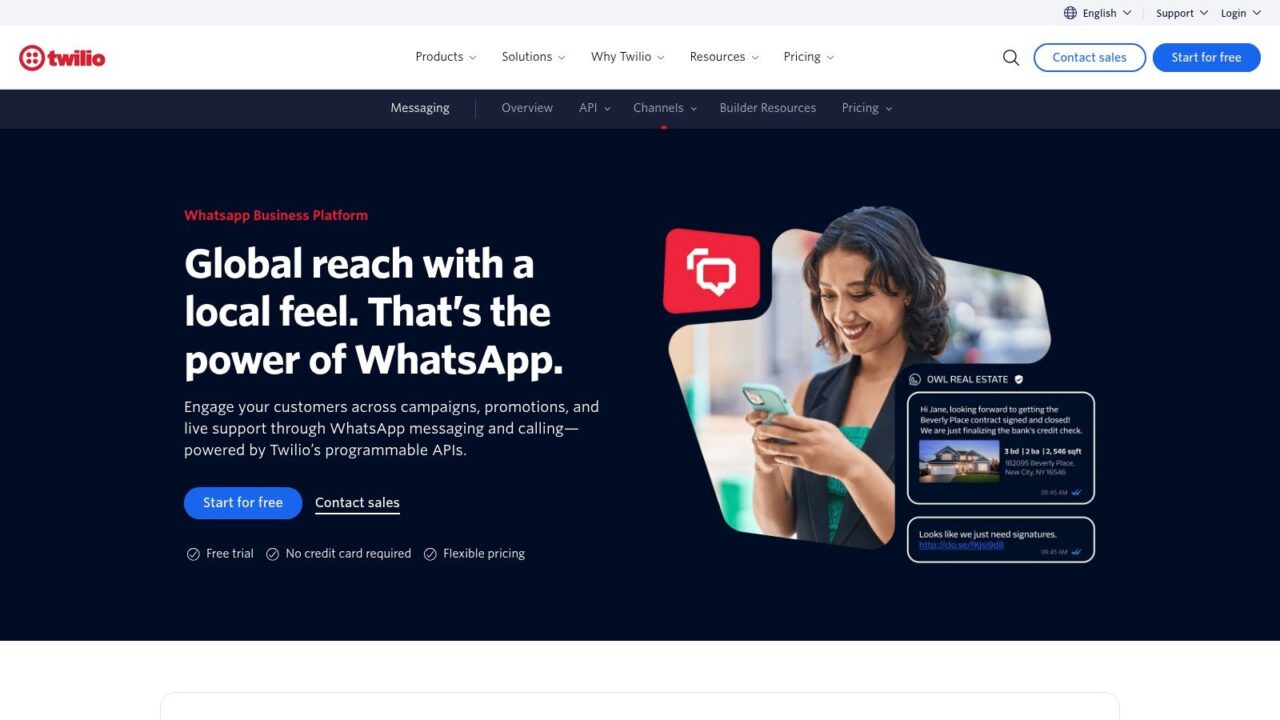
A commerce team can use Twilio when a WhatsApp conversation must trigger work in other systems. The platform provides access to the WhatsApp Business API, message templates, media, lists, and reply buttons, then adds Twilio Studio for visual flow design and Serverless Functions for custom logic.
Studio can handle a lead-routing flow, while a Function checks an order system, creates a CRM record, or sends an SMS fallback. Twilio also supports SMS, voice, and email, so product teams can build journeys that continue beyond WhatsApp. That breadth is useful for agencies managing different client workflows, but it also creates more setup and monitoring responsibility.
What implementation feels like
Twilio Studio reduces coding for straightforward flows. Advanced AI, data lookups, authentication, error handling, and custom handoffs usually require developer involvement. Teams with engineering support gain control over business logic and integrations. Creators and small marketing teams may find the platform too technical if they expect a managed visual bot builder with an inbox ready for daily support.
Twilio works best when the chatbot is one part of an existing application or customer-service stack. Teams must define who owns unanswered conversations, how agents receive context, and what happens when an API call or integration fails, especially when using an AI-powered system. Studio alone does not remove those operational decisions.
Cost planning needs care. Twilio charges a platform fee per message alongside Meta’s WhatsApp fees. WhatsApp pricing varies by message category, recipient country, and whether the message is user-initiated or template-based, following Meta’s 2025 shift from conversation-based pricing to a per-template and per-message model. Model service replies, utility notifications, authentication, and marketing broadcasts separately. For a detailed breakdown of the underlying channel economics, see this guide to the WhatsApp Business API price.
Best for: Developers, product teams, agencies, and enterprises that need WhatsApp connected to other communication channels.
Pros
- Developer control: Functions and APIs support custom business logic.
- Visual entry point: Studio helps teams prototype flows before deeper engineering work.
- Channel expansion: SMS, voice, and email can share the same communications platform.
Cons
- Layered fees: Twilio charges sit alongside Meta’s fees.
- Engineering pressure: Advanced automation requires technical work.
- Operational complexity: Teams own testing, monitoring, templates, integrations, handoffs, and failure paths.
3. Vonage Messages API
Vonage Messages API fits teams building WhatsApp into a wider communications system. WhatsApp can sit alongside SMS, MMS, RCS, and other channels, which helps service and commerce operations design fallback routes instead of treating the chatbot as a standalone tool.
For guided journeys, the API supports interactive messages such as lists, reply buttons, and product messages, making it ideal for a chatbot without human intervention. The sandbox lets developers test payloads and event handling before connecting a production number. Documentation, SDKs, and reference integrations, including Salesforce connections, also suit deployments where WhatsApp needs to exchange data with an existing customer-service or operations stack.
The practical question is who will build the conversation layer. Vonage gives developers control over events, message payloads, and integrations, but it does not provide the consumer-style visual builder that creators or social marketers may expect. An agency or internal engineer can turn those components into a polished flow. A small e-commerce team without technical support may struggle to change branching journeys quickly.
A retailer can use Vonage to let customers select products or services, receive order updates, and enter a structured support process. That makes it a stronger fit for operational workflows than for rapid campaign testing by nontechnical marketers.
Pricing requires a layered model. Vonage fees apply alongside WhatsApp and Meta fees, so budgets should separate marketing templates, utility updates, authentication messages, and replies sent within the customer-service window. These categories should not be treated as one blended cost.
Best for: Enterprise service teams, developers, agencies, and businesses connecting WhatsApp with Salesforce or other operational systems.
Pros
- Interactive message support: Lists, reply buttons, and product messages support guided commerce flows.
- Testing environment: The sandbox allows payload and event testing before production rollout.
- Enterprise orientation: Documentation and integration patterns support larger implementation teams.
Cons
- Limited visual bot experience: Flow design and API work carry most customization.
- Layered pricing: Provider charges and Meta fees both belong in the budget.
- Implementation effort: Marketing teams may need technical help to launch and revise advanced workflows.
4. Bird
Chatbots for WhatsApp API
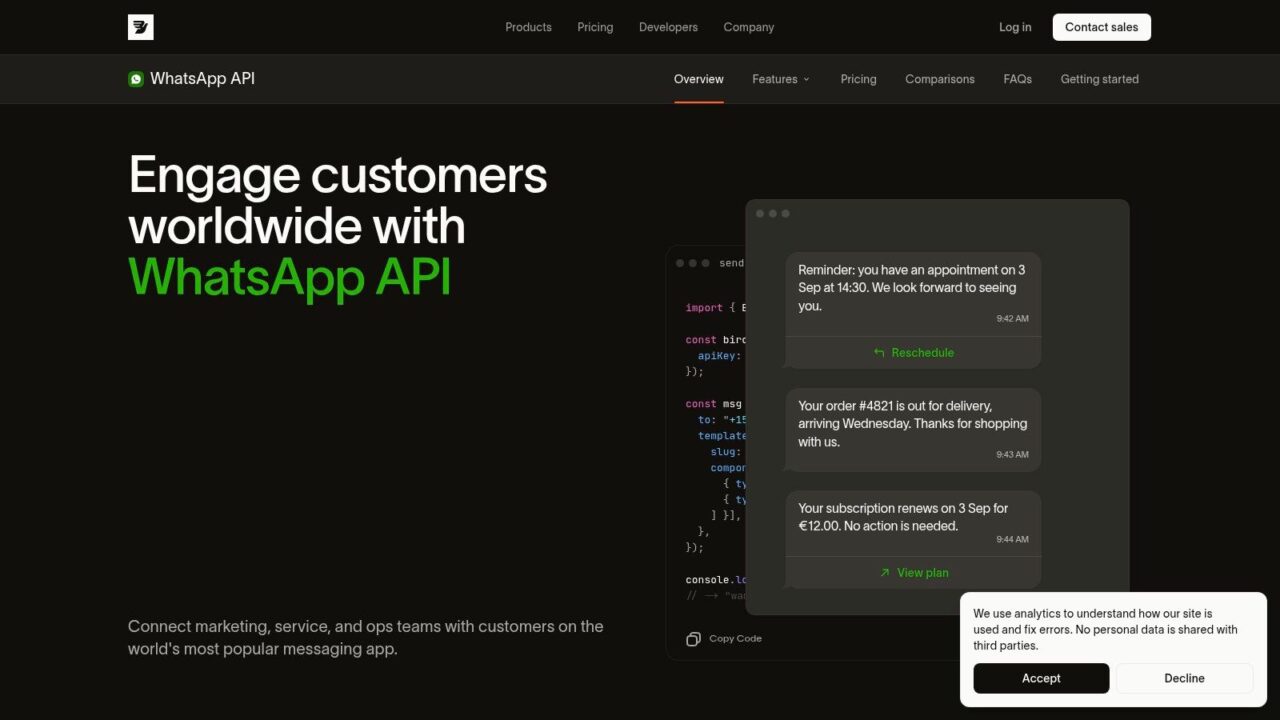
Bird, formerly associated with MessageBird, suits teams that want a WhatsApp API and operational dashboard rather than a large no-code canvas. Its product handles templates and events, giving developers a dependable way to trigger internal actions after a customer sends a message or interacts with a flow.
For an e-commerce team, that means Bird fits defined jobs such as delivery alerts, account updates, and support intake. An agency can connect those events to a client’s existing systems and run a controlled rollout. Creators or campaign teams get less freedom to rearrange branching sales journeys without developer help.
The platform presents pricing as one rate per message, organized by category. That format can make an initial budget easier to communicate, but it does not remove the variables behind the bill. Teams still need to check Meta rules, recipient country, message category, and whether communication is outbound or user-initiated. Procurement should confirm current pricing and commercial terms before a high-volume launch.
Bird’s main trade-off is implementation depth. Developers can build template-driven workflows, monitor delivery behavior, and connect events to downstream tools. Marketers receive less visual control than they would in a campaign-focused builder, so each flow change may enter the engineering queue.
Best for: Developers and operations teams that need event handling, API control, and a focused path to production.
Pros
- Clearer pricing presentation: One-rate-per-message positioning can simplify early estimates.
- Developer-friendly foundation: Templates, events, and documentation support custom workflows.
- Focused onboarding: The dashboard and API can support a controlled production test.
Cons
- No deep visual bot builder: Conversation design remains a technical task.
- Terms need review: Current pricing and commercial conditions require confirmation.
- Less marketer autonomy: Campaign teams may rely on developers for revisions.
5. Gupshup
Gupshup fits teams that need WhatsApp workflows across markets, but its value depends on how much control the implementation team can support. It combines no-code bot tools with APIs for custom logic, templates, marketing automation, support journeys, notifications, and payment-related flows.
For an international retailer, that can mean one platform for order updates, returns, lead qualification, and promotional broadcasts. Agencies can adapt the same foundation to different client journeys, while developers retain access to custom logic when the visual tools reach their limits. The trade-off is operational ownership. Teams must manage templates, approvals, regional rules, and integrations rather than treating the platform as a ready-made campaign builder.
Plan the first release around message intent
Budgeting starts with Gupshup’s Meta plus Gupshup pricing model, global rate cards, and WhatsApp pricing updates. A clear rate-card structure helps with early estimates, yet the final bill still depends on the provider fee, Meta fee, category, recipient country, and message volume. Advanced capabilities may require plan upgrades, so procurement should confirm current commercial terms before launch.
A practical pilot separates three workflows: customer-initiated support, utility notifications, and marketing templates. This makes cost drivers visible and shows which journeys depend on a customer starting the conversation. It also gives developers a smaller production scope to test before adding payment flows or broader automation.
WhatsApp template messages use Marketing, Utility, and Authentication categories. They cover promotions, transaction or order updates, and verification messages such as one-time passwords (for queries handled by an AI chatbot).WhatsApp template categories). That structure works well for notification-heavy commerce, provided someone owns category selection and template maintenance.
Best for: International commerce, agencies, notification-heavy businesses, and enterprises that need no-code tools alongside API access.
Pros
- WhatsApp specialization: The platform centers on business messaging workflows.
- Flexible build paths: Marketers can start visually, while developers add custom logic.
- Broad coverage: Commerce, support, notifications, and payment flows can share one ecosystem.
Cons
- Complex cost model: Meta and provider fees require separate planning.
- Plan boundaries: Advanced functionality may sit behind higher-tier plans.
- Operational overhead: Global templates and rate cards need ongoing ownership to maintain the best WhatsApp business practices.
6. Infobip
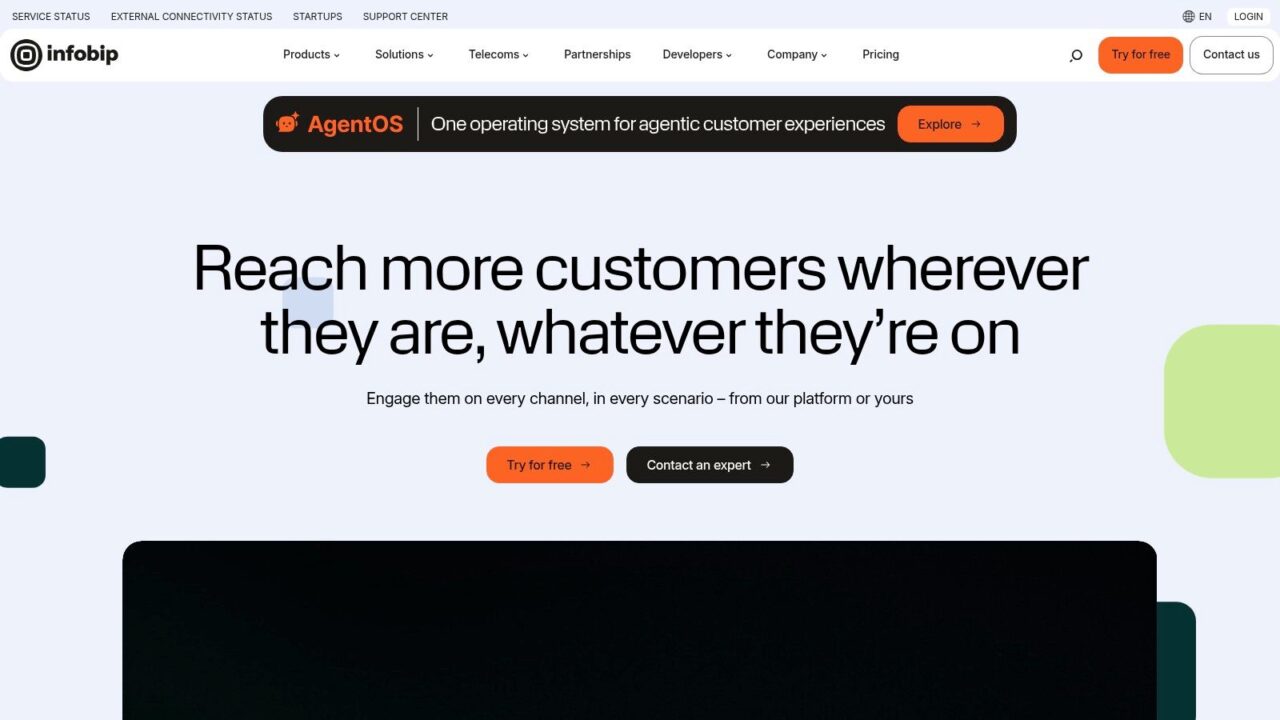
Chatbots for WhatsApp Infobip Homepage
Infobip suits teams that need WhatsApp automation connected to customer service, not just a transport layer. Its Answers visual builder supports bots and FAQ flows, while routing, analytics, and agent handoff keep automated and human conversations in the same service process.
For an e-commerce operation, a bot can answer delivery questions, collect an order number, and send a complex return to the right team. Agencies can build structured client workflows, then involve developers when custom logic or integrations exceed the visual builder. Creators testing a welcome sequence or product quiz may find that setup heavier than the use case requires.
Strong operations, heavier buying process
Infobip’s multi-region infrastructure, security controls, and compliance support can help regulated businesses and companies with formal procurement. Its WhatsApp onboarding documentation also gives implementation teams a clearer path through number setup and approval.
The main friction is commercial planning. Pricing is sales-led, so ask for platform access, message delivery, automation, agent seats, integrations, and implementation support as separate line items. This makes comparisons harder than with a simple self-serve plan, especially when an agency is estimating costs across several clients.
Before signing, map the handoff rules and integration path. Confirm which team receives escalations, where conversation history is stored, and how the platform connects with existing commerce or support systems.
Infobip fits enterprises, regulated businesses, multi-region operations, and support teams with formal routing needs. It is less suitable for a small brand that needs one simple campaign.
Pros
- Human-agent handoff: Automated and live support can share one customer journey.
- Visual bot builder: Answers supports FAQ and structured conversational automation.
- Enterprise infrastructure: Multi-region capability suits larger organizations.
Cons
- Sales-led buying: Budgeting requires a detailed commercial process.
- Heavier implementation: Smaller teams may not need the full operating model.
- Procurement work: Security, compliance, integrations, and support terms need review.
7. WATI
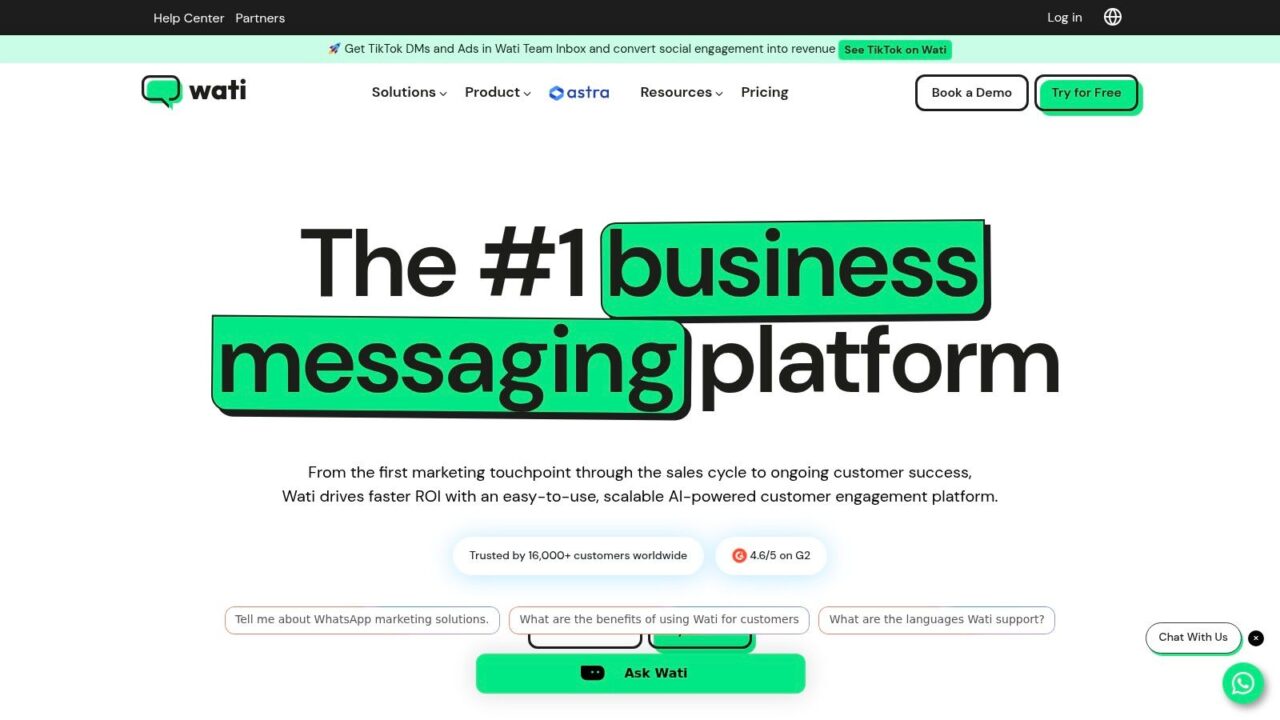
Chatbots for WhatsApp Messaging Platform
A Shopify store can launch WhatsApp automation quickly with WATI. Its visual flow builder, broadcasts, segmentation, automation rules, and shared team inbox cover common DTC workflows without requiring marketers to assemble every component through custom development. Abandoned-cart reminders and order updates are practical starting points.
The inbox changes the support workload. A bot can answer product questions, collect an order number, then send a complicated return to an agent with the conversation available in the same workspace. That handoff reduces the need to reconstruct context in another system. Agencies should still confirm whether each client can maintain separate numbers, templates, permissions, and reporting.
Plan around conversation volume
Some WATI plans meter chatbot sessions, so a promotion can affect costs differently from a normal support period. WATI plan charges also sit alongside Meta WhatsApp fees. Build a usage model that includes promotional traffic, abandoned-cart conversations, order updates, and human support before choosing a tier.
The builder suits marketers and creators who need structured campaigns, while technical teams may find its WhatsApp-first scope limiting for complex product architecture or cross-channel customer records. Teams comparing it with broader CRM options can review this guide to CRM for WhatsApp when deciding how lead ownership, segmentation, and follow-up should work after a message is sent.
Best for: SMBs, Shopify stores, DTC brands, creators, and nontechnical support teams that want WhatsApp-first deployment.
Pros
- Fast setup: Marketers can build and launch with limited engineering support.
- Commerce workflows: Cart recovery and order updates match common DTC requirements.
- Shared inbox: Agents can take over conversations in one coordinated workspace.
- Broadcast controls: Segmentation supports targeted outreach instead of one broad list.
Cons
- Session-based pricing risk: High activity can change the economics of a plan.
- Layered fees: WATI and Meta charges need to be budgeted together.
- Narrower scope: Teams requiring deep cross-channel architecture may outgrow the platform.
8. respond.io
respond.io fits teams that need one operating view for WhatsApp, Instagram, Facebook, email, and other messaging channels. Its main value is the omnichannel inbox and workflow platform, where agents receive assignments, apply tags, trigger automations, and track service outcomes.
An agency supporting several brands can standardize routing without forcing every conversation into the same bot script. An e-commerce team might qualify a shopper on Instagram, continue the conversation on WhatsApp, then pass it to an agent with the customer history attached. That handoff is the platform’s strongest deployment case for seamless integration with an AI chatbot.
The builder is practical for routing, auto-replies, CSAT, and tagging. It also supports official WhatsApp BSP onboarding and number management, reducing the account setup work for teams without dedicated messaging operations. Tools and guidance for estimating WhatsApp fees help with planning, although Meta charges and platform costs still need to be modelled together.
Choose respond.io when inbox coordination matters more than elaborate dialogue design. Complex product recommendations, deep NLP, or an AI assistant grounded in a large knowledge base may require external tools and integration work. That adds implementation effort and can make ownership between the inbox and bot harder to manage.
Best for: High-volume support teams, agencies, and e-commerce operations standardizing multichannel direct-message work.
Pros
- Strong shared inbox: Agents can manage several channels in one workspace.
- Clear handoffs: Assignments, tags, and routing keep human follow-up organized.
- Practical onboarding: BSP support helps with WhatsApp number management.
- Planning support: Fee guidance gives teams a clearer starting point for channel-cost estimates.
Cons
- Limited bot canvas: Elaborate conversation trees may need another builder.
- External AI work: Advanced NLP and product-aware answers can add integration demands.
- Less campaign-focused, the AI chatbot can handle customer queries seamlessly. Creators and growth marketers may prefer a platform built around richer experimentation.
9. Landbot
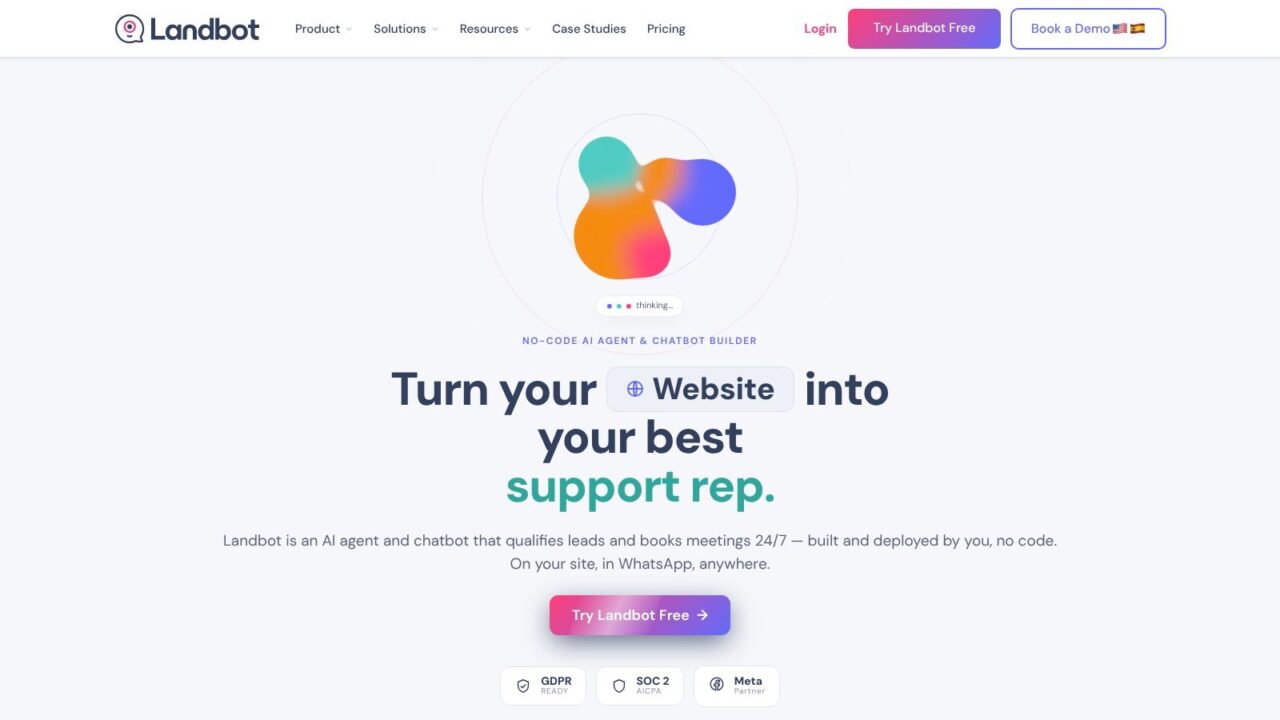
Chatbots for WhatsApp LandBot Homepage
Landbot fits teams that want one structured conversation to run on both a website and WhatsApp. Its block-based builder handles conditions, fields, variables, rich components, integrations, and human handoff without requiring developers for every flow change. An e-commerce team can qualify a lead on its site, move a high-intent buyer to WhatsApp, and keep the same decision logic across both channels.
The practical advantage is reuse. A service business can collect appointment details, send notifications, and route unusual requests to an agent. A marketing team can test different questions and calls to action before involving engineering. This approach suits agencies managing repeatable client journeys and creators with a defined conversion path, though it is less suitable for teams that need a WhatsApp-first support desk.
Check the channel economics
WhatsApp requires an add-on and a compatible BSP. Landbot separates Meta charges from its platform fee, while its per-message surcharge is added to Meta costs. The pricing model is understandable, but e-commerce teams still need to test message categories, outbound volume, and template usage before forecasting spend.
Landbot works best for structured experimentation. Buttons, conditions, fields, integrations, and notifications let nontechnical operators adjust qualification and routing flows quickly, including for a create a WhatsApp chatbot feature. The trade-off appears in operations: teams needing a shared inbox, complex multi-agent assignment, or a large custom backend may need additional tools and more integration work.
For teams comparing implementation effort, a no-code chatbot builder provides a useful reference for how much flow design can be handled without custom development.
Best for: Marketing and operations teams building structured journeys across web chat and WhatsApp.
Pros
- Reusable flows: Web and WhatsApp journeys can share conversational logic.
- Visual complexity: Conditions, fields, and integrations support more than simple autoresponders.
- Human handoff: Agents can take over when automation reaches its limit.
- Fast iteration: Nontechnical teams can change journeys without rebuilding an application.
Cons
- WhatsApp add-on: The channel requires compatible setup beyond the core platform.
- Surcharge on Meta costs: Per-message charges complicate high-volume forecasts.
- Less inbox-centric: Support-heavy teams may need stronger agent operations elsewhere.
Top 9 WhatsApp Chatbot Platforms Comparison
| Platform | Core features | UX / Quality | Price / Value | Target audience | Unique selling points |
|---|---|---|---|---|---|
| Clepher 🏆 | No‑code drag‑drop Flow builder, AI Agents, omnichannel (web, FB, Messenger, WhatsApp, IG), capture widgets, broadcasts, segmentation, A/B testing, 50+ native apps + 5k via connectors | ★★★★☆, AI‑driven, fast install, high open/CTR | 💰 Contact sales, custom plans (no public prices) | 👥 e‑commerce, agencies, creators, SMBs, SaaS | ✨ Unlimited Pages & IG accounts; centralized AI Agents; rapid go‑live |
| Twilio | WhatsApp Business API, Twilio Studio (visual builder), Serverless Functions, unified SMS/voice/email APIs | ★★★★★, proven scale & reliability | 💰 Usage + platform fees + Meta WhatsApp fees | 👥 Enterprises & dev teams needing scale | ✨ Enterprise deliverability, multi‑channel APIs, serverless logic |
| Vonage (Messages API) | Messages API for WhatsApp/SMS/MMS/RCS, SDKs, sandbox, enterprise connectors (Salesforce) | ★★★★☆, strong docs & enterprise support | 💰 Platform fee + Meta fees (sales‑led pricing) | 👥 Enterprises, CRM‑integrated workflows | ✨ Enterprise integrations & testing sandbox |
| Bird (MessageBird) | Full WhatsApp API, templates/events, clean dev docs, transparent per‑message pricing | ★★★★☆, quick onboarding, modern UI | 💰 One‑rate‑per‑message (transparent) + Meta fees | 👥 Dev teams & mid‑market CPaaS users | ✨ Single‑rate pricing model; clear cost predictability for businesses using the free plan. |
| Gupshup | No‑code bot tools + APIs, marketing & payment flows, global rate cards | ★★★★☆, deep WhatsApp expertise, global reach | 💰 Meta + provider fees; country rate cards | 👥 Global brands, commerce, enterprises | ✨ Broad international coverage & partner ecosystem |
| Infobip | Visual bot builder (Answers), routing, analytics, agent handover, multi‑region infra | ★★★★☆, enterprise‑grade, compliance focus | 💰 Sales‑led enterprise pricing (contact sales) | 👥 Regulated industries, large orgs | ✨ Multi‑region infra, strong compliance & routing |
| WATI | WhatsApp‑first: team inbox, visual chatbot builder, broadcasts, Shopify commerce automations | ★★★★☆, SMB/DTC friendly, fast setup | 💰 Tiered plans; chatbot‑session metering + Meta fees | 👥 SMBs, DTC brands, Shopify stores | ✨ Shopify integrations, cart recovery & shared inbox |
| respond.io | Omnichannel shared inbox, automation workflows, official BSP onboarding & number mgmt | ★★★★☆, ideal for high‑volume support teams | 💰 Plan‑based + WhatsApp fee estimates provided | 👥 Support teams can leverage AI-powered solutions for contact centers and multi-channel ops. | ✨ Unified agent inbox + BSP number management |
| Landbot | No‑code block builder with conditions/variables, reuse flows for web & WhatsApp, integrations | ★★★★☆, marketer/operator friendly for prototyping | 💰 WhatsApp add‑on + per‑message surcharge (Meta fees apply) | 👥 Marketers, ops teams, small teams | ✨ Reuse same flow across web chat & WhatsApp |
Match the Platform to the Workflow
The right WhatsApp chatbot isn’t the one with the longest feature list. It’s the platform that matches the workflow your team can operate. A creator with a short sales sequence needs speed and a familiar builder. A Shopify brand needs cart and order automation. A support department needs routing, agent ownership, and a reliable handoff. A product team needs APIs, events, and control over the backend.
Choose a no-code growth platform when the priority is lead capture, segmentation, campaign automation, and conversion journeys. Clepher, and Landbot, are the most relevant choices in that group, but they suit different operating styles. Clepher is broader for AI Agents, omnichannel growth, integrations, and personalization. Landbot is strong when web and WhatsApp flows should share logic.
Choose a WhatsApp-first commerce tool when your store needs fast implementation around Shopify-style journeys, abandoned carts, order updates, broadcasts, and team support. WATI is the clearest fit in this comparison. Gupshup is better when international coverage, APIs, and a wider partner ecosystem matter more than the simplest setup.
Choose an ai-powered chatbot for enhanced customer interaction. inbox-centered platform when customer service is the bottleneck. respond.io focuses on shared omnichannel agent work, routing, tagging, and support workflows. Infobip is the heavier enterprise option when multi-region infrastructure, compliance expectations, analytics, and human handoff are central to procurement.
Choose an API-led CPaaS when developers need to control message events, backend logic, integrations, and channel expansion. Twilio, Vonage, and Bird all fit that model. Twilio offers the broadest expansion path across communications channels. Vonage is well suited to structured enterprise messaging and integrations. Bird emphasizes a clean, API-centric route to controlled WhatsApp automation.
Before signing a contract, run one real journey rather than a generic demo. A useful first test might be an abandoned-cart reminder, a product recommendation flow, a support intake journey, or an appointment request. Measure whether the bot collects the required information, handles unexpected replies, hands off cleanly, and leaves the agent with enough context to help.
Budget the whole message path
WhatsApp switched from conversation-based pricing to a per-template and per-message model in 2025, with charges varying by message category, recipient country, and whether the message is user-initiated or template-based (WhatsApp chatbot pricing trends). Some pricing guidance also describes AI-agent token costs layered on top of delivery fees, so an AI-heavy workflow can introduce another variable.
Don’t calculate only the platform subscription. Include:
- Meta charges: Separate marketing, utility, authentication, and service behavior.
- Provider fees: CPaaS and BSP charges can sit on top of WhatsApp costs.
- Platform usage: Check message, session, seat, conversation, or add-on billing.
- Connector costs: Zapier, Make, n8n, Pabbly, CRM, and AI services may add expenses.
- Human operations: Include inbox seats, support coverage, escalation handling, and testing time.
Compliance belongs in the same decision. Teams using WhatsApp chatbots should define transparent data notices, explicit marketing consent, retention periods, deletion handling, and agreements with third-party processors. The risk increases when chat logs, personalization tags, CRM records, email, SMS, and AI tools connect in one workflow (WhatsApp chatbot compliance trends).
Finally, confirm number onboarding and human handoff before you build the full system. Ask how the platform handles approved templates, failed messages, agent assignment, customer history, opt-outs, and deletion requests. If pricing or customer proof isn’t publicly listed, request a written estimate based on your actual countries, categories, message volume, integrations, and support model.
Clepher gives e-commerce teams, agencies, creators, and SaaS businesses a no-code way to build WhatsApp chatbot flows around lead capture, qualification, promotions, onboarding, support, and sales recovery. Visit Clepher to see how AI Agents, segmentation, live chat, analytics, and broad integrations can fit your WhatsApp automation stack.
