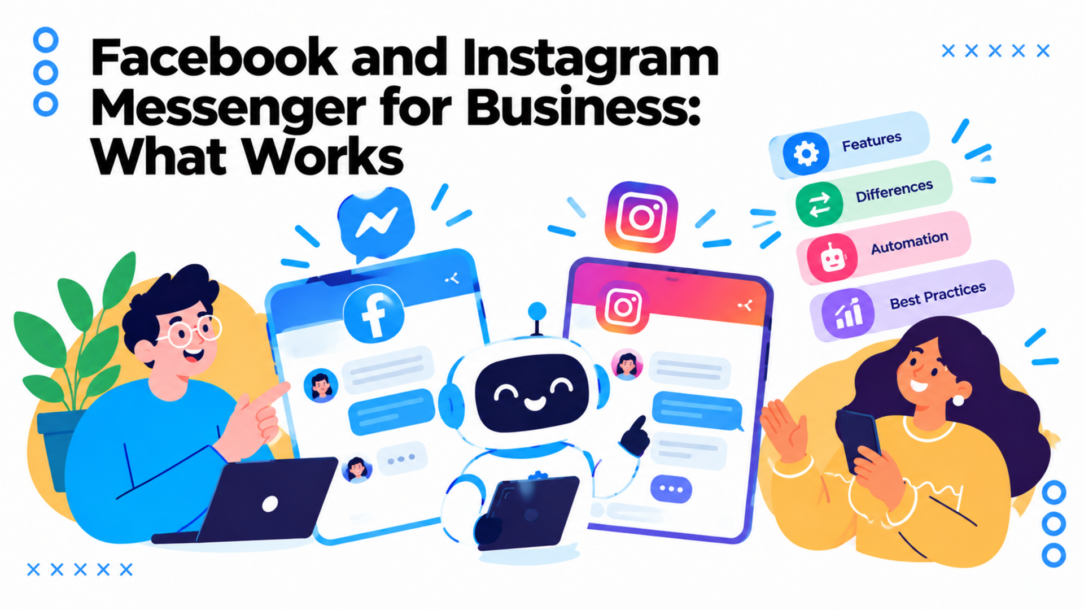
A customer sends your Instagram account a product question late at night. Another asks about a delivery on your Facebook Page while your team is busy with orders. If both messages sit unanswered until someone checks the inbox, the problem isn’t a lack of messaging features. It’s that nobody owns the response from arrival to resolution.
Facebook Messenger and Instagram Direct can support sales, marketing, and customer service, but adding automation alone won’t fix a disorganized inbox. A dependable setup needs clear rules for what a bot can answer, when a person should step in, how customer information is handled, and what happens when the conversation stalls.
Why Messenger and Instagram Direct Matter for Business
A message can be a buying signal, a support request, or a customer who needs to know whether you’re open. Those conversations happen alongside the content and social activity people already use, which makes Meta’s messaging channels valuable touchpoints for businesses. The opportunity is meaningful, but it’s easy to miss when teams treat each inbox as an occasional task instead of part of the customer journey.
Meta reported 3.35 billion daily active people across its Family of Apps in the fourth quarter of 2024, a 5% year-over-year increase. The Family of Apps includes Facebook, Instagram, Messenger, WhatsApp, and Threads. The figure represents estimated unique people who used at least one of those services, not the sum of individual users on each platform. Meta’s Family of Apps revenue was approximately $162.36 billion in 2024, compared with $133.01 billion in 2023, as summarized in Meta’s ecosystem and Instagram statistics.
These figures describe the broader ecosystem, not separate Messenger or Instagram audiences. The combined figure shouldn’t be read as the user count of either messaging product. The practical point is that a customer may discover a business on one Meta surface and contact it through another, so an operation built around a single social inbox can leave conversations fragmented.
Treat messages as part of the customer journey
Consider a small online shop. A shopper sees a product on Instagram, sends a question about sizing, then contacts the shop’s Facebook Page later about delivery. If staff can’t find the earlier exchange or see whether anyone promised to follow up, the customer has to repeat themselves. A connected process can preserve context, route the request, and give a human enough information to help without starting from scratch.
That doesn’t mean every message needs a bot or a sales pitch. Some conversations need a quick, accurate answer; others need judgment or a careful handoff. The goal is to respond reliably and make the next step obvious, whether that’s checking stock, booking an appointment, or transferring a sensitive issue to a more appropriate channel.
A useful messaging operation also makes ownership visible. Someone should be responsible for unanswered conversations, and the team should know which messages are waiting on a customer, which need a colleague, and which are resolved. Without that, a fast automated greeting can create the appearance of service while the actual request remains untouched.
Understanding the Two Messaging Platforms
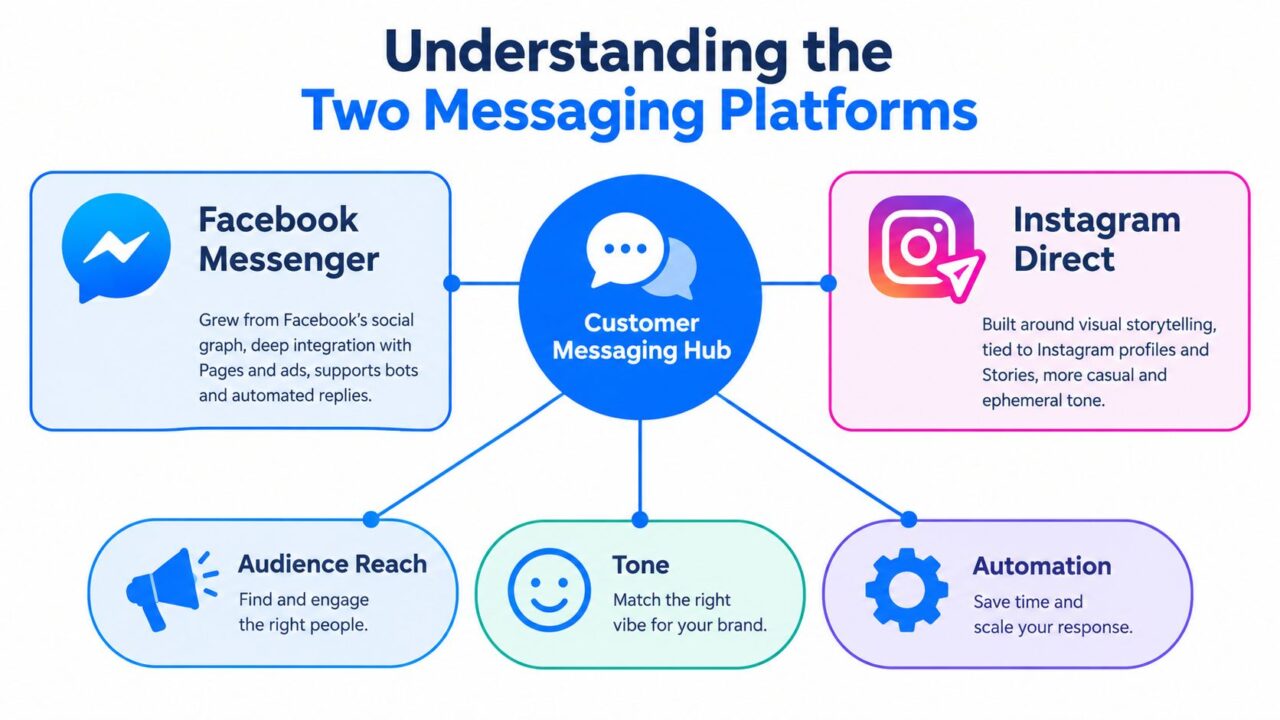
Facebook Messenger and Instagram Direct serve different roles, even though both sit within Meta’s broader ecosystem. Messenger began as a dedicated mobile application in 2011, separating private communication from the main Facebook app. Facebook acquired Instagram in April 2012 for approximately $1 billion. Instagram later added Direct messaging, bringing private conversations and media sharing into a platform that had grown around visual content. These milestones are outlined in a review of Meta’s platform statistics.
Facebook and Instagram Messenger Messaging Platforms
The same conversation tools, different starting points
Instagram often brings a message after someone encounters a brand through a post, Story, Reel, or profile. That first message may be casual: a question about a product someone just saw, a request for a link, or a reply to a Story. A business can use that context to make the conversation feel continuous, rather than answering as if the customer appeared out of nowhere.
Messenger is more closely tied to Facebook Pages and day-to-day business communication. A customer may arrive with a practical question about an order, a service, or an event. In either channel, the team still needs to identify intent and decide whether automation can resolve the issue or a person should take over. The platform’s character can shape the opening, but it shouldn’t dictate a different standard of care.
The available audience measures for the two products aren’t interchangeable. The same source estimated more than 300 million Messenger mobile downloads worldwide in 2024, about 30% lower than the previous year, while estimating more than 2 billion monthly active Instagram users. Downloads count installations during a period; monthly active users count people active within a month. Neither measure directly gives a like-for-like comparison of current messaging audiences.
For business planning, use these figures as context, not as a promise of reach. Focus instead on where customers already contact you, what kind of requests arrive, and whether your team can resolve them well. For a deeper channel-selection discussion, see this guide to Facebook versus Instagram for business.
Plan around the customer’s entry point
An Instagram Story reply may call for a conversational answer and a relevant product link. A Messenger question about a booking may need a direct response and a handoff to the staff member managing the calendar. The useful distinction isn’t that one platform is always for discovery and the other always for support. It’s that each conversation arrives with its own context, and your workflow should preserve it.
Key Features That Shape Business Messaging
The first operational rule to build around is the 24-hour messaging window. When someone messages a Facebook Page or Instagram Professional account, the business has up to 24 hours to reply through the Messenger Platform. Messages sent in that period may include promotional content, which makes the window useful for lead qualification, product recommendations, abandoned-cart recovery, and appointment booking. Meta documents a separate Human Agent option that can extend a human response period to seven days, but that doesn’t create unlimited permission for automated marketing messages. See Meta’s Messenger Platform messaging rules.
Compare the working rules
| Aspect | Facebook Messenger | Instagram Direct |
|---|---|---|
| Account entry point | A customer messages a Facebook Page. | A customer messages an Instagram Professional account. |
| Messaging API access | Businesses use Page messaging through the Messenger Platform. | The API supports Business and Creator accounts, not personal accounts. |
| Response window | Up to 24 hours for a reply through the Messenger Platform. | Up to 24 hours for a reply through the Messenger Platform. |
| Human follow-up | The Human Agent option can allow a human response within seven days. | The Human Agent option can allow a human response within seven days. |
| Common conversation context | Page interactions and direct customer questions. | Profile, content, and Story interactions that lead into a private conversation. |
The Instagram requirement matters before you design a flow. Meta’s Instagram messaging API documentation covers Professional accounts, specifically Business and Creator accounts; personal accounts aren’t the account type supported by that messaging API. A business that wants to automate Instagram messages needs to convert to a supported account type, authorize the integration, and subscribe to message events. Details are in Meta’s Instagram Platform overview.
Make the window useful, not intrusive
A good automation answers the reason someone reached out and asks only for information needed to help. An ecommerce shop might respond to a product inquiry with an availability check, clarify the shopper’s preferred size, and offer the correct product page. If the customer raises a delivery problem or asks for an exception, the flow should route the conversation to a human rather than continue sending promotional prompts.
The distinction between a human response and automated marketing matters after the initial window. A Human Agent allowance is for a human to continue handling a conversation when more time is needed. It shouldn’t be treated as a way to keep a promotional sequence running after the customer stops engaging.
Practical rule: Trigger a useful first response promptly, collect only the details needed to move the request forward, and define a clear stop or handoff condition for every automated path.
Real-World Use Cases for Marketing and Support
Facebook and Instagram Messenger Online Shopping
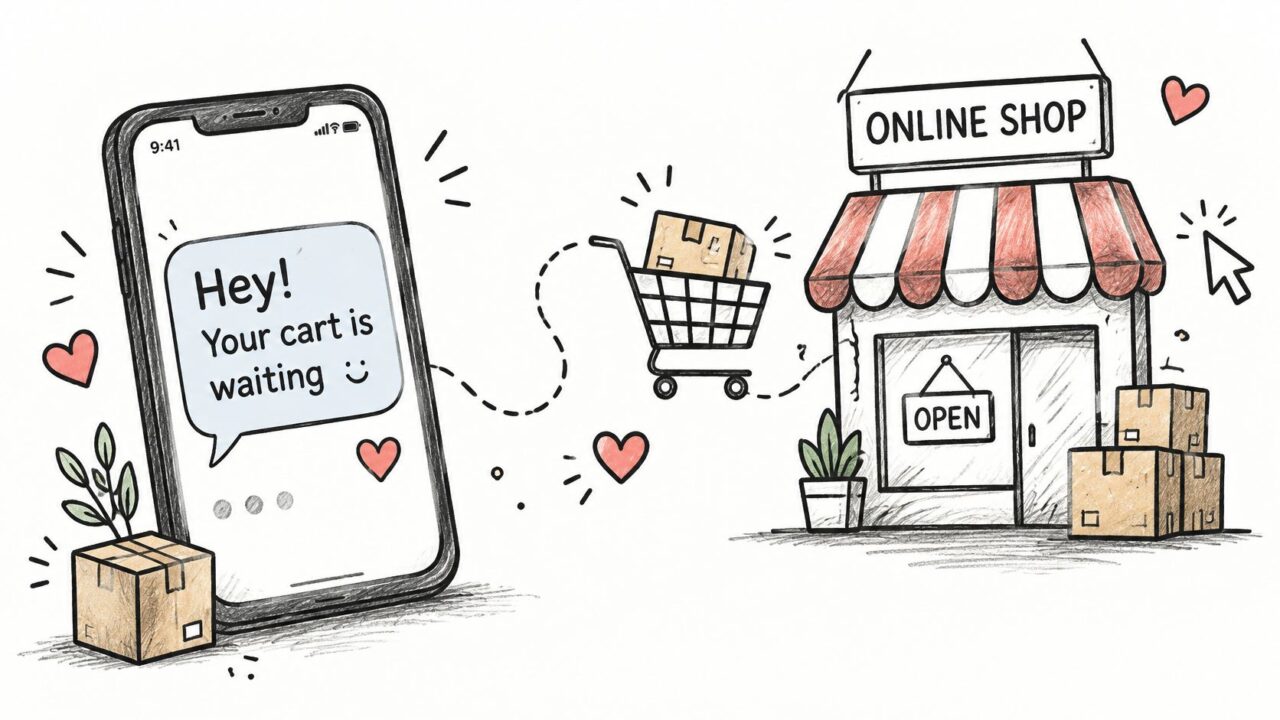
The strongest messaging workflows start with a specific customer action and end with an outcome someone owns. For an online shop, a customer might message about a product they’re considering. The automation can answer a common question, collect a preference, and direct the shopper to the relevant item while the conversation is active. If the customer reports a missing order, the flow should recognize that as support, collect only the information the team needs, and assign the case to a person.
A coach or course creator can use a reply to a Story as an entry point for a lead conversation. The automated response might ask what the person wants help with, then offer the appropriate information or route the lead to a consultation. The important part is making sure a promising lead doesn’t end up in an unowned inbox after the bot has collected their interest.
For a SaaS business, an initial menu or intent question can sort account access, billing, and product questions. The bot may answer a routine question or gather context, but it should provide a human route when it can’t confidently resolve the issue. A local business can use similar logic to handle appointment inquiries: gather the service the customer wants, provide the available booking route, and make it clear when a staff member needs to confirm details.
If a brand uses Instagram to introduce products through creators or affiliates, it can also help to understand the mechanics of Instagram affiliate programs. That context can inform how a business handles product questions and directs interested customers, without turning every DM into an affiliate pitch. More practical scenarios are collected in these conversational marketing examples.
Build the automation around events
For responsive automation, use event-driven webhooks rather than repeatedly polling Graph API endpoints. Meta sends message events and status changes as POST requests to an HTTPS endpoint. That approach avoids unnecessary repeated API calls and lowers the risk of rate limiting. Meta’s Messenger Platform webhook guidance says the endpoint needs a valid TLS/SSL certificate, must complete Meta’s verification request, and should acknowledge requests promptly. Webhook calls time out after 20 seconds and may be retried when successful receipt isn’t confirmed.
In production, the handler should acknowledge the event quickly, place it in a queue for asynchronous work, and deduplicate it using an event identifier. AI classification, CRM synchronization, and response generation should happen outside the request thread. That way, a slow CRM or model call doesn’t hold up the webhook acknowledgement and invite duplicate deliveries.
A practical implementation checklist:
- Assign intent: Identify whether a message is sales, support, booking, or another request.
- Set ownership: Make sure every human handoff lands with a team or person responsible for the next step.
- Preserve context: Pass the conversation history and collected details along with the handoff.
- Test failure paths: Decide what the customer sees if an integration is slow or a human isn’t immediately available.
Here’s a short visual overview to help frame the role of messaging automation in an online shopping journey:
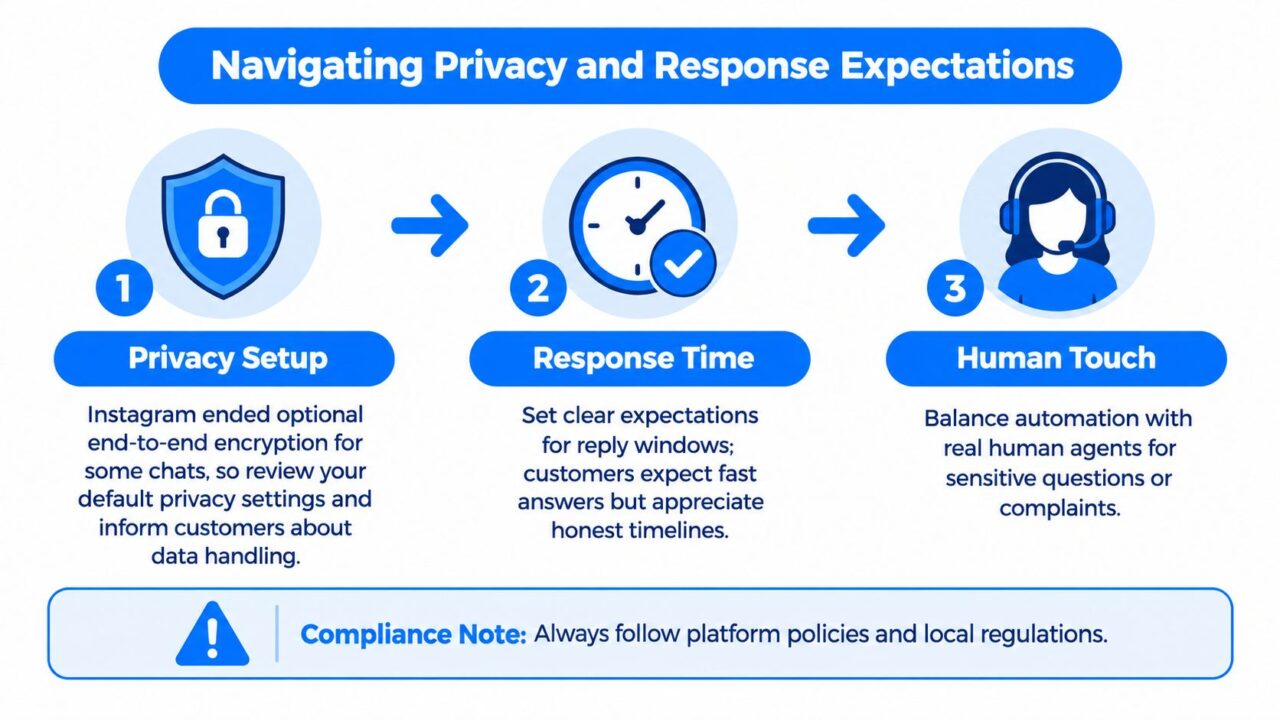
Navigating Privacy and Response Expectations
Automation can make replies faster, but it can also collect information in a channel customers assume is more private than it is. Instagram ended optional end-to-end encrypted direct messages globally on May 8, 2026, reverting to standard encryption that can allow Meta to access message content, including images, videos, and voice notes, as described in BBC reporting on the change. A private-looking DM shouldn’t be treated as a secure place to gather payment details or sensitive customer information.
Facebook and Instagram Messenger Privacy Expectations
Draw a line between routine and sensitive requests
Product questions, basic lead qualification, and general service information are often manageable in a social conversation. Payment details, sensitive personal information, or a complex account issue call for a more careful route. Tell customers why you need information, avoid requesting details the channel doesn’t need, and provide a secure handoff where appropriate.
A simple disclosure can make expectations clearer: “We can help with general product questions here. Please don’t send payment details or sensitive personal information in this chat. If we need to review account-specific information, we’ll direct you to a more suitable channel.” Adapt the language to your actual process and make sure the alternative channel is staffed.
Privacy decisions also affect handoffs between Meta apps. If a customer moves from Instagram to Messenger or WhatsApp, don’t assume they understand what carries over or how their information will be handled. Keep the context needed to solve the request, explain the next step, and avoid moving sensitive details into another channel without a clear reason.
More inbound messages need more ownership
The operational risk isn’t merely failing to automate. A business can automate an initial response and still leave customers waiting if nobody owns the work that follows. Instagram inbound messages increased from 13 to 18 per day between 2023 and 2024, while the overall response rate to social messages and comments fell from 8% to 7%. Roughly three-quarters of consumers expect a response within 24 hours or sooner, yet only 54% of US customers say businesses meet or exceed expectations for assistance, according to Sprout Social’s customer service statistics.
Define response targets by intent, not just by channel. A complaint, suspected fraud, or issue blocking a purchase may need immediate human review. A routine question can be triaged automatically if the answer is reliable and the customer can reach a person when it isn’t.
Faster automation isn’t a win if it sends more people into a queue nobody monitors.
For teams shaping that operating model, this guide to social media customer service can help frame the work around routing, accountability, and resolution rather than just sending more replies.
Best Practices for a Winning Messaging Strategy
A reliable messaging operation is less about adding every available feature and more about connecting a few decisions: what the customer needs, what automation can safely do, and who takes responsibility when it can’t. Start with the workflows that already create friction. If the team regularly answers the same product question, automate a concise answer and a useful next step. If customers often report order problems, prioritize routing and case ownership over promotional flows.
Put the operating rules in place
- Map entry points: List where messages begin, such as Instagram profile, Story replies, or a Facebook Page. Record what context the team needs to handle each one.
- Set the automation boundary: Use a bot for dependable answers and straightforward qualification. Route complaints, sensitive information, and uncertain requests to a person.
- Keep handoffs accountable: Name the queue or role responsible for each escalation. Make sure the human can see the customer’s original question and any information already collected.
- Design for missed replies: Decide what happens when a customer doesn’t respond, an employee is unavailable, or an integration fails. Don’t leave the customer with a dead-end message.
- Review resolution: Track whether the customer’s issue was resolved, how long the response took, and whether the handoff worked. Opens and clicks can help describe engagement, but they don’t prove that the customer got help.
Choose tools for the workflow you need
Meta Business Suite can give a team a shared place to manage conversations, while a more involved operation may need a chatbot builder, CRM connection, or routing system. Clepher is one option for designing no-code conversational flows on Messenger and Instagram Direct, with features for lead qualification, support automation, and human handoff through live chat. Whatever tool you choose, test the actual customer path, including the point where a person takes over.
A good rollout starts small. Put one high-volume, low-risk conversation into production, review how customers respond, and fix unclear answers or broken handoffs before expanding. Then add another workflow only when the team can monitor the first one and explain who owns its outcomes.
The clearest sign of a mature setup isn’t that every message receives an automated answer. It’s that customers get an appropriate response, staff can see what needs attention, and sensitive information doesn’t drift into the wrong channel. Build those safeguards before increasing the volume of automated conversations.
If your team is ready to organize Messenger and Instagram conversations around useful automation, clear handoffs, and measurable follow-through, explore Clepher. Its no-code chatbot tools help businesses build conversational flows for marketing, sales, and support on Facebook Messenger and Instagram Direct.