

Stop wasting time on manual posting. Social media ad spend is projected to reach $317.33 billion in 2026, and the biggest platforms now operate at massive global scale, including Facebook with over 3.070 billion monthly active users, plus Instagram and WhatsApp at 3 billion users each. That’s why social media automation tools matter. They’re built for volume, consistency, routing, and reporting across channels, not just for queuing a few posts.
A common mistake is treating automation like a calendar problem. It’s bigger than that. Modern automation now includes chatbots, DM automation, saved replies, comment management, lead capture, and automated reporting, according to Hootsuite’s guide to social media automation. In practice, that means your stack needs to handle both publishing and the conversations that publishing creates.
This guide is built for buyers who want the right tool for the job. Some platforms are best for agencies. Some are better for creators and lean teams. Some shine for e-commerce brands that need to move from scheduled posts into DMs, support, and sales follow-up. If you’re also looking for niche insights for X creators, that angle matters too.
The shortlist below gets straight to the point. No bloated feature dump. Just what each platform does well, where it falls short, and who should use it.
10. Hootsuite
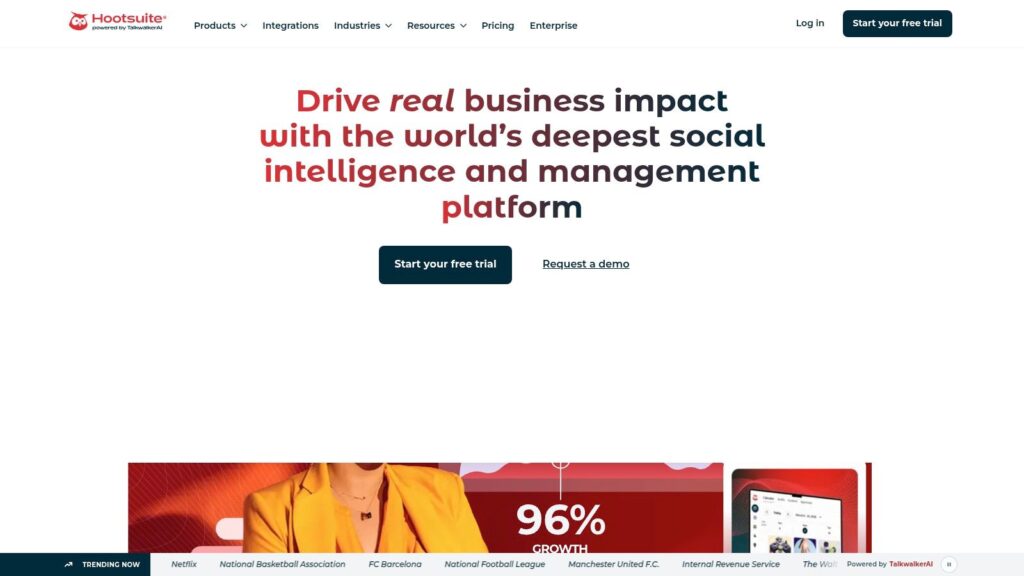
Hootsuite is built for teams that have already outgrown basic scheduling. If multiple people touch content before it goes live, or your social team also owns inbound messages and approvals, Hootsuite solves operational problems that cheaper tools usually leave to spreadsheets, Slack threads, and manual handoffs.
Its value is less about publishing alone and more about control. You get scheduling, permissions, approval flows, a unified inbox, and reporting in one system. That makes it a practical fit for enterprise brands, franchises, and agencies managing several accounts with different stakeholders.
Hootsuite
Where Hootsuite fits best
Hootsuite works best for organizations with governance requirements. Marketing managers can keep publishing moving without giving every contributor full account access, and support or community teams can work from the same inbox instead of bouncing between native apps.
The AI layer is useful, but it is not the main reason to buy the product. OwlyWriter AI and OwlyGPT help with caption drafts, post variations, and idea generation. The bigger win is workflow discipline. Teams can assign messages, track approvals, and keep a record of who changed what.
If your goal is to connect scheduled content with actual customer conversations, add a messaging layer for Facebook Messenger automation and follow-up workflows.
Practical rule: Choose Hootsuite when approval mistakes, missed responses, or poor visibility already cost your team time and revenue.
What works and what doesn’t
- What works: Strong cross-network scheduling, user permissions, approval workflows, inbox management, and reporting.
- What works: AI writing support is built into the platform and saves time on first drafts.
- What doesn’t: Pricing climbs fast as more users and advanced features get added.
- What doesn’t: Smaller teams may pay for structure they do not need.
I usually treat Hootsuite as a foundation layer. It handles publishing and team coordination well. Brands that also depend on DMs for lead qualification, customer care, or sales follow-up often need a second layer for conversational automation. That is the trade-off. Hootsuite is strong on orchestration, but not always the final answer for revenue-focused messaging.
If you run a serious multi-user operation, it is a solid choice. If you just want a clean scheduler, it is probably too much tool. You can explore it directly at Hootsuite.
9. Sprout Social
Sprout Social is the tool I’d put in front of a team that cares about reporting as much as publishing. Plenty of platforms claim to offer analytics. Sprout is one of the few that makes reporting feel like a core product, not an export button.
That matters in a market that’s getting crowded fast. The market for social media automation tools was estimated at USD 4.5 billion in 2024 and is projected to reach USD 12.8 billion by 2033, with roughly 12.8% CAGR. As the category matures, buyers need more than a scheduler. They need workflow visibility, clearer performance analysis, and better team coordination. Sprout is built for that phase.
Best use case
Sprout Social fits mid-market brands, enterprise teams, and agencies that need polished collaboration and customer care workflows. Its unified inbox, social CRM feel, publishing approvals, and analytics stack are the main draws.
If your team is active in private messaging, it also makes sense to think beyond the inbox and into Facebook Messenger automation for lead handling and support.
Sprout is rarely the cheapest option. It wins when reporting quality and team accountability matter more than entry-level cost.
Trade-offs to know upfront
- Best part: Excellent analytics and presentation-ready reporting.
- Best part: Strong internal collaboration for teams managing replies, approvals, and customer care.
- Watch out for: Per-user pricing adds up quickly.
- Watch out for: Listening and some advanced analytics may require higher tiers or add-ons.
Sprout isn’t the tool I’d recommend to a solo creator or a very small business unless reporting is mission-critical. For established teams, though, it’s one of the most complete premium options available. See the platform at Sprout Social.
8. Buffer
Buffer is the tool for people who want social media automation tools without the operational bloat. It’s clean, fast to learn, and far less intimidating than enterprise suites.
That simplicity is exactly why it stays relevant. You get scheduling across major channels, first-comment scheduling, a community inbox, analytics, an AI assistant, and a link-in-bio page. For a creator, consultant, or small team, this handles the daily work that needs doing.
Why Buffer still earns a spot
Buffer is strongest when consistency is the issue. If a founder-led brand keeps posting irregularly, or a small agency needs a tool clients can understand quickly, Buffer solves that without creating a training project.
It also has broad channel support, which matters more than many buyers realize. If you publish across Instagram, LinkedIn, X, YouTube, Threads, Pinterest, and newer channels, a simple tool that keeps everything in one queue can save a lot of friction.
The real trade-off
Buffer is not trying to be the deepest platform in the market. That’s a feature for some teams and a limitation for others.
- Best for: Creators, solopreneurs, small teams, and agencies with straightforward workflows.
- Strong point: Predictable setup and day-to-day usability.
- Limitation: Collaboration and approvals are lighter than what you get in Hootsuite, Sprout Social, or Agorapulse.
- Limitation: Social care and listening are limited if your brand gets a heavy stream of inbound conversation.
If all you need is a dependable system to plan, queue, and publish, Buffer is one of the easiest recommendations on this list. If you later outgrow it, that usually means your operation needs more governance or more conversational automation, not that Buffer failed. You can review the platform at Buffer.
7. Later
Later is what I’d recommend to brands that think visually first. If Instagram, TikTok, product launches, creator partnerships, and feed planning drive your workflow, Later makes more sense than a tool built around dashboards and spreadsheets.
Its drag-and-drop visual calendar is the obvious selling point, but that’s not the whole story. Later also gives you social inbox capability, analytics, AI support for captions and ideas, UGC collection, and link-in-bio tools. That combination makes it especially useful for e-commerce teams and creators who need one workspace for content planning and conversion support.

Later
Where Later is strongest
Later works well when your team needs to see the feed before the post goes live. Beauty brands, apparel teams, restaurants, and creator-led businesses usually care about sequencing, visual balance, and campaign timing. Later handles that better than more operations-heavy tools.
If Instagram DMs are part of your conversion path, Later also pairs well with Instagram Direct Message automation, because visual planning only gets you halfway there. The follow-up conversation often decides whether a click turns into a sale.
Use Later when your content team asks, “How will the grid look?” before asking, “What does the report say?”
What to watch
- Strong fit: Instagram and TikTok-centric workflows.
- Strong fit: Brands using link-in-bio pages as a real traffic and conversion asset.
- Limitation: Lower tiers can feel restrictive if your team posts often or needs more users.
- Limitation: Some advanced analytics, benchmarking, and listening features are reserved for higher plans.
Later is not the best choice for deep customer care or enterprise governance. It is one of the best choices for visual brands that need planning discipline without losing speed. Check it out at Later.
6. Agorapulse
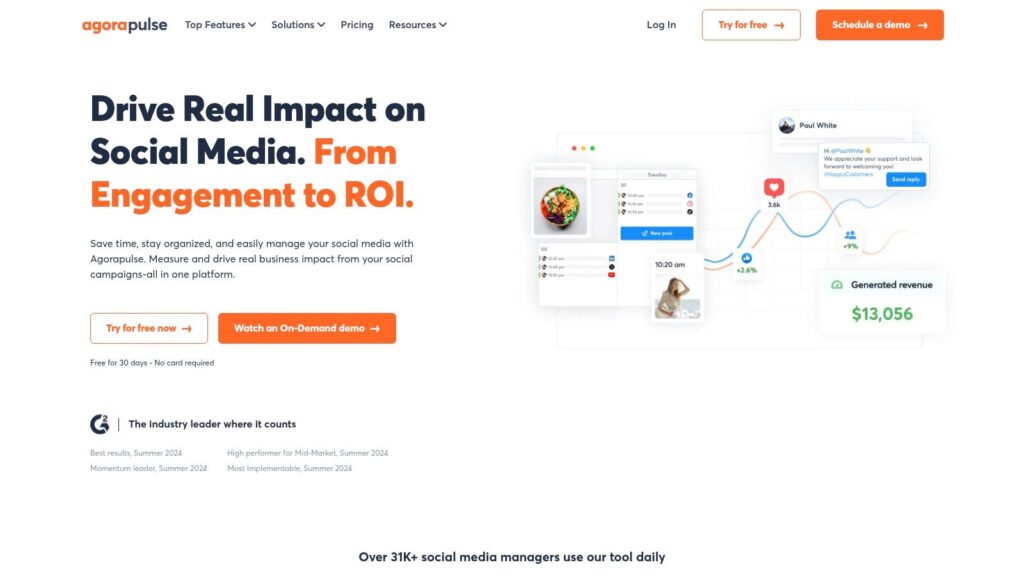
Agorapulse is the tool I bring up when a team says, “We’re drowning in comments, mentions, and message cleanup.” Its strength is inbox-first workflow. That sounds boring until you’re managing active brand accounts and realize response handling is where your team loses time.
The unified inbox, moderation rules, assignment workflows, queueing, approvals, and reporting are all solid. It’s a practical platform for growing teams that need structure but don’t want the full complexity of an enterprise suite.
AgoraPulse
Why teams choose it
Agorapulse is a good middle ground. It feels more operational than Buffer or Later, but less heavy than some enterprise platforms.
That makes it attractive for agencies, in-house marketing teams, and service brands that need to manage engagement efficiently. If your social media manager also acts as a lightweight support rep, Agorapulse fits the demands of the job.
Best and worst parts
- Strong point: Inbox management and automated moderation are excellent for busy accounts.
- Strong point: Reporting is useful without being overly complicated.
- Downside: Seat-based pricing can become a budget issue as the team grows.
- Downside: Advanced listening and some extras require add-ons.
Agorapulse is one of the better choices for brands that have already solved scheduling and now need to tighten execution around replies, triage, and internal handoff. It’s less flashy than some competitors, but it handles real operational pain well. The product site is Agorapulse.
5. Sendible
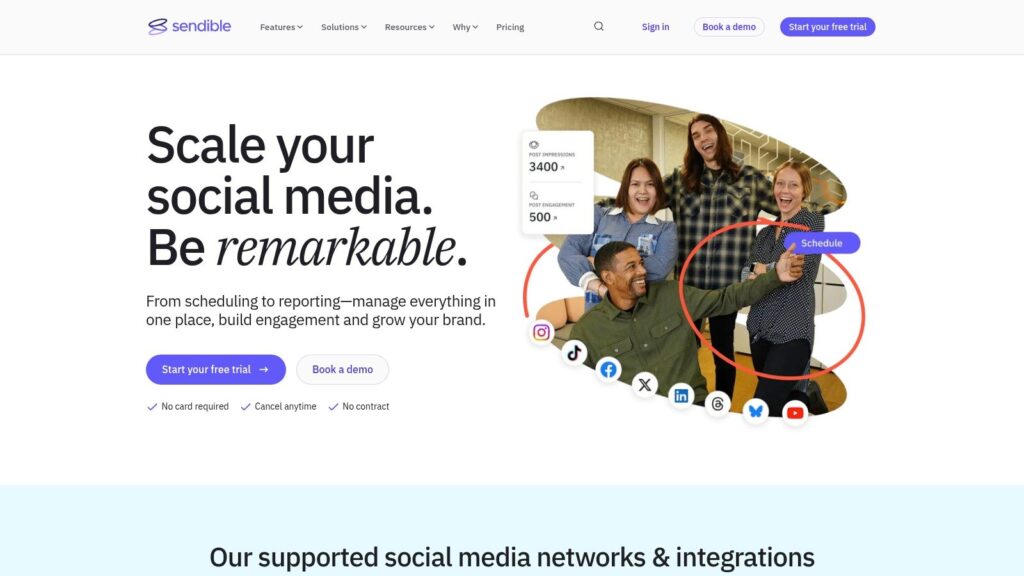
Sendible has always made the most sense to me for agencies. Not because it’s the biggest name, but because the workflow is clearly built around client work. Dashboards, approvals, reporting, content libraries, and white-label options all point in that direction.
If your team manages multiple brands, local businesses, or franchise locations, Sendible gives you enough structure without forcing you into enterprise-level complexity.
Sendible
Agency practicality matters
A lot of tools are pleasant for one brand and awkward for ten. Sendible avoids that problem better than many of its competitors. The client-facing setup is useful when account managers need visibility, clients want approvals, and the agency wants to keep work moving without endless email chains.
The Zapier integration also helps agencies that stitch together reporting, lead routing, or CRM workflows outside the core social platform.
A scheduler for agencies isn’t just about publishing. It’s about reducing approval delays and making clients feel informed without turning every post into a meeting.
Where it can fall short
- Best for: Agencies, freelancers, and multi-location businesses.
- Helpful feature: Client dashboards and approval workflows simplify handoff.
- Limitation: Some of the more valuable reporting and branding features sit on upper tiers.
- Limitation: The strongest setup is for client management, not deep listening or enterprise social care.
Sendible is a practical buy when the workflow problem is client operations, not just scheduling. If that’s your environment, it’s a strong contender. You can evaluate it at Sendible.
4. SocialBee
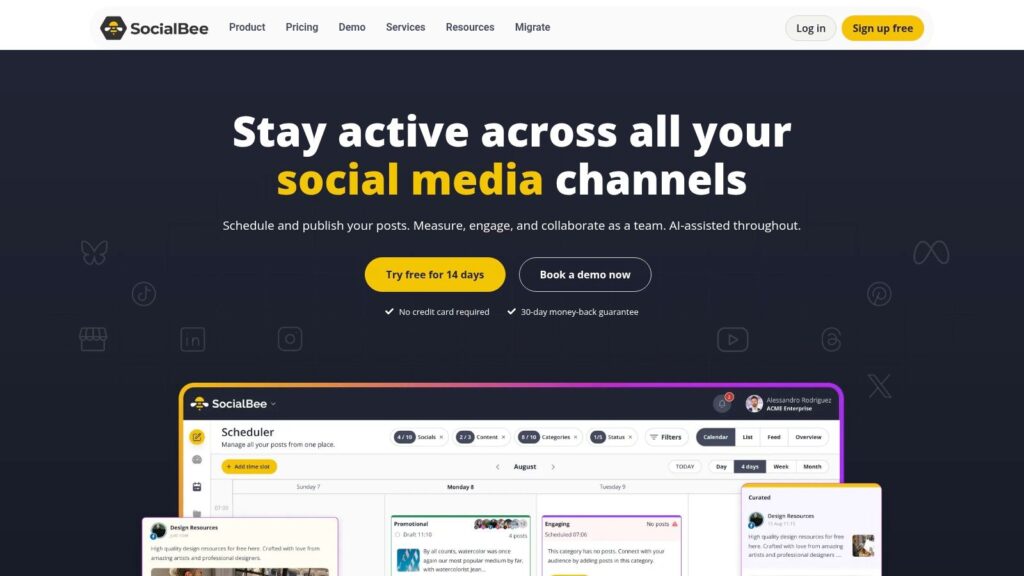
SocialBee is one of the most useful social media automation tools for teams that rely on evergreen content. If your strategy depends on recurring tips, blog posts, promos, testimonials, or educational content, its category-based scheduling model is a real advantage.
Instead of managing every post one by one, you build queues around content types. That sounds simple, but it changes how a small team works. You spend less time rebuilding the same posting rhythm every week.
SocialBee
Who gets the most value?
Coaches, consultants, publishers, creators, and small agencies usually benefit most. These businesses often have a lot of reusable content and not much time to manually resurface it.
SocialBee’s AI assistance, best-time suggestions, collaboration features, RSS imports, and integrations with Canva, Unsplash, and GIPHY make it more flexible than a basic evergreen scheduler.
The honest downside
Its weakest area is high-volume engagement management. If your brand depends on detailed listening, customer care routing, or intensive inbox work, SocialBee won’t feel as complete as a heavier suite.
- Best part: Category-based scheduling and evergreen recycling create a reliable posting baseline.
- Best part: Good value for SMBs and smaller agencies managing multiple profiles.
- Trade-off: Reporting depth is lighter than premium tools.
- Trade-off: Large teams may eventually hit workflow limits.
SocialBee is the right choice when the bottleneck is content cadence. It’s the wrong choice if your main pain point is conversation management. Learn more at SocialBee.
3. Loomly
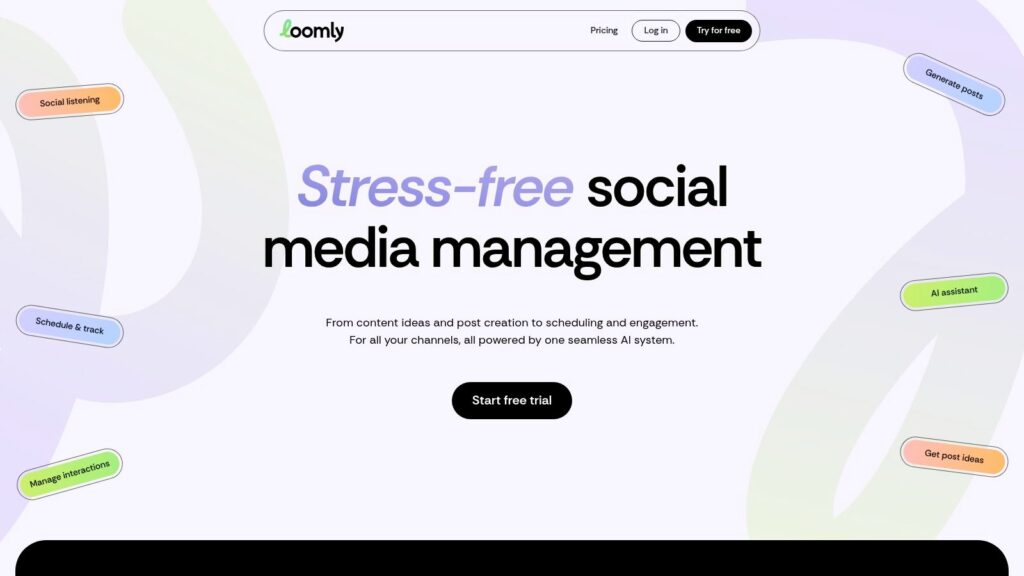
Loomly is for teams that care about process. If that sounds dull, you probably don’t need it. If your brand has approvals, multiple stakeholders, compliance concerns, or clients who need to preview posts before publication, Loomly becomes very useful very quickly.
Its strength is the calendar and review workflow. Roles, permissions, post mockups, idea suggestions, hashtag collections, and integrations with Slack and Microsoft Teams make it easier to move content through review without losing control.
Loomly
Why Loomly works
Some social teams don’t need a more powerful scheduler. They need fewer mistakes. Loomly helps there. It gives stakeholders visibility before something goes live, which is exactly what agency teams and larger in-house departments need.
I particularly like tools like this for brands where social is tied closely to legal review, brand guidelines, or executive approval.
Where it’s not the best pick
- Strong fit: Structured teams with approval-heavy workflows.
- Strong fit: Agencies managing multiple client calendars.
- Weak spot: Listening and customer care are not the main strength.
- Weak spot: Lower plans can feel tight on user access.
Loomly is not the most exciting platform here, but it solves a real problem well. If your biggest issue is review chaos, it deserves serious consideration. Visit Loomly.
2. Metricool
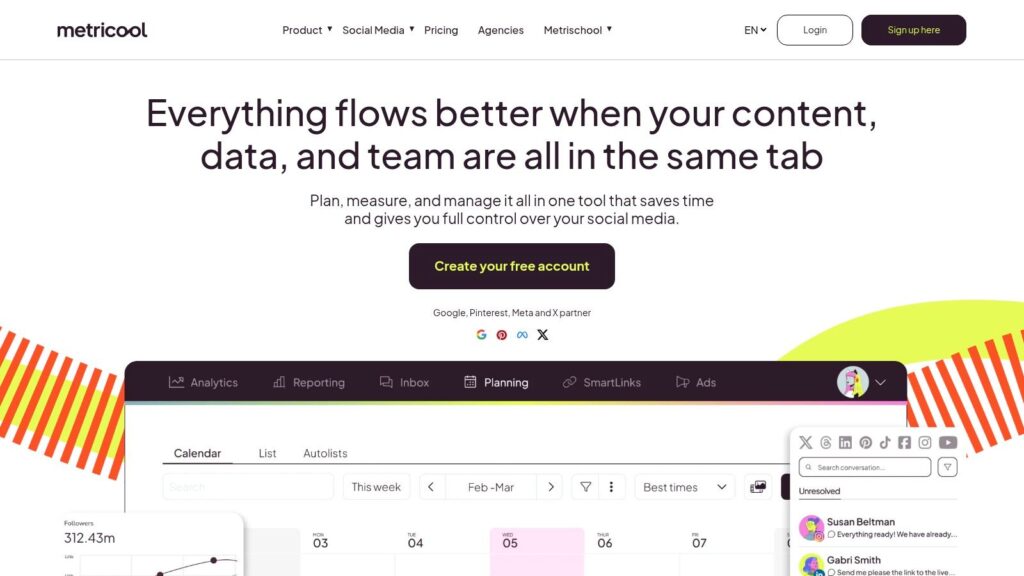
Metricool is one of the better value plays on this list. It covers scheduling, analytics, competitor benchmarking, ads reporting, link-in-bio functionality, and multi-brand management in a package that appeals to creators, DTC brands, and agencies watching costs closely.
It’s also a good fit for teams that want broader visibility without immediately stepping into premium enterprise pricing.
Metricool
What stands out
The analytics side is the draw. For buyers who want more than a scheduler but don’t necessarily need a full social care suite, Metricool gives a lot of useful visibility. Export options, connectors, and integrations also make it easier to plug into the rest of your reporting stack.
It helps that the platform supports newer channels alongside the usual major networks. That’s useful for brands experimenting with where attention is shifting.
Where buyers should be careful
Metricool’s pricing logic depends on brands and feature access, so you need to map your setup before buying. Otherwise you can choose a plan that looks fine on paper and find out later you need a higher tier for the functions that matter.
- Best for: DTC brands, creators, and agencies managing multiple brands.
- Strong point: Analytics and benchmarking for the cost.
- Watch out for: Some features are gated to higher tiers or add-ons.
- Watch out for: Plan fit matters more than it first appears.
If you want a capable all-rounder with strong reporting value, Metricool is worth a close look. The platform is available at Metricool.
1. Clepher
Analysts at Market.us report that social posting automation is already common across marketing teams. The practical question is no longer whether brands should automate. It is which part of the workflow needs automation next.
For a lot of teams, the bottleneck is conversation volume. Scheduled posts can drive reach, clicks, and replies, but someone still has to answer DMs, qualify leads, route support requests, and follow up before intent cools off. Clepher is built for that layer.
Clepher is a no-code chatbot platform for website chat, Facebook, Messenger, WhatsApp, and Instagram Direct Message. In a real stack, it works alongside a scheduler rather than competing with one. Publishing tools keep content going out. Clepher handles the inbound traffic that content creates.
That distinction matters for buyers comparing tools by use case. Agencies may need faster response handling across multiple client accounts. E-commerce teams often care about product questions, abandoned purchase recovery, and promo flows. Creators and coaches usually need simple lead capture, qualification, and booking conversations without adding headcount.
Clepher
Where Clepher earns its place
The Flow Builder is the practical draw. Non-technical teams can map journeys for lead capture, support triage, product education, appointment prompts, promo sequences, and follow-up logic without pulling in a developer for every change.
This flexibility is one reason many businesses look for the best social media automation tool rather than relying on disconnected workflows across multiple systems. As organizations manage growing numbers of social media accounts across different social media platforms, the ability to build and modify automation without technical support becomes increasingly valuable.
The feature set is broad enough to support serious testing and segmentation. Clepher includes AI Agents, live chat, tags, custom and global fields, personas, conditions, AI keyword triggers, A/B testing, random path distribution, analytics, and GDPR tools. These social features help teams create more targeted customer journeys while maintaining consistency across channels.
It also connects with common workflow platforms such as Zapier, Make, n8n, and Pabbly, which matters if conversations from various social profiles need to pass data into a CRM, email platform, or sales pipeline. The result is a more connected workflow where customer interactions can move seamlessly between communication channels and business systems.
One caution from experience. Conversational automation works best when it handles speed, routing, and repetitive questions first. Once a buyer gets specific, frustrated, or ready to purchase, a human should be easy to reach. Guidance from Work Brighter makes the same point in plain terms: human interaction remains critical once real conversations start.
Best fit and trade-offs
- Best for: E-commerce brands, DTC marketers, agencies, coaches, SaaS teams, and local businesses using DMs or site chat to generate leads and sales.
- Strong point: Multi-channel conversational automation in one no-code setup.
- Strong point: Good personalization and testing options for teams, improving flows over time.
- Watch out for: Pricing is not listed publicly, so the evaluation process usually starts with a demo or sales conversation.
- Watch out for: Performance still depends in part on the rules and API limits of the messaging platforms you connect.
If your current tool stack already covers scheduling, Clepher fills a different gap. It helps teams turn social attention into handled conversations, qualified leads, and faster responses without asking staff to monitor every inbox manually.
Top 10 Social Media Automation Tools Comparison
| Product | Core features ✨ | Quality ★ | Price/value 💰 | Best for 👥 | Unique strength 🏆 |
|---|---|---|---|---|---|
| Hootsuite | ✨ Publishing, cross-network scheduling, unified inbox, AI tools | ★★★★☆ | 💰 $$ (seat-based, enterprise) | 👥 Brands & agencies with governance | Enterprise-grade workflows & embedded AI |
| Sprout Social | ✨ Calendar, social CRM, unified inbox, deep reporting | ★★★★☆ | 💰 $$ (seat-based, add‑ons) | 👥 Mid-market & enterprise teams | Polished analytics & team collaboration |
| Buffer | ✨ Lightweight scheduler, inbox, AI assistant, link-in-bio | ★★★★☆ | 💰 $ (predictable per‑channel) | 👥 Creators, small teams, agencies | Simple UX and transparent pricing |
| Later (Later Social) | ✨ Visual planner, auto-publish, best time, AI captions | ★★★★☆ | 💰 $ (post/seat limits on starter) | 👥 E‑commerce & creators focused on visuals | Instagram/TikTok visual planning excellence |
| Agorapulse | ✨ Inbox-first moderation, publishing, reporting, add‑ons | ★★★★☆ | 💰 $ (seat-based + add‑ons) | 👥 Growing teams needing moderation | Automated moderation + flexible add‑ons |
| Sendible | ✨ Publishing, client dashboards, approvals, white‑label | ★★★★☆ | 💰 $ (agency-focused tiers) | 👥 Agencies & multi-location teams | Client-facing dashboards & white‑labeling |
| SocialBee | ✨ Category queues, evergreen recycling, and AI help | ★★★★☆ | 💰 $ (value for SMBs) | 👥 Coaches, creators, small agencies | Efficient evergreen automation |
| Loomly | ✨ Multi-calendar, approvals, role-based workflows | ★★★★☆ | 💰 $ (scales by calendars/users) | 👥 Agencies & in-house teams needing approvals | Stakeholder-friendly approval workflows |
| Metricool | ✨ Scheduling, analytics, competitor benchmarking, ads | ★★★★☆ | 💰 $-$ (generous brand counts) | 👥 Creators, DTC brands, agencies | Strong analytics & multi-brand support |
| Clepher 🏆 | ✨ Multi‑channel AI chatbots, no‑code Flow builder, unlimited broadcasts & integrations | ★★★★★ | 💰 Contact sales (pricing not public) | 👥 E‑commerce, agencies, coaches, SaaS, local biz | 🏆 Centralized AI Agents + live chat, fast install, 50+ native + 5k+ via connectors |
Your Next Move From Automation to Growth
The market is telling you something. Social media automation tools aren’t a niche category anymore. They’re a core part of how teams publish, organize, and respond at scale. But that doesn’t mean you need the biggest platform on day one. It means you need the right stack for the way your business operates.
Start with the bottleneck, not the brand name. If your team misses posts, choose a tool that fixes planning and scheduling fast. Buffer, Later, SocialBee, and Metricool all make sense when consistency is the first problem to solve. If your operation is larger and approvals, reporting, and cross-team coordination matter more, Hootsuite, Sprout Social, Agorapulse, Sendible, or Loomly will usually give you a better return.
The bigger shift is this. Scheduling is now the baseline, not the finish line. Independent coverage has pointed out that social media automation is no longer just about scheduling posts. A key gap is workflow design across channels, including repurposing content, routing comments and DMs, and handling inbox triage in a way that fits how teams function, as discussed in this analysis of workflow-focused social media automation tools. That’s why some buyers end up disappointed. They purchase a calendar tool when the core problem is distribution, response handling, or lead routing.
A simple decision framework helps.
Choose based on the job
- If you’re a creator or solo operator: Pick simplicity first. Buffer or Later are easier to adopt and maintain.
- If you run an agency: Prioritize approvals, client visibility, and reporting. Sendible, Loomly, Agorapulse, and Hootsuite usually make more sense.
- If you manage a growing brand team: Reporting depth and governance matter. Sprout Social and Hootsuite are stronger options.
- If you rely on evergreen content: SocialBee is efficient because it keeps reusable content circulating with less manual effort.
- If your business sells through DMs or on-site chat: Add conversational automation, not just publishing automation. That’s where Clepher becomes far more valuable than another scheduling feature.
The practical move is to build in layers. First, automate your content calendar. That gets posting consistency under control. Next, clean up review workflows, analytics, and repurposing so your team isn’t wasting time in handoffs and manual reporting.
Then handle the part most companies ignore. Automate the conversations that content creates.
That doesn’t mean turning your brand into a bot. It means using automation to greet, qualify, segment, answer common questions, route priority inquiries, and recover opportunities that would otherwise go cold. The strongest systems combine scheduled content with fast conversational follow-up. That’s how automation shifts from operational convenience to revenue support.
If you’re stuck between tools, don’t overcomplicate it. Buy for your current bottleneck, not your theoretical future org chart. A simple tool used well will outperform a powerful platform nobody fully adopts. Get the foundation in place, then add conversational AI where response speed and follow-up matter most.
Conclusion
Choosing the right social media automation tools enables teams to scale content production, improve engagement, and maintain consistency without sacrificing authenticity. The most effective solutions go beyond scheduling by combining publishing, analytics, and workflow integrations into a single social media management tool.
A strong social media strategy relies on repeatable processes. By using API-driven automation, RSS feeds, chatbots, templates, and shared content calendars, teams can streamline content planning, batching, approval workflows, and distribution across channels. These automation features reduce manual work while helping marketers stay organized and responsive.
The best social media tools also provide collaboration capabilities, performance tracking, A/B testing, audience segmentation, and customizable notifications. These insights make it easier to measure ROI, identify what resonates with audiences, and continuously refine your approach to social media marketing.
If your team already has publishing covered but still loses leads in DMs, comments, or website chat, Clepher is the next logical step. It helps you automate the conversations that turn attention into action, so your social media doesn’t just stay active. It starts working harder for sales, support, and growth.

Related Posts
Customer Journey Automation: The Practical Guide
October 10, 2026Lead Qualification Marketing: A Practical 2026 Guide
October 9, 2026Customer Experience Optimization Playbook
October 8, 2026
Founder Clepher