AI adoption is widespread, but successful implementation isn’t. In McKinsey’s 2025 survey, 88% of respondents said their companies regularly used AI in a business function, while only 7% said it had been fully scaled across their organizations (McKinsey’s global AI survey). Giving people access clearly isn’t the same as helping them use a tool effectively.
The right AI onboarding tool depends on the journey, not the length of its feature list. A SaaS company may need contextual in-app guidance. A marketing team may need automated conversations across Messenger, Instagram Direct Message, website chat, and email, while HR needs a new-hire journey connected to payroll, IT, and compliance.
Consider a customer who creates an account but misses the integration step required to use the product. A welcome email won’t necessarily solve that problem. A contextual prompt, a conversational explanation, or a well-informed human handoff might.
Evaluate AI onboarding tools through practical questions:
- Journey fit: What part of onboarding does the tool improve?
- AI’s role: Does it create content, interpret behavior, answer questions, or perform actions?
- Implementation: What data, integrations, configuration, and ownership does it require?
- Limitations: Where would another category of software be more appropriate?
Employee onboarding needs a separate lens. Teams looking to improve employee retention with onboarding should assess role readiness and manager involvement, not just completed forms.
The tools below serve different jobs. Their order isn’t a universal ranking, and a conversational marketing platform shouldn’t be judged as a substitute for an HR system.
1. Clepher
AI Onboarding Tools Chatbot Marketing
For an online course seller, onboarding might begin in Instagram Direct Message rather than inside an application. A buyer asks where to start, needs the right access instructions, and later returns with a routine question.
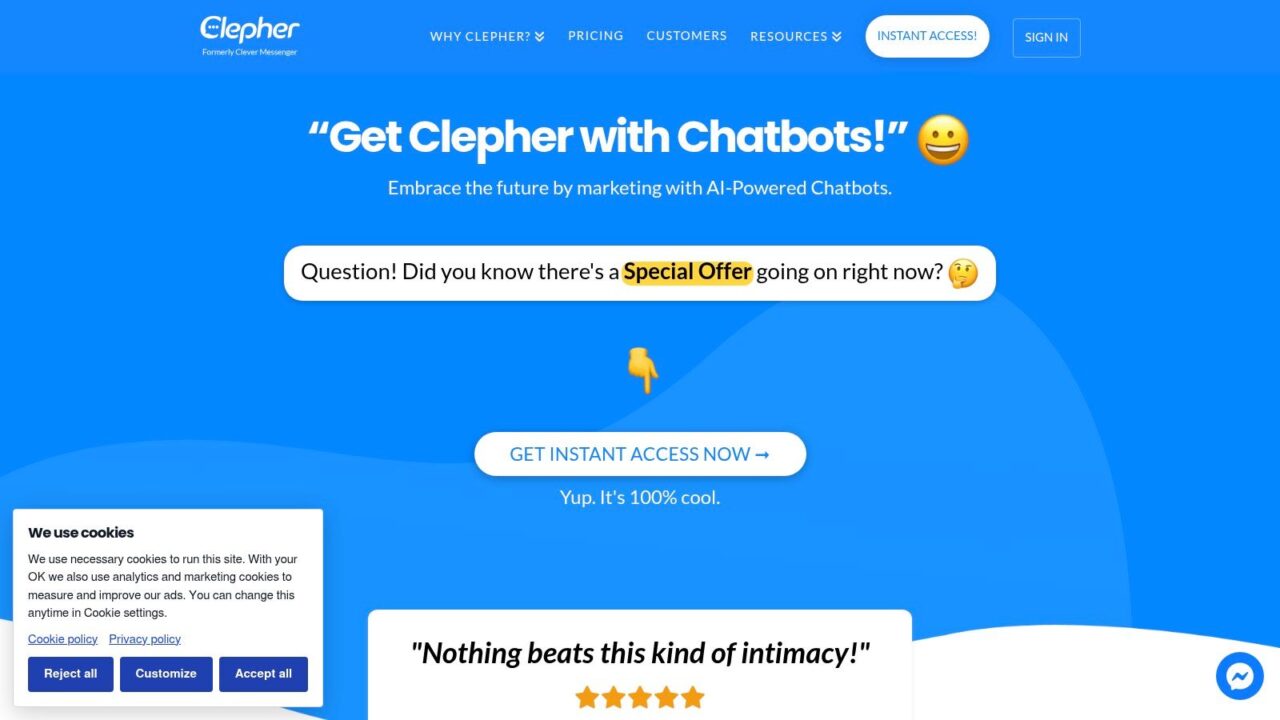
Clepher suits conversational customer onboarding across social and website channels. Its no-code builder supports drag-and-drop flows and AI-powered chatbots for welcome messages, preference collection, FAQs, setup guidance, reminders, and human handoffs.
Build around the conversation
Clepher supports website chat, Facebook Messenger, and Instagram Direct Message, alongside tags, segments, conditions, custom fields, personalization, live chat, analytics, and integrations. Its promotions have included a Pro offer at $49 per month, but terms, subscriber limits, and standard pricing need confirmation (Clepher’s platform).
- Practical scenario: A DTC brand asks what a new customer purchased, provides relevant getting-started guidance, and routes an unresolved product question to an agent.
- Implementation priority: Map consent, audience fields, channel requirements, and CRM synchronization before launching follow-ups.
- Trade-off: Clepher isn’t a dedicated SaaS product-tour platform or an employee HR onboarding system.
The analytical distinction is important: a conversation can capture intent that a tour doesn’t ask about, but the team still needs a reliable destination for that information. Decide which answers become profile fields and which require human review.
Evaluate completion and handoff quality, not just conversation volume. A flow that collects preferences but doesn’t help the customer reach the next useful action has automated intake, not completed onboarding.
2. Product Fruits
AI Onboarding Tools Software
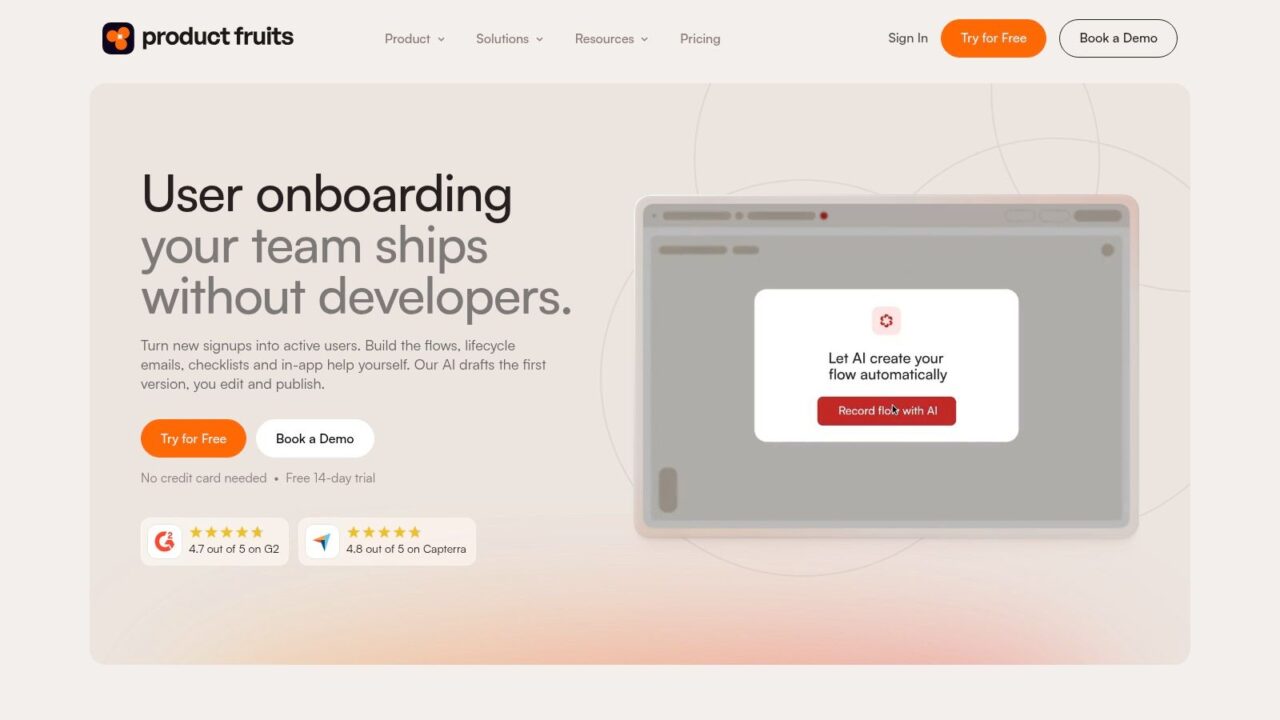
Product Fruits fits SaaS teams that need to explain the product while customers use it. Its in-app toolkit combines tours, checklists, hints, announcements, surveys, and knowledge-base content with Elvin, its AI assistant.
A practical use case is an agency reporting platform whose customers must connect a data source before building a dashboard. The team could use a checklist to explain the sequence, contextual hints around connection settings, and Elvin for conversational answers or on-demand walkthroughs. That’s more relevant than presenting every feature during the first session.
Where it fits and what to verify
Product Fruits offers AI-assisted onboarding content creation, user targeting, segmentation, localization, and a read-only MCP connection for onboarding data. Its advertised starting plan is $111 per month, billed annually, for 1,500 monthly active users, with a 14-day trial (Product Fruits).
- Main advantage: Product, growth, and customer-success teams can combine guidance and support without depending heavily on developers for every content change.
- Implementation work: Define activation events, supply accurate help content, and configure targeting so returning users don’t receive irrelevant introductions.
- Main limitation: This is primarily software-product onboarding, not a replacement for social messaging or employee operations.
Use SaaS onboarding best practices to define the first meaningful outcome before creating tours. Otherwise, no-code authoring can make it easier to publish more guidance without making the journey clearer.
During evaluation, ask which AI capabilities and usage allowances belong to the proposed plan. Public entry pricing helps with initial screening, but user volume and included AI usage still need scrutiny.
3. Userpilot
AI Onboarding Tools Userpilot Homepage
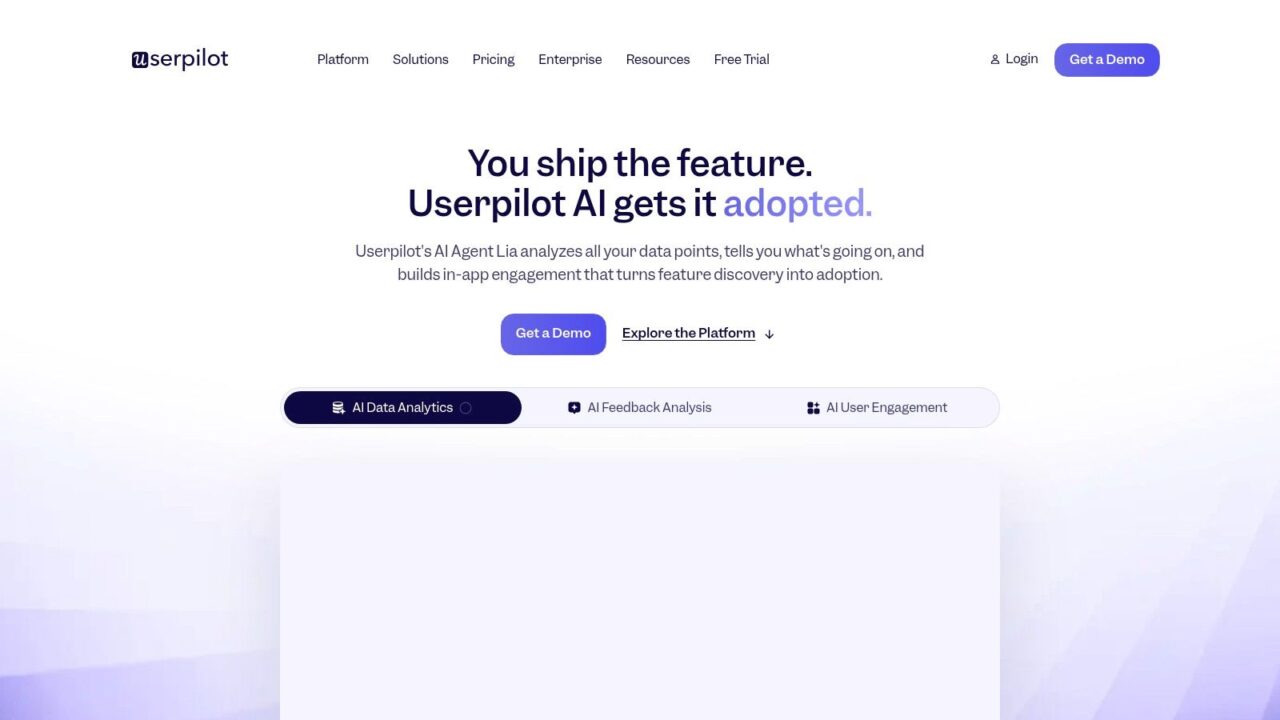
A customer repeatedly opens a configuration screen but never finishes setup. Userpilot is worth evaluating when your team needs to investigate that behavior and build an onboarding intervention in the same platform.
Its toolkit includes no-code flows, tooltips, checklists, behavior-based targeting, and segmentation. Product analytics, surveys, and session replay are available on applicable plans, with mobile and email options depending on the package. Lia, its AI agent, is positioned to help interpret activation problems and draft in-app fixes.
Diagnose the missed action before asking AI to write another tooltip.
For a subscription analytics product, the practical workflow might involve identifying customers who haven’t connected billing data, examining where they struggle, and showing guidance specific to that step. The implementation burden isn’t only installing software. Someone must define events consistently and distinguish genuine friction from users who aren’t ready.
The cost and capability trade-off
Userpilot lists Starter at $299 per month for up to 2,000 monthly active users, Growth from $849 per month, and a 14-day trial (Userpilot’s platform and plans). That starting cost may be difficult to justify for an early-stage product with a simple activation path.
Its strength is the connection between behavioral evidence and onboarding changes. The caveat is that advanced capabilities, add-ons, and AI availability require plan-level confirmation.
For service businesses, relationship-led tools may be more appropriate. This comparison of 10 client onboarding tools for coaches addresses a different journey from instrumented SaaS activation.
4. Appcues
AI Onboarding Tools Homepage Showcase
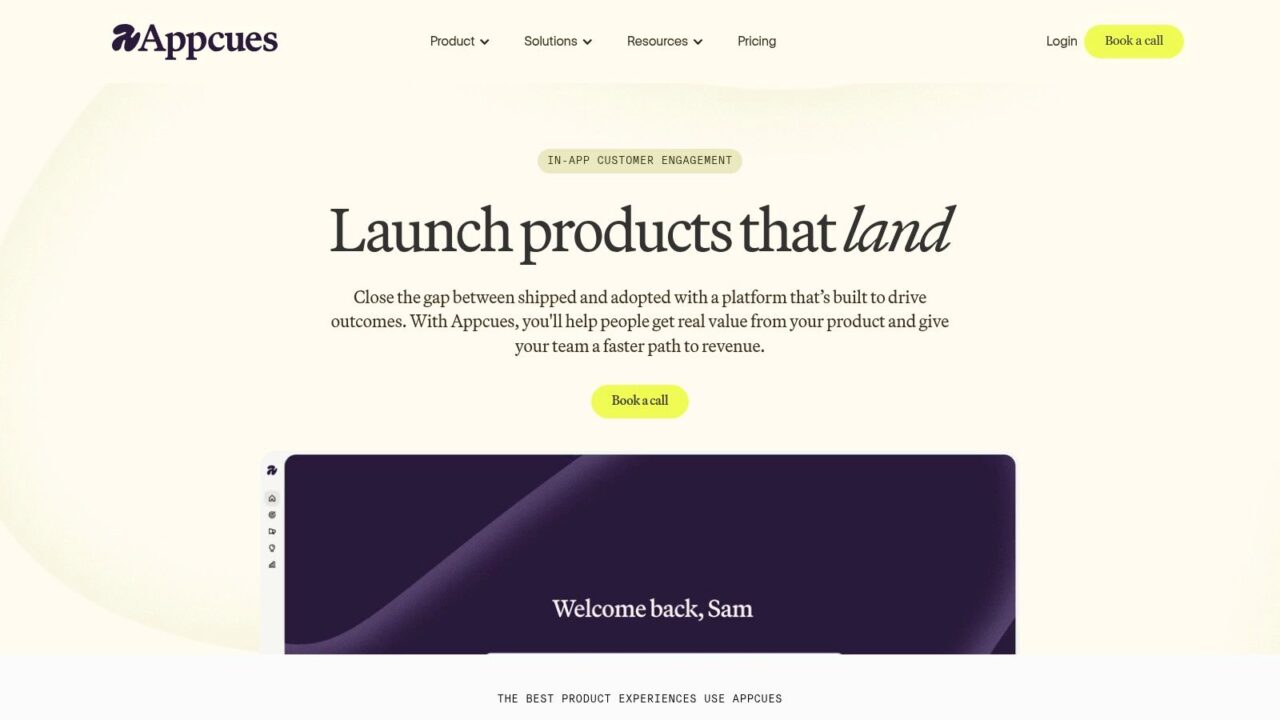
Appcues is a practical candidate when product and marketing teams want direct control over in-product onboarding experiments. Teams can build tours, checklists, announcements, and other experiences without writing code, with AI assistance for creating experiences from plain-language prompts.
Consider a scheduling application serving both individual consultants and agencies. The consultant may need help publishing a booking page, while an agency administrator needs to configure team availability. Appcues’ audience targeting gives the team a way to present different guidance rather than force both users through the same introduction.
Use AI for drafting, then validate the experience
The useful distinction is between creating guidance faster and choosing the right guidance. AI-assisted authoring addresses the former; product teams still need to decide which action matters, when an experience should appear, and when it should stop appearing.
- Strength: No-code authoring supports product and marketing ownership across onboarding and lifecycle experiences.
- Implementation consideration: Check integrations, audience attributes, and reporting against your actual experimentation process.
- Trade-off: Appcues focuses on in-product experiences, not HR onboarding or cross-channel customer conversations.
Appcues offers Start, Grow, and Enterprise plans, usage-dependent pricing, implementation support, and a free trial; getting started with the trial involves a sales conversation (Appcues). Ask how active users, installations, and published experiences affect the eventual bill.
Apply onboarding best practices before generating experiences. A useful pilot should test whether customers complete a meaningful task, not merely whether they finish clicking through the tour.
5. Chameleon
AI Onboarding Tools Software Interface
Different users can need different onboarding inside the same application. An administrator configuring permissions and a contributor completing daily work shouldn’t necessarily receive identical prompts.
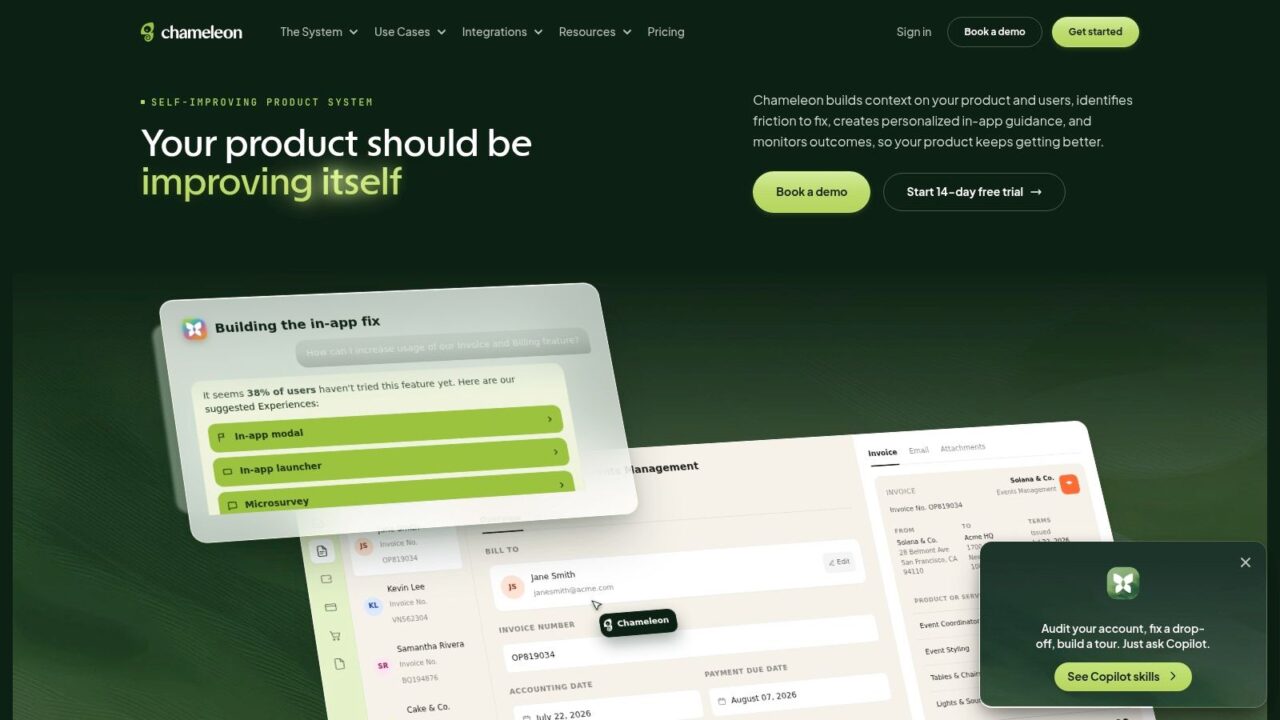
Chameleon belongs on the shortlist when contextual, segmented in-product guidance is central to the project. It provides guides and adoption experiences alongside targeting, personalization, and AI-related capabilities for building and improving guidance.
For a project-management SaaS business, a sensible evaluation would separate workspace setup from individual participation. Test whether each audience receives relevant help, whether completed steps suppress unnecessary prompts, and whether the team can maintain those distinctions as the application changes.
Evaluate targeting before AI allowances
Chameleon’s vendor plan information includes AI agents across plans and mentions 10,000 free AI credits, while exact pricing depends on usage and requires contacting the vendor (Chameleon). Ask what consumes those credits, how additional usage is handled, and which capabilities apply to your proposed configuration.
- Best fit: Product teams with meaningfully different user roles or adoption paths.
- Implementation priority: Reliable audience attributes and explicit rules for when guidance appears.
- Buying risk: An included AI allowance doesn’t establish the total cost of your intended workflow.
The trade-off is focus. Chameleon is relevant when the onboarding problem happens inside software; it’s less suitable when the main conversation occurs through social messaging.
Request a demonstration built around your hardest segment boundary, not just a generic welcome tour. That will reveal more about suitability than an attractive example with a single audience and a predictable path.
6. Pendo
AI Onboarding Tools Pendo Homepage
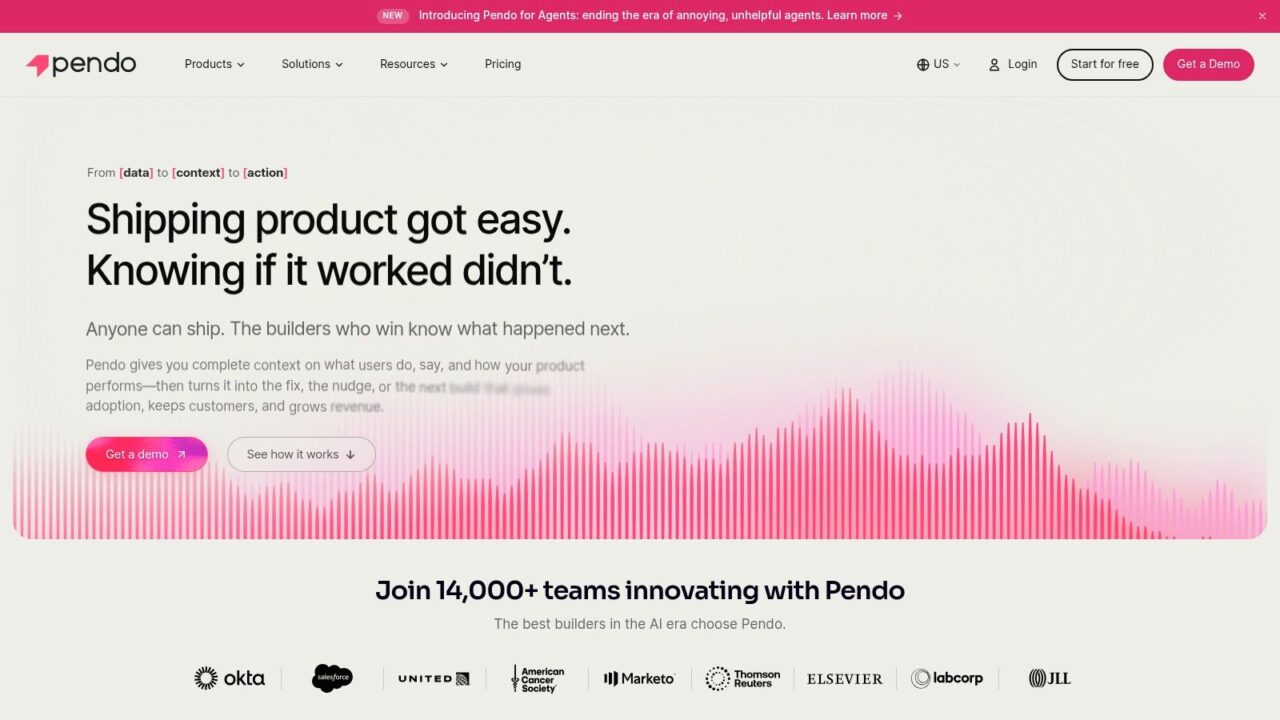
Pendo is a broader product-experience option for teams that need to investigate adoption as well as deliver guidance. It combines product analytics with in-app guides, AI-assisted analysis and guidance capabilities, and session replay on eligible plans.
That combination matters when the team doesn’t yet understand the onboarding failure. A customer-success manager might suspect that customers abandon a reporting workflow because they can’t find a button, while usage analysis suggests they never complete the prerequisite configuration. Those problems call for different interventions.
Measure the outcome beyond guide completion
One benchmark covering 62 B2B SaaS companies reported an average activation rate of 37.5% and average time to value of 1 day, 12 hours, and 23 minutes (SaaS onboarding benchmark summary). These are contextual observations, not targets every product should adopt.
Pendo lists a free plan for up to 500 monthly active users, while paid pricing requires a request and depends on users and selected capabilities (Pendo).
- Advantage: Teams can connect product-behavior investigation with in-product interventions.
- Implementation work: Establish event definitions, meaningful segments, and ownership of analysis.
- Limitation: A broad platform may exceed what a small business needs for a straightforward onboarding flow.
Start with a clear definition of customer onboarding and the customer’s first useful result. Then assess whether Pendo’s analytical scope justifies its configuration and commercial requirements.
The strongest reason to choose it isn’t access to guides. It’s a need to understand adoption across a wider product experience.
7. Intercom
AI Onboarding Tools Customer Service
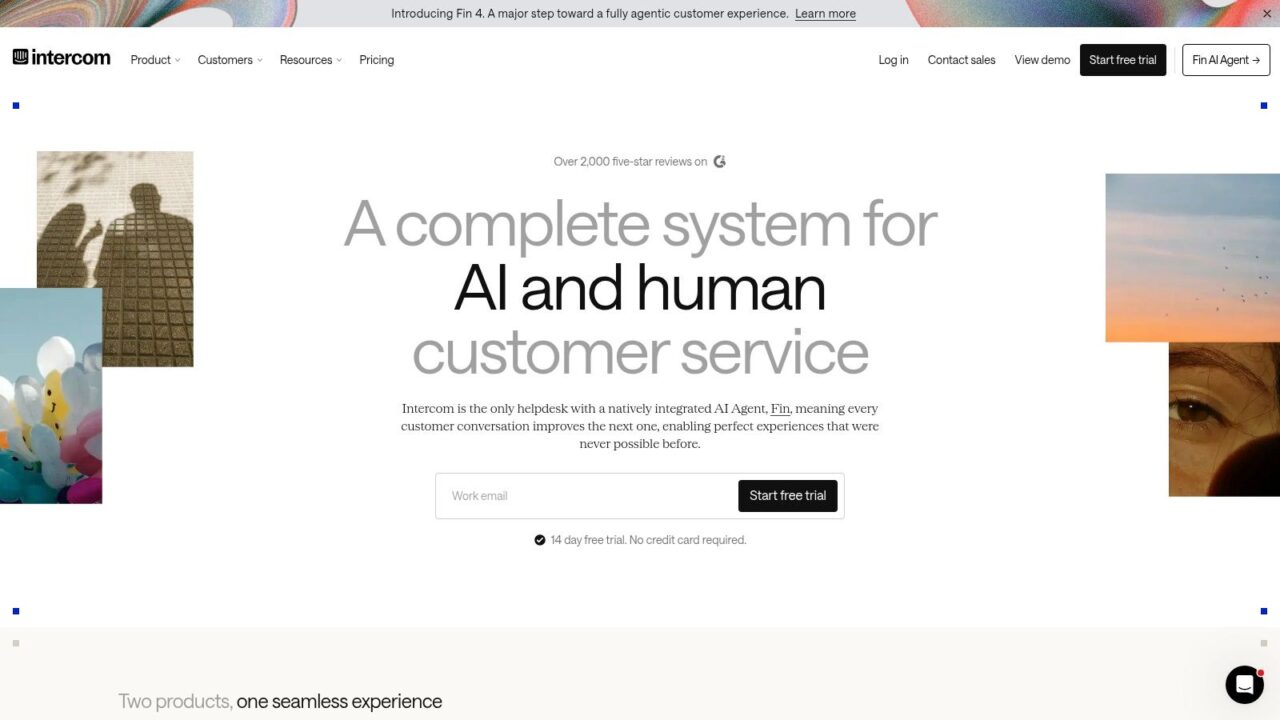
Onboarding questions often become support conversations. Intercom fits businesses that want those interactions connected rather than managed as separate projects.
Its Product Tours provide multi-step, no-code guidance for web applications. Teams can target audiences by behavior and share tours through conversations, messages, bots, and links, while Fin AI Agent answers questions and carries out configured procedures.
A SaaS customer struggling with account configuration could receive an answer, open the relevant tour, and reach a human when the issue requires investigation. For teams already using Intercom’s inbox or help center, that continuity is a practical reason to evaluate it.
Practical rule: A handoff should preserve the customer’s goal, completed steps, and unresolved question. Transferring only the conversation creates avoidable repetition.
Understand the billing model
Intercom advertises Essential from $29 per seat per month with annual billing, with Fin AI Agent at $0.99 per outcome; some proactive features require an add-on (Intercom). Evaluate the full combination of seats, AI outcomes, and required features rather than comparing the seat price alone.
- Strength: Support, automated answers, human escalation, and lightweight onboarding guidance share a customer-conversation environment.
- Implementation priority: Approved knowledge content, carefully configured actions, and clear escalation rules.
- Limitation: Product Tours serve web apps rather than native mobile apps and offer a lighter onboarding layer than dedicated adoption platforms.
Intercom is especially relevant when customers ask for help during setup. If the primary requirement is detailed product-behavior analysis or complex adoption experiments, compare its depth against a dedicated product platform.
8. Botpress
AI Onboarding Tools Customer Support Platform
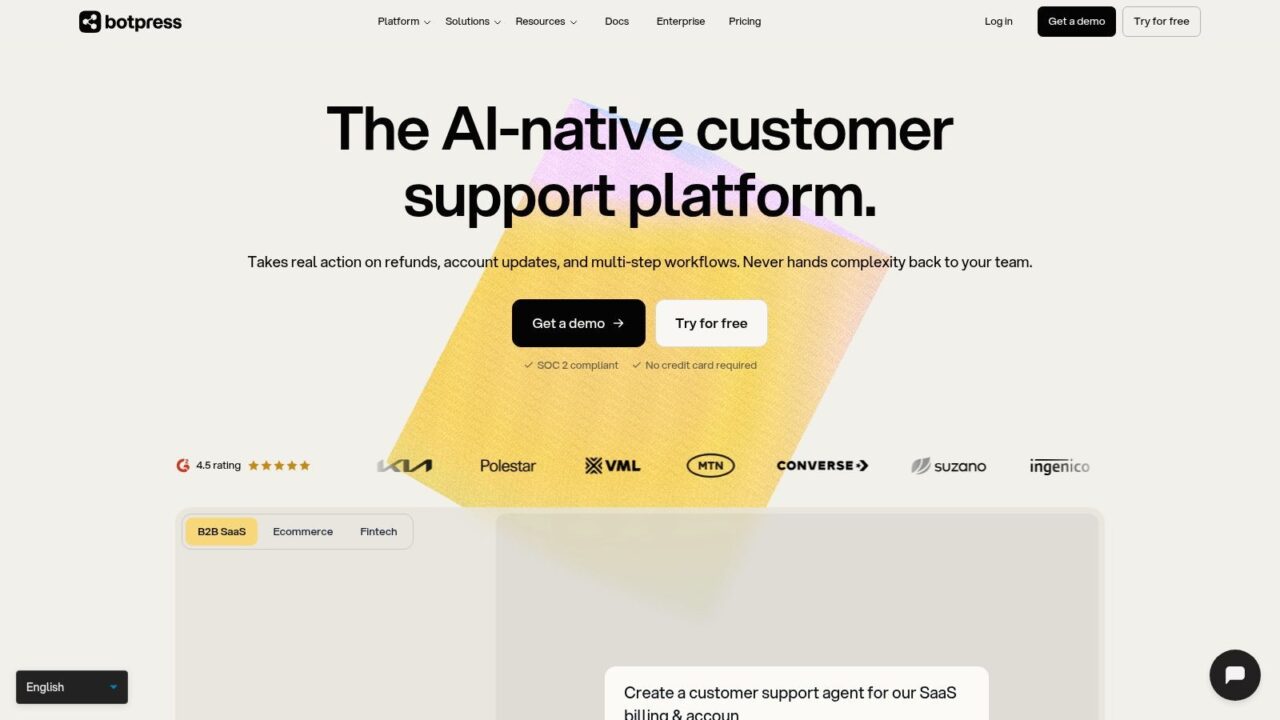
Choose Botpress for a custom conversational onboarding agent when packaged tours don’t match the workflow. Teams can build agents that answer questions, gather information, run workflows, and connect with knowledge bases or external systems.
For example, a subscription business could design an assistant that identifies the customer’s account type, explains the relevant setup path, collects missing information, and routes unresolved requests to a person. That flexibility is useful, but it also transfers more design responsibility to the buyer.
Customization creates testing obligations
Botpress lists a free option with 100 conversations per month, Plus at $150 per month billed annually, and Team at $750 per month billed annually (Botpress). Conversation limits, additional usage, and the features available on each plan should shape the evaluation.
- Strength: Flexible agent design can support onboarding, support, and lead-generation workflows.
- Implementation effort: Knowledge preparation, system connections, permissions, fallback behavior, and handoff configuration need deliberate attention.
- Limitation: Building an agent can require more setup than deploying a packaged onboarding experience.
Paid-plan options include public help-center and webchat capabilities, while higher plans offer team-level routing, permissions, and analytics. Verify the exact combination required for your deployment rather than assuming the builder includes every operational feature.
Test incomplete questions, contradictory account information, unavailable integrations, and requests outside the agent’s authority. The important buying question isn’t whether the agent can produce a convincing answer, but whether it behaves appropriately when it lacks enough information to proceed.
9. Enboarder
AI Onboarding Tools Dashboard Interface
Employee onboarding can look complete administratively while leaving the person unprepared for the role. BambooHR’s benchmark found that 52% of employees felt onboarding emphasized administration over role training, while 24% cited insufficient follow-up and 23% cited a lack of personalized learning (BambooHR’s onboarding benchmark).
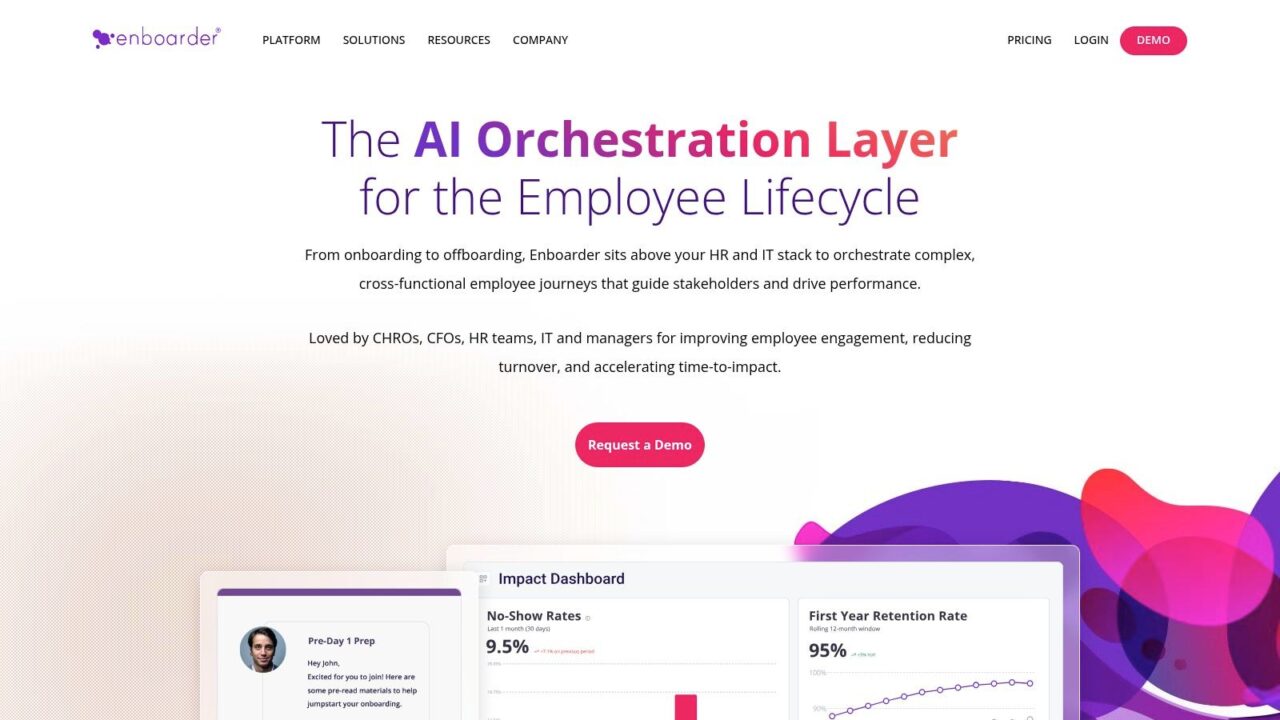
Enboarder addresses employee journeys rather than customer activation. Its offering includes preboarding, personalized workflows, stakeholder coordination, an AI assistant for employee questions, and AI-generated 30/60/90-day ramp plans, with quote-based pricing (Enboarder).
Evaluate readiness, not just reminders
A new customer-support employee needs more than policy documents. A useful journey might coordinate manager introductions, approved response guidance, practice tasks, and check-ins about unresolved questions.
Enboarder’s stakeholder nudges and personalized journeys make it relevant to that coordination problem. HR still needs managers to define what readiness means and verify that generated plans reflect the actual role.
- Best fit: Organizations with dedicated HR processes and onboarding responsibilities spread across managers and other stakeholders.
- Implementation priority: Assign task owners, maintain approved employee content, and validate role-specific plans before use.
- Trade-off: It isn’t designed to onboard shoppers or customers inside a SaaS product.
U.S. compliance capabilities and integrations are available through solutions or add-ons, so scope them explicitly during procurement. Don’t assume employee-experience orchestration automatically replaces payroll, identity management, or every compliance process.
The clearest evaluation asks whether the platform helps a new hire become capable and connected, not merely whether HR can send fewer reminders.
10. Rippling
AI Onboarding Tools Rippling Platform
A new employee can receive an excellent welcome and still be unable to work because their device or application access isn’t ready. Rippling fits the operational side of onboarding by connecting HR, IT, and workforce processes.
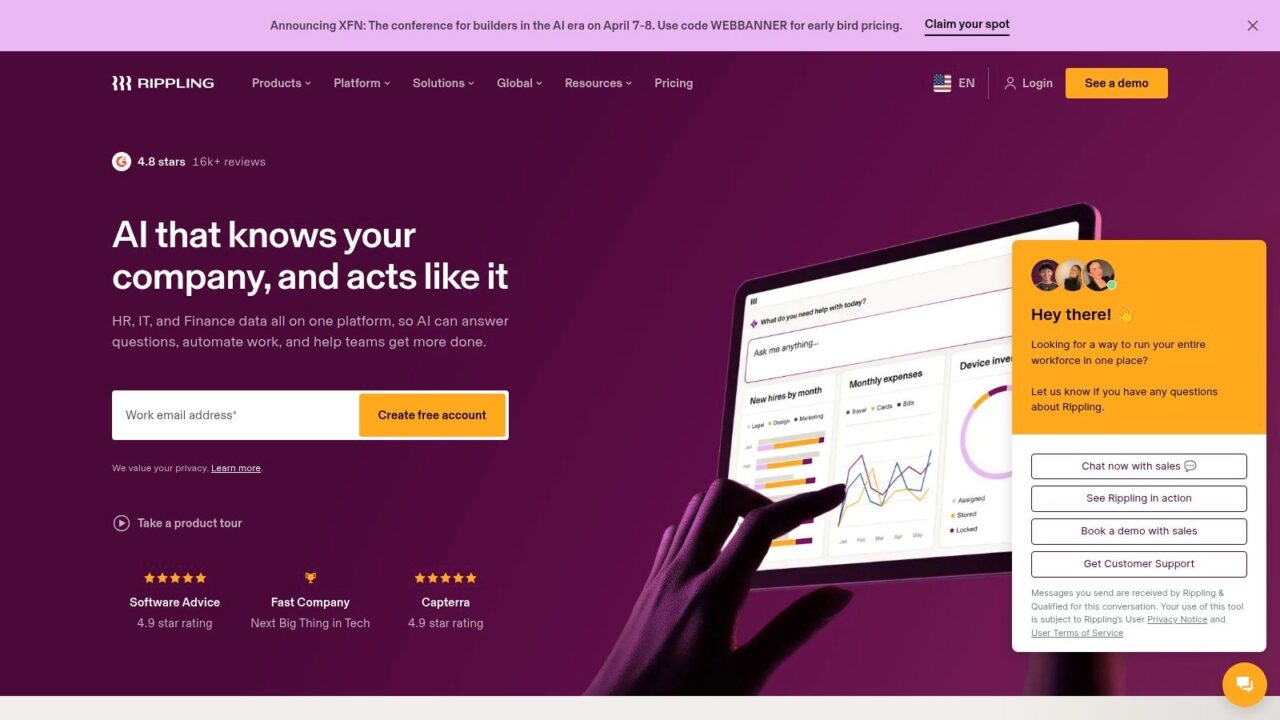
Its platform links employee onboarding with payroll, benefits, documents, devices, and connected applications. AI assistance can answer HR questions and help with tasks using company data and permissions, while pricing depends on selected products and requires a quote (Rippling).
Start with access and accountability
The relevant scenario is a growing agency onboarding employees across departments. HR records establish the employee’s role, workflows coordinate required actions, and the business configures the applications and equipment that person needs.
- Advantage: Onboarding connects to operational actions rather than remaining a standalone checklist.
- Implementation consideration: Employee records, permissions, connected systems, and workflow ownership must be configured carefully.
- Limitation: A broad HR and IT platform can require more configuration than a dedicated onboarding application.
Governance deserves particular attention. ISACA found that 81% of respondents believed employees used AI at work, permitted or not, while only 28% of organizations had a formal, thorough AI policy (ISACA’s AI training and policy findings).
That gap suggests a practical onboarding requirement: explain which AI uses are approved, what data employees may share, and when human review is mandatory. Provisioning access and teaching safe use are related responsibilities, but completing the former doesn’t prove the latter has happened.
Rippling is relevant for workforce operations, not customer-facing onboarding for an online store or SaaS application.
Top 10 AI Onboarding Tools Compared
| Platform | Onboarding approach | Best for | Standout strengths | Key trade-offs | Pricing |
|---|---|---|---|---|---|
| 🏆 Clepher | AI-driven conversational flows across website, Messenger, and Instagram | 👥 Businesses onboarding, engaging, and supporting customers through messaging | ✨ No-code flows, segmentation, live chat, and cross-channel automation | Not a dedicated SaaS product-tour or employee onboarding tool; check channel requirements | 💰 Promotional Pro offer around $49/month; terms and limits vary |
| Product Fruits | No-code in-app tours, checklists, surveys, and AI assistance | 👥 Lean SaaS product and customer-success teams | ★ Combines in-app guidance with conversational help | Primarily focused on software products; AI usage varies by plan | 💰 From $111/month billed annually; 14-day trial |
| Userpilot | In-app flows, analytics, feedback, and AI onboarding support | 👥 SaaS teams focused on activation and adoption | ★ Connects guidance to behavioral analytics | Higher starting cost; advanced features may require upgrades | 💰 From $299/month; Growth from $849/month; 14-day trial |
| Appcues | No-code tours, checklists, announcements, and AI-assisted creation | 👥 Product and growth teams | ✨ Build and manage onboarding experiences without coding | Pricing depends on usage; trial involves a sales conversation | 💰 Custom pricing; free trial |
| Chameleon | Targeted in-product guides and AI-powered user guidance | 👥 SaaS teams with segmented user journeys | ✨ Contextual guidance and AI capabilities | Pricing and plan limits require vendor confirmation | 💰 Custom pricing; 10,000 AI credits noted |
| Pendo | Product analytics paired with in-app guides | 👥 Organizations seeking broader product-experience insights | ★ Uses product data to identify adoption friction | Paid pricing is custom; may be more than small teams need | 💰 Free tier up to 500 monthly active users; paid plans by quote |
| Intercom | Web product tours combined with messaging and AI support | 👥 Businesses combining onboarding with customer service | ✨ Fin AI Agent and human handoffs in one platform | AI costs depend on outcomes; tours are web-app focused | 💰 Essential from $29/seat/month; Fin from $0.99/outcome |
| Botpress | Custom AI agents for guided conversations, workflows, and handoffs | 👥 Teams needing flexible conversational onboarding | ✨ Connects agents to knowledge bases and external systems | Requires more bot design and setup than packaged tools | 💰 Free plan; Plus $150/month and Team $750/month billed annually |
| Enboarder | Personalized employee journeys and AI-assisted new-hire support | 👥 HR and People teams | ✨ Coordinates new hires, managers, and stakeholders | For employee, not customer, onboarding; quote-based | 💰 Custom quote |
| Rippling | Employee onboarding connected to HR, IT, payroll, and applications | 👥 Organizations consolidating workforce operations | ✨ Links onboarding to devices, apps, and HR workflows | Broad platform may require configuration; not customer-facing onboarding | 💰 Custom quote |
Choose for the Outcome You Need to Improve
Start with the failure you need to fix, then select the category. A customer missing a configuration step, a shopper asking a question on Instagram, and a new employee waiting for application access need different interventions.
For in-product SaaS adoption, shortlist Product Fruits, Appcues, Chameleon, and Pendo. Product Fruits combines guidance with conversational assistance; Appcues supports team-owned experience creation; Chameleon merits evaluation for segmented journeys; Pendo is relevant when broader product analysis is part of the requirement.
Userpilot and Intercom connect onboarding to adjacent work. Choose the evaluation path around behavioral analytics for Userpilot or customer support continuity for Intercom. Neither relationship guarantees fit, so demonstrate the actual workflow before committing.
Match the buying path to the operating model
Botpress and Clepher suit conversational journeys, but they imply different implementation choices. Botpress is relevant for custom agent workflows, while Clepher fits customer engagement across social and website channels.
Enboarder and Rippling belong in the employee-onboarding shortlist. Evaluate Enboarder around personalized journeys and stakeholder coordination, and Rippling around connected workforce operations, access, and HR processes.
The strongest demonstration uses your unresolved onboarding problem, your knowledge content, and your escalation rules, not just the vendor’s prepared example.
Use an outcome-led evaluation checklist
Ask each shortlisted vendor to demonstrate the same realistic journey. Include a successful path, an incomplete-data path, and a human escalation so you can compare operational behavior rather than presentation quality.
- Target user: Is the platform designed for customers, prospects, employees, or administrators?
- Channel: Does the journey happen inside software, through messaging, on a website, or across workforce systems?
- Data access: What can AI read, change, retain, or pass to another system?
- AI role: Is it drafting content, interpreting behavior, answering questions, recommending actions, or executing them?
- Handoff quality: Does a person receive the user’s goal, relevant context, and unresolved issue?
- Implementation effort: Who owns integrations, content approval, targeting, testing, and ongoing maintenance?
- User-volume pricing: How do active users, conversations, outcomes, credits, seats, and add-ons affect the bill?
- Success criteria: Will you measure activation, time to first value, response accuracy, role readiness, or another defined outcome?
Before launch, document the current failure and the action that would count as success. After launch, compare relevant cohorts and examine unresolved conversations as carefully as completed flows.
Don’t interpret fewer support requests as proof of success unless customers also reach their intended outcome. They may have solved the problem, or they may have stopped trying.
The strongest onboarding system isn’t the one with the most automation. It’s the one that removes a specific point of friction while keeping the experience personal, measurable, and easy to improve.
Clepher offers no-code conversational flows and AI-powered chatbots for customer onboarding across website chat, Messenger, and Instagram Direct Message. Visit Clepher to evaluate a welcome, setup-guidance, or FAQ flow, and test how it passes unresolved questions to your team.