
Stop Scrolling, Start Creating: Find Your Perfect Reels App
Struggling to create Instagram Reels that get noticed? You have the ideas, but the editing process feels slow, clunky, or overwhelming. The fix usually isn’t chasing one perfect app. It’s picking the right tool for the kind of content you publish, the speed you need, and how polished the final Reel has to look.
That matters because Reels aren’t a side format anymore. Instagram Reels can generate up to 67% more engagement than regular video content, which is why the best apps to make Instagram Reels now sit at the center of many creator and brand workflows. If you’re building short-form content consistently, your editor affects speed, quality, and how often you publish.
If you also create across platforms, this guide pairs well with these AI solutions for YouTube creators. The workflows overlap more than is commonly believed.
I’m not going to drag you through a long scoring framework. Here’s the practical version. Some apps are best for fast phone edits. Some are better for branded, template-heavy team workflows. Others give you desktop-style control when a quick mobile cut won’t cut it.
1. CapCut
CapCut
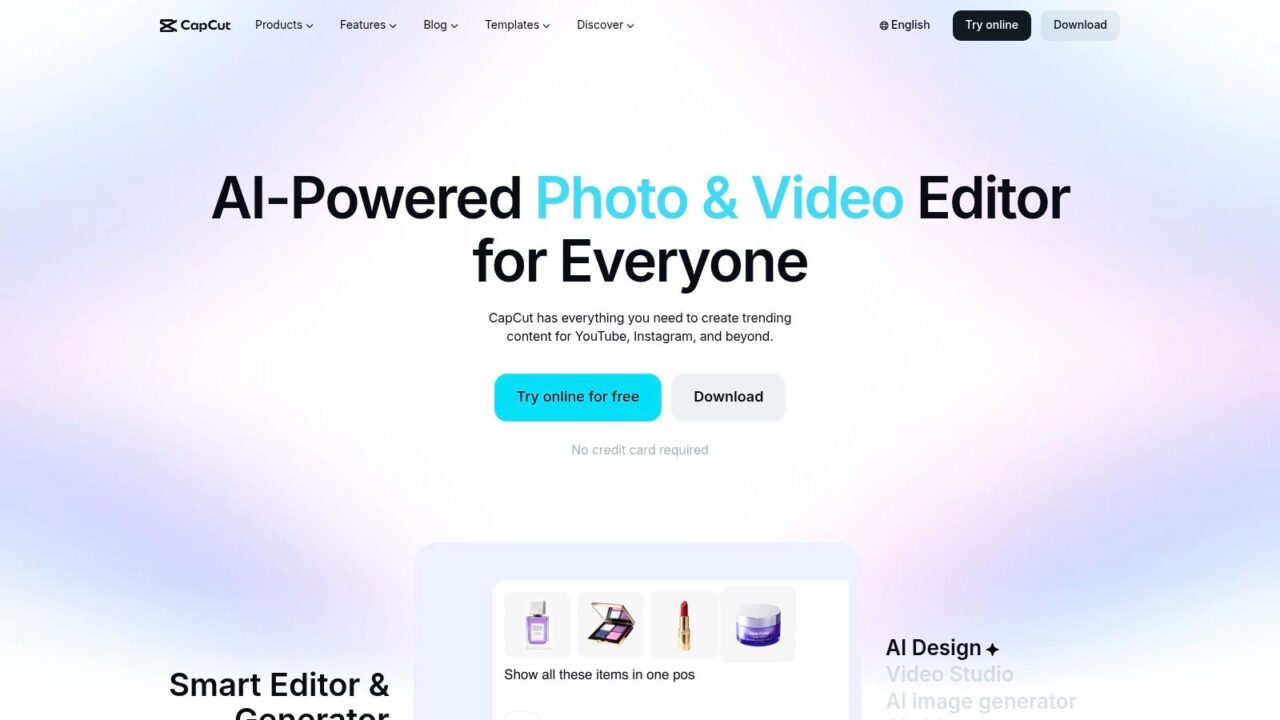
CapCut is the easiest recommendation for creators who need speed. If you publish trend-driven Reels, cut talking-head clips, or repurpose content constantly, CapCut removes a lot of friction. The template library is deep, the auto-captions are fast, and the app works across mobile, desktop, and web.
This is the app I’d hand to a creator who says, “I need three Reels out today.” Not because it does everything best, but because it gets most social-first editing jobs done without forcing a complicated workflow.
Where CapCut wins
CapCut is strong when your editing process starts with pace, captions, and beat matching. It also helps if you bounce between devices during the week and don’t want projects trapped on one phone.
- Best for trend speed: Templates, effects, and quick social formatting make it easy to turn rough clips into finished Reels fast.
- Best for cross-device work: Cloud projects help when you start on mobile and clean things up later on desktop.
- Best for repurposing: The editing flow suits creators who cut one source video into multiple short assets.
CapCut also fits how short-form creators work. Analytics tools have highlighted CapCut as a free AI-powered editor used for one-click Reels, splitting long videos into shorts, adding text, and repurposing content across platforms in 2026 tool roundups covered here.
Practical rule: Use CapCut for volume, not perfection. If you keep tweaking every transition, you lose the speed advantage that makes the app valuable.
For audio strategy, pair it with a simple habit. Find your sound on Instagram first, then edit around it. This guide on how to find trending audio on Instagram Reels helps avoid building a Reel around audio nobody’s using.
The trade-off is real. Some advanced AI features sit behind paid tiers, and access can vary by device or region. If your content needs precise color work, layered sound design, or a more controlled edit timeline, CapCut can start feeling cramped.
2. InShot
InShot
Need a Reel editor that your team can use every day, not just admire after a tutorial? InShot is one of the safest picks for that job.
InShot earns its place in the mobile-first category because it reduces friction. Open the app, trim the clip, set the canvas, add captions or music, export, post. That matters for businesses publishing Reels as part of a weekly content engine, not as a one-off creative project.
I recommend InShot most often to solo operators, coaches, local service brands, and lean ecommerce teams. These are usually the teams trying to turn raw phone footage into content that looks clean and on-brand without handing the edit to a specialist. InShot fits that workflow well because the interface stays out of the way.
Best use case for InShot
InShot is a strong choice for repeatable, low-drag production. Use it for product walkthroughs, quick tips, testimonial clips, behind-the-scenes posts, day-in-the-life content, and simple promo edits. If your posting cadence matters more than advanced post-production, InShot usually gets the job done faster than heavier editors.
What makes it useful in practice:
- Fast onboarding: New team members can learn the basics quickly and start producing usable Reels without much oversight.
- Reliable everyday editing tools: Text, stickers, transitions, speed changes, cropping, and format presets cover the formats many brands publish every week.
- Built for phone-first workflows: If clips are filmed, edited, approved, and posted on mobile, InShot keeps the process simple.
It is also a practical fit for brands running both short-lived and evergreen content. If you’re deciding where each idea belongs, this breakdown of Instagram Reels vs Stories best use cases helps clarify the split. InShot works especially well when your team creates both and needs quick edits without adding another production layer.
InShot is the app for teams that care more about publishing consistently than experimenting with every new effect.
The trade-off is clear. InShot is not the best tool for detailed multi-layer storytelling, heavy automation, or cross-device collaboration. Paid add-ons and subscriptions can also get messy if several people edit across different devices. But if your goal is to turn everyday footage into polished Reels quickly, InShot remains one of the most dependable mobile options on this list.
3. VN
VN
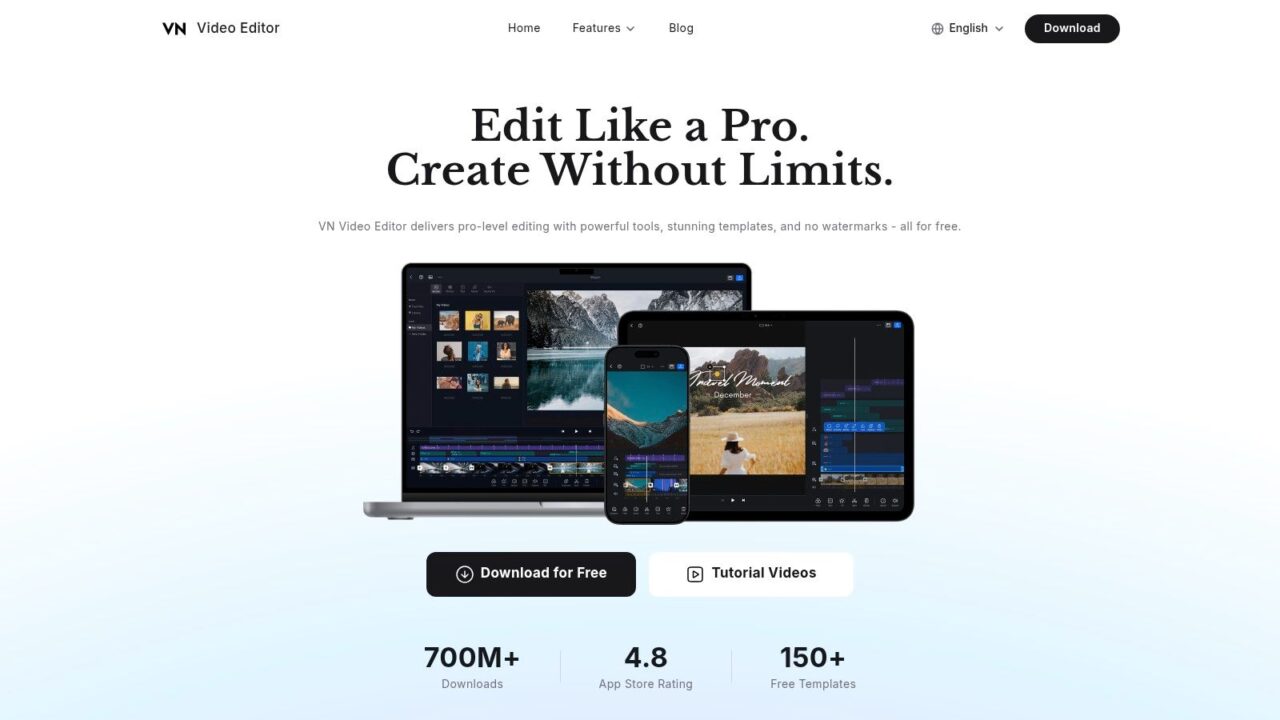
VN sits in a useful middle ground. It feels more serious than lightweight template apps, but it doesn’t force you into an expensive pro workflow. If you want a multi-track timeline, keyframes, and more editorial control without paying just to export cleanly, VN is hard to ignore.
A lot of creators outgrow “tap a template and post” tools quickly. VN is often the next stop. You get more control over pacing, overlays, and storytelling, which matters when your Reels need to do more than follow a trend.
Why creators graduate to VN
VN is a good pick for creators who care about edit rhythm and structure. Educational creators, consultants, and brands doing mini case-study style Reels usually benefit from that extra control.
What works well:
- No watermark exports: That alone makes it attractive for frequent publishing.
- Desktop-style editing feel: The multi-track timeline gives you more precision for layered edits.
- Useful for narrative Reels: Great when you’re mixing b-roll, voiceover, text overlays, and product shots.
This app is less about flashy automation and more about manual control. That’s a strength if you know what you want your Reel to do. It’s a weakness if you want the app to generate the style for you.
VN also runs across Mac, Windows, iOS, and Android, which helps small teams standardize around one editor without locking everyone into one device type.
The main drawback is asset depth. Compared with paid rivals, VN’s built-in library and AI helpers feel lighter. If your workflow depends on one-click effects, quick auto-styling, or trend templates updated constantly, CapCut is usually faster. If you care more about sequencing and clean storytelling, VN often produces better work.
4. Adobe Express
Adobe Express
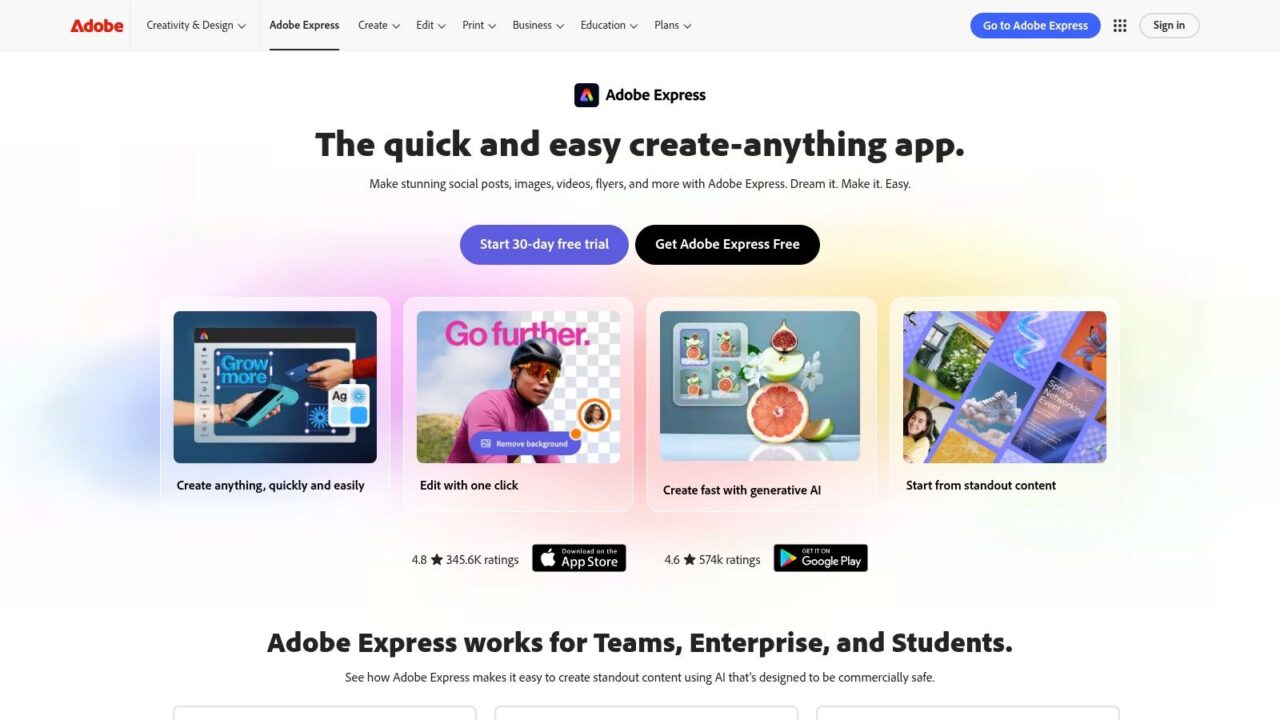
Adobe Express is for teams that need branded output at speed. Not just “make a Reel,” but “make a Reel that looks like our brand every time.” If that sounds like your problem, Adobe Express makes a lot more sense than a trend-heavy editor.
The strength here is systemization. Brand kits, fonts, templates, and drag-and-drop social sizing make it practical for agencies, in-house marketing teams, and multi-person content operations.
Best for brand consistency
Adobe Express is especially useful when different people create content but the output still needs to look unified. That’s common in retail, SaaS, education, and franchise-style marketing.
- Brand kits matter: Teams can keep fonts, logos, and colors consistent without rebuilding assets every time.
- Fast motion graphics: Text animations and social templates help turn static campaigns into moving content quickly.
- Adobe handoff helps: If something needs deeper editing later, the wider Adobe ecosystem is there.
This is one of the few apps on the list that suits both non-designers and brand managers. A junior marketer can build a Reel fast. A creative lead can still keep guardrails in place.
Branded Reels usually fail for one reason. Teams treat video as separate from the rest of the brand system.
The downside is precision. Adobe Express isn’t where I’d edit a complex product montage, heavily layered storytelling Reel, or anything requiring detailed timeline control. It’s closer to a creative production layer for social campaigns than a full editor. If your need is scale with consistency, it’s excellent. If your need is granular film-style editing, look elsewhere.
5. Canva
Canva AI
Canva is often dismissed by video people and overused by non-video teams. Both reactions miss the point. Canva is excellent when the Reel starts as a marketing asset, not as a piece of edited footage.
If your team already uses Canva for promos, lead magnets, ads, and social graphics, turning those assets into short-form video is fast. That’s a key advantage. You don’t need to rebuild your visual identity from scratch inside another tool.
When Canva is the smart choice
Canva works best for announcement-style Reels, promo edits, quote videos, testimonials, event pushes, simple educational slides, and product feature spotlights. It’s especially effective for businesses that need volume and consistency more than advanced editing.
- Fast template production: Great for converting existing campaign assets into Reels.
- Easy collaboration: Non-video teams can still contribute without breaking the workflow.
- Brand control: Brand Kit and resize features keep assets reusable across formats.
For teams learning to make better short-form, Canva is often the easiest bridge from static content to motion content. This guide to creating quality Instagram content pairs well with that kind of workflow because it forces better decisions before you even open the editor.
Canva’s weakness is timeline depth. If your Reel depends on tight cuts, layered audio, speed ramps, or precise visual storytelling, Canva starts to feel too simple. But if your content engine runs on campaigns, launches, and branded educational posts, it can move much faster than a dedicated NLE.
6. LumaFusion
LumaFusion on the App Store is what I recommend to people who want desktop-class control on an iPhone or iPad. This isn’t a casual editing app. It’s a serious mobile NLE, and it rewards people who care about structure, layering, audio, and finishing details.
If your Reels include cinematic b-roll, product sequences, multiple audio layers, or careful color work, LumaFusion gives you room to build that without sitting at a desktop. That’s its edge.
Who should use LumaFusion?
LumaFusion fits creators and marketers who already understand editing basics and want more control than typical mobile apps provide.
A few situations where it shines:
- Product storytelling: Multi-layer edits help when you’re mixing macro shots, voiceover, text, and music.
- Field production: Great for teams shooting on iPhone or iPad and editing on location.
- Repeat creators: A one-time purchase can make sense if you edit frequently and want to avoid stacking subscriptions.
The iOS-only limitation matters. So does the learning curve. This is not the app for someone who wants a quick template, auto-style effect, and publish button. It’s closer to carrying a small post-production studio in your tablet.
That’s why LumaFusion tends to produce better flagship Reels than daily volume content. Use it for launch videos, strong brand stories, and ads that need polish. Don’t use it when a talking-head explainer just needs quick cuts and captions before lunch.
7. KineMaster
KineMaster
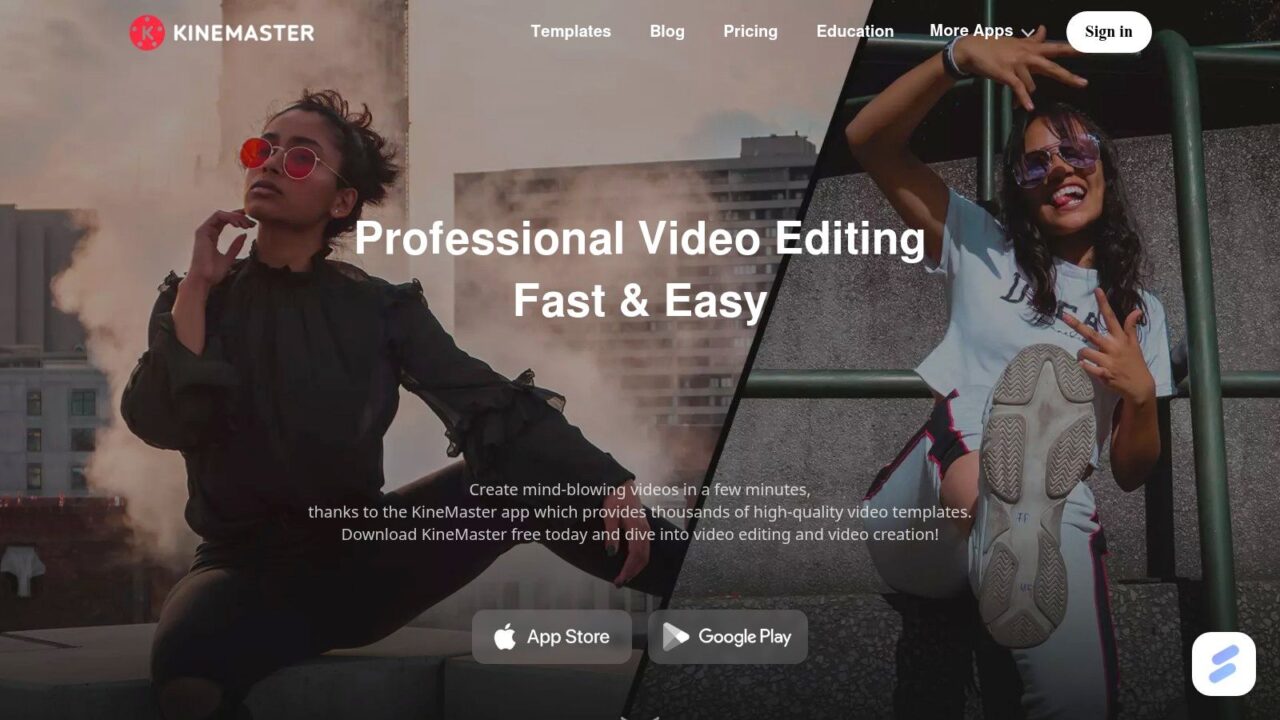
KineMaster has been around long enough to earn a specific reputation. It’s for mobile creators who want control, not hand-holding. You get a multi-layer timeline, keyframes, speed tools, and a large in-app asset ecosystem. That makes it useful for creators who edit actively on their phones and don’t want to be boxed into lightweight interfaces.
This app tends to appeal to people who find template-driven editors too limiting. If that’s you, KineMaster will probably feel more capable within the first session.
Where KineMaster fits
KineMaster works well for creators building more manually styled content. Think tutorials, product explainers, meme edits, commentary clips, and montage-style Reels with lots of text and graphic overlays.
- Granular mobile control: Better than many casual editors for detailed adjustments.
- Asset depth: The in-app store gives creators more room to style content without leaving the app.
- Good middle path: It’s more powerful than simple mobile editors, but less intimidating than a full desktop workflow.
The trade-off is interface density. Beginners often open KineMaster and feel like they need a map. That’s not a flaw if you plan to use the power it gives you. It is a flaw if your team needs every editor to become productive immediately.
Free exports with a watermark also push many serious users toward a paid plan. So KineMaster makes the most sense when you’re committed to mobile editing as an ongoing workflow, not just testing Reels casually.
8. Splice
Splice
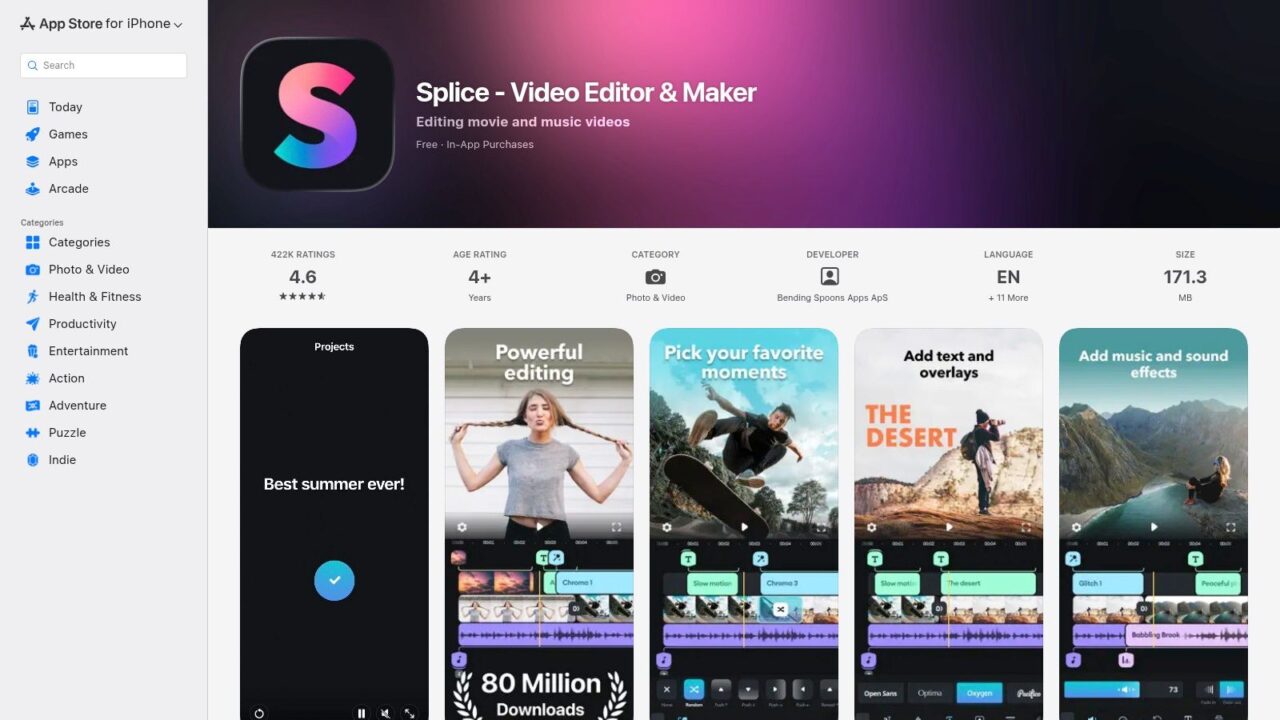
Splice on the App Store is a strong choice when clean, music-led editing matters more than heavy effects. It’s efficient, intuitive, and focused on helping you make polished social clips fast. For many brands, that’s enough.
I like Splice for lifestyle content, product videos, travel-style edits, and promotional Reels that need better pacing than “raw clip plus captions.” It’s particularly useful when music drives the structure of the Reel.
Best for fast polish
Splice has a nice balance. It doesn’t overwhelm you with pro-level complexity, but it also doesn’t feel toy-like.
Here’s where it works:
- Music-backed edits: Good for pacing cuts around soundtrack energy.
- Quick social exports: Direct sharing supports fast publishing workflows.
- Cleaner output: Great for brands that want refined, simple edits instead of over-produced trend aesthetics.
One thing to watch is the ceiling. If you need advanced motion graphics, deeper color control, or more nuanced audio mixing, Splice runs out of room faster than tools like LumaFusion or even VN. The subscription model can also become harder to justify if your needs are basic and infrequent.
If your Reel strategy is “clear message, clean cut, strong hook,” Splice often gives better results than apps packed with effects you never use.
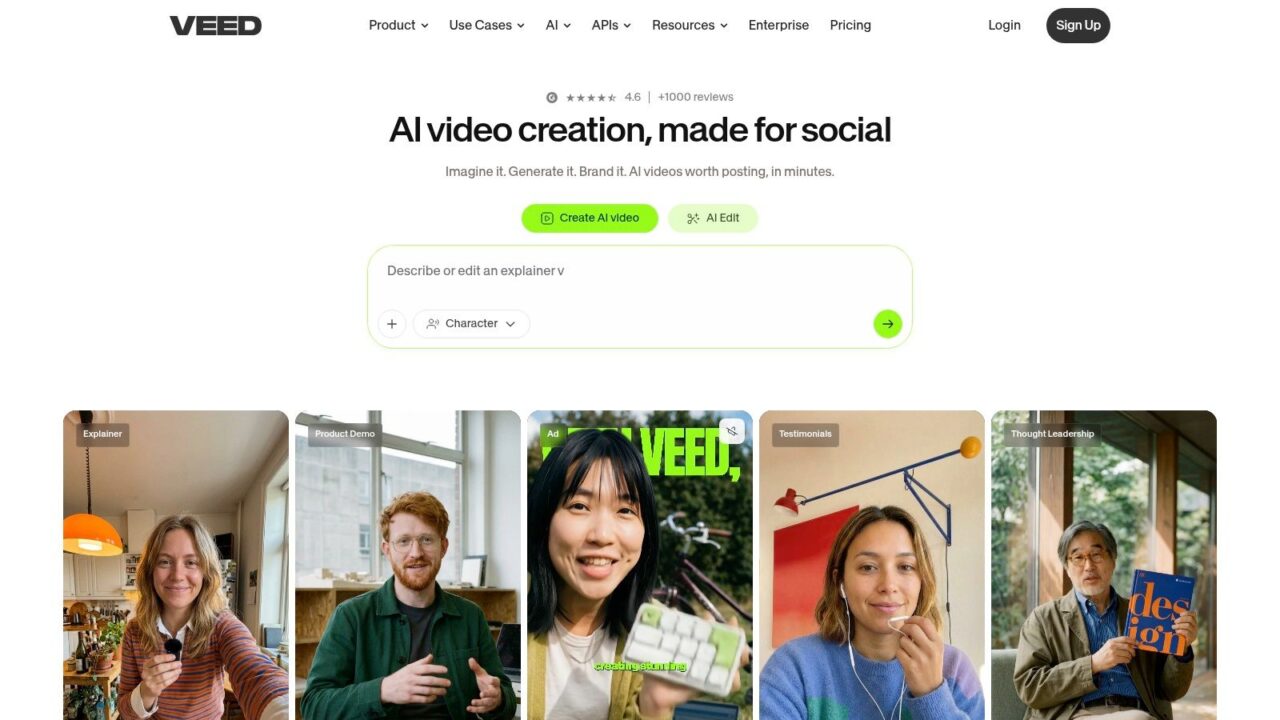
9. VEED.io
Veed.io
VEED.io is built for collaboration and captions. If your Reels depend on subtitles, browser access, quick feedback loops, and repeatable team workflows, VEED makes a lot of sense.
This is one of the better options for agencies, remote teams, and businesses publishing educational or talking-head Reels at scale. Being browser-based means nobody has to ask, “What version are you on?” That sounds small until three people touch the same asset in a day.
Why teams pick VEED
VEED is practical when multiple people are involved in production. A strategist can outline the cut, an editor can tighten it, and a client or manager can review it without moving files around endlessly.
Its strongest use cases include:
- Auto-subtitle workflows: Helpful for education, demos, and founder-led Reels.
- Cloud collaboration: Better for distributed teams than device-bound mobile apps.
- Brand standardization: Templates and brand kits support repeatable output.
The trade-off is performance on larger projects. Browser editors still feel slower than desktop tools once files get heavier or timelines get more layered. Advanced AI features also tend to sit on higher plans, so the value depends on how much your team leans on them.
If your bottleneck is coordination, VEED can solve more problems than a more powerful editor with worse collaboration.
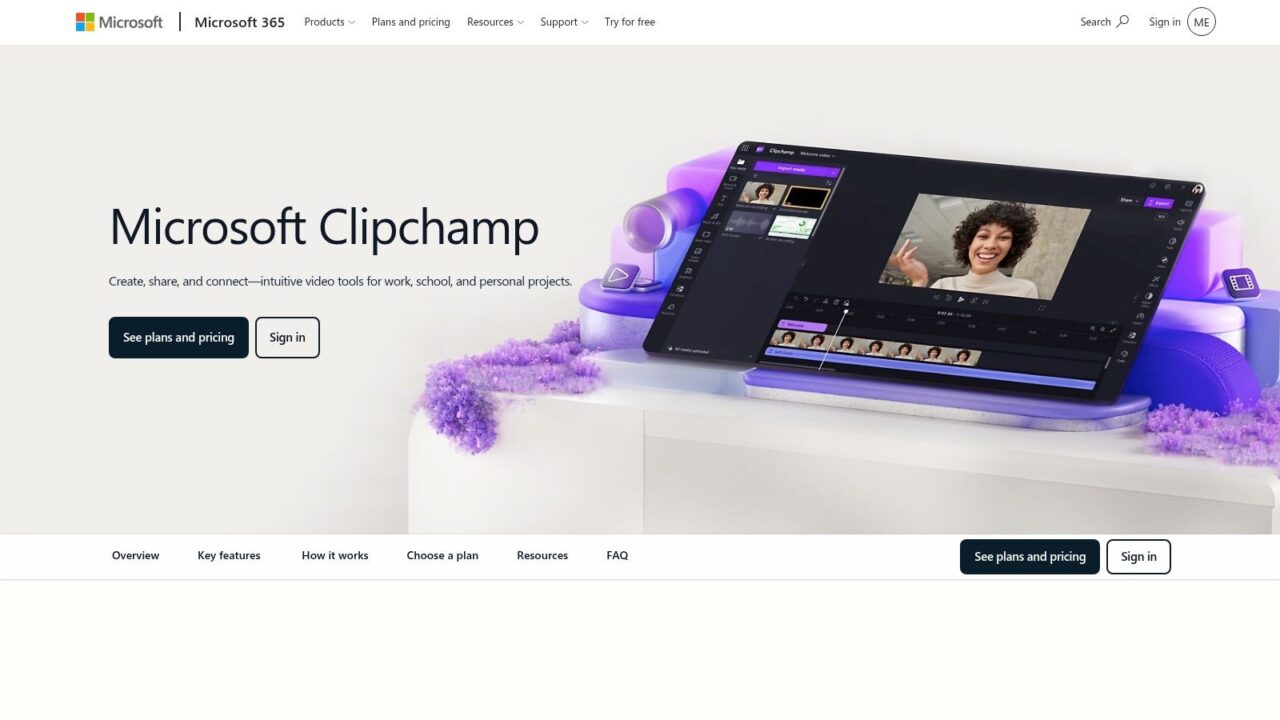
10. Microsoft Clipchamp
Clipchamp
Microsoft Clipchamp is underrated for straightforward social production. It’s user-friendly, template-forward, and especially appealing if your business already operates inside Microsoft 365. In those environments, adoption tends to be easier because the tool feels close to the stack teams already know.
Clipchamp isn’t trying to be the most advanced editor on this list. Its job is to help non-specialists produce solid video content quickly.
Good fit for business teams
If your content team includes marketers, ops staff, account managers, or founders who aren’t dedicated editors, Clipchamp is often easier to roll out than more creator-focused tools.
A few reasons it works:
- Simple social exports: 9:16 templates and caption tools keep output practical.
- Built-in recording: Screen and webcam capture are useful for demos, explainers, and founder content.
- Microsoft ecosystem value: It can be a sensible choice for teams already paying for that environment.
The main limitations are performance and ceiling. Browser behavior is best in Edge or Chrome, and some premium features depend on Microsoft 365 access or paid tiers. If your team wants highly stylized Reels, trend-native effects, or detailed cut control, Clipchamp won’t be the first choice.
But for many businesses, “easy to adopt and easy to repeat” beats “most powerful.” That’s where Clipchamp earns its place.
Top 10 Instagram Reels Apps: Feature Comparison
| App | Core features | UX & Quality ★ | Price & Value 💰 | Best for 👥 | Standout ✨🏆 |
|---|---|---|---|---|---|
| CapCut | 9:16 templates, auto-captions, AI effects, cloud projects | ★★★★☆ fast, social-first | 💰 Free core; paid AI tiers | 👥 Social creators & trend editors | ✨ Huge template library, 🏆 rapid trend edits |
| InShot | Canvas presets, filters, music/SFX, speed/keyframes | ★★★★ intuitive phone-first | 💰 Freemium / subscription | 👥 Mobile beginners & small teams | ✨ Simple, fast mobile workflow |
| VN (VlogNow) | Multi-track timeline, keyframes, no export watermark | ★★★★ free pro-style control | 💰 Free (no watermark) | 👥 Creators wanting desktop-style control | 🏆 No watermark + multi-track precision |
| Adobe Express | Templates, brand kits, auto-captions, Adobe handoff | ★★★★ easy brand-consistent | 💰💰 Freemium; Premium for advanced | 👥 Teams & brand marketers | ✨ Adobe assets + smooth CC handoff 🏆 |
| Canva | 9:16 templates, Brand Kit, stock library, collaboration | ★★★★ fast browser-based | 💰💰 Freemium; Pro for teams | 👥 Non-video teams & marketers | ✨ One-click resize + team collaboration |
| LumaFusion | Up to 6 video/audio tracks, color, keyframing, LUTs | ★★★★★ desktop-class on iPad/iPhone | 💰💰 One-time app (paid) | 👥 Power iOS creators & pros | 🏆 Desktop-class NLE on mobile ✨ |
| KineMaster | Multi-layer timeline, asset store, keyframes | ★★★★ granular mobile control | 💰 Freemium (watermark on free) | 👥 Advanced mobile editors | ✨ Extensive in-app effects & assets |
| Splice | 9:16 presets, music sync, transitions, direct share | ★★★★ quick polished exports | 💰💰 Subscription | 👥 Creators needing fast, polished Reels | ✨ Strong music sync & quick sharing |
| VEED.io | Auto-subtitles, text-based edit, brand kit, AI tools | ★★★★ great for captions & teams | 💰💰 Freemium; higher tiers for AI | 👥 Teams needing captions & cloud workflows | 🏆 Auto-subtitles + team workspaces ✨ |
| Microsoft Clipchamp | Templates, screen/webcam capture, stock, 4K export | ★★★★ user-friendly, MS integration | 💰💰 Freemium; premium via MS365 | 👥 Microsoft 365 teams & novices | ✨ Built-in capture + MS365 value |
Beyond the Edit: Turn Reel Views into Conversations
Choosing an app is only half the job. Editing helps you win attention. Business growth comes from what happens after someone watches.
That’s the gap most articles on apps to make Instagram Reels ignore. They compare templates, captions, transitions, and export settings, then stop at publish. For brands, agencies, coaches, and ecommerce teams, that’s incomplete. A Reel that gets attention but doesn’t create a next step is useful for reach, but weak for revenue.
There’s another reason this matters. Reel ad impressions grew from 13% to 21% of total Instagram impressions year over year in Q2 2025, making Reels the platform’s fastest-growing ad placement according to eMarketer’s Reels coverage. If more attention is moving into the format, your follow-up system matters more, not less.
A simple Reel-to-lead workflow
The easiest version looks like this:
- Use a direct CTA in the Reel: Ask viewers to comment a keyword like “GUIDE,” “DEMO,” or “PRICE.”
- Send the asset in DMs automatically: Deliver the checklist, coupon, product guide, or booking link without making people leave Instagram first.
- Keep the conversation going: Qualify interest, tag leads, and route them to the right next step.
Clepher becomes useful. Instead of treating a Reel like a dead-end content asset, you turn it into the first message in a conversation. Someone comments on the post. Clepher replies in Instagram Direct Message, sends the resource, and continues the interaction based on what that person does next.
A strong Reel should start a conversation, not just collect views.
That matters because the post-editing workflow is where a lot of marketing value gets lost. The gap is obvious in existing content. Many editing app roundups focus on standalone editors but ignore Reel-to-DM funnels and chatbot automation, which leaves marketers without practical guidance on capturing demand after the view. That gap is discussed directly in this analysis of missing conversion-focused Reels app guidance.
What this looks like in practice
An ecommerce brand posts a Reel showing three ways to use a product. The CTA says, “Comment GUIDE and I’ll send the routine.” Clepher sends the guide in Instagram DMs, tags interested users, and can move high-intent people toward product recommendations or a promotion.
A coach publishes a Reel on a common mistake their audience makes. The CTA offers a worksheet or mini training. Clepher delivers it, asks one qualifying question, and segments replies based on goals or pain points.
An agency can use the same flow for client campaigns. One Reel drives comments. Clepher manages delivery, follow-up, and tagging in the background, which is much more useful than manually checking post comments all day.
If you want another angle on paid growth around this channel, Emulous Media’s advertising services are worth a look.
The bigger point is simple. Your content workflow shouldn’t end at export. The best Reels system combines the right editor with a clear conversion path. Create the Reel. Publish with intent. Start the conversation while attention is still warm.
If you’re ready to turn Instagram engagement into leads, sales, and repeatable conversations, Clepher is the practical next step. You can build no-code DM flows, capture commenters from your Reels, segment audiences, automate follow-up, and manage Instagram, Messenger, WhatsApp, and website conversations in one place.
That conversation has to start with content worth commenting on. A lot of creators now lean on AI video tools and a reel maker for Instagram to speed up production, starting from a reel template rather than a blank timeline. Whether you create reels for Instagram or repurpose the same cut for TikTok, the video editing quality is still what earns the comment in the first place. Clepher picks up right after that comment lands, turning it into a DM conversation instead of a missed opportunity.
