
Your compliance queue probably looks familiar: evidence requests in one spreadsheet, control owners replying in email threads, screenshots buried in chat, and someone on your team spending half the week proving work that already happened. That’s exactly why compliance monitoring is crucial. Compliance automation tools have moved from nice-to-have to core infrastructure for regulated teams. The broader market is expanding fast, with compliance software projected to reach USD 74.12 billion by 2031 and grow at a 12.67% CAGR from 2026 to 2031, according to Mordor Intelligence. For teams that need faster audits, clearer evidence, and less manual chase work, the question isn’t whether to automate. It’s which tool fits your program, your workflows, and your budget.
This guide keeps things practical. You’ll see 10 compliance automation tools organized by use case, with honest notes on where each one helps and where it adds friction. If you’re also thinking about how process design affects client work, client relationship management best practices are a useful companion read.
1. Vanta
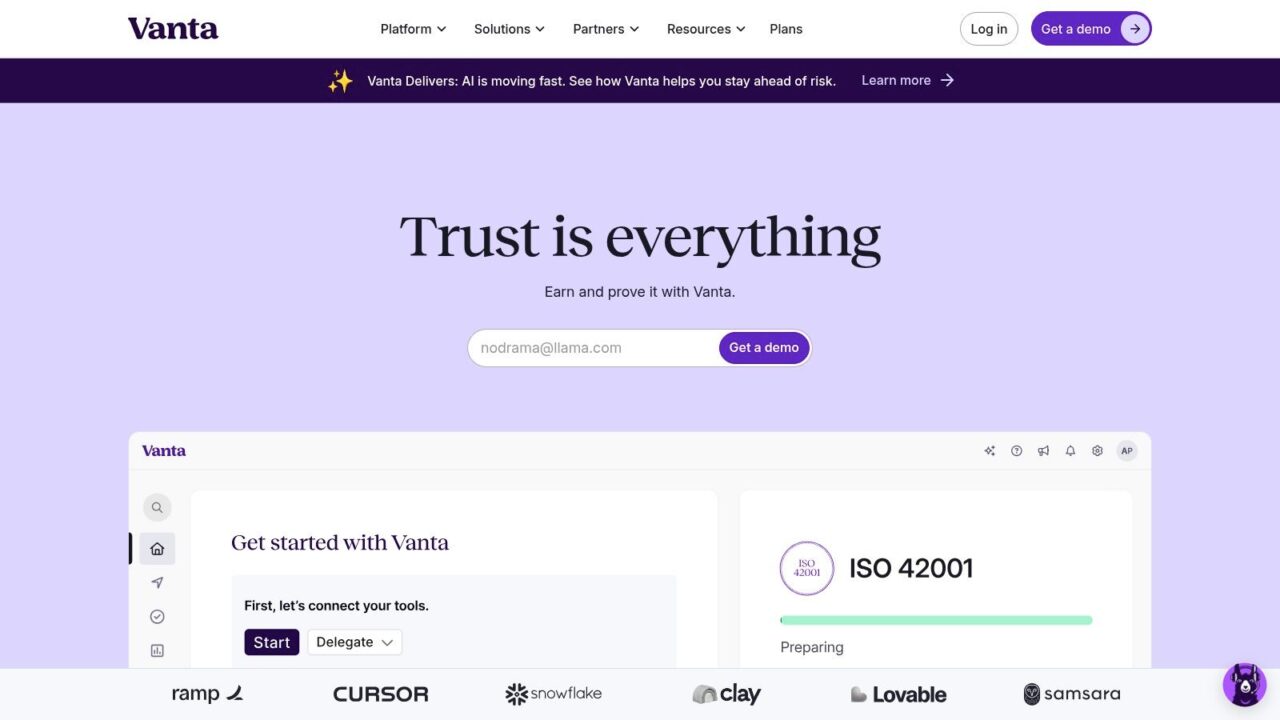
Compliance Automation Tools Vanta Dashboard
Vanta is one of the most recognizable names in this category because it aims directly at the repetitive work that slows teams down. Its value is simple: continuous monitoring, automated evidence collection, and pre-built support for frameworks like SOC 2, ISO 27001, HIPAA, and GDPR. Gartner describes DevOps continuous compliance automation tools as systems that assess and report against obligations such as HIPAA, GDPR, NIST 800-218, FedRAMP, and DORA, and Vanta fits that pipeline-friendly model well because it connects compliance checks to delivery workflows. Gartner
Where Vanta works best
Vanta makes the most sense for teams that want a guided path to audit readiness without building a large internal GRC function first. Its broad integration library is a key draw, especially if your evidence lives in cloud, identity, HRIS, and developer tools. The optional Optimized Audit bundle also matters in practice because it reduces the handoff mess between readiness work and the final audit.
Practical rule: Use Vanta when your biggest pain is evidence chasing, not bespoke policy design.
Trade-offs to watch
Vanta’s quote-based pricing can feel steep for smaller startups, and some capabilities vary by package. That means you need to ask very specific questions during procurement, especially about auditor services, onboarding support, and which workflows are included. The platform is strong, but it’s still a platform. If your controls are highly custom or your compliance program spans unusual operational rules, you’ll want to confirm how much configuration you’ll own.
For teams trying to cut repetitive admin work across the business, this internal guide on how to automate repetitive tasks is worth reading before you commit to a tool.
- Best for automating compliance tasks: startups and SMBs chasing their first serious audit.
- Watch for: package boundaries, especially around auditor services.
- Good sign: a mature integration map that matches your actual stack.
2. Drata
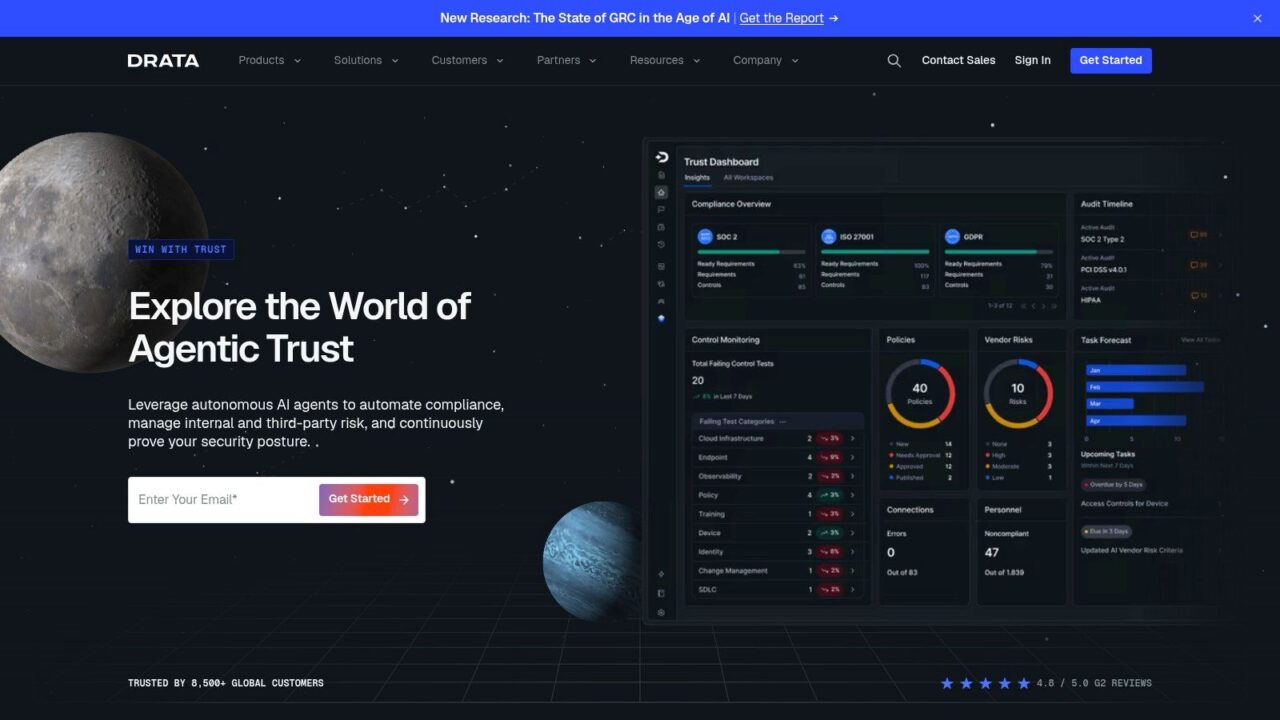
Compliance Automation Tools Drata Dashboard
Drata is a strong fit when you want continuous compliance to feel operational, not ceremonial. Its platform centers on automated control monitoring, evidence collection, risk management, third-party risk management, Trust Center sharing, and questionnaire assistance across major frameworks. The connector footprint is a big part of the appeal, because deep integrations reduce the amount of manual compliance tasks your team has to do.
What Drata does well
Drata’s 1,000+ integrations and connectors are a clear advantage for teams with sprawling SaaS stacks and fast-changing access controls. The built-in risk workspace and TPRM features help teams treat compliance as part of the wider risk picture, not as a separate quarterly project. Its Trust Center is also useful when your sales team needs a fast way to share controls and reports with prospects without exposing the entire internal program.
Where Drata can frustrate teams
Drata is not a one-size-fits-all answer. Pricing is quote-based, startup discounts vary, and advanced features can be split across tiers. That matters if you’re buying with a narrow budget and expecting the platform to cover every workflow out of the box. The UI is modern and the automation depth is real, but procurement should confirm exactly which questionnaire, risk, and sharing features land in your package.
Good fit signal: Your team already uses many cloud tools and wants compliance evidence to flow automatically instead of being assembled by hand.
If your organization is trying to tighten operational execution across departments, business process optimization is a useful lens for evaluating whether compliance automation will save time.
3. Secureframe
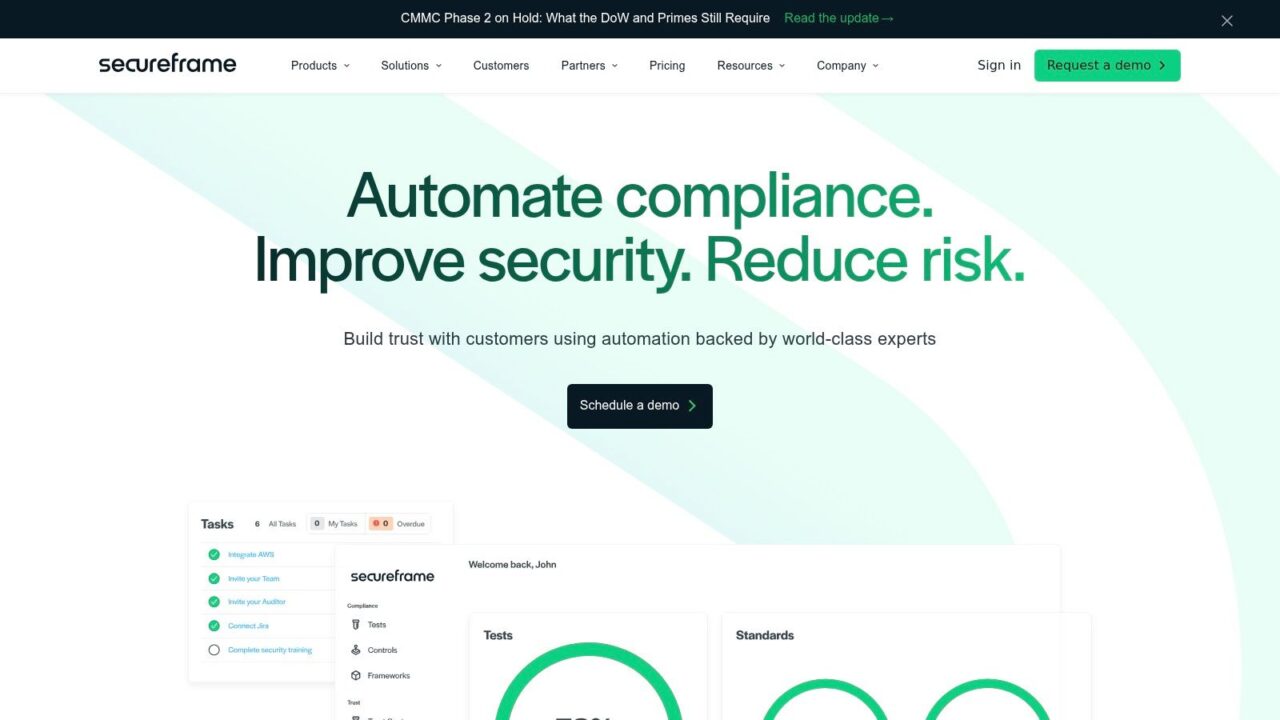
Compliance Automation Tools Secureframe Dashboard
Secureframe works well for teams that want a packaged, guided path through audit readiness. It automates SOC 2, ISO 27001, HIPAA, PCI, and related workflows with continuous monitoring, policy support, and a hosted Trust Center. That makes it especially attractive if your team needs security reviews to move faster without building a lot of internal processes from scratch.
Why teams choose it
The hosted Trust Center is the most practical part of the compliance automation software offer for many buyers. It gives you a controlled way to publish reports, policies, and posture, which helps sales and security teams answer prospect questions without reinventing the wheel. Secureframe also has strong onboarding resources, which matters more than people admit. A tool can have great features and still fail if the first month is confusing.
Where diligence matters
Secureframe’s pricing is quote-only, and the final number depends on headcount and scope. Advanced capabilities like TPRM and user access review sit in higher tiers, so it pays to map your must-haves before you sit through a demo. It’s also better suited to companies that want packaged framework support than to teams looking for a flexible enterprise GRC environment.
Start with the framework that blocks revenue today, then confirm the platform can support the next one without forcing a reimplementation.
For teams that like no-code logic and want to understand where configuration fits into operations, what no-code automation looks like in practice is a useful reference point.
- Best for: first-time SOC 2 or ISO buyers.
- Best feature for the money: hosted Trust Center and packaged onboarding.
- Trade-off: less appealing if you need broad enterprise risk depth.
4. Sprinto
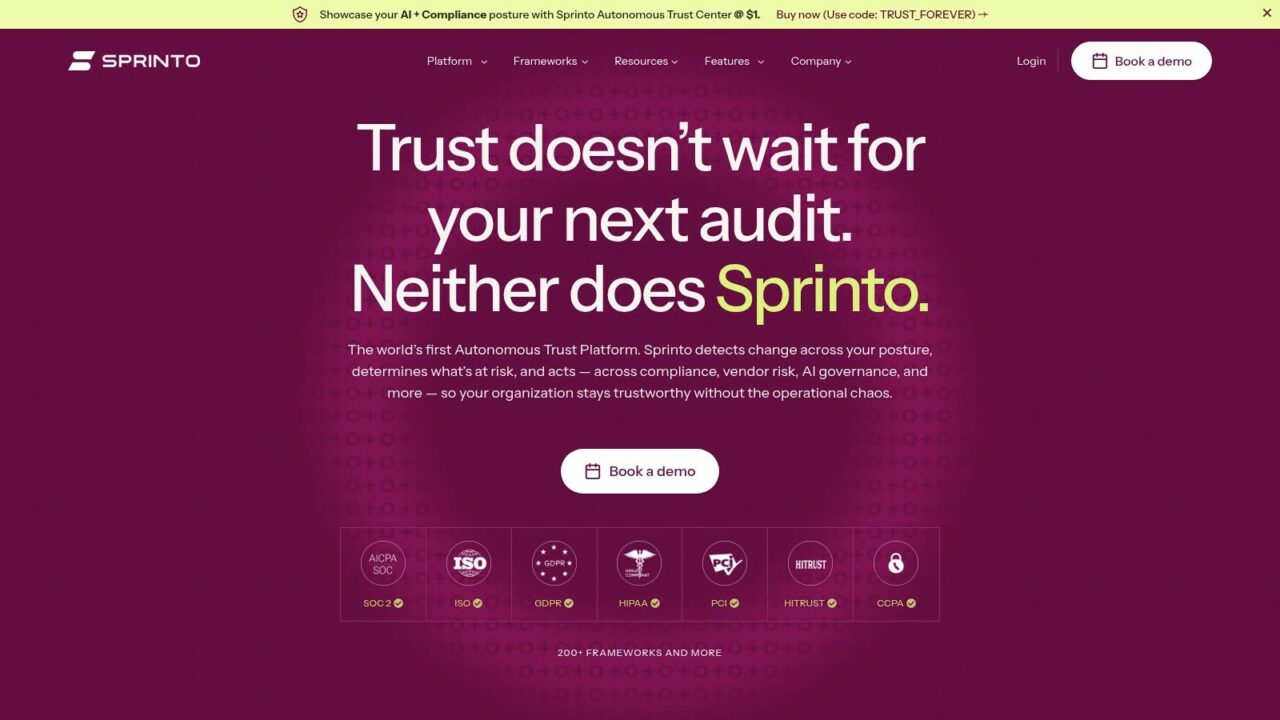
Compliance Automation Tools Sprinto Dashboard
Sprinto stands out when a team wants broad compliance framework coverage without stitching together multiple point tools. It supports SOC 2, ISO 27001, ISO 27701, ISO 42001, HIPAA, PCI DSS, NIST, CMMC, DORA, and NIS 2, which makes it especially relevant for companies operating across regions or planning multiple certifications. The inclusion of in-house lead auditors on the plan is a meaningful operational detail, because first audits often stall on coordination, not on the controls themselves.
Why that matters in real life
If your security, legal, and engineering teams are all moving at once, bundled auditor guidance can cut down on orchestration overhead. Sprinto’s model is attractive for teams that want to move quickly through multiple frameworks and don’t want to hire a large compliance staff to do it. Its asset and infrastructure monitoring, plus evidence automation, keep the program closer to continuous compliance than to periodic cleanup.
What to verify before buying
Exact pricing and inclusions vary, so don’t assume the plan includes everything you expect. Verify what’s covered versus separate audit fees, and confirm whether the frameworks you care about are included in the package you’re considering. Sprinto is often positioned well for startups and SMBs, but that only helps if the scope matches your actual audit roadmap.
Practical rule: Sprinto is strongest when speed, breadth, and first-audit guidance matter more than heavy customization.
A good buying conversation here should be blunt. Ask what happens after the first audit, who owns ongoing monitoring, and how the program behaves when you add a new framework six months later.
5. Thoropass
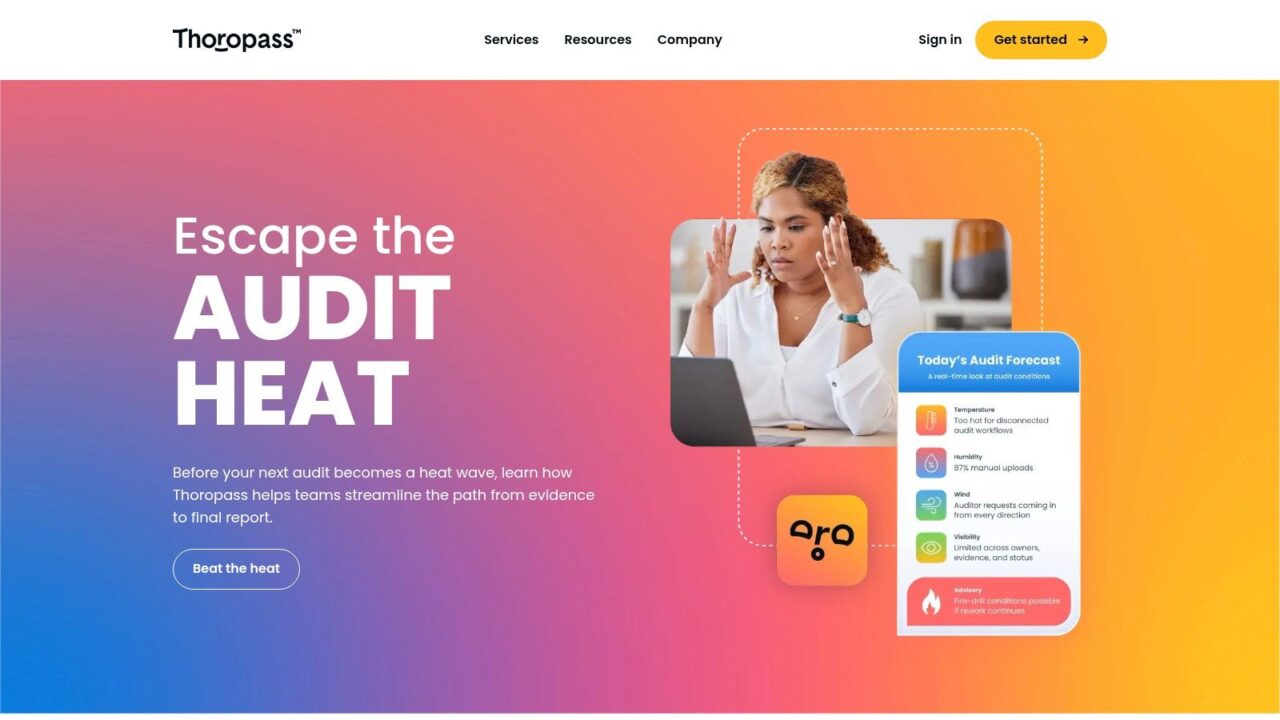
Compliance Automation Tools Thoropass Dashboard
Thoropass is a good example of a platform that tries to remove handoff friction between software and audit services. That matters because many teams don’t fail compliance on the tool itself; they fail on coordination between readiness work, evidence collection, and the final audit. Thoropass combines automation with an integrated, tech-enabled audit arm, which is useful if you want one vendor to carry you from prep through review.
Where it helps
The biggest value is simplicity. Evidence automation and project management are paired with bundled audit services, so you spend less time managing a vendor chain. That can be especially helpful for startups that want startup-friendly onboarding and scope-based pricing instead of assembling a separate readiness consultant and auditor.
Where diligence is important
The independence model deserves review, especially if your internal stakeholders are strict about audit boundaries and branding. Pricing is quote-based, and you should ask exactly what the audit includes before you sign. Thoropass can simplify timelines, but only if you’re comfortable with the vendor relationship and the package structure.
A lot of teams underestimate the time lost to vendor handoffs. Thoropass is one of the few tools in this list where the service model is part of the product, not just an add-on.
- Best for: teams that want readiness and audit coordination in one place.
- Ask about: audit independence, scope, and included services.
- Strength: fewer surprises between prep and final review.
6. Strike Graph
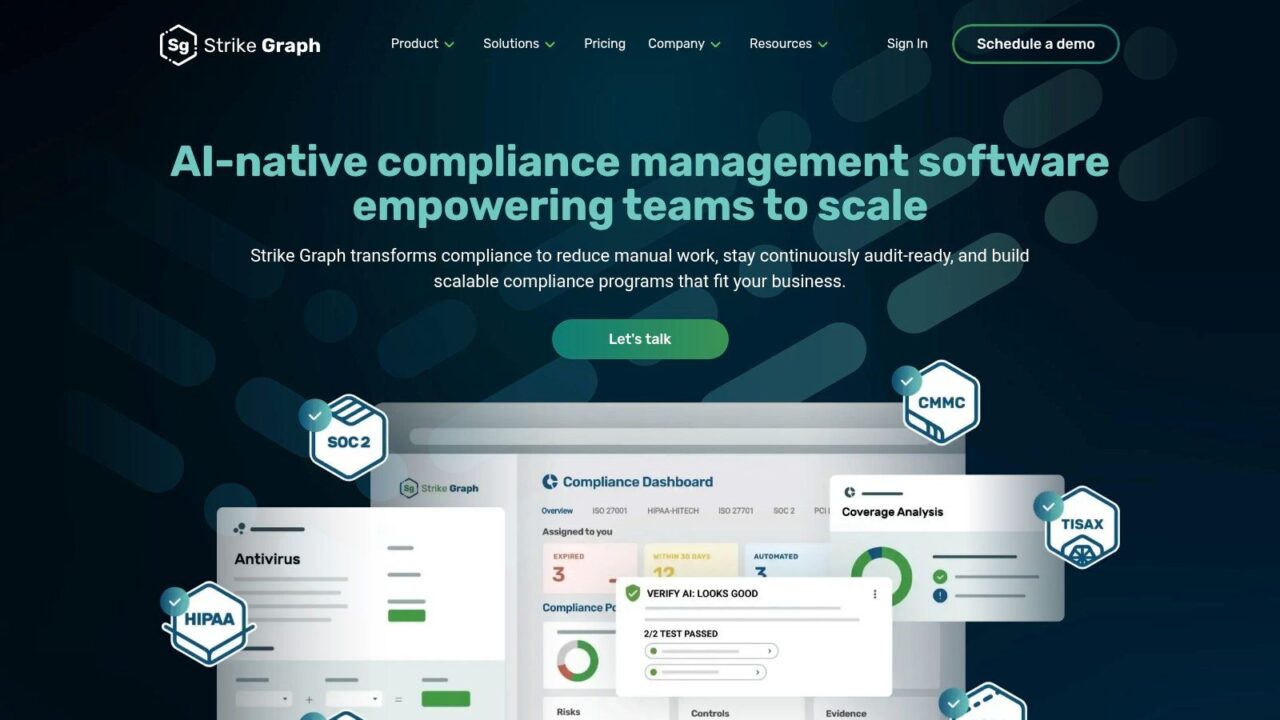
Compliance Automation Tools Strike Graph Dashboard
Strike Graph is built for revenue-driven teams that need certifications to secure enterprise deals. Its framework support, controls mapping, evidence management, and advisor support are all shaped around getting to readiness without turning compliance into a full-time internal program. That makes it a practical option for smaller teams that need a clean path through their first serious certification.
Why buyers like it
The platform’s pre-seeded frameworks and AI-assisted workflows reduce setup friction, which is useful when your team can’t afford a long configuration project. The package is designed around certification outcomes, so it tends to feel focused and commercially aware. For companies selling into larger customers, that alignment can be more valuable than a broad but unfocused feature set.
Where to be careful
The official site offers limited public pricing detail and pushes demo conversations, so confirm public pricing references with sales. That’s normal in this market, but it means you should walk into the evaluation with a clear view of your compliance frameworks, your timelines, and the amount of advisor support you need. If your scope expands quickly, make sure the platform can keep up without making you rethink the whole implementation.
Practical rule: It’s a strong fit for founders and operators who want to close enterprise deals faster while keeping the compliance burden manageable.
7. Hyperproof
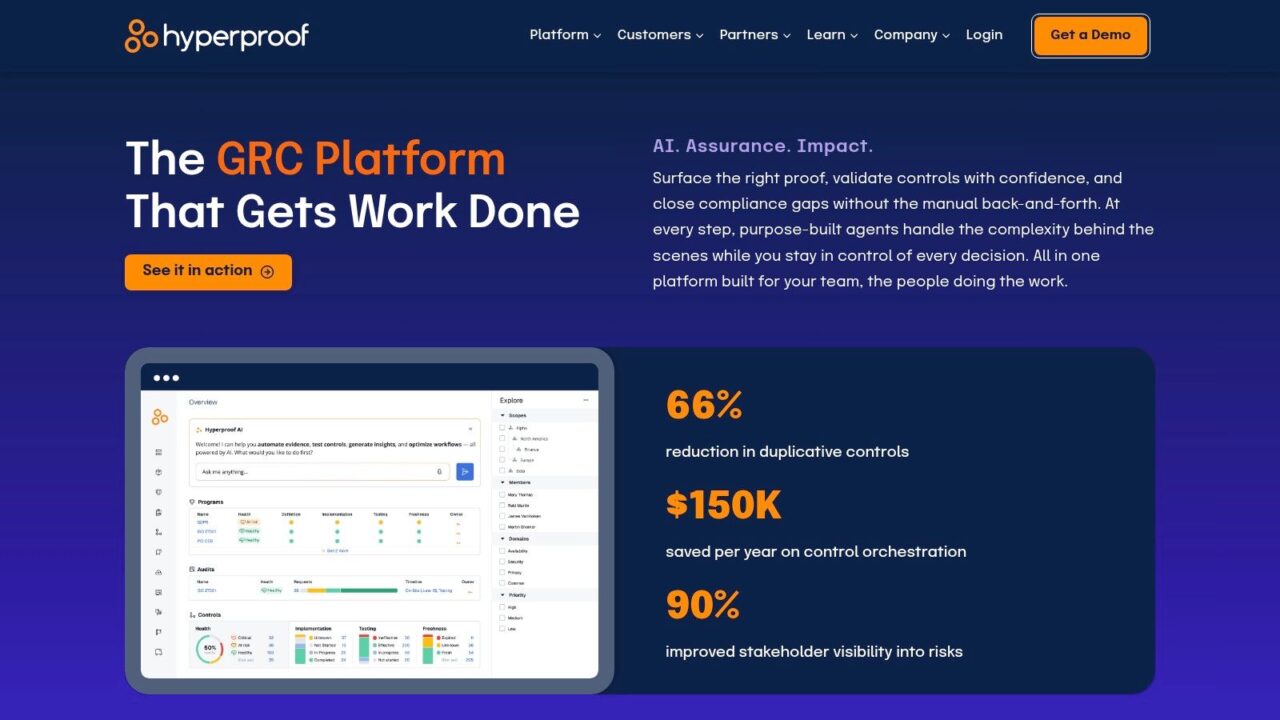
Compliance Automation Tools Hyperproof Dashboard
Hyperproof is closer to a compliance operations platform than a simple audit prep tool. That distinction matters. If your organization wants a durable program with evidence, controls, risks, dashboards, and auditor collaboration all living in one place, Hyperproof gives you that operating model. It’s a strong choice for teams that are done treating compliance as a once-a-year scramble.
What it does well
The ComOps approach is the point. Hyperproof helps teams centralize controls and evidence while keeping risk and audit workflows visible in one place. That makes it better suited to ongoing operations than to a narrow certification sprint. Its real-time reporting and audit planning tools also help compliance leads keep stakeholders informed without building reporting decks by hand every cycle.
Where it may be too much
Hyperproof’s quote-based pricing is generally more aligned with mid-market and enterprise budgets. For very small teams chasing a single framework, it may feel heavier than needed. It can absolutely pay off if you need continuous readiness, but the setup and operating model should match your internal maturity.
A common mistake is buying a platform like Hyperproof and then using only a fraction of it. If your team isn’t ready to run compliance as an ongoing program, a simpler tool may get you to value faster.
- Best for: Scaling SaaS and fintech teams with repeatable compliance management needs.
- Best strength: mature evidence management and auditor collaboration.
- Trade-off: more platform than a very small team may need.
8. AuditBoard
Compliance Automation Tools Auditboard Dashboard
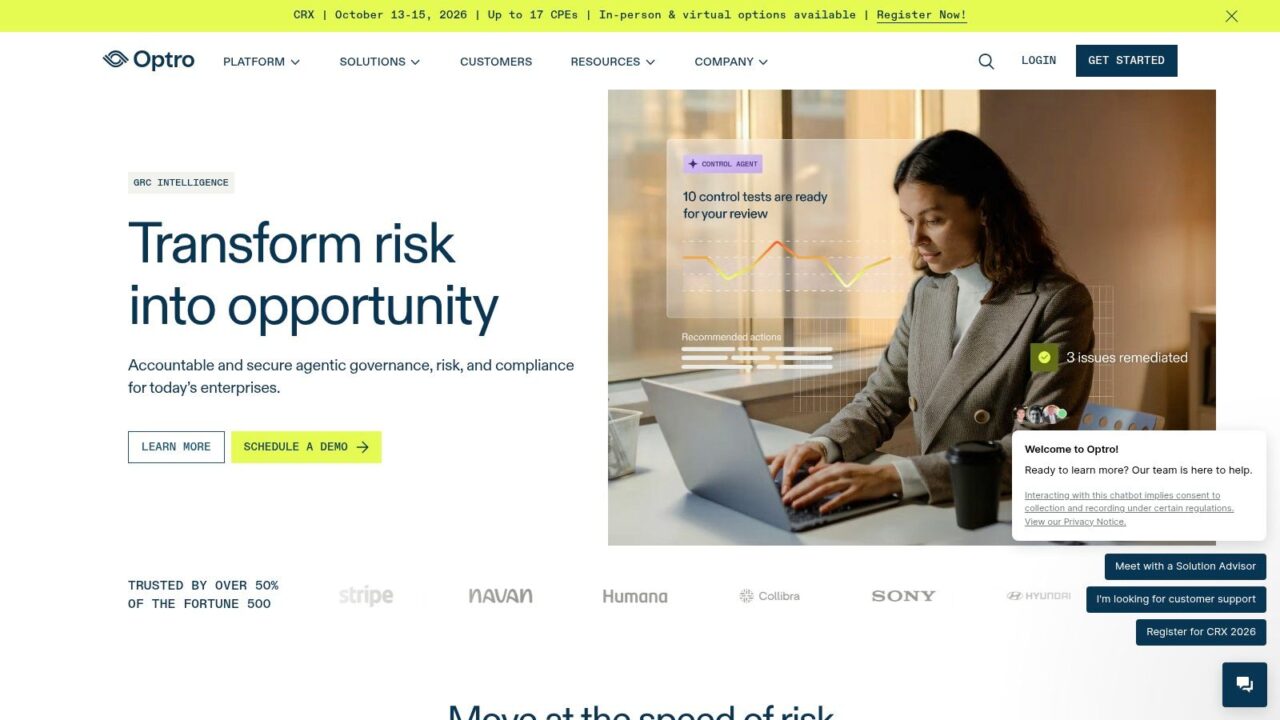
AuditBoard is usually the conversation when compliance has to sit next to audit and enterprise risk at the same time. Its connected platform spans SOX, IT risk and compliance, third-party risk management, and audit, with AI that can identify framework changes, map affected controls, and deduplicate issues and evidence. That combination is especially appealing for organizations that have outgrown point solutions.
Why it matters
Large or maturing programs need more than checklist automation. AuditBoard is built to consolidate work across teams, which makes it useful for companies that need enterprise-grade workflows and broad visibility. Its integrations also help automate evidence collection, so teams aren’t re-entering the same information across multiple systems.
The downside
AuditBoard is usually not the cheapest option, especially for small teams. Pricing is enterprise and quote-based, which is normal for the category but still worth flagging because the platform can be overkill if you only need one or two frameworks. It tends to make the most sense when you’re consolidating rather than starting from scratch.
For teams that already know they need audit, risk, and compliance in one operating layer, AuditBoard is a serious contender. For everyone else, it may be more platform than project.
9. LogicGate Risk Cloud
Compliance Automation Tools LogicGate Dashboard
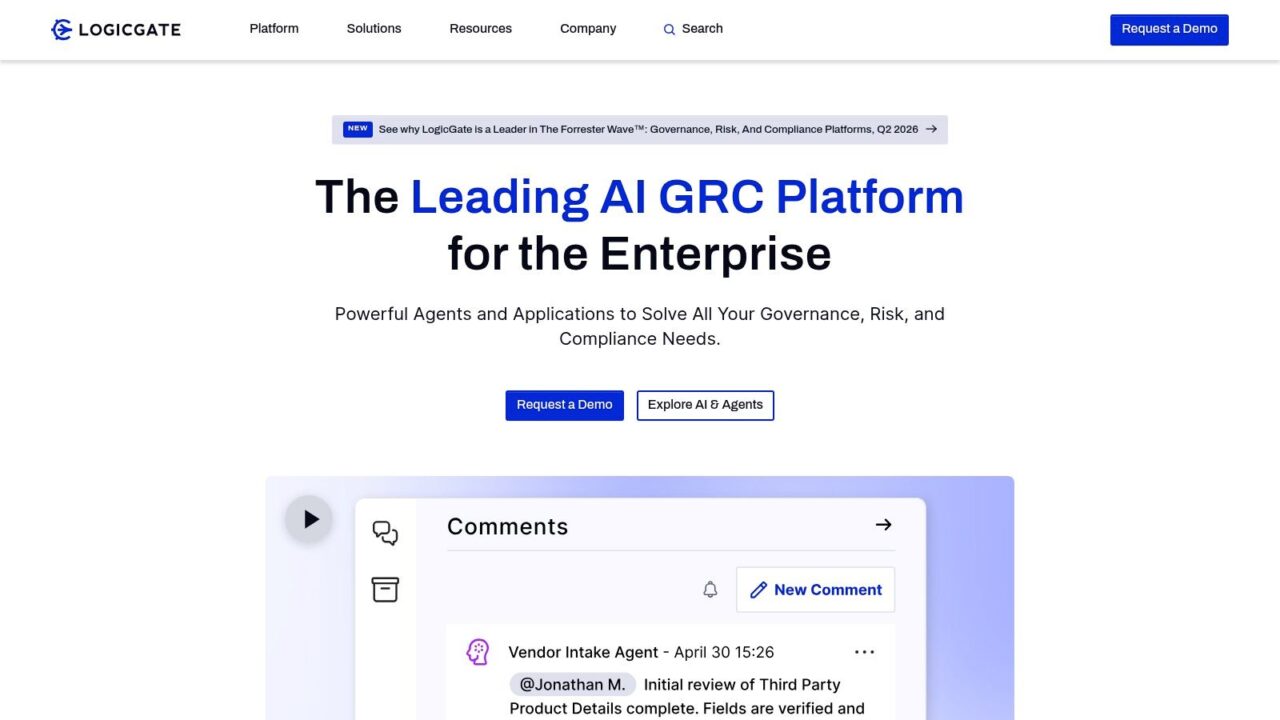
LogicGate Risk Cloud is the right kind of tool when your compliance process doesn’t fit a neat template. It’s a no-code GRC platform, so teams can configure controls and workflows around their actual operating model rather than bending their process to match the software. That flexibility is powerful, but it comes with real administration responsibility.
Where it shines
The platform supports configurable compliance workflows, automated evidence collection tasks, framework cross-mapping, and AI-enabled control testing through Spark AI. That makes it appealing to teams that want to model unique processes or develop more advanced internal control operations. If your program has custom approval chains, niche risk steps, or unusual ownership structures, LogicGate gives you room to build.
Where it slows down
No-code doesn’t mean no-work. LogicGate usually takes more design effort than turn-key SMB tools, and it needs someone who can own configuration discipline. Pricing is quote-based by scope and modules, so you should evaluate it as an operating platform, not just software. The upside is flexibility. The downside is that you have to earn the value by setting it up well.
Good fit signal: Your process is complex enough that a pre-built compliance app would force awkward workarounds.
If your team likes structure but hates rigid software, LogicGate is worth a close look.
10. TrustCloud
Compliance Automation Tools TrustCloud Dashboard
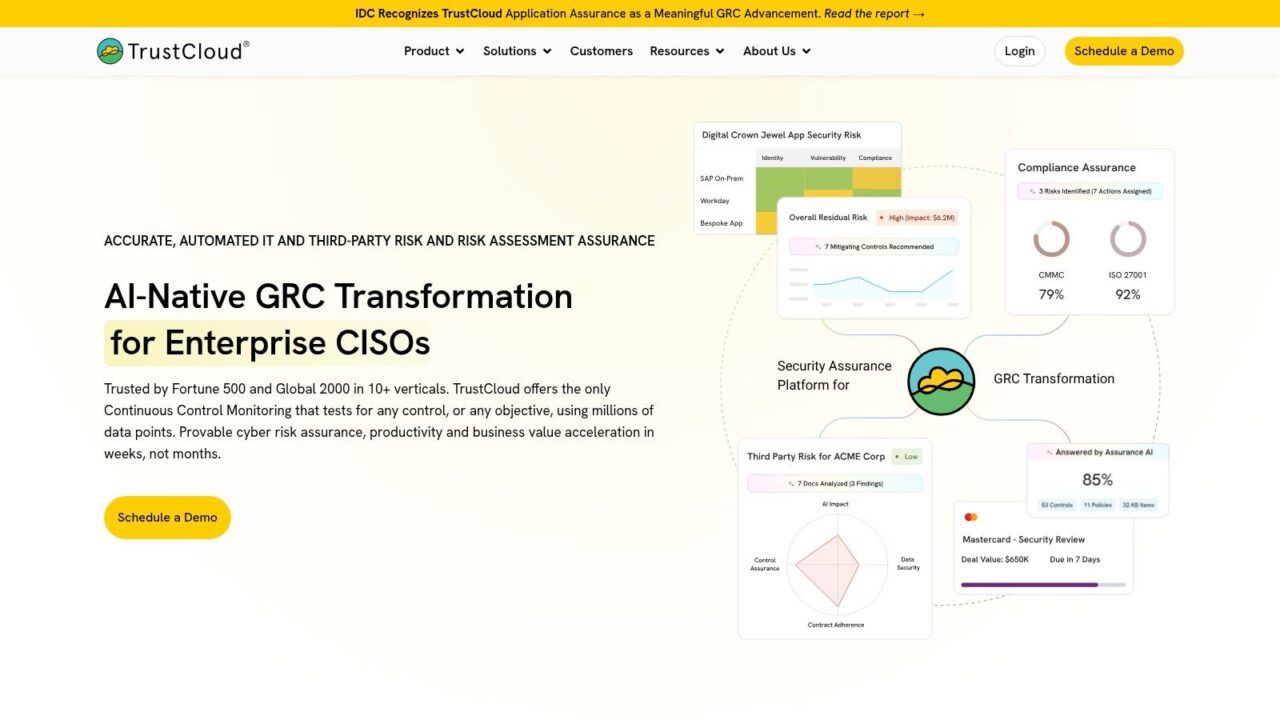
TrustCloud, formerly Kintent, is the most startup-friendly option on this list for teams that want an AI-native approach with a lower-friction entry point. It unifies SOC 2, ISO 27001, CMMC, risk, policies, and a public Trust portal called TrustShare. The free tier is especially notable for very small teams that want to get moving before they’re ready for a larger contract.
Why it stands out
The control graph model is designed for continuous compliance monitoring across any control or objective, which makes the platform feel more modern than a simple audit checklist tool. TrustShare gives you a way to share reports and answer questionnaires in one place, and the platform also includes packs for CMMC and AI governance. For early-stage teams, that combination can be a useful on-ramp.
Where it becomes limiting
The free tier has limits and customization constraints, so most growing teams will eventually need a paid plan. Paid pricing is quote-based and scales by scope, users, and frameworks, which means the cost profile changes as your program matures. That’s not a flaw, but it does mean you should treat the free tier as a starting point, not a permanent operating model.
TrustCloud makes the most sense when you want to prove process maturity early without overbuying software before your compliance function is fully formed.
Top 10 Compliance Automation Tools Comparison
| Product | Core features ✨ | UX / Quality ★ | Value / Pricing 💰 | Target audience 👥 | Unique selling point 🏆 |
|---|---|---|---|---|---|
| Vanta | Continuous control monitoring, integrations, readiness roadmap | ★★★★, mature workflows | 💰 Quote-based; higher-end for small startups | 👥 Mid-market & teams needing auditor handoff | 🏆 Large integration catalog + optional “Integrated Audit” |
| Drata | 1,000+ integrations, TPRM, Trust Center, continuous compliance | ★★★★★, modern UI & deep automation | 💰 Quote-based; enterprise pricing, variable discounts | 👥 Security-driven teams & enterprises | 🏆 Deep automation + public Trust Center transparency |
| Secureframe | Continuous monitoring, hosted Trust Center, policy & questionnaires | ★★★★, strong onboarding & hubs | 💰 Quote-only; packaged tiers (Fundamentals/Complete) | 👥 Teams wanting hosted Trust Center & packaged onboarding | 🏆 Hosted Trust Center + detailed onboarding resources |
| Sprinto | Very broad framework coverage, asset monitoring, lead-auditor support | ★★★★, multi-framework focus | 💰 Often competitive for startups; verify inclusions | 👥 Teams pursuing multiple certifications quickly | 🏆 In-house lead auditors bundled for first audits |
| Thoropass | Evidence automation, control project mgmt, bundled audit arm | ★★★, one-stop readiness + audit | 💰 Quote-based; startup-friendly marketplace listings | 👥 Startups seeking a single vendor for compliance management and audit | 🏆 Integrated tech-enabled audit team (fewer handoffs) |
| Strike Graph | Pre-seeded compliance frameworks, controls mapping, AI-assisted workflows | ★★★★, direct for first regulatory compliance certifications | 💰 Some transparent entry pricing; demo/quote recommended | 👥 Revenue-driven teams needing certs to win deals | 🏆 Certification-oriented packaging + advisor support |
| Hyperproof | ComOps platform: controls, risks, evidence, auditor collaboration | ★★★★, continuous operations emphasis | 💰 Quote-based; geared to mid-market/enterprise | 👥 Scaling SaaS/fintech building durable programs | 🏆 Strong ComOps approach for ongoing readiness |
| AuditBoard | Connected risk & compliance (SOX, IT, TPRM), AI for changes | ★★★★★, enterprise-grade consolidation | 💰 Enterprise/quote-based; premium positioning | 👥 Large/maturing audit, risk & compliance teams | 🏆 Broad suite for audit, SOX & risk consolidation |
| LogicGate Risk Cloud | No-code GRC workflows, automated evidence, AI control testing | ★★★★, highly configurable, requires admin | 💰 Quote-based; modular by scope/modules | 👥 Teams needing custom GRC/process modeling | 🏆 No-code configurability + AI-enabled control testing |
| TrustCloud (Kintent) | Continuous control graph, TrustShare portal, CMMC/AI packs | ★★★, freemium on-ramp; active docs/community | 💰 Freemium starter + quote-based paid tiers | 👥 Very small teams/startups and scaling orgs | 🏆 Freemium + TrustShare public portal for sharing reports |
Chart Your Path to Effortless Compliance
A compliance rollout usually fails for a simple reason: the team buys for the demo instead of the work it has to do on Monday morning. The best compliance automation tools fit your actual compliance motion, your framework mix, and the level of operational discipline your team can keep up. A startup preparing for its first SOC 2 audit usually needs guided workflows, evidence automation, and a clean Trust Center. A mid-market team juggling privacy, security, and vendor reviews needs stronger cross-framework mapping and more dependable compliance reporting. An enterprise program usually needs continuous monitoring, audit collaboration, and a platform that connects compliance to risk instead of leaving it in a separate silo.
The market is moving in that direction for a reason. Analysts at Mordor Intelligence point to compliance software growth as a response to rising regulatory complexity, more distributed work, and broader cloud adoption. For buyers, that means automation is no longer a niche purchase for risk teams. It is becoming part of the operating model for regulated organizations. The tools that matter most will not only cut manual evidence work, but they will also help teams keep programs current as frameworks change and operations scale.
The right rollout starts with scope, not feature lists. Pick one pain point that costs real time today, then confirm the compliance automation software can solve it without adding another admin layer. If audit prep is messy, focus on evidence collection and controls mapping. If customer security reviews are slowing deals, look at Trust Center capabilities, questionnaire support, and sharing workflows. If you run multiple frameworks, choose platforms that support cross-mapping and continuous monitoring over tools that only look good in a demo.
Before implementation, map the integrations that matter most. Compliance automation only saves time when it can pull data from the systems your team already uses, usually identity, cloud, HR, ticketing, and document systems. Then assign ownership early. Someone has to own policy updates, exception handling, and evidence review; because automation supports accountability, it does not replace it.
That distinction matters more than many vendors admit. Automation is strongest at repetitive, rules-based work. It can collect evidence, flag drift, and standardize workflows, but human judgment still decides whether a control is effective and whether a vendor, process, or exception is acceptable. Use the software to make accountability visible and repeatable. If you buy it expecting to remove judgment, you will create false confidence.
A simple implementation sequence usually works best:
- Start with one framework or one recurring process: do not boil the ocean on day one.
- Map integrations first: verify that the tool can pull the evidence you need.
- Define control ownership: assign names, not departments.
- Review reporting before go-live: make sure dashboards answer audit and leadership questions.
- Test exception handling: confirm how the tool behaves when controls fail or need review.
Use vendor demos to pressure-test the fit. Ask what is automated, what still needs manual review, what is included in the plan, and how the platform behaves when you add a second framework. Then look closely at the service model. Some tools pair software with auditor or advisory support, while others assume your team already has that expertise. The wrong model can add friction even when the software itself is good.
If you want a practical next step, shortlist two tools, one that fits your current compliance stage and one that can support the next stage without forcing a replatform. Then run a pilot against an actual audit workflow, not a theoretical checklist. That is the fastest way to see whether the tool will save time in practice or just move the work somewhere else.
