It’s 11 p.m. Your product launch post is attracting spam replies, someone is impersonating your support team, and your support lead is reviewing flagged image uploads from a marketplace seller. Meanwhile, legitimate buyers are asking about delivery beneath the same post. Blocking everything would stop the spam, but it would also bury sales conversations. The right content moderation tools separate the two.
Content moderation tools do three very different jobs. Developer APIs classify content and return scores. Media platforms review uploads and manage asset-level decisions. Social comment managers hide, assign, or route messages on public channels. Some products overlap, but a classifier won’t automatically become a staffed review operation.

Content Moderation Tools Content Filtering
Most tools detect and label. They don’t independently establish your policies, resolve ambiguous cases, or handle appeals. The useful comparison is therefore platform coverage, moderation depth, automation, integrations, pricing signals, and business fit, judged against the work your team still has to do.
The buying question: Who reviews each flag, how much human time does that take, and what will the entire workflow cost at your actual volume?
1. Exerta

Content Moderation Tools AI Dashboard
Exerta fits the social engagement and revenue-recovery job, rather than standalone content classification. Its AI agents answer comments, DMs, and website chats, moderate harmful content, and follow up on buying intent across Facebook, Instagram, TikTok, and website chat.
For a DTC brand running paid social, that combination addresses two separate queues: comments that need hiding and shoppers who need an answer. A delivery question should receive useful information, while an impersonation scam should trigger moderation. Treating both as generic negative sentiment is the wrong workflow.
Where it earns its place
Exerta combines brand-training controls, configurable approvals, escalation workflows, and multi-branch automation. Its approach to content moderation tools is most relevant when moderation and customer engagement belong in the same operating system.
- Sales handling: Agents can provide product links, prices, offers, and checkout follow-ups.
- Accountability: Action logs and dashboards help teams inspect replies, moderation decisions, and attributed outcomes.
- Implementation: No-code connections and Shopify attribution reduce the need to assemble separate engagement and reporting layers.
I’d shortlist it for e-commerce brands, lead-generation teams, coaches, and agencies whose comment sections generate business. For telehealth or insurance campaigns, keep sensitive questions behind explicit approval and handoff rules.
Cost and limitations: Free, Starter, and custom-volume options provide different entry points, but request a workload-based quote covering channels, interactions, implementation, and support. Treat SMS, email, and voice as roadmap items, not present coverage, and don’t treat ordinary customer criticism as harmful content.
Skip it if you need a general-purpose API to classify arbitrary marketplace uploads rather than manage customer conversations.
2. Moderation API
Content Moderation Tools Dashboard
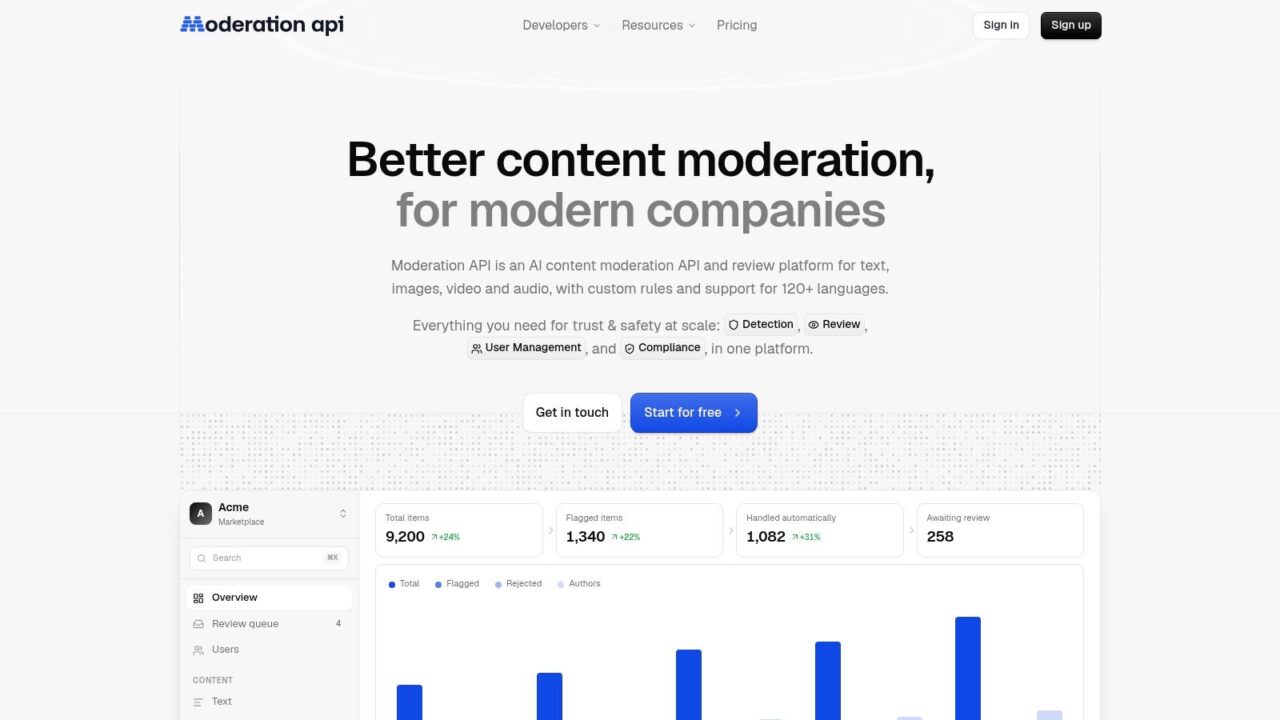
A product team that needs detection and somewhere to review the results should consider Moderation API. It combines automated screening with configurable policies, grouped cases, author moderation, and a human review dashboard.
That matters for a store accepting customer reviews. Instead of sending every questionable submission into Slack without context, reviewers can work through cases and apply consistent decisions.
Less queue-building, not zero implementation
Text and image screening form the core offering, with video and audio available on paid tiers. REST APIs, SDKs, webhooks, and integrations with Shopify, WordPress, Discourse, Zendesk, Slack, and Zapier offer several implementation paths.
- Useful control: Plain-language rules and allow/block lists help distinguish prohibited content from acceptable product discussion.
- Remaining work: Your team still needs enforcement rules, reviewer ownership, and a restoration process.
- Volume cost: Compare included quotas, overages, and media usage units rather than treating every submission as equally billable.
A free Hobby tier offers a testing route, but it shouldn’t substitute for representative production testing. Use a human-in-the-loop automation workflow to escalate uncertain cases and record reviewer overrides.
Skip it if your primary requirement is managing public ad comments without integrating moderation into your own product.
3. Hive

Content Moderation Tools AI Software
A marketplace video can contain acceptable imagery, an abusive voiceover, and a prohibited claim embedded in on-screen text. Hive is worth considering when those surfaces need separate detection paths.
Hive provides text, visual, audio, and OCR moderation models, alongside custom training through AutoML. Enterprise dashboard options support review and escalation, making it broader than a single toxicity endpoint.
Model video costs before committing
Frame sampling creates a practical trade-off. Sampling more densely can increase processing costs; sampling sparsely can miss brief harmful scenes. Ask how your intended configuration handles scene changes, audio, and embedded text.
- Best fit: Mixed-media platforms with engineering support and organization-specific categories.
- Integration burden: Your developers must connect model outputs to publishing states, enforcement, and reviewer context.
- Pricing signal: Public usage-based rates help with initial estimates, while enterprise limits and dashboard requirements may need a sales conversation.
Custom categories are valuable only if your team can supply representative examples and maintain clear labeling rules. A category such as prohibited seller promotion needs a more precise definition than content we don’t like.
Skip it if you want a simple social inbox or can’t support the integration and testing that mixed-media moderation requires.
4. Azure AI Content Safety

Content Moderation Tools Azure AI
Azure AI Content Safety is a building block, not a moderation department. Microsoft’s service classifies text and images and returns severity signals that developers can map to application-specific actions.
For an Azure-based customer community, that could mean approving routine posts, holding ambiguous submissions, and escalating credible threats. Content Safety Studio supports testing, while additional checks include Prompt Shields and Groundedness Detection for relevant AI workflows.
Budget for the surrounding system
The free evaluation tier and pay-as-you-go option make experimentation accessible. Production costs still include application engineering, storage, monitoring, and reviewer time, with different checks potentially carrying different rates.
- Strength: Severity metadata supports more nuanced decisions than a single blocked/allowed flag.
- Missing layer: Your team must implement enforcement, review queues, user notices, and appeals.
- Testing priority: Evaluate customer complaints, reclaimed language, and product-specific terminology before turning on automatic blocking.
The NIST Generative AI Risk Management Framework profile recommends content filters alongside human moderation where appropriate, particularly when systems perform poorly, or decisions require sociocultural context.
Skip it if you need moderators working from a ready-made operational queue rather than developers building one.
5. OpenAI Moderation API
Content Moderation Tools OpenAI Documentation
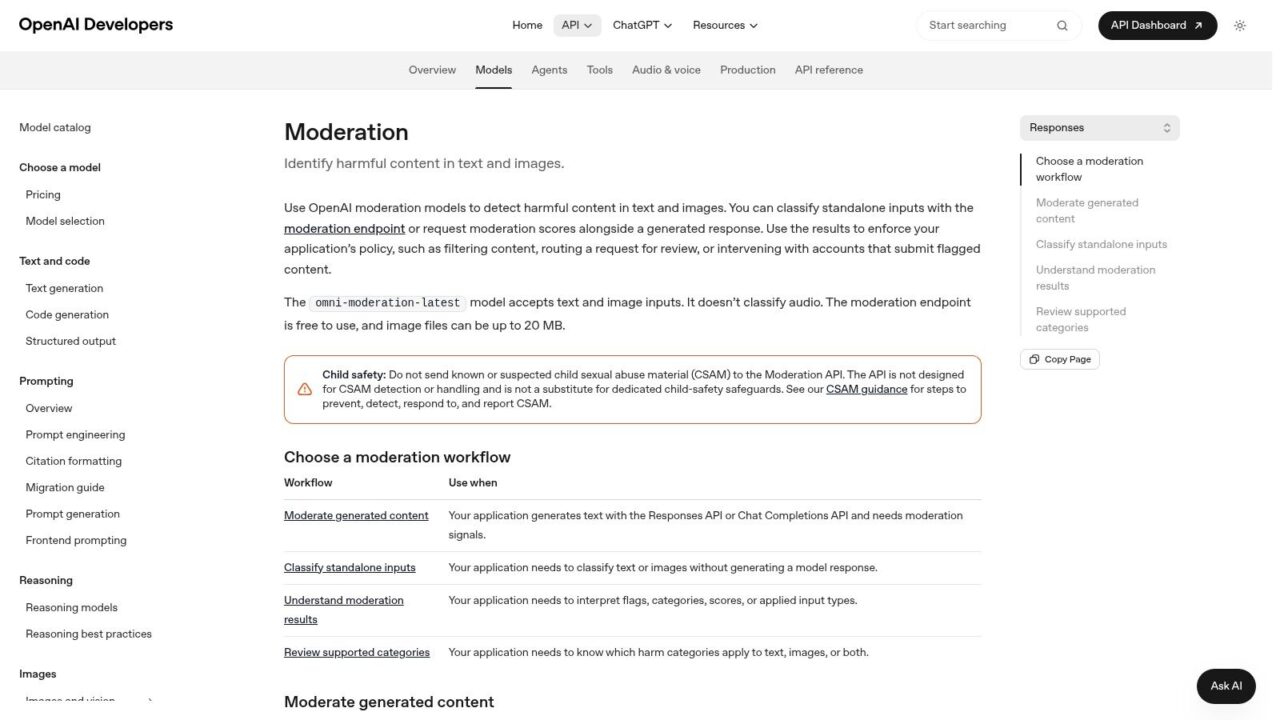
For a support assistant that needs screening before and after generation, the OpenAI Moderation API offers text and image classification with category flags and scores. Categories include harassment, hate, self-harm, sexual content, and violence.
The moderation endpoint is free for API users, but the operational workflow isn’t. You still need to store decisions, route cases, explain restrictions, and let reviewers reverse mistakes.
Scores need policy interpretation
Say a customer describes an injury while requesting a refund. A harmful-content signal may identify the subject correctly without establishing that the message should be blocked.
- Useful role: Screen user submissions and generated responses within an application.
- Missing capability: There’s no built-in human review queue or social-channel management.
- Important boundary: It isn’t a specialized CSAM detection solution, and category thresholds need regression testing when models change.
A study across Reddit communities found median recall of 39.8% when evaluating GPT-3.5 against community rules, illustrating why general model capability shouldn’t be mistaken for reliable local-policy enforcement.
Build an explicit recovery path for AI chatbot mistakes, including legitimate messages caught by safety screening.
Skip it if you need a complete moderation console or direct control over public social comments.
6. Amazon Comprehend
Content Moderation Tools Amazon Comprehend
Amazon Comprehend makes the most sense inside an existing AWS text workflow. Its toxicity detection returns category scores for risks such as harassment, hate speech, profanity, and threats, while separate PII capabilities support detection and redaction.
Amazon Comprehend can help screen forum posts, chat messages, or AI inputs and outputs. It doesn’t supply the enforcement operation around those scores.
Check language and account eligibility first
The documented toxicity capability is English-only and text-only. AWS has also announced availability changes affecting some features, so confirm access for your account before investing in implementation.
- Practical advantage: AWS SDKs and command-line tools fit existing infrastructure and deployment practices.
- Policy control: Category-level thresholds let teams route threats differently from profanity.
- Cost reality: Budget the surrounding services, logging, and human review, not just text analysis.
For an English-language subscription community, you might hold threatening messages for urgent review while allowing a frustrated customer’s profanity into the support queue. Those actions require application logic.
Multilingual expansion needs separate validation: an ACL-published multilingual toxicity study found translate-and-classify approaches superior in 6 of 7 low-resource-language cases.
Skip it if you need multilingual toxicity detection, visual screening, or a ready-made reviewer workspace.
7. Cloudinary Moderation

Content Moderation Tools Automated Moderation
A seller uploads a listing image. Before it goes live, someone must decide whether it’s safe, usable, and consistent with marketplace rules. Cloudinary Moderation connects that decision to the asset lifecycle.
Cloudinary Moderation evaluates images and videos against safety, quality, authenticity, and brand requirements. It can process uploads or existing assets, preserve outcomes as metadata, and support human review, overrides, and audit trails.
Strongest when media is the product
For a marketplace or customer-photo campaign, keeping moderation beside media management reduces the need to synchronize separate asset and decision records. Video checks can include frames, on-screen text, and audio, subject to the selected capabilities.
- Useful distinction: A photo can be safe but unsuitable because it fails quality or brand rules.
- Implementation task: Define whether assets remain unpublished, quarantined, or visible while awaiting review.
- Pricing consideration: A free evaluation allowance is available, while advanced capabilities and ongoing moderation depend on the plan.
Don’t merge authenticity, quality, and safety into an unexplained rejection. Give reviewers and uploaders a reason that matches the actual policy failure.
Skip it if your main problem is abusive text conversations or spam beneath social ads rather than uploaded visual assets.
8. Bodyguard.ai
Content Moderation Tools Software Interface
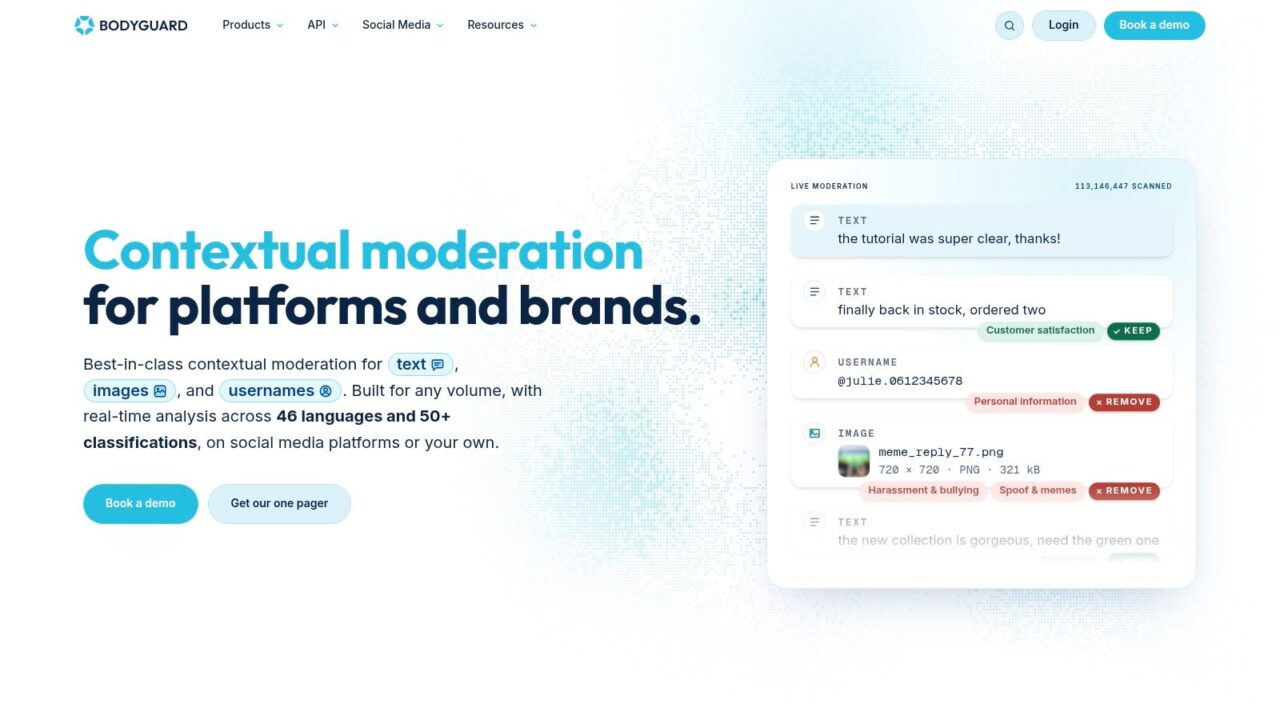
Bodyguard.ai belongs on the shortlist when public-comment risk justifies a dedicated moderation budget. It supports social-channel protection and offers an API for owned websites and apps.
Bodyguard.ai’s social-media plans start at €1,000 per month, with separate API packages. That starting point makes it a different purchase from a lightweight inbox add-on.
Buy protection, then verify the workflow
Its capabilities include hate, spam, and harassment classification, automated and manual moderation, and reporting. Higher-tier monitoring and audience insights may help teams understand recurring problems, but operational coverage should drive the purchase.
- For brand teams: Confirm support for the exact networks, profiles, and comment types you manage.
- For owned communities: Price the API package separately and establish who reviews uncertain cases.
- For procurement: Request volume assumptions, onboarding scope, escalation ownership, and reporting detail in the quote.
A consumer brand facing harassment during a campaign may value implementation guidance more than another dashboard chart. Conversely, a small store with occasional spam may struggle to justify the commitment.
Ask the vendor to demonstrate a legitimate complaint surviving moderation, not just obvious abuse getting removed.
Skip it if your workload is modest or your budget calls for basic rules inside an existing social-management tool.
9. Respondology
Content Moderation Tools Social Media
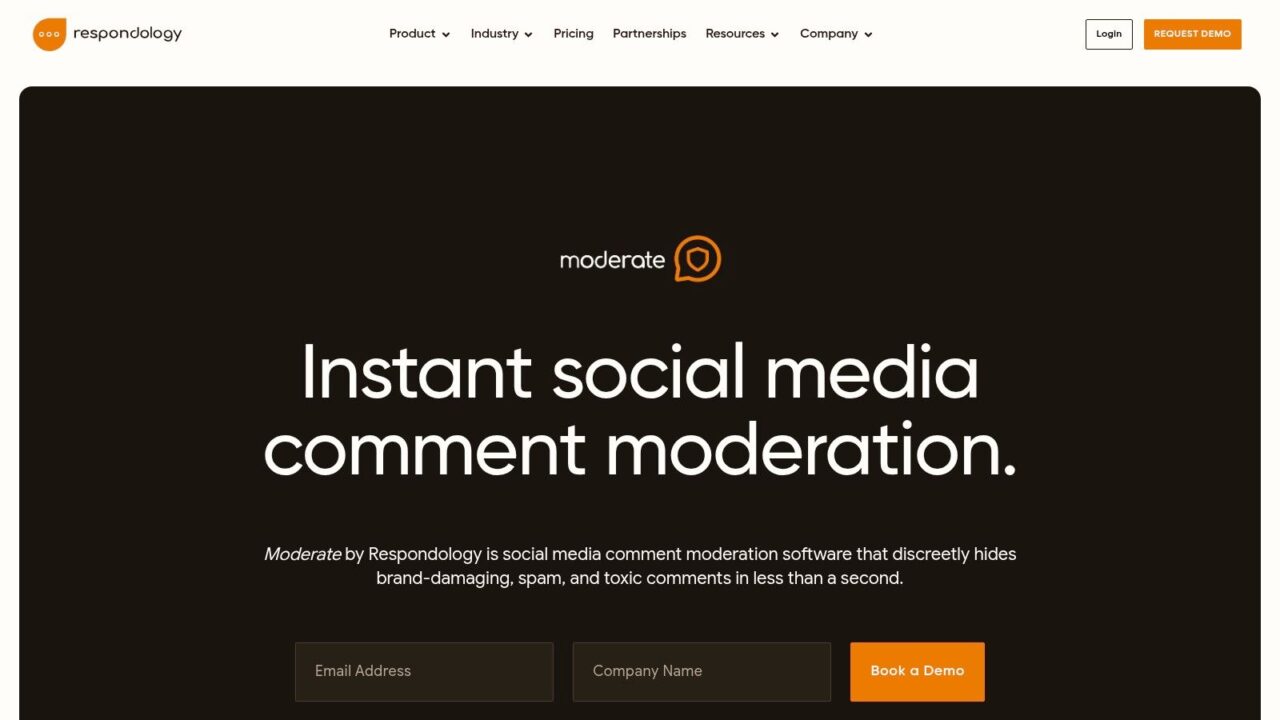
Spam beneath a paid campaign needs action on the channel, not another classification score in a database. Respondology’s Moderate product focuses on hiding unwanted social comments, with adjustable categories, keyphrases, and business rules.
Respondology’s plans start at $999 per month for up to 10,000 comments per year, billed annually. Check that annual allowance against campaign bursts and confirm which profiles and paid-social capabilities your package includes.
Separate hiding from customer response
Comment analysis and response workflows can support community operations, while higher tiers add capabilities such as sentiment analysis, topic discovery, and multilingual support. Those features don’t remove the need for a careful complaint policy.
Negative sentiment is a service signal, not automatically a moderation violation.
A delayed-order complaint should reach support. An impersonator posting a fraudulent refund link should be hidden under a clearly documented rule.
Teams also using an Instagram comments bot should define which system controls hiding, replies, and handoffs. Otherwise, overlapping automation can produce inconsistent actions.
The commercial trade-off is specialization: you’re paying for social-comment operations rather than a general-purpose screening API. Model the effective cost against your usable allowance and required package.
Skip it if you need independent website-upload moderation or can’t justify an annually committed specialist platform.
10. NapoleonCat
Content Moderation Tools Marketing Team
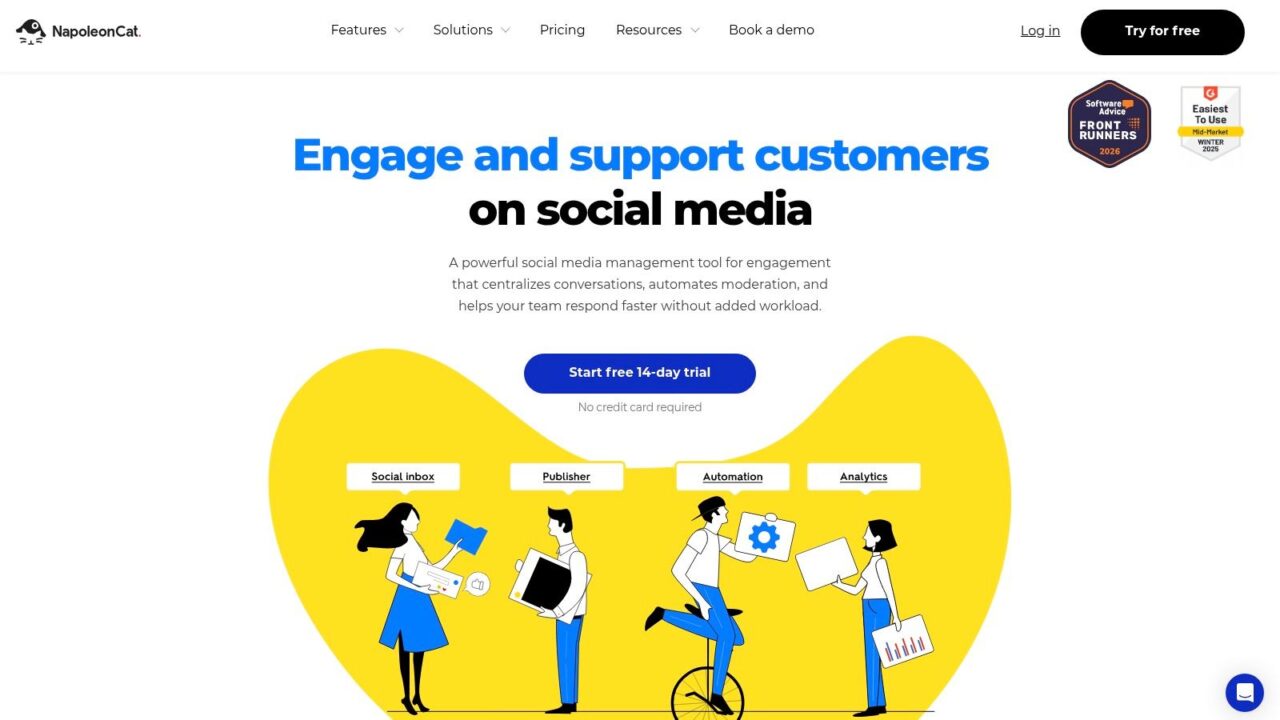
For an agency managing several smaller brands, moderation often shares a desk with publishing, reviews, and routine customer replies. NapoleonCat fits that operating model through a shared social inbox and automation rules.
Its supported channels include Facebook, Instagram, and TikTok. Teams can manage comments and messages, hide or delete unwanted comments, and use saved responses for recurring questions.
A practical inbox-first option
NapoleonCat’s advantage is consolidation, not specialist classification depth. Translation, templates, and sentiment-related features help teams work through everyday social conversations without assembling an API pipeline.
- Agency use: Separate client rules and responsibilities so one brand’s blacklist doesn’t become another brand’s policy.
- Automation check: Confirm which plans include the actions you need for organic and advertising comments.
- Evaluation route: A trial without a credit card lets you test real queue handling before committing.
Pricing starts below specialist enterprise moderation platforms, but compare the configuration you actually need, including profiles, users, and automation. Platform API restrictions can also limit particular moderation actions.
Say a local retailer repeatedly receives delivery questions and giveaway spam. Templates can handle the former; narrowly written rules can address the latter without suppressing ordinary criticism.
Skip it if you need an API for arbitrary website submissions or advanced mixed-media safety classification.
11. Sprout Social
Sprout Social is strongest when moderation belongs inside a larger social-care operation. Its Smart Inbox brings messages and comments together with tagging, assignments, filters, and automated rules.
Sprout Social offers a free 30-day trial. Use it to test reviewer coordination and supported hiding actions, not merely dashboard usability.
Pay for coordination when you need it
Rules can tag, complete, or hide selected messages on supported networks. Team assignments and approval workflows help when a complaint needs support, a campaign question needs marketing, and a sensitive response needs managerial approval.
- Business fit: Social teams that need customer-care coordination alongside moderation.
- Cost pressure: Seat-based spending matters when multiple reviewers, managers, and client stakeholders need access.
- Coverage limitation: Automated hiding depends on the network and message type, not just the existence of an inbox connection.
For a subscription brand, a billing complaint should remain visible to the assigned support owner even when marketing has finished its part. Test that ownership transfer explicitly, including what happens when someone is unavailable.
Sprout’s broader reporting and care features may justify the expense for an established team. They’re less compelling if your only task is removing repetitive spam.
Skip it if you need independent website moderation or a narrowly priced tool for basic comment filtering.
How the 11 content moderation tools compare on access, cost signals, fit, and built-in human review
| Tool | Free Option | Pricing Signal | Best For | Human Review |
|---|---|---|---|---|
| Exerta | Free plan available | Free and Starter tiers; custom volume plans | Brands and agencies automating social replies, moderation, and sales recovery | Configurable escalation and approval workflows |
| Moderation API | Hobby plan: 100 messages per month | Paid quotas; overages may apply | Product teams needing moderation APIs, policies, and integrations | Built-in review queue and case workflows |
| Hive | Developer credits of $50 or more after adding a payment method | Usage-based rates; higher limits and enterprise options may require sales contact | Teams moderating mixed media or custom content categories | Enterprise dashboard supports review and escalation |
| Azure AI Content Safety | F0 tier: 5,000 text and image transactions per month | S0 is pay-as-you-go; rates vary by model | Developers building moderation pipelines on Azure | Must build review and enforcement workflows |
| OpenAI Moderation API | Free for OpenAI API users | No moderation-endpoint fee for API users | Teams screening text and images in OpenAI-based applications | No built-in review queue |
| Amazon Comprehend | No free option specified | AWS service pricing; confirm feature availability for new accounts | AWS teams moderating English-language text | Must build review and enforcement workflows |
| Cloudinary Moderation | Free plan: 500 moderation actions | Higher-level features depend on plan | Businesses moderating uploaded images and videos | Human review, overrides, and audit trail |
| Bodyguard.ai | No free option specified | Social plans start at €1,000 per month; API priced separately | Brands with high social comment volume or reputational risk | Automated and manual moderation |
| Respondology | No free option specified | Starts at $999 per month, billed annually | Brands moderating paid and organic social comments | Human review details not specified |
| NapoleonCat | Free trial available without a credit card | Entry pricing is lower than specialist enterprise platforms | Agencies and smaller brands managing social moderation and publishing | Shared inbox supports team responses; dedicated review workflow not specified |
| Sprout Social | Free 30-day trial | Higher cost per seat than budget-oriented social tools | Social teams combining moderation with customer care | Assignments and approval workflows support team review |
Match content moderation tools to your failure mode
Which failure hurts most: spam flooding public comments, harmful uploads slipping through, AI outputs needing screening, or a social inbox nobody can triage? Start there, rather than ranking content moderation tools by feature count.
For public-comment spam, shortlist Exerta, Respondology, and NapoleonCat. Exerta suits teams combining moderation with sales conversations; Respondology emphasizes specialist comment protection; NapoleonCat fits everyday social management. Confirm paid-ad coverage and the exact hide, delete, reply, and escalation actions available.
For harmful uploads, compare Cloudinary Moderation, Hive, and Moderation API. Cloudinary connects decisions to media assets, Hive offers multiple detection surfaces, and Moderation API combines screening with review operations. For AI-output screening, consider Azure AI Content Safety or OpenAI Moderation API; for an overloaded social-care inbox, compare Sprout Social and NapoleonCat.
Make the pilot expose the hidden work
Run a two-week pilot using real content, including legitimate complaints, ambiguous language, missed violations, and overturned decisions. Keep an untouched evaluation set, so tuning doesn’t merely teach the system to recognize your examples.
- False positives: Record legitimate items incorrectly flagged, separated by language, channel, and policy.
- Reviewer minutes per flag: Include opening context, making the decision, documenting it, and contacting the user.
- Cost per thousand items: Calculate it at projected volume, including media processing, overages, seats, integration, and human review.
- Missed violations: Sample approved content too. Reviewing only flagged items won’t reveal what the system missed.
Every API-based option needs a review and appeals process around it. Preserve the original content, policy version, decision, reviewer action, and restoration history so a mistaken block can be investigated and reversed.
That recoverability matters: the European Commission reported that out-of-court bodies overturned 52% of closed disputes reviewed in the first half of 2025. Those disputed cases aren’t a general platform error rate, but they demonstrate why a removal shouldn’t be treated as unquestionable.
Operational priority: Choose the workflow your team can correct, explain, and maintain, not merely the one that removes the most content.
Clepher complements this setup rather than replacing the classifier. It’s a chatbot platform for Facebook Messenger and Instagram; its tags, segments, and live chat handoff can help route flagged conversations to a human agent.
Run the pilot this week on last month’s flagged content.